What to look for when buying
Measure your viewing distance and the available width of your furniture before settling on a screen size. The consumer advice centre recommends taking your usual viewing distance into account. For co-op games, you should also check the view from each planned seat.
| What matters when buying |
What to look for |
Who will find this most important? |
| A screen everyone can see clearly |
Measure the viewing distance and usable furniture width. Check the TV’s width, including its stand, and make sure games are easy to follow from your seats. |
When we play together, I want to make out the details without the TV taking up too much of our limited space. Around 36% of consumers focus above all on space and readability. |
| Responsive gaming |
Check the Game Mode and the HDMI signals actually supported by both the TV and the connected device. Only consider VRR if the game and device support it. |
For games that depend on quick reactions, I want to know which features my console and game can really use. Around 29% of consumers prioritise gaming responsiveness and compatible features. |
| Visibility in bright light and from the side |
Check the picture and reflections from your planned seats, and consider windows and lamps in the TV’s intended position. |
If we play during the day or aren’t all sitting in the middle, I want to know that we can see the picture clearly from our seats. Around 21% of consumers prioritise lighting conditions and viewing angles. |
| Cost and power consumption |
Compare the energy label and product information sheet for the exact model. Check delivery and installation requirements before buying. |
If we use the TV often, I want to consider its running costs and how we plan to set it up as well as the purchase price. Around 14% of consumers focus primarily on cost and energy consumption. |
Joybuy product selection
The Joybuy products below include compact TVs in a range of sizes, with different gaming specifications. Check their dimensions and supported signals against your room, seating and the games you play.
 No image available
KOORUI K32Q1FFQ-T8 32-inch Full HD QLED Smart TV with Tizen OS
The 32-inch screen could be a compact option if space is very limited.
Specifications include Full HD, QLED and Tizen OS.
View at Joybuy
 No image available
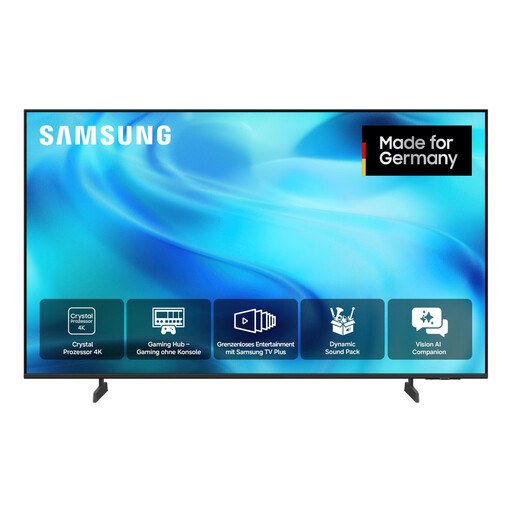
Samsung GU43U8079H 43-inch Crystal UHD 4K Smart TV
The 43-inch screen could work if it fits in your available space.
Specifications listed for this model include 4K UHD, 60 Hz, HDR10+, HLG and Gaming Hub.
View at Joybuy
 No image available
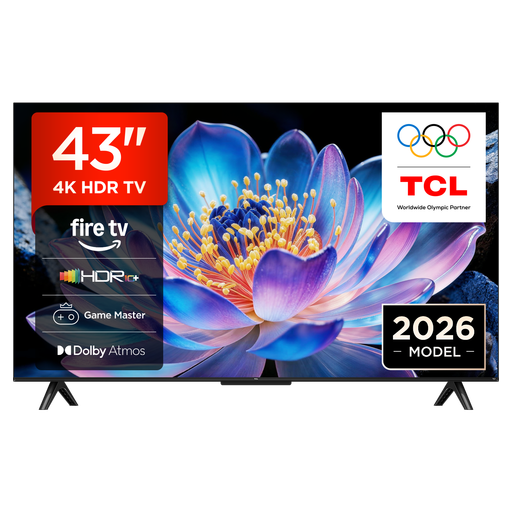
TCL 43V6D 43-inch 4K UHD Smart TV
This model could suit your setup if a 43-inch TV fits your room and its listed gaming features are compatible with your devices.
Specifications include 4K UHD, VRR and ALLM.
View at Joybuy
 No image available
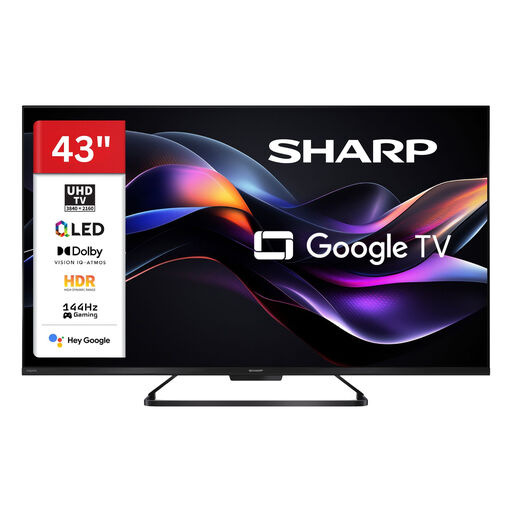
SHARP 43HR7765E 43-inch QLED 4K UHD gaming TV
If your games and connected device use the listed gaming features, you can compare this 43-inch model with your needs.
Specifications include 4K UHD, 144 Hz and VRR.
View at Joybuy
 No image available
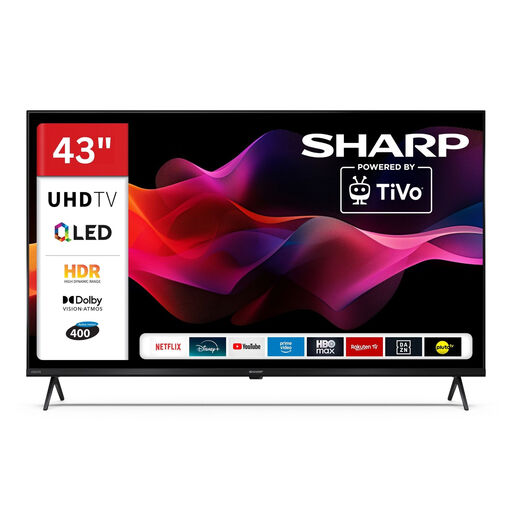
SHARP 43HM5745E 43-inch QLED 4K UHD Smart TV
Check whether the listed connections are enough for your console and other devices.
Specifications for this model include 4K UHD and three HDMI 2.1 ALLM ports.
View at Joybuy
Frequently asked questions
Does a gaming TV need 120 Hz for us to play together?
No. What matters is the game and the connected device. Check the signals actually output and the formats supported by the exact TV model. ALLM alone doesn’t mean that VRR or 4K/120 Hz is supported too.
What should I check before mounting a TV on the wall?
Measure the space and check the TV’s dimensions and weight, as well as its VESA mounting-hole spacing, against the bracket you’re considering. Sony lists a VESA spacing of 20.0 × 20.0 cm for the K-43S3; this won’t necessarily apply to other models.
How should I care for an OLED TV after long gaming sessions?
LG recommends not interrupting the automatic pixel cleaning on its OLED TVs by disconnecting them from the power supply after switching them off. Leaving static images on screen for long periods can contribute to wear. Always follow the care guidance for your exact model.
What do the energy label and EPREL tell me about running costs?
EU energy labelling rules apply to electronic displays, including TVs. The European Commission describes EPREL as a database of product information, so compare the details for the exact model. You’ll need to know your electricity tariff and how long you use the TV to work out your personal costs.
What are my rights if a TV is faulty in Germany?
Your statutory rights apply against the retailer and are separate from any voluntary manufacturer’s warranty. For purchases made from 31 July 2026, the consumer advice centre describes an extension of the statutory warranty period from two to three years if a fault is repaired rather than the product being replaced, and the fault is remedied within the first two years. TVs are also among the products covered by the new right to repair.


