What should you look for when buying?
| What matters when buying |
What to check |
Who is this important to? |
| Easy viewing from further away |
Consider screen size and actual viewing distance together; check both halves of the screen and their in-game displays from the furthest seat. |
If I need to make out both halves of the race from the furthest seat, I’ll check the screen size and viewing distance together. Around 36% of consumers say being able to read both halves of the screen is their top buying consideration. |
| Side seats |
View the specific model from the outer seating positions, and assess viewing angles and reflections separately. |
If we’re spread out across the sofa, I want a decent picture from the outer seats too. Around 29% of consumers put picture quality from side seats first. |
| Controls and motion |
Check the game mode, the appropriate HDMI input, and whether the console and game support 120 Hz and/or VRR. |
For responsive controls, what matters to me is what the specific racing game actually outputs in local mode. Around 21% of consumers prioritise responsiveness and motion in game mode. |
| Daylight and power consumption |
Check for reflections in your own lighting conditions, and compare the EU energy label and EPREL information for the specific model. |
In daylight, I want to avoid distracting reflections and compare the power consumption of each model. Around 14% of consumers prioritise these two things. |
Sony Deutschland describes its 4K viewing-distance figures as recommended minimum distances, not maximum distances for reading on-screen game displays. So choose a screen size that suits your seating position, the game and the space available.
Large-screen TVs at Joybuy
The following Joybuy TVs have large screens that may be worth considering when comparing options for split-screen racing from further away. Check from your planned seating position whether the on-screen displays remain readable.
 No image available
TCL 98Q7D PRO, 98-inch 4K SQD Mini LED
The 98-inch screen gives you plenty of display area, but you should assess whether it works for your in-game displays from your actual seating position.
Listed in the product name: 4K, 144 Hz, 1,152 Local Dimming Zones, 2,000 Nits HDR and Anti-Reflection.
For wall mounting, the product description lists a weight of 54,5 kg and a VESA measurement of 600 × 500 mm. Check that your wall and bracket can support it.
View at Joybuy
 No image available
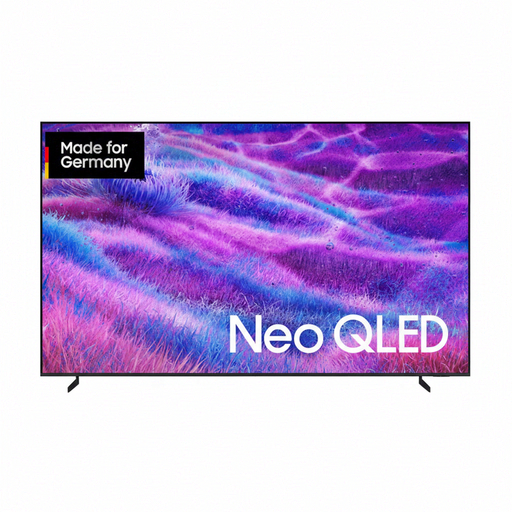
Samsung GQ100QN80FU, 100-inch Neo QLED 4K
The 100-inch screen may be worth considering if you sit further away; check that the split-screen views are readable in your room.
Listed in the product name: Neo QLED, 4K and Vision AI Smart TV (2025).
The product description gives a weight of 60,3 kg with the stand. Make sure you have a stable place for it or a suitable wall-mounting setup.
View at Joybuy
 No image available
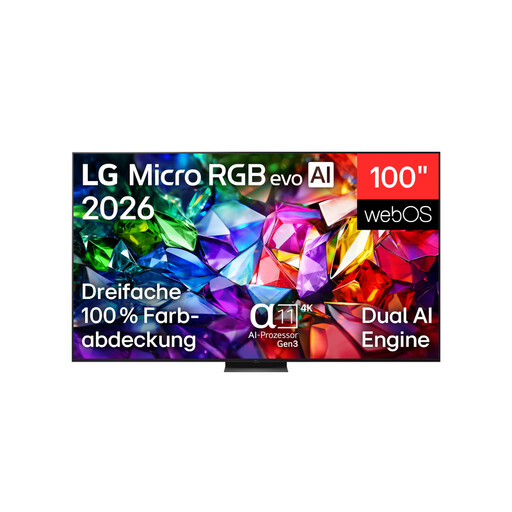
LG 100MRGB96B9.AEU, 100-inch 4K Micro RGB evo AI TV
The 100-inch screen gives you plenty of display area, but whether both racing views are easy to make out from the furthest seat depends on your room and the game.
Listed in the product name: 4K, 144Hz and webOS 26.
For wall mounting, the product description specifies professional installation and a weight of 67,3 kg without the stand. Bear this in mind when planning where to put it.
View at Joybuy
 No image available
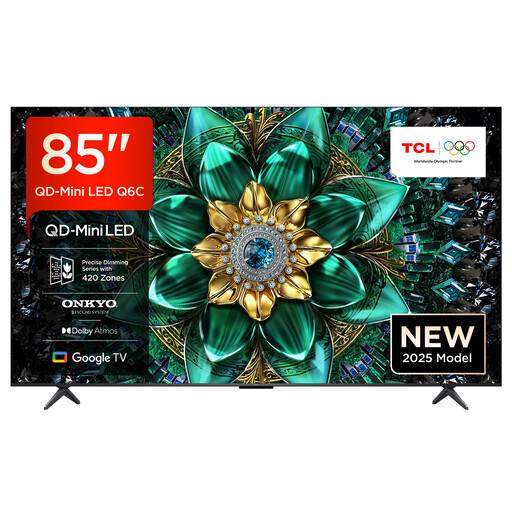
TCL 85Q6C, 85-inch QLED Mini LED, 4K
The 85-inch screen is one option to consider when comparing TVs for a longer viewing distance; check the readability of your split-screen displays for yourself.
Listed in the product name: 144Hz Motion Clarity Pro, Game Master Mode, HDMI 2.1 and AMD FreeSync Premium Pro.
The product description gives a width of 189 cm with the stand. Check that your furniture and available space are large enough.
View at Joybuy
 No image available
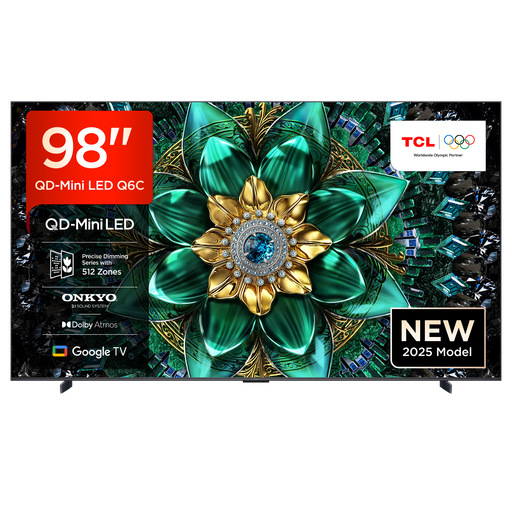
TCL 98Q6C, 98-inch QD Mini LED, 4K
The 98-inch screen gives you plenty of display area; check that it fits your room and that the in-game displays are readable from your chosen seat.
Listed in the product name: 4K, 144Hz Motion Clarity Pro, Game Master Mode, HDMI 2.1 and AMD FreeSync Premium Pro.
For wall mounting, the product description gives a weight of 54,18 kg and a VESA measurement of 600 × 500 mm. Make sure you also have enough space and a suitably sturdy surface.
View at Joybuy
Frequently asked questions
Does a 120 Hz TV mean split-screen racing will run at 120 frames per second?
No. The TV specification alone doesn’t guarantee that frame rate in a game. PlayStation says 120 Hz output requires a TV and games that support it. So check the local game mode you’ll actually use and your console settings.
How do I set up my TV for responsive controls?
Check the game mode, video output and input that supports the features you need. According to HDMI Licensing Administrator, ALLM can automatically enable a low-latency mode on compatible devices; this may disable other picture-processing features.
What should I check before wall-mounting a large TV?
Check the bracket and screw-hole spacing against the specifications for the exact model, and follow the installation instructions. Sony Deutschland notes in its model overview that availability may vary by region.
How do I compare power consumption and understand my rights if there’s a fault?
For TVs, compare the EU energy label, which uses a scale from A to G, with the additional model information in EPREL, as described by the European Commission. Your statutory rights against the seller are a separate matter; a manufacturer’s guarantee is voluntary, as explained by Verbraucherzentrale.


