What to look for when buying
Start with the seats you actually use and the lighting in your dining area. Then check which gaming features your console and the specific racing game can use through the HDMI port you plan to connect to.
The considerations below apply to shoppers choosing a gaming TV for split-screen racing in a kitchen-diner; each row focuses on the most important buying priority.
| Buying priority | What to check | Who it matters most to |
|---|
| Readability of both game views | Viewing distance and sightlines; how easy it is to read a similarly split game screen from the furthest seat. | When I play from the furthest seat, both racing views and their on-screen displays need to remain readable. For around 31% of shoppers, readability of split-screen racing views comes first. |
| Reflections and off-axis viewing | Light sources in the room, plus model-specific tests of direct reflections and viewing angles from the side. | If daylight or lights remain on in the room, I want to assess reflections and picture quality from the side. For around 25% of shoppers, lighting and side-on seating are the main priorities. |
| Gaming compatibility | Check your console, racing game, HDMI input and support for 120 Hz and/or VRR output together. | I only want to prioritise gaming features if my console and the specific game can use them. For around 25% of shoppers, the most important consideration is having the right gaming compatibility. |
| Setup and running costs | Compare the TV’s dimensions, stand or suitable mount, and energy figures for SDR and HDR. | If space is limited, the TV and stand need to fit properly; ongoing costs matter to me too. Around 19% of shoppers put setup and running costs first. |
Joybuy product selection
This Joybuy selection includes 4K TVs in different sizes, with a range of gaming features for split-screen racing. Compare the stated screen size with your viewing distance and available space, and check which features your console can actually support.
 No image available
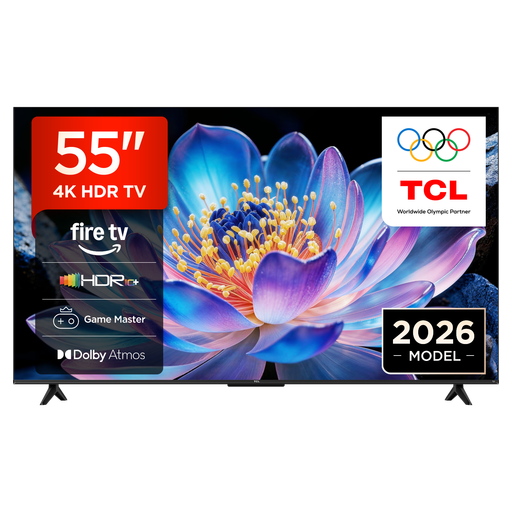
TCL 55V6D, 55-inch, 4K UHD
The 55-inch screen may suit split-screen racing if both game views are easy to read from the furthest seat.
Specifications include 4K UHD, an HVA panel, ALLM and VRR. The product description promotes the panel for different viewing angles and bright rooms; this isn’t a substitute for model-specific testing of reflections and off-axis viewing.
 No image available
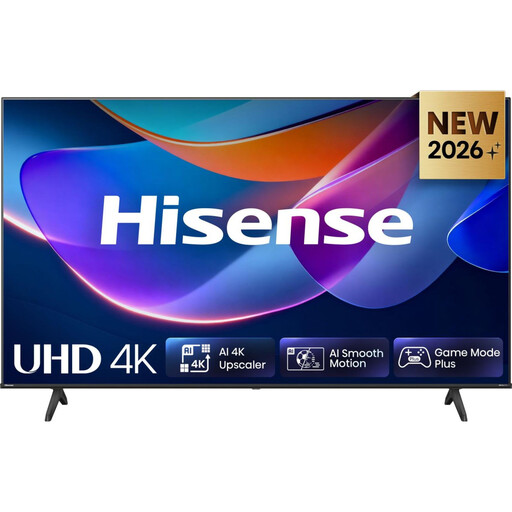
Hisense 58A6S, 58-inch, 4K UHD
The 58-inch version is worth considering if its size suits your viewing distance and the space available for your group.
Specifications include 4K UHD, a 60 Hz panel, Game Mode Plus, ALLM and VRR up to 60 Hz. The HVA specification and claims about suitability for different viewing angles are product information, not an independent test of the model.
 No image available
LG OLED55B68LA, 55-inch, 4K OLED
OLED may suit side-on seating if the size and reflection handling are right for the planned location.
Specifications include a 55-inch screen, 4K and a native refresh rate of 144 Hz. The product description lists VRR, ALLM, G-SYNC, FreeSync and four HDMI 2.1 ports. LG notes the potential risk of image retention when on-screen elements remain in place for extended periods.
 No image available
LG OLED77C67LA, 77-inch, 4K OLED
This large screen is only worth considering if your viewing distance and available space suit the 77-inch model.
Specifications include a 77-inch screen and 4K. Product information lists VRR up to 165 Hz, as well as FreeSync and G-SYNC. LG notes the potential risk of image retention when on-screen elements remain in place for extended periods.
 No image available
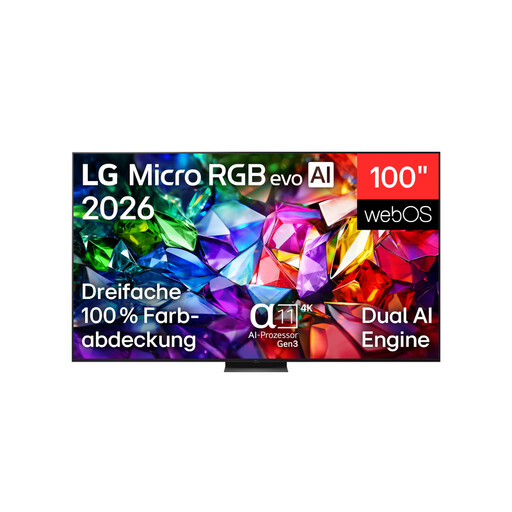
LG 100MRGB96B9.AEU, 100-inch, 4K Micro RGB
Only consider this 100-inch model if your floor or wall space can accommodate its dimensions and it can be installed safely.
Specifications include a 100-inch screen, 4K and 144 Hz. The product description lists VRR up to 120 Hz, G-SYNC, FreeSync Premium and four HDMI 2.1 ports. Without the stand, the stated dimensions are 223,0 × 127,7 × 41,5 cm and the weight is 67,3 kg. According to the product description, wall mounting requires a qualified professional and a suitable bracket.
Frequently asked questions
Do I need a 120 Hz TV for split-screen racing?
No. What matters is the output supported by the specific game and the console you have. Sony Germany lists requirements for the TV, console, HDMI connection and game to achieve 4K/120 on PS5; Nintendo Germany limits 4K output on Switch 2 to a maximum of 60 fps.
Can I play Mario Kart World with others on the same TV?
Yes. Nintendo Germany says up to four players can play on the same Switch 2 console. Even so, before buying a TV, check that each game view will be readable from your seats.
What should I consider when wall-mounting a TV in a kitchen-diner?
Check the type of wall, choose a bracket that suits the model, and consider the installation environment. LG recommends using a professional installer to wall-mount its OLED TVs; Sony also advises allowing sufficient ventilation. For specific mounting clearances, follow the instructions for the model you choose.
Which running costs can I compare?
Compare the EU energy label figures for TVs of a similar size, including the energy consumption figure for HDR. Actual electricity use also depends on how long you use the TV and its settings.
Does a new TV need an EU energy label?
New TVs covered by EU rules must meet energy labelling and ecodesign requirements. The European Commission’s energy label uses classes from A to G; this doesn’t mean you have to buy a TV in any particular class.


