Gaming with friends on a wide sofa
If several people are playing or watching from noticeably different angles, what matters is how consistently the picture looks from the outer seats.


When several people are sitting at an angle to the TV, first check how the specific model looks from the outer seats. Then compare its gaming features, HDMI inputs and refresh rate with your console or PC. RTINGS.com describes OLED as an option for wide seating arrangements; IPS LCDs can also offer wider viewing angles than VA models, while Mini LED or a high advertised brightness alone doesn’t guarantee a good view from the side. If game HUDs and other static images are often on screen for long periods, also weigh the risk of using OLED against the potential viewing-angle drawbacks of an LCD model.
If several people are playing or watching from noticeably different angles, what matters is how consistently the picture looks from the outer seats.
If you want to keep up with fast-paced sports games, compare the TV’s gaming features with the capabilities of the device connected to it.
In daylight, brightness and visibility from the side may need to be balanced. With OLED, you should also consider how long static game displays remain on screen.
For arcade sports games with people sitting at an angle to the TV, consider picture quality, the gaming signal path and how you typically use the room together.
| Priority | What to look for when buying | Who it matters to most |
|---|---|---|
| Picture from the side | Assess the specific model from the outer seats you plan to use; panel labels alone aren’t enough to assess viewing angles. | When we play on a wide sofa from different positions, I want to see the pitch and colours clearly from the outer seats too. Around 36% of consumers put a usable picture from side seats first. |
| Gaming response and signal path | Check the refresh rate, VRR and ALLM across your game, source device and the HDMI input you plan to use. | For fast-paced games, I want to know which features my console or PC actually supports on the input I’ll be using. Around 29% of consumers prioritise compatible gaming features and smooth performance. |
| Picture in daylight | Use measurements for the specific model or view it in similar lighting conditions, from the seats you’ll be using. | When we play during the day, I want to see the pitch clearly in a bright room without overlooking visibility from the side. Around 21% of consumers put visibility in daylight first. |
| Long-term use and energy | With OLED, consider how long static images stay on screen and compare the specific model’s energy consumption on the EU energy label. | If game displays often stay on screen for a long time and the TV gets plenty of use, I want to take both usage risks and running costs into account. Around 14% of consumers prioritise long-term use and running costs. |
The label doesn’t determine the viewing angle of the specific panel. RTINGS.com notes that VA LCDs typically have narrower viewing angles than IPS models.
Check information for the specific model and, if possible, assess the picture from the seats you’ll actually use.
A manufacturer’s maximum figure doesn’t prove low input lag, or that the game, source device and chosen TV input can all use that refresh rate together.
Check the game, console or PC and HDMI input for refresh rate, VRR and ALLM compatibility.
An accelerated test involving extreme static use can’t necessarily be applied to mixed everyday use. RTINGS.com reports permanent image retention under these test conditions.
Consider how long the same images stay on screen in your home, and look at LCD models too if you often leave static content on for extended periods. You should also assess how their pictures look from the side.
The OLED C series is one option for groups spread across a wide seating area; specifications vary by model.
The OLED S90F range is one OLED option. Make sure you know the screen size and full model number before comparing.
The BRAVIA 8 II is worth considering if you want to check the inputs and features carefully before buying.
The 55OLED810/12 combines OLED with Ambilight; its viewing-angle and refresh-rate figures are manufacturer claims.
The 65C7K is a QD Mini LED alternative to consider when weighing room brightness against side seating.
The Joybuy models below include Mini LED and OLED TVs with listed gaming features. Check how each specific model looks from the seats you’ll actually use.
 No image available
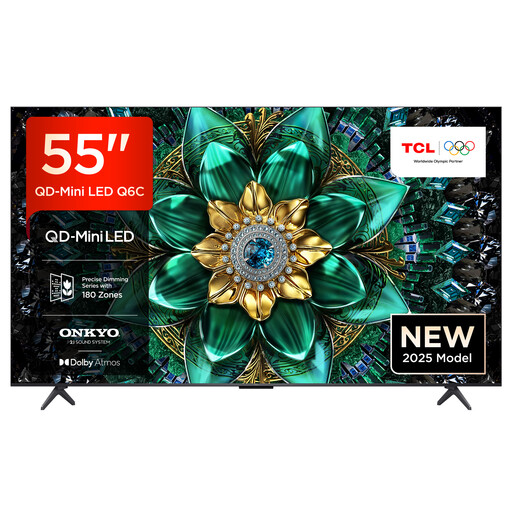
An option if you want to compare Mini LED TVs with listed gaming features; the product description claims a wide viewing angle, but this isn’t an independent measurement.
Features include 4K HDR, 144 Hz, VRR, FreeSync Premium Pro and HDMI 2.1.
 No image available
Another Mini LED option for fast-paced games. The claimed wide viewing angle comes from the product description, so check how it looks from your own seat.
Features listed include 144Hz Motion Clarity Pro, VRR, FreeSync Premium Pro and HDMI 2.1.
 No image available
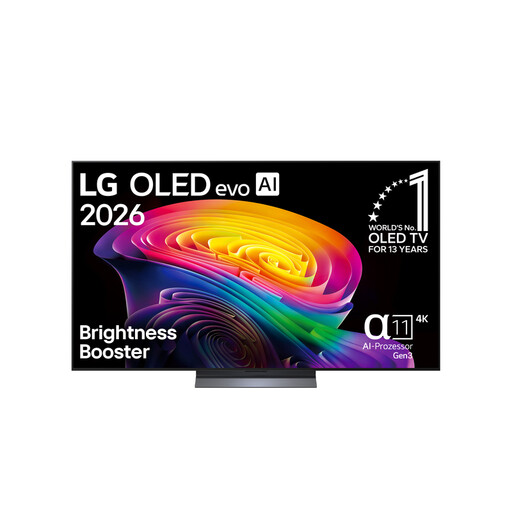
According to RTINGS.com’s technology comparison, OLED is one option for wide seating arrangements. If static game displays are often on screen for long periods, consider the risks of using OLED.
Specifications for this model include 144 Hz, VRR, ALLM, NVIDIA G-SYNC, AMD FreeSync and four HDMI 2.1 ports.
 No image available
This OLED model may suit a wide seating arrangement. Check the viewing angle on the specific TV and consider the risks of using OLED if static images stay on screen for long periods.
Specifications list VRR, AMD FreeSync, NVIDIA G-SYNC and four HDMI 2.1 ports.
 No image available
An OLED option for different seating positions. The product description claims wide viewing angles, but you should still check how it looks from the outer seats you’ll be using. Also consider how long static images stay on screen.
Features listed include up to 165 Hz, VRR, NVIDIA G-SYNC, AMD FreeSync and Game Optimizer.
No. That figure alone doesn’t tell you the refresh rate you’ll actually get in a game. Check the capabilities of the game, source device and TV input you’re using. For the Sony K-55XR8M2, Sony lists 120 Hz and VRR on HDMI 3 and 4 only.
Match your devices to the features available on each HDMI input. Sony lists four HDMI inputs for the K-55XR8M2, but VRR is available only on HDMI 3 and 4; according to Sony, ALLM is available on HDMI 1 to 4.
Not necessarily. In an accelerated test involving extreme static use, RTINGS.com found permanent image retention. This doesn’t tell us how likely it is to happen with mixed use, so consider how long static images stay on screen when making your decision.
The EU energy label shows TV energy consumption in kWh per 1,000 hours. To estimate your own costs, you’ll also need to know how long you use the TV and how much you pay for electricity.
If goods are faulty, the seller must repair or replace them free of charge, subject to the legal requirements, as explained in EU consumer information. This is different from the right to cancel: according to Verbraucherzentrale, online purchases can generally be cancelled within 14 days of receiving the goods. Exceptions and the details of your contract may apply.