What should you look for when buying?
Before focusing on individual technology labels, compare the TV with your seating positions, picture signal and room lighting.
| Priority |
What to check when buying |
Who is this important to? |
| A clear view for the whole group |
Check seat distances, the furthest seats, available space and stand width; if possible, view the exact model from the side. |
If several people are sitting at an angle to the screen, I want to be able to see the court and on-screen graphics from the furthest seats too. Around 36% of consumers say group viewing is their main priority. |
| Gameplay and motion |
Check which HDMI inputs your device supports, as well as Game Mode and, where relevant, VRR. Sony Germany says the entire signal chain must meet the requirements for 4K/120 Hz. |
If fast plays and responsive controls matter, I want to know what my game and console can actually output. Around 29% of consumers say this is their main priority. |
| Visibility in room lighting |
Consider windows, lamps and seats positioned to the side where you plan to put the TV; only rely on anti-reflective claims for the specific model. Samsung Germany lists an anti-reflective coating on the GQ65QN90FATXZG. |
If we often play in daylight, I want to assess distracting reflections from our seats. Room lighting is the top priority for around 21% of consumers. |
| Long-term use and running costs |
Compare the separate SDR and HDR figures on the EU energy label for the specific model. If you’re considering OLED, also check the manufacturer’s guidance on images that stay on screen for a long time. LG notes that image retention can occur. |
For long gaming sessions and recurring on-screen graphics, I want to consider how the TV will hold up over time. Around 14% of consumers put use and running costs first. |
Gaming TVs at Joybuy
The Joybuy options below include gaming TVs with Mini LED and QLED specifications, as well as two bundles with a console. Check the screen size, side-on viewing and signal chain to make sure the TV suits your group.
 No image available
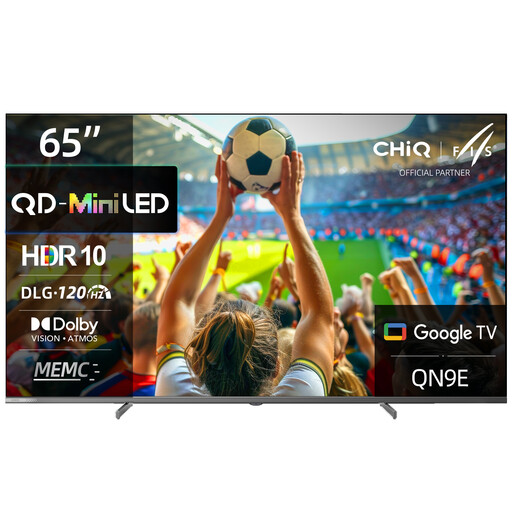
CHiQ M65QN9E 65-inch 4K UHD Mini LED QLED TV
The listed 65-inch screen may be a good starting point for a larger group; also check the view from the furthest seats.
The product specifications list DLG 120 Hz, MEMC, VRR and ALLM. They also state a horizontal and vertical viewing angle of 178°.
View at Joybuy
 No image available
TCL 55Q7D PRO 55-inch 4K SQD Mini LED TV
The 55-inch screen may suit a smaller space; check that it works with your seating distances and planned group layout.
The specifications list 480 local dimming zones, Anti-Reflection, 144 Hz and VRR. HDMI 2.1 and AMD FreeSync Premium Pro are also listed.
View at Joybuy
 No image available
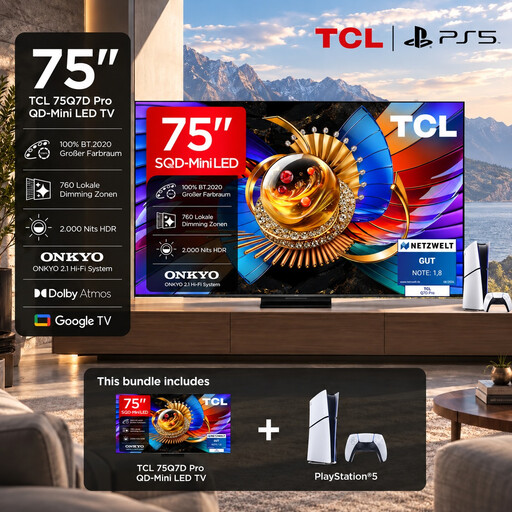
TCL 75Q7D PRO gaming bundle
The bundle is listed as including a PlayStation 5 Slim Digital Edition 825GB. The product title also mentions the 75Q7D PRO and 65-inch; check the TV’s actual screen size in the listing before comparing it with your seating distances and available space.
The product specifications list 4K, SQD Mini LED, 144 Hz, Dolby Vision and VRR.
View at Joybuy
 No image available
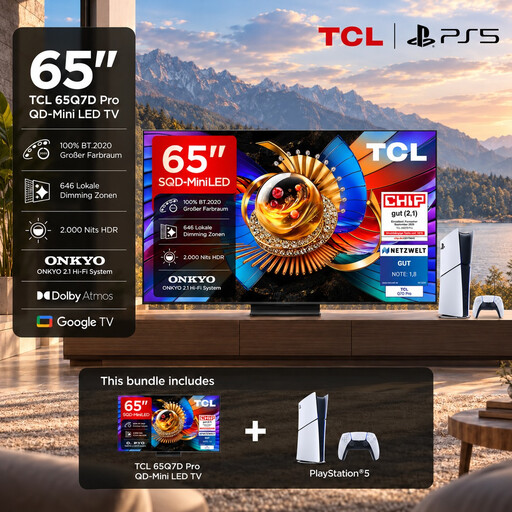
TCL 65Q7D PRO gaming bundle
The bundle includes a PlayStation 5 Slim Digital Edition 825GB. Before buying, check that the console and TV output are compatible with your game and preferred settings.
The specifications list 65 inches, 4K, SQD Mini LED, 144 Hz, HDMI 2.1 and VRR.
View at Joybuy
 No image available
Hisense 55E8S 55-inch 4K UHD QLED Mini LED TV
The listed 55-inch screen may suit a smaller space; even so, check how the picture looks from your intended seating positions.
The product specifications list 144 Hz, VRR, ALLM and a horizontal and vertical viewing angle of 178°.
View at Joybuy
Frequently asked questions
Does our group definitely need a 144 Hz TV?
No. What matters is what your game and device can actually output. Also check the supported HDMI input and settings; Sony Germany explains that 4K/120 Hz depends on every part of the signal chain meeting the requirements. A 144 Hz panel specification doesn’t prove that a game will run at 144 frames per second.
What should I check before setting up or wall-mounting the TV?
Check the TV’s dimensions and stand width against your furniture and available space. For wall mounting, the bracket and TV must be compatible, and the wall must be suitable. Samsung says that checking the wall’s condition is part of its installation service; this isn’t a guarantee that every wall is suitable.
What should I bear in mind during long OLED gaming sessions?
LG notes that image retention can occur when static images are displayed for a long time and describes protective features. Follow the care guidance for your specific model; this doesn’t mean the effect is completely ruled out.
How can I compare the energy use of different TVs?
For each specific model, compare the separate SDR and HDR figures on the EU energy label. You can’t work out your personal annual energy use or its cost without knowing your viewing hours and current electricity tariff.
What rights do I have when buying a TV online in Germany?
For a typical online purchase from a trader, you generally have a 14-day right to withdraw from the contract, starting from delivery; exceptions and conditions relating to return costs may apply. Your Europe, the European Union’s consumer portal, also explains your legal rights if goods are faulty and the minimum two-year legal guarantee. These rights are separate from any additional manufacturer’s warranty.


