For family quizzes using a range of video sources, the key things to consider are the right connections and ways to stream content, as well as how easy the screen is to read from every seat. Game mode is mainly relevant if you also play reaction-based games; 120 Hz or VRR may only make a difference if the game and source device output the relevant signals. If your room gets plenty of daylight or quiz boards stay on screen for long periods, a Mini LED LCD could be a suitable alternative to OLED. Compare the specific models and consider your room, too.
Who is this selection for?
Families using different source devices
If you switch between a console or laptop, TV apps and a mobile phone, check the inputs and streaming options available on the specific model. Showing several sources at once is a separate feature and isn’t automatically included when you switch between sources. Sony UK lists four HDMI inputs, AirPlay and built-in Chromecast among the features of the K-55XR5.
Quiz nights with people sitting in different places
If several people sit to the side of the TV, questions and scores should remain easy to read from those seats. Check the screen size, positioning, reflections and viewing angles on the specific model; panel technology alone won’t tell you everything you need to know.
Families who also play reaction-based games
If you play time-sensitive console games as well as quiz games, game mode may be important. High frame rates or VRR require the game, source device and TV input you’re using to support the relevant feature.
What should you look for when buying?
First, check how your devices send content to the TV and whether everyone can read the screen from where they’re sitting. Then consider gaming features and the differences between OLED and Mini LED LCD in light of how you actually use your TV.
| What matters |
What to check before buying |
Who is it important to? |
| Connecting and switching between sources |
Number of HDMI inputs and which features each one supports; mobile phone streaming or the specific Multi View combination. |
If I switch between a console, laptop, mobile phone and TV apps, I want to access the content I need without any fuss. Around 36% of consumers put switching between sources first. |
| Making sure everyone can read the questions |
Screen size and positioning in the room; readability and reflections from the seats furthest away. |
If the family is spread around the room, everyone should be able to read the questions and scores without having to sit in one particular spot. About 29% of consumers prioritise readability for the group. |
| Adding reaction-based games |
Game mode and compatible HDMI inputs; input lag measurements for the resolution and frame rate you use. |
If we play time-sensitive games as well as quiz games, I pay particular attention to the delay between pressing a button and seeing the result on screen. Around 21% of consumers give reaction-based games the highest priority. |
| Balancing power consumption and static images |
Model-specific SDR and HDR figures on the EU energy label; how long you use the TV and how often static content appears. |
If quiz boards often stay on screen unchanged for a long time and I want to compare energy consumption, I consider both when choosing a panel. Around 14% of consumers put these questions first. |
Common misconceptions
-
“Multi View” displays any two HDMI sources side by side
Support for one combination doesn’t mean that every source or TV can display the two sources you want side by side. Samsung’s guide demonstrates how it works on the QN95B with specific sources.
Before buying, check that the specific model supports the two sources you want to use together. If it doesn’t, plan to switch between full-screen sources instead.
-
Every HDMI port offers the same gaming features
For the Sony K-55XR5, Sony UK lists four HDMI inputs but says VRR is available only on HDMI 3 and 4. The number of ports alone won’t tell you which one supports the feature you need.
Connect your console and other devices to the inputs that support the features you need.
-
A high refresh rate makes every quiz better
A high frame rate isn’t automatically important for relaxed quiz games. Its benefits depend on the signals output by the game and source device; game mode may also reduce picture processing.
If you mainly play relaxed quiz games, check the sources, readability and ease of use first. Consider frame rate and game mode if you also play compatible reaction-based games.
-
OLED burn-in is either a non-issue or guaranteed with quizzes
RTINGS describes permanent image retention after static content has been displayed intensively over a long period. This kind of extreme test doesn’t predict what will happen during occasional family quiz nights.
Think about how long quiz boards stay on screen unchanged in your home, then compare OLED and Mini LED LCD under similar room conditions.
Key brands at a glance
Sony
The K-55XR5 is a specific Mini LED example, with several HDMI sources, AirPlay and built-in Chromecast.
- Sony UK lists four HDMI inputs, all with ALLM.
- On the K-55XR5, VRR is limited to HDMI 3 and 4. This doesn’t mean that a specific quiz app or every BRAVIA model is supported.
LG
The OLED55C57LA is an OLED example with specified gaming features for households that play games as well as quizzes.
- LG UK states that this model supports up to 4K at 144 Hz and has four HDMI inputs with HDMI 2.1 bandwidth.
- These manufacturer specifications don’t tell you how well the TV will work from your seating positions. OLED is worth weighing up if you use the TV with static content for long periods.
Samsung
Worth considering if you want to display supported sources at the same time or use cloud gaming, as well as connect devices.
- Samsung’s Multi View guide shows specific source combinations on the QN95B, such as YouTube alongside a browser window.
- Samsung notes that Gaming Hub availability and content may vary depending on your country, model, service and internet connection.
Philips
The 55OLED810/12 is an OLED example with Ambilight and specified gaming features.
- Philips lists VRR up to 144 Hz and Ambilight for this model.
- The manufacturer’s specifications don’t confirm compatibility with a specific app or prove an independent benefit for family quizzes.
Panasonic
The Z95B features as an OLED model in a HIFI.DE gaming TV review list.
- HIFI.DE highlights picture, sound and gaming on the model it tested.
- HIFI.DE lists two full-featured HDMI 2.1 ports and a high price as drawbacks. This assessment applies to the model tested, not the entire brand.
Joybuy models for quiz nights
The following models include Mini LED and LED TVs for quiz nights with different sources. When choosing, compare the actual connections, streaming options and screen sizes with your devices and room.
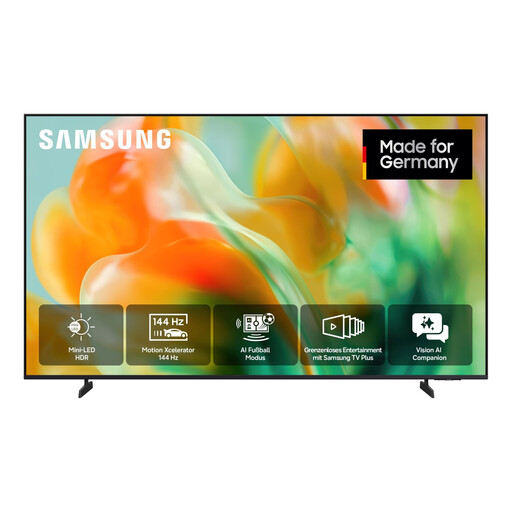 Image unavailable
Samsung GU55M80H M80H Mini LED 4K Smart TV, 55 inches/138 cm
An option if you’re looking for a 55-inch Mini LED TV for quiz nights and a variety of content.
Features listed in the product name: Mini LED, UHD 4K and 55 inches/138 cm.
View at Joybuy
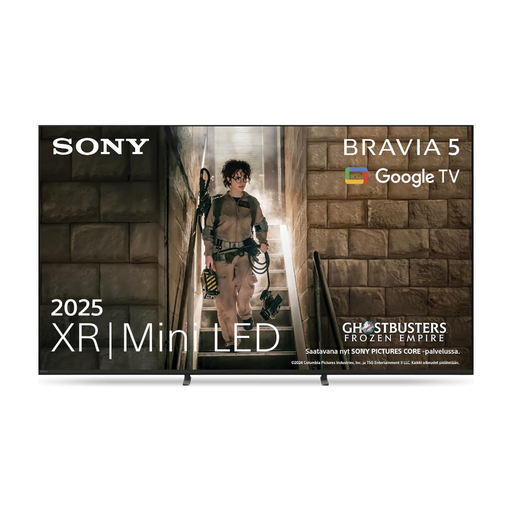 Image unavailable
Sony BRAVIA 5 XR Mini LED TV K75XR55, 75 inches
A 75-inch Mini LED option if you’re looking for a large screen for quiz nights with family and friends.
Features listed in the product name: Mini LED, 75 inches and model K75XR55.
View at Joybuy
 Image unavailable
Sony BRAVIA 3 LED TV, 85 inches
An option if you want a large 85-inch screen for quiz nights.
Features listed in the product name: LED, 85 inches and Dolby Vision IMAX Enhanced.
View at Joybuy
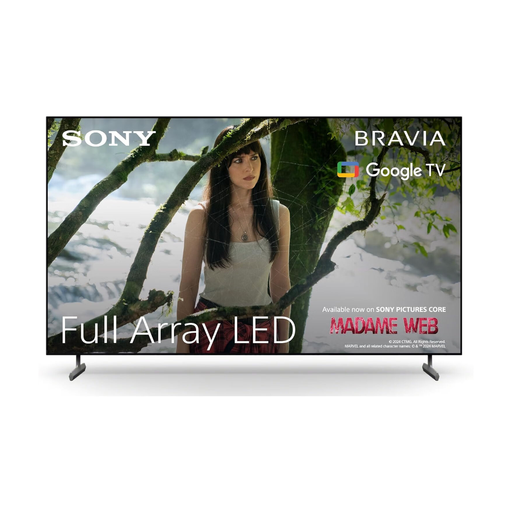 Image unavailable
Sony BRAVIA X85L Full Array LED TV, 65 inches, 4K HDR 120Hz
A 65-inch option if you want gaming features for reaction-based games as well as family quizzes.
Features listed in the product name: Full Array LED, 4K HDR, 120Hz, Google TV and HDMI 2.1.
View at Joybuy
Frequently asked questions
Do I need 120 Hz or VRR for family quizzes?
No, not for a relaxed quiz game on its own. If you also play games with high or variable frame rates, check which signals the game and source device output, and which TV inputs support the feature.
Can I always display two quiz or video sources side by side?
No, it depends on the TV and the specific combination of sources. Samsung’s guide shows selected combinations on the QN95B, so check that your chosen model supports Multi View with the two sources you actually want to use.
How do I set up a connected console for reaction-based games?
Choose the right HDMI input and check the game mode. Sony describes ALLM and an optimised HDMI signal format for 4K/120 Hz on supported BRAVIA models; menus and supported inputs vary by TV.
What information can help me compare power consumption?
For the exact model number, compare the SDR and HDR figures on the EU energy label or the EPREL model sheet. Your electricity costs will also depend on how long you use the TV and your electricity tariff.
How do I dispose of an old TV in Germany?
TVs must not be put in household waste. The German Environment Agency lists recycling centres and free take-back of a large old appliance when you buy a similar new one, including online purchases delivered to your home.


