For fighting game tournaments, what matters isn’t the highest advertised refresh rate, but the input lag in Game Mode with the signal from your console or PC. Check subtitles in your game and from the seat where you plan to play. OLED and Mini LED LCD TVs are both worth considering, depending on your room’s lighting, seating and use of static displays. LG notes that OLED screens may be at risk of image retention when images remain on screen for long periods.
Which priorities suit you best?
Tournament players focused on reaction time
If you play fighting games, check the input lag in the Game Mode you’ll actually use, rather than relying on advertised refresh rates alone. RTINGS.com explains that lower input lag can go hand in hand with less image processing.
Players who rely on subtitles
If you need to read text while gaming or watching tournament streams, test subtitles and in-game displays with your own content from the seat where you plan to watch. Philips’ and Sony’s display specifications are no substitute for this practical check.
Hosts of long gaming sessions
If several people are playing or the same game displays stay on screen for a long time, consider seating, room lighting and panel technology when choosing a TV. LG notes that OLED screens may be at risk of image retention when images remain on screen for long periods.
What should you look for when buying?
OLED TVs
A good fit if: You often play in a relatively dark room and also watch subtitles and in-game displays from seats to the side. Check readability on the specific TV for yourself.
The trade-off: LG notes that images left on screen for long periods may pose a risk of image retention. Philips’ 144 Hz HDMI VRR specification for the 55OLED810/12 applies when connected to a gaming PC.
Mini LED LCD TVs
A good fit if: You’re considering an LCD alternative for a brighter gaming room or for frequent use with displays that stay on screen for long periods. Check for reflections and how text looks in your room’s lighting.
The trade-off: Mini LED alone doesn’t guarantee low input lag or easy-to-read subtitles. Sony Deutschland says VRR on the Sony K-55XR5 is available only on HDMI 3 and 4.
| Priority |
What to check when buying |
Who is it important to? |
| Responsive picture |
Look for independent input lag measurements for your signal and Game Mode. RTINGS.com notes that lower input lag can go hand in hand with less image processing; 120 Hz or VRR doesn’t measure input lag. |
When I need quick responses in fighting games, input lag in the Game Mode I use matters more to me than a high refresh rate. Around 33% of consumers put responsiveness first. |
| Readable subtitles and in-game text |
Watch your own game or stream with subtitles, and check text size, contrast, viewing distance and reflections on the specific TV. |
I want to be able to read subtitles and in-game text easily from my seat. Around 33% of consumers prioritise text readability. |
| Room lighting and multiple seats |
Assess the picture in similar lighting to your room and from the seats you plan to use; don’t assume viewing conditions based on OLED or Mini LED alone. |
If several people sit to the side or the room is bright, I want to assess text and picture from all the seats we plan to use. Around 17% of consumers put room lighting or seating first. |
| Long sessions with static displays |
Check how long the same HUD elements remain on screen and what care advice applies to the specific model. LG notes that OLED screens may be at risk of image retention. |
If menus or HUD elements stay on screen for a long time, I want to factor that into my choice of panel. Around 17% of consumers prioritise how a TV handles displays that remain on screen for long periods. |
Common misconceptions
-
Assuming the highest refresh rate means low input lag
Refresh rate, VRR and input lag describe different features. The refresh rate you get also depends on the game and the device sending the signal.
Check input lag in Game Mode with the signal your console or PC actually outputs, and make sure the HDMI features you need are supported.
-
Assuming panel technology or screen size guarantees readable subtitles
Room lighting, seating and how the specific content displays text all affect how easy subtitles are to read. Manufacturers’ viewing-angle specifications are no substitute for checking from your own seat.
Test subtitles from your games or streams from the seats you plan to use and in similar lighting.
-
Overlooking static OLED displays during long gaming sessions
LG notes that images left on screen for long periods may pose a risk of image retention.
Consider how you use your TV alongside the features of the specific model, and follow its care advice. If needed, compare it with a suitable LCD alternative.
Key brands at a glance
LG
The LG OLED48C57LA is a specific 48-inch OLED example, with 4K and gaming features supporting up to 144 Hz VRR.
- LG documents the gaming features for this model; they’re no substitute for checking input lag and readability from your own seat.
- LG notes that OLED screens may be at risk of image retention when images remain on screen for long periods.
Sony
The Sony BRAVIA 5 K-55XR5 is a 55-inch Mini LED LCD example with a 120 Hz panel and 4K/120.
- Sony documents ALLM and VRR for HDMI ports 3 and 4 on this model.
- The specifications don’t confirm input lag or how easy text is to read from your seat.
Philips
The Philips 55OLED810/12 pairs a 55-inch OLED display with Ambilight.
- Philips lists 144 Hz HDMI VRR for gaming with a gaming PC connected via HDMI.
- The manufacturer’s positive description of viewing from different angles isn’t a measurement of performance in your room.
Samsung
The QN90F range is available in several sizes; the documented German example is the 75-inch GQ75QN90FATXZG with Mini LED LCD.
- This model gives you a specific size and panel technology to compare with the OLED examples mentioned.
- Check input lag, HDMI features and subtitle readability separately for the model you’re considering.
Joybuy product selection
This selection includes TVs with listed gaming features, including OLED and LCD models. Compare screen size and how easy subtitles are to read from your seat.
 No image available
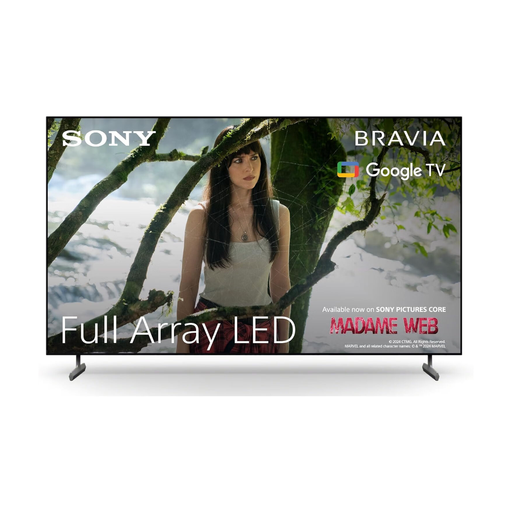
Sony BRAVIA X85L, 65-inch
The listed screen size and gaming features give you a starting point for checking text and connections in your gaming set-up.
65 inches, 4K HDR, 120 Hz, HDMI 2.1, ALLM and VRR.
View at Joybuy
 No image available
LG OLED83C67LA, 83-inch
This large OLED model gives you the option to check subtitles and in-game displays from several seats.
83 inches, OLED Evo and 4K.
LG notes that OLED screens may be at risk of image retention when images remain on screen for long periods.
View at Joybuy
 No image available
LG OLED77C67LA, 77-inch
Check that the screen size suits your seating position and that subtitles are easy to read from there.
77 inches, OLED, 4K and 120 Hz.
LG notes that OLED screens may be at risk of image retention when images remain on screen for long periods.
View at Joybuy
 No image available
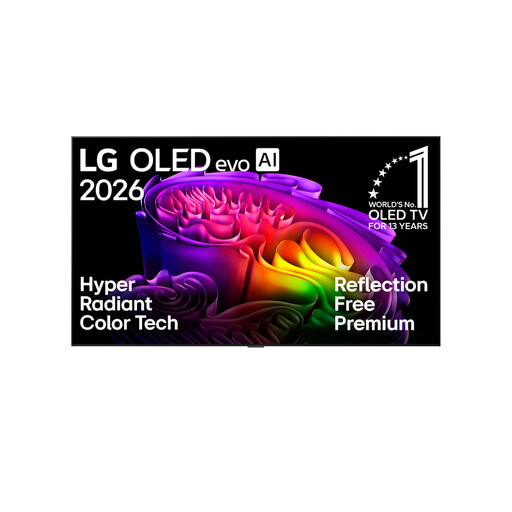
LG OLED83G67LW, 83-inch
At 83 inches, you can assess how text looks from the seats where you plan to play.
83 inches, 4K OLED evo, 165 Hz, Dolby Vision and Dolby Atmos.
LG notes that OLED screens may be at risk of image retention when images remain on screen for long periods.
View at Joybuy
 No image available
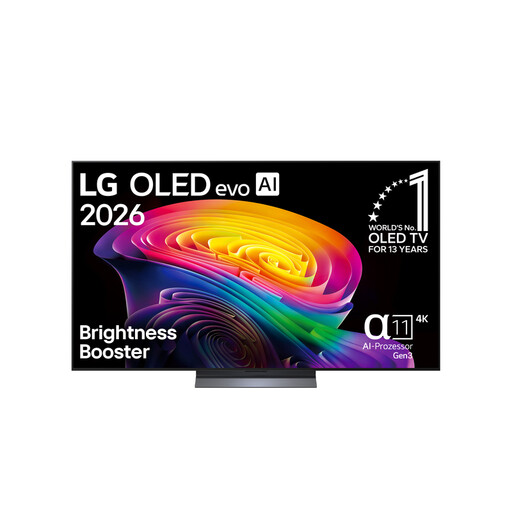
LG OLED65C67LA, 65-inch
Check how easy subtitles are to read on this 65-inch model from your usual viewing distance.
65 inches, OLED evo, 4K and 120 Hz.
LG notes that OLED screens may be at risk of image retention when images remain on screen for long periods.
View at Joybuy
Frequently asked questions
Does a fighting game need to run at 120 frames per second on a 120 Hz TV?
No. The frame rate also depends on the game and the device sending the signal. Assess input lag with the signal that’s actually being output; 120 Hz and VRR are additional features, but they don’t guarantee a particular frame rate in a game.
Why aren’t 4K/120 Hz or VRR available after connecting my device?
Check the capabilities of your game and device, use the correct HDMI input and select the right signal format. Sony Deutschland lists VRR for HDMI 3 and 4 on the K-55XR5, and says that affected BRAVIA TVs need the enhanced HDMI format enabled. These menu steps don’t necessarily apply to other models.
Can the TV make subtitles larger in every fighting game?
You can’t assume that. Check the text and subtitle options in the specific game or stream, then test how it looks from your seat. Screen size alone doesn’t tell you whether subtitles can be enlarged.
What should I bear in mind during longer OLED gaming sessions?
LG notes that images left on screen for long periods may pose a risk of image retention. Follow your model’s care advice. LG says pixel cleaning on its OLED TVs can run automatically when the TV is switched off, and that the TV should remain plugged in for this to happen; this doesn’t rule out damage.


