Brands to consider
The features listed relate to the specific example models and product lines, not every TV from each brand.
LG
OLED models for buyers who want to consider black levels and gaming features together.
- For the OLED55G57LW, LG Germany lists OLED, Dolby Vision and gaming up to 4K/165 Hz.
- These manufacturer specifications don’t confirm input lag or how a specific game will look. LG also provides care advice for OLED TVs.
Samsung
Neo QLED and Mini-LED models offer an LCD alternative for buyers comparing local dimming and gaming features.
- For the GQ55QN90FATXZG, Samsung Germany lists Quantum Mini LEDs, Glare Free and up to 165 Hz in 4K.
- The maximum refresh rate and manufacturer’s description are no substitute for checking the specific game mode and how dark scenes look.
TCL
The C7K range is another QD Mini-LED option; the manufacturer’s website refers specifically to the 55C7K.
- For the 55C7K, TCL lists local dimming and a native refresh rate of 144 Hz.
- Don’t assume range specifications described as ‘up to’ apply to every screen size. The TCL 55Q7C is not a confirmed equivalent to the 55C7K.
Sony
An example OLED model with documented port details for gaming features.
- Sony Germany’s data sheet lists 4K/120, VRR and ALLM for the K-55XR8M2.
- On the K-55XR8M2, VRR is specifically limited to HDMI 3 and 4; plan your connections around your devices.
Philips
The OLED910 example model combines Ambilight and audio features with gaming functions.
- For the 55OLED910/12, Philips Germany lists four-sided Ambilight, sound by Bowers & Wilkins and VRR up to 144 Hz.
- Manufacturer claims about picture quality aren’t independent proof of better gaming performance; Ambilight is an extra feature that comes down to personal preference.
Joybuy products for gaming in a dark room
The models shown are LG OLED TVs for gaming and dark scenes. Choose the screen size based on how far you sit from the screen and how many players will be watching from their seats.
 No image available
LG OLED77G67LW OLED evo AI G6, 77-inch, 4K
An OLED option for dark gaming scenes and group sessions on a large screen.
77-inch, 4K and up to 165 Hz according to the product name. Follow the manufacturer’s care advice and avoid leaving static displays on screen for unnecessarily long periods.
Shop at Joybuy
 No image available
LG OLED55B68LA, 55-inch OLED gaming TV
A 55-inch OLED option if you’re looking for a more compact screen for local gaming sessions.
The product name lists 144 Hz, G-SYNC and FreeSync Premium. Take the care advice for automatic pixel refresh into account.
Shop at Joybuy
 No image available
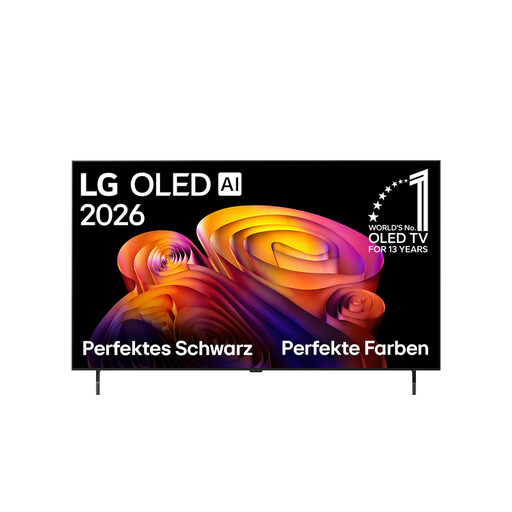
LG OLED48B68LA, 48-inch 4K OLED TV
A smaller OLED screen for gaming sessions where available space is a consideration.
The product name lists 4K, 144 Hz and VRR.
Shop at Joybuy
 No image available
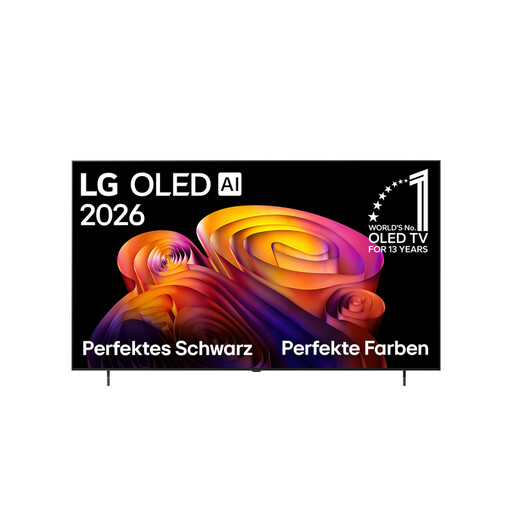
LG OLED77B68LA OLED evo AI B6, 77-inch, 4K
A 77-inch OLED option for group gaming, provided the screen size and viewing distance suit your room.
The product name lists 144 Hz VRR and NVIDIA G-SYNC. Follow the care advice and avoid leaving static displays on screen for unnecessarily long periods.
Shop at Joybuy
 No image available
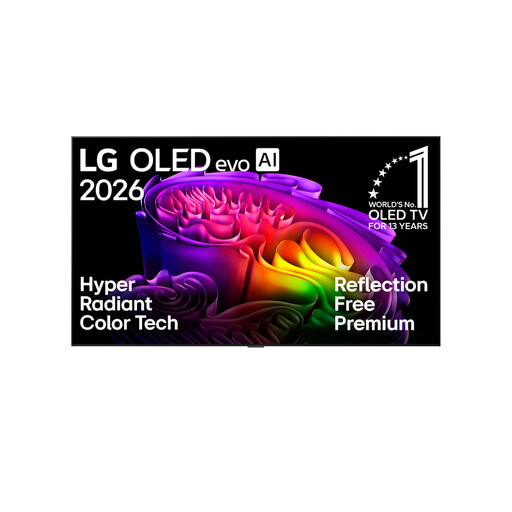
LG OLED83G67LW, 83-inch 4K OLED evo AI TV
An extra-large OLED screen for gaming with several players, if it’s right for your room.
The product name lists up to 165 Hz, Dolby Vision and Dolby Atmos. Follow the manufacturer’s care advice and avoid leaving static displays on screen for unnecessarily long periods.
Shop at Joybuy
Frequently asked questions
Are 144 or 165 Hz enough for smooth local multiplayer?
No, these figures don’t automatically tell you the frame rate of every game. Check the game mode, source output and suitable HDMI input. For example, Sony Germany lists VRR on the Sony K-55XR8M2 only for HDMI 3 and 4.
What should I consider when setting up a TV for several players?
Check from every planned seat that game displays are easy to read and that the screen size suits the room. A manufacturer’s claim about viewing angles doesn’t replace checking the view from your own seating arrangement.
Does an LG OLED need to stay plugged in for pixel cleaning?
For the OLED TVs in question, LG describes an automatic pixel-cleaning process that runs after the TV is switched off while it remains plugged in. Other models have their own care advice.
How do I compare the energy use of different TVs?
Compare the EU energy label or EPREL entry for the exact model number; the label also takes HDR into account. Your personal electricity costs also depend on how long you use the TV and your energy tariff.
What are my legal rights when buying a TV in Germany?
When you buy from a business seller, EU guidance generally provides for a minimum two-year legal guarantee from the date you receive the goods. Online purchases usually come with a 14-day right to cancel; the consumer advice centre explains how it works. A voluntary manufacturer’s guarantee doesn’t replace your statutory rights.


