Puzzle sessions with seats to the side
If you’re playing from different seats, consider screen size and viewing angle together. RTINGS.com notes that viewing angle is important in large rooms with several seating positions.


Measure the distance between the screen and the seats you’ll actually use, then check that clues are readable from the furthest seats. Choose a specific model based on viewing angles, the light in your room and the connections you need. 120 Hz and VRR matter most when the game, source and TV input all support these features. A larger screen takes up more space and may use more electricity, according to the Verbraucherzentrale (German consumer advice centre).
If you’re playing from different seats, consider screen size and viewing angle together. RTINGS.com notes that viewing angle is important in large rooms with several seating positions.
If you’re sitting a long way from the screen and need to make out small clues, measure the viewing distance and available space, then check how readable the text is from where you plan to sit. The Verbraucherzentrale notes that the right screen size depends on viewing distance.
If you want to use features such as higher refresh rates, check that the game and gaming source support them, and that the specific TV has the right connections.
A good fit if: a specific OLED model suits the room’s brightness and seating positions, and its connections work with your gaming source.
Bear in mind: If games display static elements for long periods, follow the care advice for the specific model.
A good fit if: the size and features of a specific model suit your viewing distance and gaming source.
Bear in mind: Mini-LED alone doesn’t guarantee a wide viewing angle. Check the picture from the furthest seats.
A good fit if: you mainly play slower-paced puzzle games and neither your gaming source nor your games need higher refresh rates.
Bear in mind: Without the right features, you won’t be able to use the capabilities of 120 Hz and VRR gaming sources.
| Priority | What to check when buying | Who it matters most to |
|---|---|---|
| Readability from a distance | Measure the distance to the seats and the space available for the TV. If possible, check the text from the distance you plan to sit. | If I want small clues to remain easy to read from further away, I check how the game will actually be played. Around 33% of consumers put readability first. |
| Viewing angle from seats to the side | Check the picture from the furthest seats to the side, or look for viewing-angle measurements for the specific model. | If other players will be sitting to the side, I want to know whether the puzzle will still be clear from there. Around 27% of consumers prioritise viewing angles for seats to the side. |
| Gaming source and connections | Check the full model’s specifications to see which inputs support the refresh rates and VRR you need. | If I want to use specific gaming features on a console or PC, I check that the game, source and input are compatible. Around 20% of consumers prioritise responsive performance and the right connections. |
| Power use and long gaming sessions | Compare energy labels and model specifications. For OLED, check the advice on static on-screen elements. | If the TV will be on for long periods or display fixed game elements, I consider power use and care advice. Around 20% of consumers prioritise ongoing use and how to manage these displays. |
The right screen size depends on your actual viewing distance and how the TV will be positioned. A large TV can also take up more space and generally use more electricity, according to the Verbraucherzentrale.
Measure the viewing distance and available space, then check that clues are easy to read from the seats you plan to use. Compare the energy labels for the specific models.
Neither a large screen nor an OLED or Mini-LED label tells you on its own how clear the picture will look from seats to the side.
Check the viewing angle of the specific model using measurements, or view the picture from the furthest seats you plan to use.
The refresh rate you can actually use depends on the game, gaming source and TV input being compatible.
Check the specifications for the full model and the input you’ll use. Manufacturers’ maximum refresh rates may require compatible games or inputs.
The German OLED-C5 model OLED65C57LA is a specific starting point for comparing OLED TVs and gaming features.
The German 65-inch OLED model S95H, reference GQ65S95HFTXZG, is a specific point of comparison for OLED TVs.
The German 65C7K is a specific QD-Mini-LED model to compare with LCD TVs.
The BRAVIA 5 K-75XR5 is a documented 75-inch Mini-LED model for longer viewing distances.
This selection features large TVs for longer viewing distances. Before you decide, check that the screen size, space available and connections suit your room and gaming source.
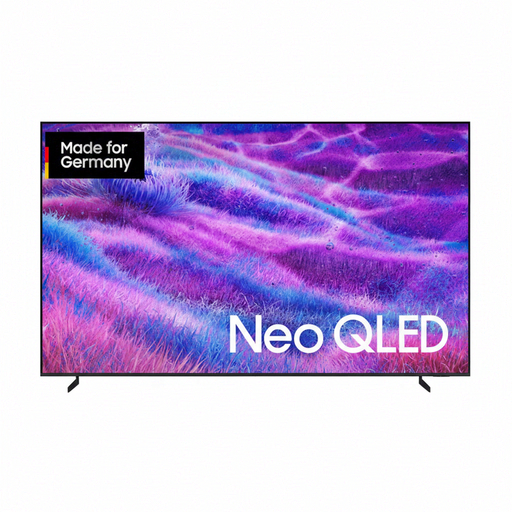 No image available
The 100-inch screen gives you a large picture for gaming from further away. Measure the space available first.
Up to 144 Hz and four HDMI connections. Around 223 cm wide and weighing 60,3 kg with the stand, it needs a large, stable surface.
 No image available
The 85-inch screen may suit a longer viewing distance. Check that clues are readable from the seats you’ll actually use.
144 Hz; the description lists VRR, ALLM and three HDMI connections. VIDAA is listed as the Smart TV platform.
 No image available
The 77-inch screen gives you more picture area than smaller models. Measure the viewing distance and check the view from seats to the side.
120 Hz; the description lists VRR, AMD FreeSync and NVIDIA G-Sync. Around 171 cm wide and weighing 38,6 kg with the stand.
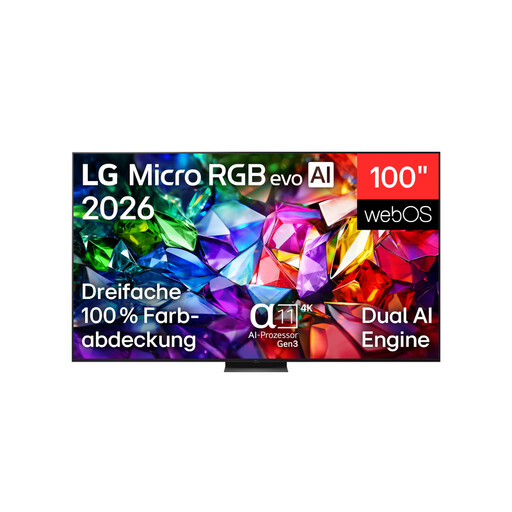 No image available
The 100-inch screen is designed to give you a very large picture. Compare its size with your viewing distance and the space available.
The title lists 144 Hz; the description lists VRR up to 120 Hz and four HDMI 2.1 connections. At 223 cm wide and weighing 67,3 kg without the stand, it requires careful planning. The description recommends professional installation for wall mounting.
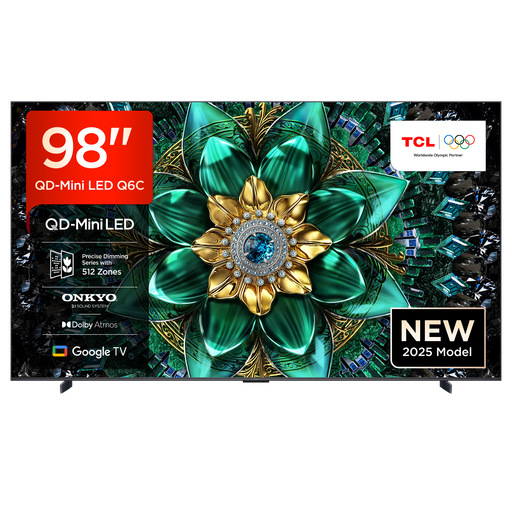 No image available
The 98-inch screen gives you a very large picture for spotting clues from further away. Check that the TV will fit in your room.
The description lists 144 Hz, VRR and HDMI 2.1. Around 217,9 cm wide with the stand. For wall mounting, a suitable bracket and professional installation are recommended.
Measure the distance between the screen and the seats you’ll actually use, then check the clues at the size they’ll appear during the game, if possible. The Verbraucherzentrale lists viewing distance as an important factor. A general distance guideline can’t replace checking whether the text in your game is readable.
Yes. Check the connection specifications for the full TV model and the output from your gaming source. For the Sony K-75XR5, Sony lists VRR for HDMI 3 and 4, but ALLM for HDMI 1 to 4. Other models may have a different connection layout.
Follow the care advice for your specific model, particularly if static game elements stay on screen for long periods. Samsung describes Pixel Shift and screen optimisation for its OLED TVs, but this doesn’t guarantee protection against burn-in on every model.
Compare the EU energy labels and product information for the specific models, using the same labelling basis. Without details of how long you’ll use the TV and your electricity tariff, you can’t work out your individual cost in pounds.
Yes. European Union energy labelling rules cover electronic displays, including TVs. When choosing a TV, compare the label and product information sheet for the specific model. The rules don’t require you to buy a particular energy efficiency class.