What should you look for when buying?
First, measure the available space and the distance between seats and screen. Then compare the viewing conditions in your room and the connections your gaming devices actually need.
OLED
A good fit if: you often sit off to the side and the features of the specific OLED variant suit your gaming sessions. Philips describes the picture on the 55OLED810/12 as looking good from different viewing angles; this is the manufacturer’s description, not a measurement taken from your seats.
Bear in mind: if static game menus or HUD elements stay on screen for a long time, follow the care guidance for the specific model. LG notes that static images may cause image retention.
Mini LED LCD
A good fit if: you’re comparing a specific Mini LED model with the right gaming inputs for a bright living room. TCL lists a native 144 Hz refresh rate for the 55C7K; this is a manufacturer specification, not a measurement of brightness in your room.
Bear in mind: manufacturers’ HDR peak brightness figures don’t replace checking the light sources and reflections from your own seat.
| What matters when buying |
What to check |
Who is it particularly important to? |
| A picture everyone can see |
Measure the available space and seating positions; assess the specific model from seats off to the side, too. |
When we sit in different places, I want to be able to read game text from my seat, too. Consumers who prioritise a picture that’s easy to see from every seat account for roughly 28 %. |
| Responsive gaming |
Check Game Mode, ALLM, VRR and supported signals on the input you’ll actually use. |
If getting the right picture for gaming matters to me, I want to match the signals from my game and device to the TV. Consumers with this as their main priority account for roughly 22 %. |
| Picture quality in daylight |
Consider the position of windows and any reflections; compare the specifications for the exact model variant. |
If we also play during the day, I want to assess reflections and how the picture looks in our room lighting. Consumers who mainly prioritise use in a bright room account for roughly 17 %. |
| Connections for several devices |
Assign each device an HDMI input and check the features available on that port. |
If several consoles or an audio device are connected as well, I don’t want to keep swapping cables for every gaming session. Consumers who prioritise having several usable connections account for roughly 17 %. |
| Ongoing costs and future considerations |
Compare the energy label and product information sheet for the exact variant; distinguish statutory rights from voluntary warranties. |
If I want to consider energy use and future service terms as well as the purchase price, I compare these details in advance. Consumers with this as their main priority account for roughly 16 %. |
Joybuy TVs for gaming together
The Joybuy models below include OLED and Mini LED TVs for gaming together. First compare screen size and the space available, then check which specifications suit your gaming devices.
 No image available
Hisense 55E8S 55-inch 4K UHD QLED Mini LED Smart TV, 144 Hz
For gaming together, check that the 55-inch screen fits your available space and viewing distance.
Product name: 4K UHD, QLED Mini LED, 144 Hz, HomeOS U9.
View at Joybuy
 No image available
LG OLED55C67LA OLED evo C6 55-inch 4K Smart TV
If you’re comparing a 55-inch OLED, check that it fits the space you have in mind and works with your seating arrangement.
Product name: OLED evo, 4K, 165 Hz gaming, webOS 26.
View at Joybuy
 No image available
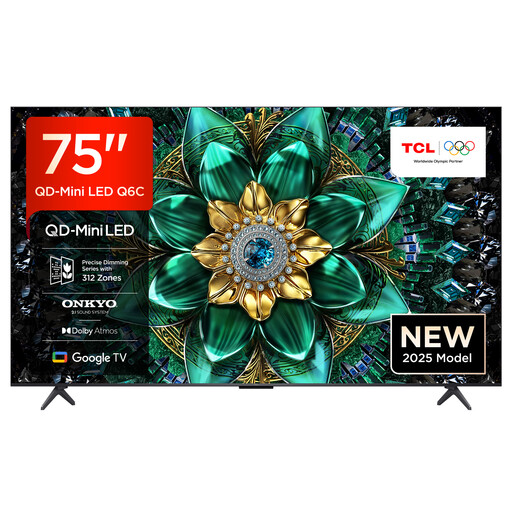
TCL 75Q6C QLED Mini LED TV, 75-inch, 4K
The 75-inch screen is only suitable for gaming together if you have enough space and the right viewing distance.
Product name: 4K, 144 Hz, HDMI 2.1.
View at Joybuy
 No image available
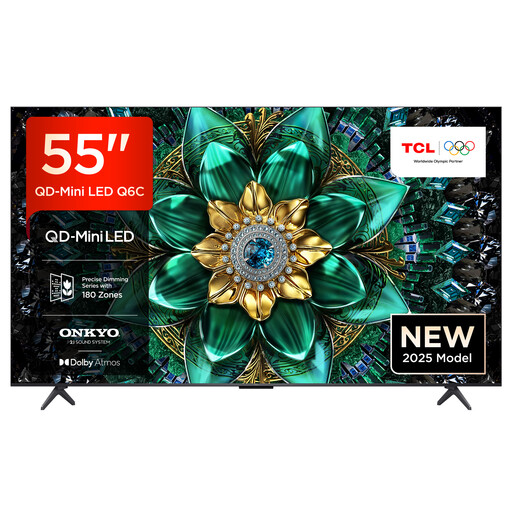
TCL 55Q6C QLED Mini LED TV, 55-inch, 4K
If you’re comparing a 55-inch Mini LED model, measure the space you have in mind and check that it supports the features your devices need.
Product name: 4K, 144 Hz, HDMI 2.1.
View at Joybuy
 No image available
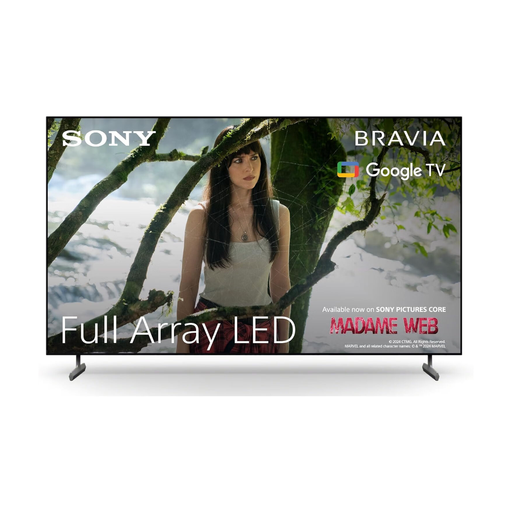
Sony BRAVIA X85L Full Array LED TV, 65-inch, 4K HDR
First check that the 65-inch variant works with your viewing distance and the space available in your shared living room.
Product name: 4K HDR, 120 Hz, HDMI 2.1.
View at Joybuy
Frequently asked questions
Is 144 Hz on the box enough for smooth co-op gaming?
No, that figure alone isn’t enough to help you choose. Check what your game and device can actually output, and which signals the TV input you’re using can accept. LG lists a native 120 Hz panel and VRR up to 144 Hz for the OLED48C57LA; these are different specifications.
How can we connect two consoles without losing gaming features?
Before buying, assign each console to a suitable input. According to Sony, the K-55XR5 has four HDMI inputs, but VRR is limited to HDMI 3 and 4. Remember to allow for an audio device as well, if needed.
What should we bear in mind with OLED game menus?
Avoid leaving static images on screen for longer than necessary, and follow the care guidance for your specific model. LG notes that still images displayed for a long time may cause image retention; this doesn’t guarantee that it won’t happen.
How should we compare energy use and consumer rights when buying in Germany?
For the exact EU model, compare the energy label, including its SDR and HDR figures. For consumer purchases, the seller is responsible for a statutory minimum guarantee of two years; a voluntary manufacturer’s warranty doesn’t replace it.
What should we do with our old TV?
According to the German Environment Agency, an old TV shouldn’t go in your household waste. The Agency recommends taking it to a recycling centre. If you buy a similar new appliance, it also explains that you can return the large old appliance free of charge, including when you buy online with delivery.


