Groups with limited space
You’re organising mini-games in a small living room and need to balance screen size, TV furniture and viewing distance.


For party mini-games in a small living room, a 42- or 43-inch TV is a possible starting point, but it isn’t a hard-and-fast rule for every room: the available space, stand and actual viewing distances all need to work together. For responsive controls, what matters is having a usable gaming mode on the input you’re using. High refresh rates or OLED are mainly relevant if your console and games make use of those features and you want the corresponding picture benefits.
You’re organising mini-games in a small living room and need to balance screen size, TV furniture and viewing distance.
You want button presses to feel immediate when you’re playing together. So you check the input and gaming mode rather than comparing refresh rates alone.
Your fellow players are watching from different distances or angles. You want to know whether everyone can clearly see the game text and on-screen action from where they’re sitting.
Start by measuring the available space and viewing distances, then check the gaming mode, input and visibility from the seats you plan to use.
| Criteria | What to check before buying | Who it matters most to |
|---|---|---|
| Size and positioning | Measure the available width, space for the stand and viewing distances. Check the dimensions of the specific model, not just the screen size in inches. | If my living room has limited space, the screen, stand and viewing distance all need to work together. Around 36% of consumers are likely to prioritise a suitable size and position. |
| Response to inputs | Check whether a gaming mode is available on the HDMI input you’re using and how to activate it on the specific model. | In fast-paced mini-games, I want my inputs to register without distracting lag, so I look at the gaming mode and input. Around 29% of consumers are likely to make responsiveness to game inputs their top priority. |
| Visibility for the group | Where possible, assess the game text and picture from the seats you’ll actually use, taking viewing distance and positioning into account. | When we’re playing from different seats, everyone should be able to make out what’s on screen. Around 21% of consumers are likely to prioritise visibility for the group. |
| Power consumption and features | Compare the energy label and stated power consumption of the specific TV. Consider extra features only if you actually want to use them. | I don’t want to plan around features that my console or games won’t use, and I also want to take the TV’s energy consumption into account. Around 14% of consumers are likely to prioritise the features they need and power consumption. |
Viewing distance and content both affect the screen size that’s right for you. Even a compact model may need more width for its stand than you have available in the space you’ve chosen.
Measure the space and check the screen is visible from all the seats you plan to use.
Depending on your room, you may need to change the TV’s position or use different furniture.
A high refresh rate doesn’t replace checking the gaming mode and how the TV performs when gaming. It doesn’t, by itself, prove that input lag is low.
Check the gaming mode, the input you’re using and your console’s output separately. Make sure any extra refresh-rate features are supported by the games you actually play.
OLED may be a good choice for contrast, but LG points out that burn-in cannot be completely ruled out when the same content stays on screen for long periods. A larger LED or Mini LED model, meanwhile, will have different space requirements.
Choose based on your gaming habits, room and the exact model, rather than display technology alone.
The OLED42C5ELB is a compact 42-inch OLED option from LG with specified gaming features.
Samsung offers 43-inch TVs and guidance on choosing a screen size and viewing distance.
The 50Q6C is an example of a larger QD Mini LED model.
Philips offers the compact 43PUS9000/12 with Ambilight, alongside the separate OLED option, the 42OLED810/12.
The K-43XR35M2 is a 43-inch option with specific dimensions; Sony also documents gaming settings for supported BRAVIA models.
The Joybuy models below are compact 42- or 43-inch TVs for party mini-games, including LED, QLED and OLED options. Before choosing, check that the screen and stand will fit your room and that the gaming features work with your console and games.
 No image available
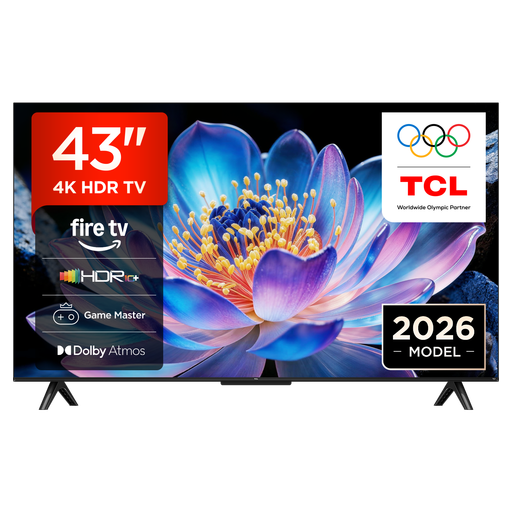
The 43-inch version is one possible compact size for a small living room.
4K UHD; HDMI 2.1, ALLM and VRR are specified for this model.
 No image available
The 43-inch version is one possible compact size, provided the stand fits in the space you have available.
4K; a native refresh rate of 120 Hz and VRR up to 144 Hz are specified. Game Optimizer and AMD FreeSync are also listed.
 No image available
This compact OLED model could suit you if you want OLED and the 42-inch size fits your room.
4K OLED; a native refresh rate of 120 Hz and VRR up to 165 Hz are specified. ALLM and Game Optimizer are also listed. LG notes that burn-in cannot be completely ruled out when the same content stays on screen for long periods.
 No image available
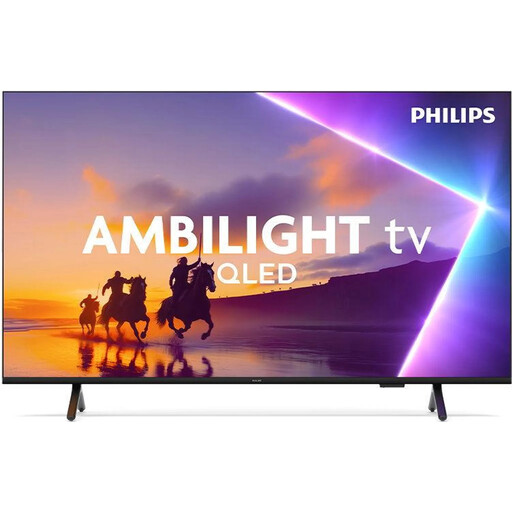
The 43-inch version is one possible compact size if you’d also like Ambilight alongside your games.
QLED, 4K, 60 Hz and three-sided Ambilight are specified. Gaming features include Game Mode, ALLM and VRR.
 No image available
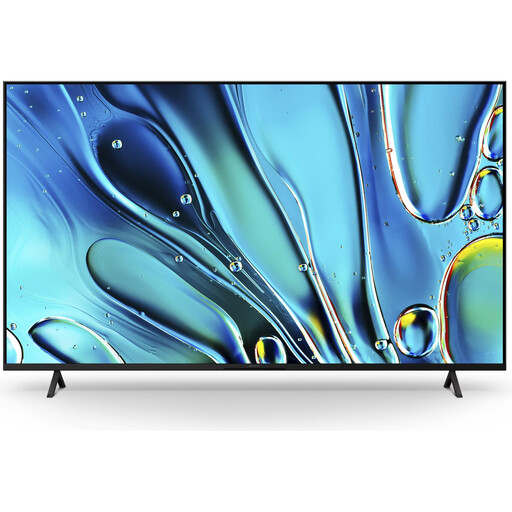
The 43-inch version is one possible compact size; check that the TV and stand fit in the space you have available.
4K UHD; Game Menu 2 and ALLM are specified for this model.
First, check whether your specific TV offers a gaming mode on the input you’re using. A high refresh rate is an additional feature of some models; its usefulness depends on what your console and games output. The refresh-rate figure alone doesn’t tell you the input lag.
To play in TV mode, connect the Nintendo Switch dock to the TV with an HDMI cable and select the corresponding input. Nintendo also lists the AC adapter as part of the connection setup. According to Nintendo, the Nintendo Switch Lite doesn’t support TV mode.
LG notes that burn-in caused by the same content remaining on screen for long periods cannot be completely ruled out, even with normal use. Check the care guidance and warranty terms for the specific model; they don’t amount to a general guarantee for every OLED panel.
Compare the energy label and stated power consumption of each TV rather than trying to estimate power use from screen size. Your Europe explains that goods bought from businesses in the EU come with a legal guarantee of at least two years from the date you receive them. This is separate from any voluntary manufacturer’s warranty.
No. Germany’s Federal Environment Agency explains that old electrical appliances must be collected separately from unsorted household waste. So an old TV shouldn’t go in your household rubbish.