What should you look for when buying?
First, decide how you’ll connect your home and garden office. Then compare connection speeds, port numbers, PoE requirements and conditions at the installation location with your devices’ needs.
| What you need |
What to check before buying |
Who it matters most to |
| Connection between buildings and installation location |
Plan the connection and ports at both ends; check that the model’s permitted temperature and non-condensing humidity levels are suitable for the location. |
If I’m connecting my home and garden office, I want to plan the route between the buildings and choose a suitable location first. Around 36% of consumers put these considerations first. |
| Speed between NAS and workstation |
Check the speed of the NAS, workstation and uplink connections individually, as well as how many multi-gigabit ports you need. |
If I’m transferring large files between my NAS and workstation, I need a fast data path that’s suitable end to end. Around 29% of consumers prioritise NAS connection speed. |
| Ports and PoE for additional devices |
Count the ports you need, including the uplink; check the PoE standard, power per port and total budget against your additional devices. |
If I want to connect an access point or camera as well as my NAS, I need to plan for suitable ports and enough PoE power. Around 21% of consumers prioritise additional devices. |
| Simple Gigabit expansion |
Check whether Gigabit is fast enough for all your devices and whether there are enough ports; also consider any need for multi-gigabit, SFP or PoE. |
If my devices use Gigabit and I mainly need more LAN ports, I can do without features I don’t need. Around 14% of consumers prioritise simple Gigabit expansion. |
Joybuy products for NAS and garden offices
The products below offer local 2.5 GbE connections or Gigabit options with PoE or SFP. Plan the connection between buildings and check port compatibility separately.
 No image available
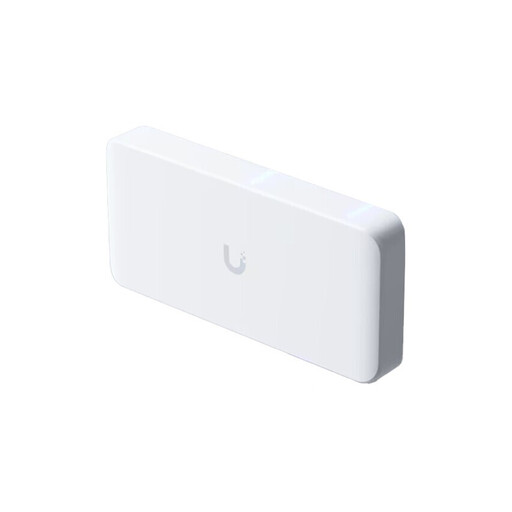
Ubiquiti UniFi Flex 2.5G PoE, 8-port, white
For a NAS and other 2.5 GbE devices, with a fast uplink planned.
Specifications include eight 2.5 GbE ports, a 10 GbE SFP+ uplink and PoE++ outputs. A power supply isn’t included; available PoE power depends on the power supply you choose. A dry, ventilated location is specified for operation.
Joybuy
 No image available
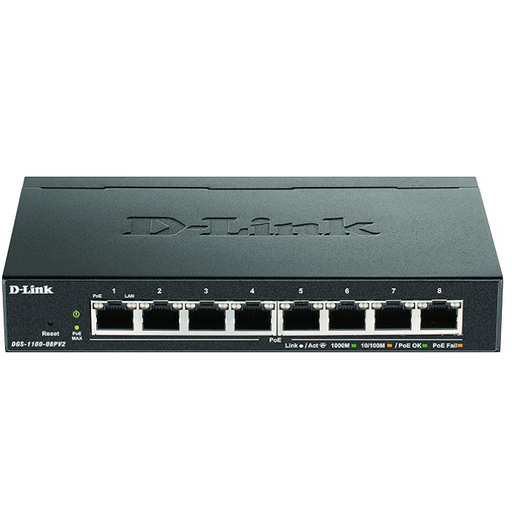
D-Link DGS-1100-08PV2 managed L2/L3 Gigabit PoE switch
For a NAS and other devices when Gigabit is fast enough and compatible devices need PoE power.
Specifications include eight Gigabit ports and a total PoE budget of 64 W. The ports support Gigabit, not 2.5 Gbit/s. The recommended location is cool and dry, with at least 10 cm of clearance around the ventilation openings.
Joybuy
 No image available
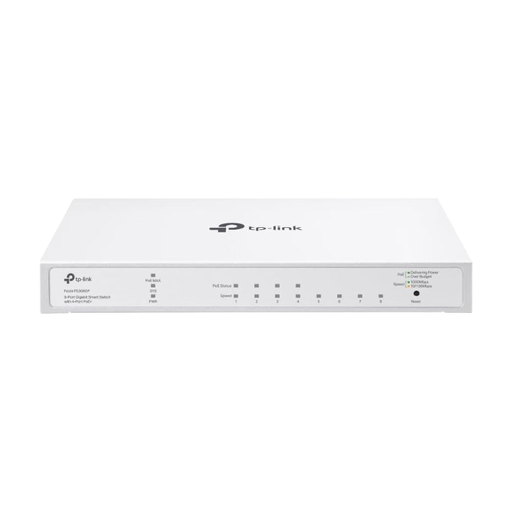
TP-Link Festa FS308GP, 8-port Gigabit switch with PoE+
For a Gigabit NAS and compatible additional devices that need PoE+.
Specifications include eight Gigabit RJ45 ports and four PoE+ ports, with up to 30 W per port and a total budget of 62 W. The ports aren’t designed for a 2.5 Gbit/s data path. The description warns against moisture, direct sunlight and temperatures above 32 °C.
Joybuy
 No image available
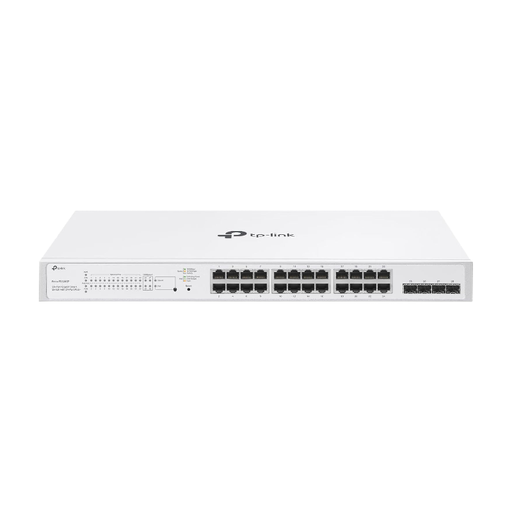
TP-Link Festa FS328GP, Gigabit PoE+ switch with 4 SFP slots
For a Gigabit network path with an SFP connection planned and several compatible PoE+ devices.
Specifications include 24 PoE+ ports and four Gigabit SFP slots, with a total PoE budget of 250 W. The ports support Gigabit, not 2.5 Gbit/s. The description advises against damp environments and recommends a well-ventilated location.
Joybuy
Frequently asked questions
Is a switch enough to connect my home and garden office?
No. First, plan the connection between the buildings and the right network interfaces at both ends. Cisco describes fibre optic cable as a typical option that avoids the precautions needed to protect copper connections from differences in earthing.
Where should I put the switch in my garden office?
The location must be within the operating conditions specified for the particular model. TP-Link specifies −5 to 40 °C and 10 to 90% relative humidity without condensation for the TL-SG105-M2; these figures don’t automatically apply to other switches.
Will a PoE switch also power my NAS?
Only if your NAS is explicitly compatible with the PoE standard you’re using. D-Link lists access points and network cameras among the PoE devices for the DGS-1005P; check the NAS’s power supply separately.
What else should I plan for a fibre optic connection?
Consider the route between the buildings, suitable modules or converters, and the connections at both ends. Depending on your planned connection, installation work may also be needed.
Does a fast switch replace a NAS backup?
No. A switch provides a network connection, not an additional backup copy. Synology recommends a 3-2-1 backup strategy for NAS data, including an off-site backup; the right backup tools depend on your NAS.


