Joybuy products for Wi-Fi in your garden office
The products below are access points and mesh systems for extending Wi-Fi to your garden office. If you’re installing a device outdoors, make sure you choose a model designed for that purpose.
 No image available
Ubiquiti UniFi U7 Long-Range WiFi 7 Access Point
Designed to be used as an access point with a wired connection indoors.
Dual-band; 2.5 GbE; PoE; 5 spatial streams. The description states that a PoE injector and Ethernet cable are not included.
View at Joybuy
 No image available
TP-Link Deco M4 Mesh WiFi System AC1200, 1-Pack
Could be an option as a mesh unit to extend your network indoors. Check that the location has a sufficiently strong connection to your home.
Dual-band Wi-Fi, Gigabit ports; designed for indoor use and should not be exposed to rain or moisture.
View at Joybuy
 No image available
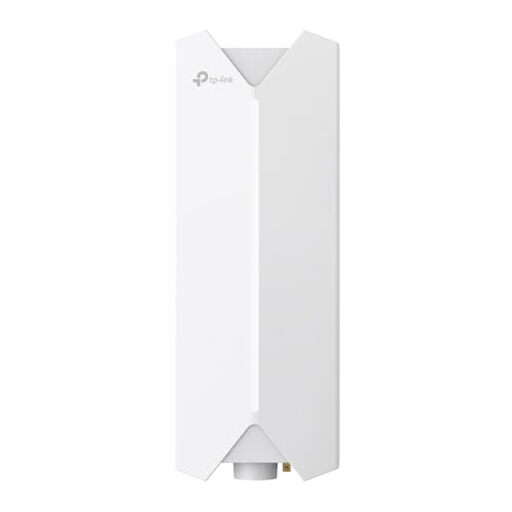
TP-Link Festa F61 Outdoor WLAN Access Point
Described as an outdoor access point for a planned Wi-Fi connection outside.
Remember to allow for an Ethernet cable to provide the data connection and PoE power.
View at Joybuy
 No image available
TP-Link Deco M4 Mesh WiFi System AC1200, 3-Pack
This three-unit set could be an option for extending your mesh network indoors. Check the connection between the locations where you plan to place the units.
Dual-band Wi-Fi and Gigabit ports on each unit; designed for indoor use.
View at Joybuy
 No image available
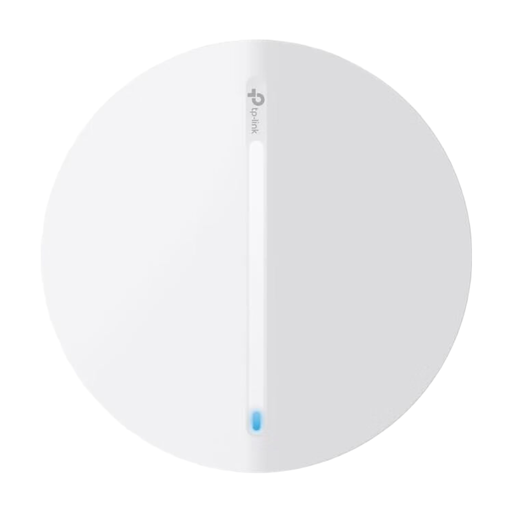
TP-Link Festa F61 Access Point
Described as an access point for extending an existing network. Before buying, check that the planned connection and installation location suit your setup.
View at Joybuy
Frequently asked questions
Will a new router in my home make portfolio uploads faster?
Not necessarily. First test your internet connection’s upload speed, then check the connection at your workspace in the garden office separately. The Bundesnetzagentur offers a broadband speed test that’s independent of provider and technology. A higher stated Wi-Fi data rate won’t make up for a slow internet upload speed.
Where should I put a wireless repeater?
It should still receive a usable signal from your existing Wi-Fi network at the planned location, while also being able to reach your garden office. Check the connection back to your home where you intend to put the device; extra coverage at your workspace alone isn’t enough.
What should I consider when setting up a router for work files?
The Federal Office for Information Security recommends, among other things, keeping your firmware up to date, using secure passwords and checking your security settings. These are security recommendations, not a guarantee that a particular device or portfolio service is fully secure.
What additional equipment and ongoing costs should I plan for?
Depending on how you connect, you may need devices at both ends, a cable installation, a power supply or an ongoing mobile tariff. Before deciding, also check what’s included with the specific model, as well as its updates and support.
Can I use any Wi-Fi device outdoors with any frequency setting?
No. A casing designed for outdoor use doesn’t mean that every wireless setting is permitted. For an outdoor installation, the device, frequency band and operating mode must comply with the relevant general frequency allocations and device settings in Germany. The Bundesnetzagentur revoked its earlier Order 12/2025 through Order 76/2025, so the earlier rules should not be treated as still in force.


