For learners with a cable route
If you can connect your garden office via Ethernet, you can provide Wi-Fi there using a wired access point. FRITZ! lists Gigabit LAN and PoE+ as possible connection and power options for the Repeater 1610 Outdoor.


If your home internet connection is working, check the route to your garden office before automatically replacing the router. If you have Ethernet, you could set up a wired access point there. Without a cable, a wireless node needs to have a usable connection to the house from its chosen position, or Powerline needs to work from the intended sockets. An LTE router provides a separate way to get online and requires a suitable SIM card, tariff and signal at the location.
If you can connect your garden office via Ethernet, you can provide Wi-Fi there using a wired access point. FRITZ! lists Gigabit LAN and PoE+ as possible connection and power options for the Repeater 1610 Outdoor.
If you want to extend your existing home network wirelessly, you’ll need a spot where the node itself can still get a usable connection to the house. TP-Link gives a specific distance recommendation for the Deco X50-Outdoor when connected wirelessly.
If Ethernet or a suitable wireless link isn’t an option, you can check whether the mains wiring will work as a link, or whether a separate mobile broadband connection could suit you. devolo notes that Powerline transmission can be affected by interference, while the TP-Link Archer MR600 requires a SIM card and a suitable mobile signal.
Suitable if: there’s already a network cable running to your garden office, or you can install one.
Bear in mind: the cable route and power supply for the access point need to suit your installation.
Suitable if: you can find a spot that gets a usable wireless signal from the house.
Bear in mind: the node still needs a reliable connection back to your home network.
Suitable if: the intended sockets provide a working connection over your mains wiring.
Bear in mind: electrical interference can affect the connection, so test it at the exact location you plan to use.
Suitable if: you want your own internet connection in the garden office, rather than an extension of your home broadband.
Bear in mind: you’ll need a suitable SIM card, tariff and signal.
If you want to access your study portal from a garden office, one of the key things to consider is how the connection will reach your internet service. The percentages show the share of consumers who prioritise each of these needs.
| Priority | What to check before buying | Who should pay particular attention |
|---|---|---|
| Wired connection back to the house | Check the Ethernet route, as well as the access point’s operating mode and power supply. | If I can run a network cable to my garden office, I don’t want the connection back to the house to depend on Wi-Fi. Around 36 % of consumers prioritise a wired connection back to the house. |
| Extending Wi-Fi without a cable | Check the signal at the planned node location and its compatibility with your existing mesh system. | If I’m not planning to run a cable, I need to place the node somewhere it can still get a good connection to my home network. Around 29 % of consumers prioritise wireless expansion. |
| Powerline over the mains wiring | Test the connection from the intended sockets and check whether the adapter at the other end provides Wi-Fi. | If I want to use the existing mains wiring, I need to know in advance whether it will provide a working connection between the house and office. Around 21 % of consumers prioritise this potential connection route. |
| A separate internet connection | Check the mobile signal at the location, SIM card format and tariff conditions. | If extending my home network isn’t an option, I’m looking for a separate connection for my garden office. Around 14 % of consumers prioritise an independent connection. |
A stated Wi-Fi data rate won’t tell you whether a mesh node will still get a usable connection to the house from your chosen location, or whether Powerline will work from the sockets.
Check the connection route and planned location first, then compare Wi-Fi features and data rates.
Using a device in a sheltered outdoor area or mounting it in a weatherproof location may be subject to specific conditions. FRITZ! says the Repeater 1610 Outdoor is suitable for sheltered outdoor areas; Ubiquiti specifies a particular mounting orientation and the accessories supplied with the U6 Mesh.
Check that your chosen mounting location meets the protection rating and the instructions for the exact model.
Depending on the location, you may need suitable mounting or power supply components.
devolo says electrical devices can affect data transmission over the mains wiring.
Test the connection from the sockets you plan to use before relying on Powerline as your link back to the house.
The TP-Link Archer MR600 uses a SIM card for LTE access, so you’ll also need a suitable signal and tariff in your garden office.
Choose this option if you want a separate internet connection, and check the signal and tariff before you decide.
If you don’t already have a suitable tariff, you’ll need to budget for a separate mobile plan.
Worth considering if you have an existing FRITZ! home network or a wired route to an access point.
The product ranges mentioned here offer different options: outdoor mesh, access points and LTE routers.
According to devolo, the Magic 2 WiFi 6 next Starter Kit combines a Powerline transmitter adapter with a Wi-Fi adapter at the other end.
The UniFi U6 Mesh is an indoor/outdoor access point for use with a suitably managed UniFi network.
This selection includes Wi-Fi access points for wired connections and wireless mesh extensions. Before choosing, check that the connection type and mounting conditions are right for your garden office.
 No image available
For a garden office where you’re planning a wireless mesh extension; outdoor installation is subject to specific conditions.
WiFi 6, 6 spatial streams and PoE adapter included.
According to the product information, install outdoors only with the LED side facing upwards and using the supplied wall or pole mount.
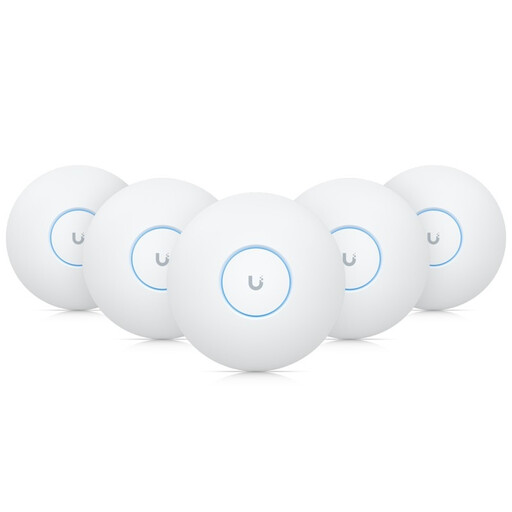 No image available
For a garden office with an Ethernet connection and an indoor Wi-Fi access point.
WiFi 7, tri-band, PoE+ and designed for ceiling mounting.
According to the product information, this model is designed for indoor installation; don’t install it outdoors without protection.
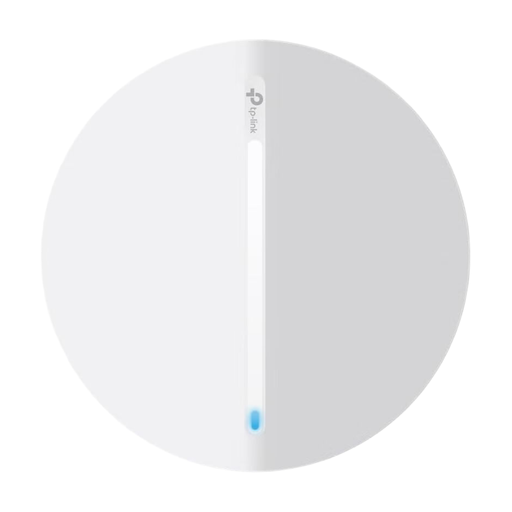 No image available
For a wired access point in your garden office, if your chosen mounting location is indoors.
AX3000, Wi-Fi 6 and PoE power, as stated in the product name.
The product description specifies indoor use; don’t install it outdoors.
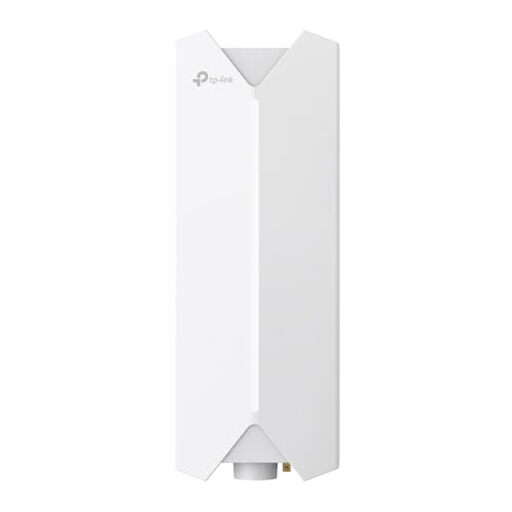 No image available
For a Wi-Fi access point outdoors, if you can run an Ethernet cable to the device.
Described as an outdoor Wi-Fi access point; the stated connection to the main network requires an Ethernet cable.
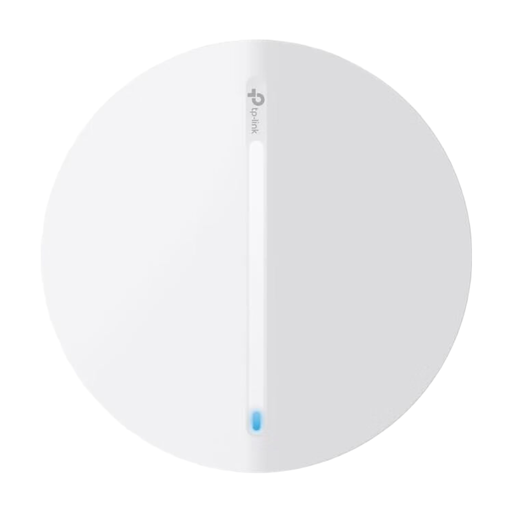 No image available
This could be an option if you’re specifically looking for a Festa F61 access point. Before choosing, check that this version’s connection and mounting requirements suit your garden office.
Not necessarily. First check whether the connection between your house and garden office is the bottleneck. A LAN-connected access point, a well-placed mesh node or Powerline could each work for different connection routes. A Deco system still needs an external internet source.
Choose a spot where the node itself still gets a good signal from the unit it connects to, rather than automatically putting it by the wall furthest from the house. For the wirelessly connected Deco X50-Outdoor, TP-Link recommends a distance of no more than 10 metres and gives 15 metres as the maximum; obstacles at the location still matter. According to TP-Link, this distance recommendation doesn’t apply when the device is connected by cable.
The German Federal Office for Information Security recommends, among other things, keeping your firmware up to date, using a long Wi-Fi password and enabling secure Wi-Fi encryption. Whether WPA3 is available also depends on your device.
Depending on the option you choose, you may need a network cable and compatible PoE power supply, Powerline adapters or a separate mobile tariff. So start by checking your planned installation route and the equipment you already have.