What should you look for when choosing?
First, check whether a usable signal reaches the potential range extender location. If it doesn’t, compare a LAN-connected access point with Powerline. If the device will be installed outdoors, make sure its intended operating mode is suitable too.
| What you need |
What to check before buying |
Who is this especially important for? |
| A usable wireless link |
Choose a sheltered spot with a power supply, check the router signal there, then test the stream at your desk. |
If I want to stream without a network cable, the range extender itself still needs to reach the router. Around 36% of shoppers put a usable wireless link first. |
| A connection when Wi-Fi is weak |
For LAN, check whether the device offers access point or LAN bridge mode. For Powerline, test the intended sockets in practice. |
If the wireless route between the house and garden office isn’t suitable, I need another way to connect. Around 29% of shoppers prioritise a wired connection to the router. |
| Outdoor installation |
Check that the installation location, stated protection rating, power supply and intended operating mode are all suitable for the exact model. |
If the device will be outside, its stated suitability must match the installation location. Around 21% of shoppers prioritise weather-resistant installation. |
| Compatibility with your router system |
Check the router model, firmware and any explicitly supported mesh combinations. |
If I want to keep using my existing mesh system, the new device needs to be compatible with my specific router. Around 14% of shoppers prioritise compatibility with their existing system. |
Joybuy products for garden offices and outdoor spaces
This selection includes indoor range extenders for a suitable wireless location, as well as LAN-connected access points for your garden office or a suitable outdoor location.
 No image available
Ubiquiti UniFi U7 Long-Range WiFi 7 Access Point
A wired access point for indoor use, if you have an Ethernet connection to your garden office.
Dual-band Wi-Fi 7, 2.5 GbE uplink and PoE.
According to the description, the PoE injector and Ethernet cable aren’t included.
View at Joybuy
 No image available
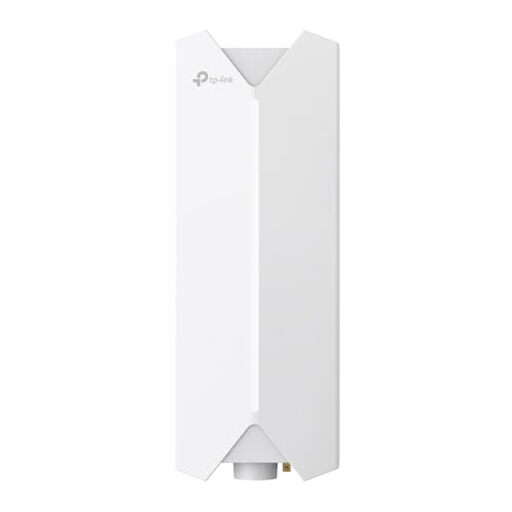
TP-Link Festa F61 Outdoor WLAN Access Point
For an outdoor location where you can run an Ethernet connection from your router or switch.
Wi-Fi 6, Gigabit connection and PoE with 802.3at or passive PoE.
The description specifies an Ethernet connection and PoE power supply. The mounting and sealing of the connections must be suitable for outdoor installation. The mounting kit and PoE adapter are listed as included.
View at Joybuy
 No image available
MERCUSYS ME80X Wi-Fi 6 Range Extender
For an indoor location where the range extender can still receive a signal from the router; the signal strength indicator can help you find the right spot.
Dual-band Wi-Fi 6, AX3000, 574 Mbps at 2.4 GHz and 2402 Mbps at 5 GHz.
Gigabit LAN; according to the description, range extender and access point modes are available. The device is designed for indoor use, not outdoor installation.
View at Joybuy
 No image available
TP-Link RE235BE BE3600 Dual-Band Wi-Fi 7 Range Extender
For a range extender location within the router’s range, if you want to connect to the router wirelessly.
2.5 Gigabit Ethernet port and EasyMesh compatibility.
According to the instructions, the router signal needs to reach the chosen location for setup.
View at Joybuy
 No image available
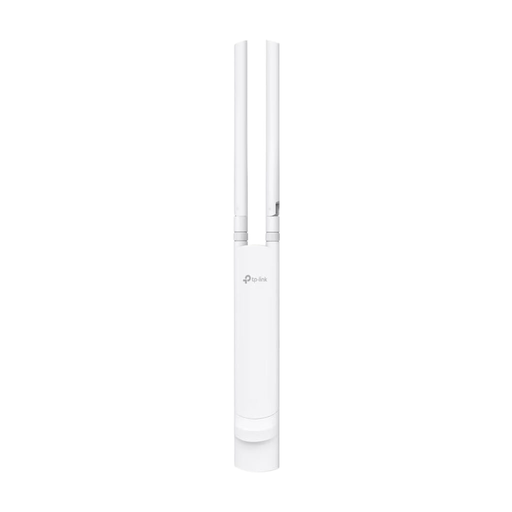
TP-Link Festa F52 Outdoor Access Point AC1200
For an outdoor location with a possible Ethernet cable route and a suitable PoE power supply.
Dual-band AC1200, Gigabit connection, PoE support and IP65.
The description specifies Ethernet and PoE for the connection and power supply. Wall or pole mounting and a mounting kit are listed.
View at Joybuy
Frequently asked questions
Where should I put a wireless range extender?
Place it in a sheltered spot between the router and the Wi-Fi dead zone, where it can still receive a usable signal from your router. TP-Link recommends checking the signal indicator after setup; then test the stream in your garden office.
Can I install any range extender outdoors?
No. The installation location must suit the stated capabilities of the specific device. FRITZ! lists IP54 and sheltered outdoor use for the 1610 Outdoor; for outdoor operation, the manufacturer specifies a LAN connection. The relevant Wi-Fi frequency requirements also apply.
Do I need an individual frequency allocation for a private Wi-Fi network in my garden office?
The Bundesnetzagentur regulates Wi-Fi use through general frequency allocations, including order 136/2022 as amended by order 49/2023. This doesn’t authorise you to use every 5 GHz channel with any device at any outdoor location; the relevant conditions still apply.
What should I consider when it comes to updates and additional installation?
Check the update support for the exact model, and factor in any equipment, power supply and installation needed for LAN or Powerline. Telekom notes that missing firmware updates can cause malfunctions and security vulnerabilities.
How can I check basic compliance information when buying in Germany?
For a wireless device sold on the German market, look for the required CE marking and accompanying documentation. The Bundesnetzagentur explains that the manufacturer applies the CE marking under its own responsibility; it isn’t an independent performance label for Wi-Fi range.


