PC Gamers Seeking Smooth, Demanding Gameplay
When demanding games are your priority, DLSS 4 and G-SYNC support help keep gameplay smooth, giving you a more fluid experience in supported games.


The GIGABYTE AORUS GeForce RTX 5080 Master Ice is a high-performance graphics card for demanding gaming and creative work, built on NVIDIA Blackwell architecture. Its white ICE finish and customisable RGB lighting add a distinctive look to a compatible PC build. With 16GB of GDDR7 memory, DLSS 4 support and G-SYNC compatibility, it suits gamers, creators and AI users seeking powerful graphics performance. Connect up to four displays, including resolutions up to 8K; before buying, check your case has room for its 360mm length and 150mm width.
Choose a graphics card that suits the games or creative applications you use, the resolution of your monitor and the rest of your PC. Check compatibility and power requirements before comparing performance, memory and cooling.
These three checks can help you find a card that performs well in your system without paying for features you do not need.
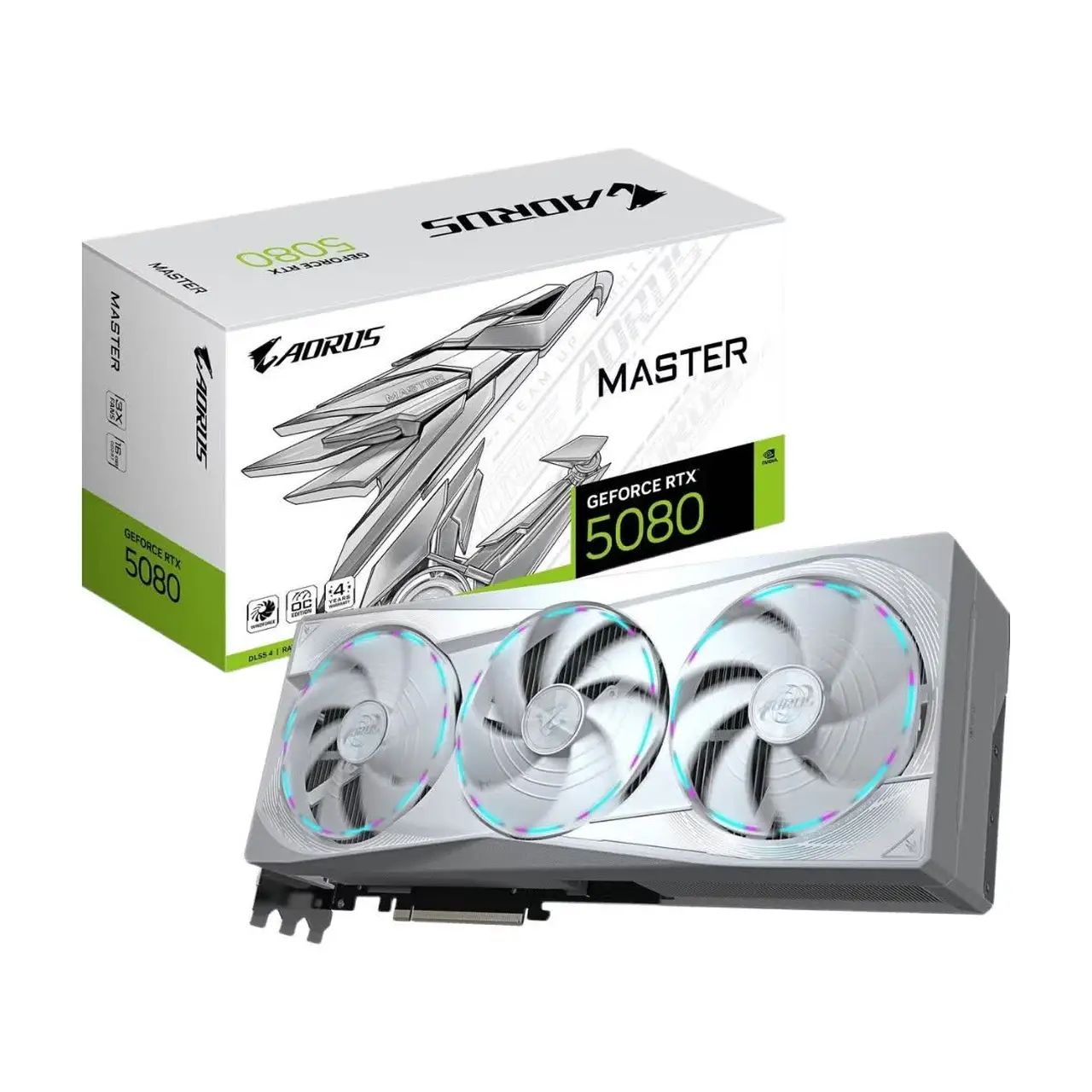
At the heart of the AORUS GeForce RTX 5080 Master Ice is NVIDIA Blackwell architecture, bringing 10,752 CUDA cores to demanding gaming, creative and AI workloads. Its 16GB of GDDR7 memory on a 256-bit interface provides the graphics foundation for detailed scenes and ambitious projects, while a boost clock of up to 2,805MHz delivers impressive processing potential. With PCIe 5.0 connectivity, this graphics card pairs advanced GPU technology with a high-speed connection for compatible systems.
Bring more fluid visuals to your gaming setup with DLSS 4 and G-SYNC support, features that help deliver smooth gameplay across compatible titles and displays. The card also offers versatile connectivity for multi-screen configurations, with three DisplayPort 2.1b outputs and one HDMI 2.1b port. Connect up to four displays and enjoy support for resolutions up to 8K, whether you are building an immersive gaming space, arranging a creative workstation or setting up a high-resolution viewing experience.
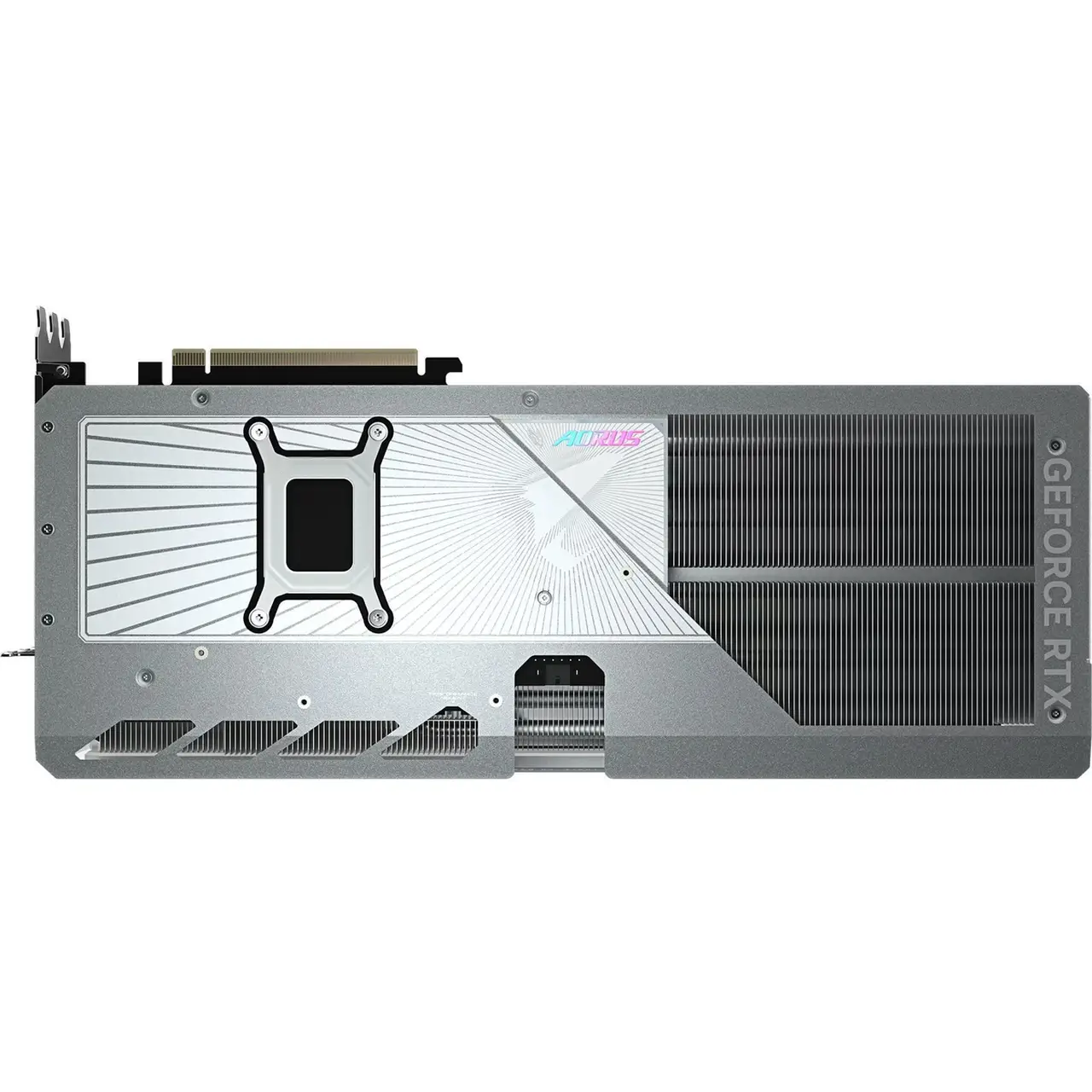
Make a striking addition to your PC with the card’s distinctive white ICE finish and customizable RGB lighting, giving you options to complement your build’s look. A three-fan active cooling system brings purposeful cooling hardware to this high-performance graphics card, ready for demanding gaming and creative sessions. Together, the sculpted AORUS styling, illuminated accents and multi-fan design create a feature-rich centrepiece that brings visual character and advanced graphics technology to a compatible desktop setup.
When demanding games are your priority, DLSS 4 and G-SYNC support help keep gameplay smooth, giving you a more fluid experience in supported games.
When creative applications put heavy demands on your PC, the 16GB of GDDR7 memory and 256-bit interface provide graphics resources for demanding workloads, helping you keep intensive creative work moving.
If you use your PC for demanding AI workloads, the Blackwell architecture and 10,752 CUDA cores provide graphics processing capability for those tasks, giving you a capable platform for AI work.
If your set-up needs several displays or an 8K screen, the three DisplayPort outputs and HDMI port let you connect up to four displays and support resolutions up to 8K, bringing your high-resolution set-up together around one graphics card.
The card measures 360 × 150 × 75 mm, so check your case’s graphics-card clearance and available width before installation. Its overwide design needs room for the three-fan cooler as well as the card’s length. Measuring the space inside your case first helps you confirm the fit for your build.
You can connect up to four monitors, with resolutions supported up to 8K (7680 × 4320). The card has three DisplayPort 2.1b outputs and one HDMI 2.1b output, giving you options for a multi-screen setup. Your connected system and displays need to support the resolution and refresh rate you want to use.
Use an ATX power supply of 850 W or more and connect its 12V-2x6 power cable securely to the card. Switch off the PC and unplug it from the mains before installation, then seat the card in the PCIe slot and fasten it in place. Keeping the power connection firm helps you set up the GPU safely.
Discover more of your favourite brands on Joybuy and enjoy great offers.