If you mainly need to deal with dry dirt, the robot vacuum should first be able to reach the hallway floor and navigate the route. Only then is it worth asking whether an auto-empty dock justifies the extra space it takes up. In a shared cleaning cupboard, the power socket, the robot’s route in and out, and access to the bin are key. Doormats and thresholds may also affect your choice of mopping features.
Who is a robot vacuum for in the hallway?
Homes with lots of dirt in the hallway
If your hallway gets a lot of use, regular vacuuming can cut down on the time you spend cleaning by hand. What matters is how much of the floor the robot can reach and whether its emptying routine suits your household. The gfu Consumer & Home Electronics describes automatic emptying and intelligent navigation as emerging feature trends.
People with a small cleaning cupboard
If you share the storage space, don’t just check the robot’s dimensions. The charging dock, power socket, route in and out, and access to the dust bin all need to work in everyday use. iRobot Support Germany’s set-up guidance shows that the required clearance depends on the specific dock.
Homes with doormats and thresholds
Mats, thresholds and items left in the way can restrict the robot’s route. The Verbraucherzentrale recommends comparing doorway widths and step heights with the specifications for the robot you’re considering. If it has a mopping function, it’s also important to check how that model handles mats.
What should you look for when buying?
First, check that the robot and dock can move out, return to the dock and be maintained in the space you have in mind. Then decide whether automatic dust emptying is worth the extra space it takes up in a shared cupboard.
| What matters |
What to check before buying |
Who will care about this? |
| Picking up dirt in the hallway |
Flooring and the cleaning route the robot can actually reach. Suction power figures alone don’t prove how it will perform on your floor. |
If dry dirt regularly builds up in the hallway, I mainly want to know whether the robot can reach the area. Around 36% of consumers put dirt pick-up first. |
| Space for the dock |
Check the power socket, the route in and out, and the side, front and overhead clearance against the instructions for the specific dock. |
When I share a cupboard, it matters that both the robot and dock remain accessible. Around 29% of consumers prioritise where the robot will be placed. |
| Mats and thresholds |
Measure the threshold height and doorway width; check the mopping zones and carpet settings for the model you’re considering. |
If there are mats or thresholds along the route, I want to avoid areas becoming inaccessible or a mat being mopped. Around 21% of consumers focus on obstacles. |
| Care and accessories |
Plan for emptying, cleaning the bin and finding compatible replacement parts for the exact model variant. |
If several people share the cupboard, I want to agree in advance on who empties the bin and buys accessories. Around 14% of consumers pay particular attention to maintenance. |
Avoid common buying mistakes
-
Measuring only the dock housing
A dock may fit in the cupboard but still be impractical if the robot can’t dock properly or there isn’t room to open the bin.
Check the space needed for the robot to operate, not just the storage space, and follow the clearance measurements in the instructions for the specific model.
If the set-up doesn’t work in practice, you may need to keep the dock outside the cupboard or move it elsewhere.
-
Assuming a mopping function will handle doormats safely
With the Roomba Combo j5/j5+, areas you don’t want mopped must be set up as no-mop zones. The Combo bin must also be in place for mopping, which means self-emptying isn’t available.
Check how the exact model handles mats and which features are available when the mopping bin is fitted.
Depending on the model, you may need to do some extra set-up and empty the bin by hand.
-
Assuming bagless or self-emptying means maintenance-free
A bagless dock bin still needs to be emptied. Bag-based systems need compatible replacement bags, and brushes and filters may also need attention.
Agree who will take care of maintenance in your shared household, and choose accessories that fit the exact model variant.
You’ll still need an emptying routine; depending on the system, you may also need replacement parts or time to clean the bin.
Key brands at a glance
Roborock
Roborock describes the Q7 L5+ as having LiDAR navigation, a mopping function and an auto-empty dock. These features may be useful for targeted hallway cleaning, provided there’s enough room for the dock and to use the robot where you plan to keep it.
- According to the manufacturer, the Q7 L5+ has navigation, mopping and automatic dust emptying.
- These specifications don’t show how well the model will clean a particular hallway. Check mats, thresholds and the clearance needed around the dock separately.
Dreame
Dreame says the D10 Plus Gen 2 automatically empties dust into a 4-litre bag. The bag size is a model specification, not a guarantee of how often it will need changing.
- Automatic dust collection may appeal to households looking to empty the bin by hand less often.
- Before placing it in a cupboard, allow space for the dock and changing the bag, and make sure you can get compatible replacements.
ECOVACS
The DEEBOT N20 PLUS is described by the manufacturer as having a bagless PureCyclone emptying station. Accessories are listed for the N20 PLUS family, with compatibility depending on the model.
- The dock system doesn’t use dust bags.
- You’ll still need to empty and maintain the bin. Manufacturer specifications aren’t an independent comparison of performance.
iRobot
The Roomba Combo j5/j5+ is designed for people who want to combine vacuuming with occasional mopping.
- You can set the mopping function to work on suitable hard-floor areas.
- According to the manufacturer’s German instructions, the Combo bin must be emptied by hand. When it’s fitted, self-emptying via the Clean Base isn’t available. No-mop zones are provided for mats.
Joybuy products for hallway cleaning
This Joybuy selection includes robot vacuums and mops, as well as models with different emptying systems for regular hallway cleaning. Before choosing, check that the dock, route in and out, and access for maintenance will work in your shared cleaning cupboard.
 No image available
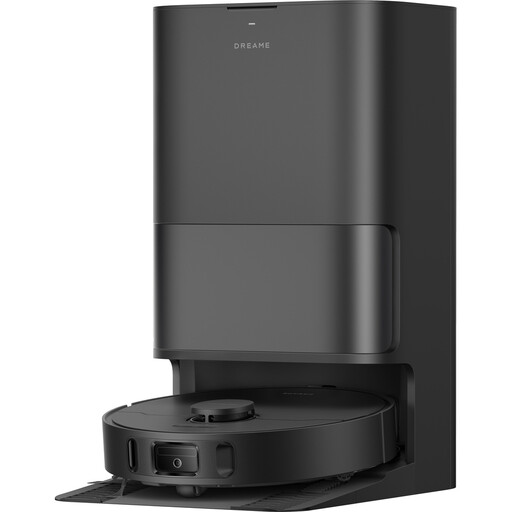
Dreame D30 Ultra
An option if you want a robot that vacuums and mops, along with an auto-empty dock. Check that the dock will fit in the cupboard you have in mind.
25,000 Pa suction power; self-emptying and self-cleaning base station; mop drying with 50 °C hot air.
Joybuy
 No image available
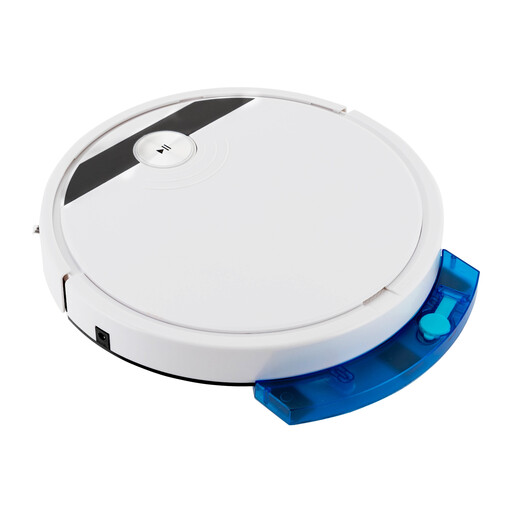
3-in-1 Robot Vacuum and Mop
An option if you’re looking for a slim vacuum and mop with several control options. Check that its height will let it pass through your hallway.
1,800 Pa suction power; height of 1.77 inches; app and remote control; 90-minute run time.
Joybuy
 No image available
Eureka E20 Plus
An option if an emptying station and mopping function could work for your hallway. Compare the required dock clearance with the space you have available.
8,000 Pa suction power; 2-litre bagless dock bin; up to 180 minutes’ run time.
The dock requires at least 8 cm of clearance on each side and 1.2 m of clear space in front.
Joybuy
 No image available
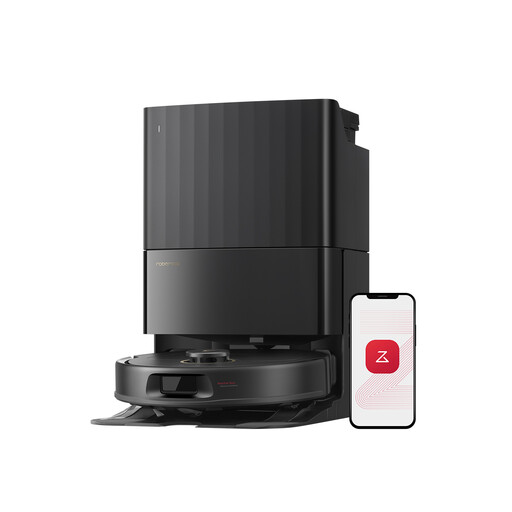
Roborock Qrevo S5V Black
An option if you’re looking for a robot vacuum with a dock and mops. Check that the dock’s features and space requirements suit your household.
12,000 Pa suction power; FlexiArm mops; dual anti-tangle system; hot-air drying; obstacle avoidance and intelligent navigation.
Joybuy
 No image available
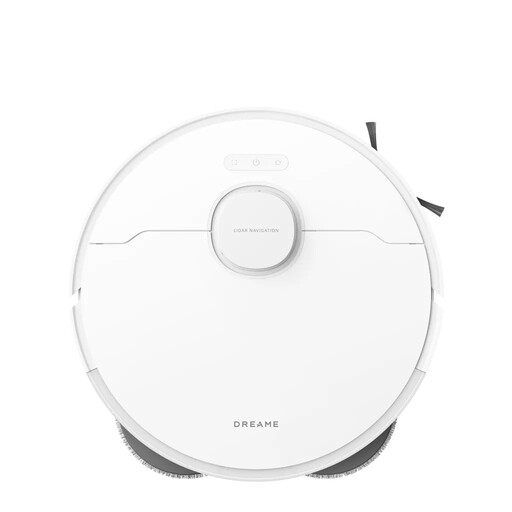
Dreame L10s Pro Gen3
An option if you’d prefer a simple charging dock instead of automatic dust emptying. Bear in mind that you’ll need to empty the bin by hand and allow space around the dock.
13,000 Pa suction power; mop lifts by up to 7 mm; 5,200 mAh battery.
The dust bin should be emptied by hand after each cleaning cycle. The dock requires at least 0.5 m of clearance on each side and 1.5 m of clear space in front.
Joybuy
Frequently asked questions
Can I keep the charging dock in a closed cleaning cupboard?
Not simply because it fits. Check the instructions for your specific model to make sure the robot can move in and out and the bin remains accessible. For certain AutoEmpty docks, iRobot specifies side and front clearance, as well as space above the bin. These measurements don’t automatically apply to other models.
Do I need to remove the doormat before every run?
It depends on the model and the mode you choose. With the Roomba Combo j5/j5+, areas that mustn’t be mopped should be set up as no-mop zones. Check the instructions for your model to see how it handles mats and rugs.
Does automatic emptying mean there’s no maintenance to do?
No. Depending on the dock, you’ll need to replace a bag or empty a bagless bin. Brushes and filters also need maintenance. The Roomba Combo j5/j5+ also can’t empty automatically when the Combo bin is fitted.
What should I consider when setting up the app in a shared household?
Agree who will manage cleaning schedules, maps and maintenance, and check the network requirements for the specific model. For the initial connection of a DEEBOT, ECOVACS specifies a 2.4 GHz home network; 5 GHz or corporate networks alone aren’t supported.
Can a robot with a camera take pictures in a shared hallway?
There’s no one-size-fits-all answer without knowing the hallway and the camera features of the specific model. If it could capture shared areas or people, check the recording area, what data is stored and whether its use is legally permitted before setting it up.


