Suitable drives at Joybuy
This selection includes external HDDs for larger archives and portable SSDs for frequent transfers. With all drives, restoring older versions also depends on your backup process.
 No image available
WD Elements Portable 6TB USB-C
This portable drive is one HDD option for a larger local recording and project archive.
6 TB; USB-C. The product description warns against knocks and recommends protecting the drive from moisture.
Joybuy
 No image available
WD My Passport 5 TB
A portable HDD option if you want to store multiple project versions locally and access protection matters to you.
5 TB; product details specify password protection with 256-bit AES hardware encryption. The description warns against exposing the drive to knocks or moisture.
Joybuy
 No image available
Samsung Portable SSD T7, USB-C
A portable SSD for transferring files frequently between workstations, provided it’s compatible with your computer’s connection.
USB-C; product details specify USB 3.2 Gen 2. The product title lists a different capacity, so check the exact version before choosing.
Joybuy
 No image available
Samsung MU-PG2T0B 2 TB
This portable SSD is worth considering if frequent transfers matter and its USB connection is compatible with your computer.
2 TB; USB-C. The product title specifies USB 3.2 Gen 2 (3.1 Gen 2); check that your host device supports the mode you need.
Joybuy
 No image available
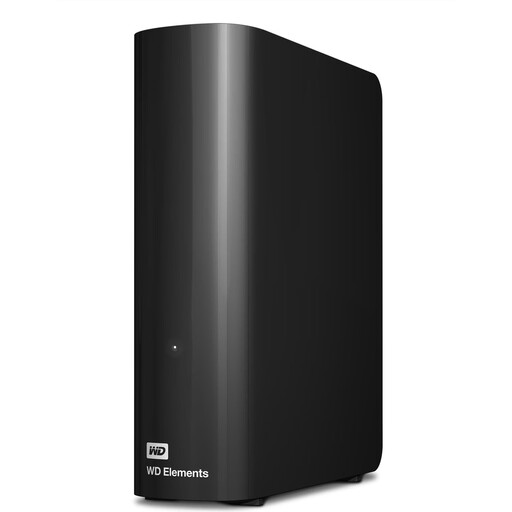
WD Elements 12TB Desktop External Hard Drive
This desktop drive is one HDD option for a large archive that will mainly be used at a fixed workstation.
12 TB; USB 3.2 Gen 1; preformatted as NTFS. The drive needs an external power supply. Reformatting is required for the described use with a Mac; back up any existing data first.
Joybuy
Frequently asked questions
Is it enough to keep copying new voice files into the same folder?
Not if you want to retrieve earlier edits. Choose a process that keeps versions and test that you can restore an older file. Microsoft Support describes File History in Windows as one way to back up and restore versions.
Can I use a volume formatted for Windows directly with Time Machine?
No. Apple Support does not allow a volume formatted for Windows to be used as a Time Machine destination and recommends APFS or APFS (Encrypted). Reformatting may delete files already on that volume. So decide in advance whether you want to share files between devices or set up a Time Machine backup.
How should I plan storage space for multiple project versions?
Check the size of your recording folders and decide which versions you want to keep. Compare this with the usable capacity, bearing in mind that a single archive drive is no substitute for a separate, tested backup copy.
Is a manufacturer’s warranty the same as statutory liability for defects?
No. Under Section 443 of the German Civil Code (BGB), a warranty is in addition to statutory rights. For the ordinary purchases of goods relevant here, Section 438 BGB generally provides for a two-year limitation period from delivery for the specified claims relating to defects. Check the warranty terms separately.
What should I bear in mind when recording phone calls?
The German Data Protection Conference considers that, as a general rule, recording phone calls also requires the consent of the other person on the call under data protection law. This statement relates to the circumstances described there and does not apply across the board to every kind of voice recording. Buying a drive doesn’t replace checking whether a recording is permitted.


