Joybuy products with microphones
These Joybuy products list microphone or call features for computer and voice tasks. Before recording a course introduction, check the specific connection and test the recording with the fan running.
 No image available
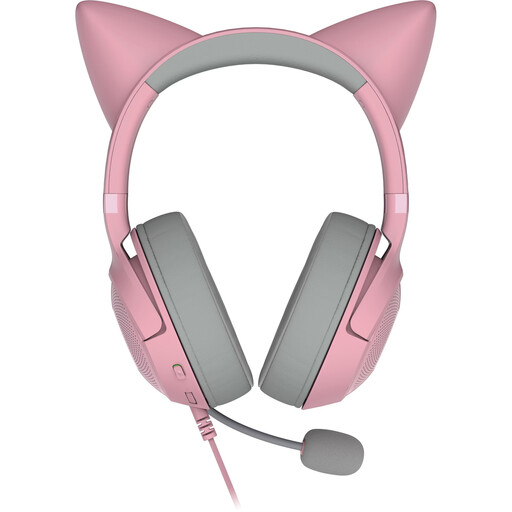
Razer Kitty Ears Headset, Over-Ear, Detachable Mic, USB-A, Pink
The product name lists a detachable microphone and USB-A connection. Test the voice recording on the computer you plan to use, with the fan running.
Over-ear; detachable microphone; USB-A; pink.
View at Joybuy
 No image available
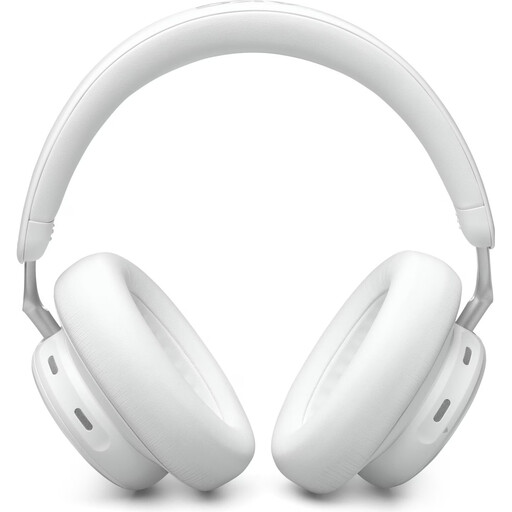
AKG N9 Hybrid Over-Ear Headphones
The product name lists Zoom-certified calls and a USB-C dongle. Check that your recording device and software work with the connection you choose, and listen to how your voice sounds with the fan running.
USB-C dongle; Bluetooth 5.3; over-ear; 55-hour battery; 40 mm drivers.
View at Joybuy
 No image available
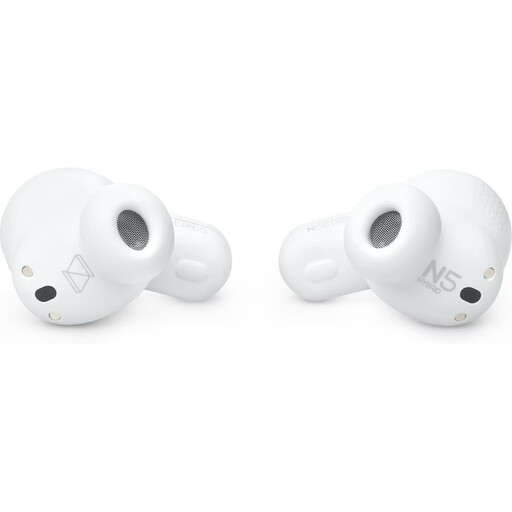
AKG N5 Hybrid True Wireless Earbuds
The product name lists Zoom-certified calls and a USB-C dongle. Before recording your course introduction, listen to a test using your recording device with the fan running.
True wireless; USB-C dongle; Bluetooth 5.3; white.
View at Joybuy
 No image available
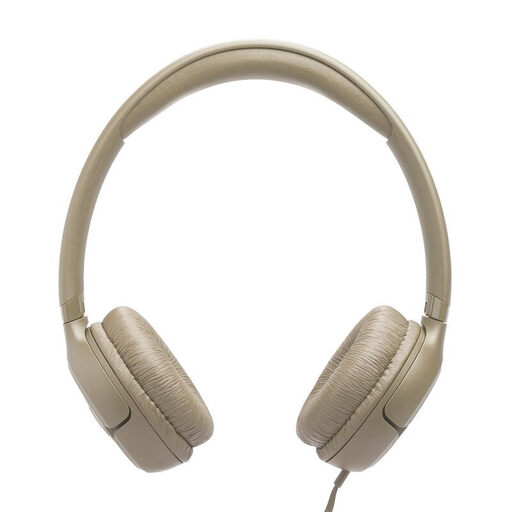
JBL TUNE 530C USB-C, On-Ear Wired Headphones, Beige
The product name lists a built-in microphone and a wired USB-C connection. Check your computer’s port and test the recording with the fan noise you’ll be dealing with.
USB-C; wired; on-ear; one-button universal remote/mic; beige.
View at Joybuy
 No image available
Logitech H540 Headset with Microphone, Stereo
The product name lists an adjustable noise-cancelling microphone and a USB connection. This description doesn’t confirm any particular level of fan-noise cancellation in your recording.
Stereo; adjustable noise-cancelling microphone; USB port; PC/Mac/laptop.
View at Joybuy
Frequently asked questions
Will a noise-cancelling headset remove the fan from my course introduction?
Not automatically. Check whether the feature refers to the microphone or to what you hear through the earcups, then listen to a test recording with the fan running. Positioning the microphone close to your voice still matters.
How can I edit steady fan noise out of a recording?
If possible, record a short section with the fan running but no speech. Audacity says this section can be used as a noise profile for steady background noise. Listen to the result, as loud or changing noise may not be removed satisfactorily.
What should I check before my first recording?
Check that the USB connection on the specific headset version is compatible with your computer, position the microphone close to your mouth, and make sure the headset is selected as the input device and isn’t muted.
What are my rights if the headset I bought online doesn’t fit or is faulty?
The Verbraucherzentrale says that online purchases in Germany generally come with a 14-day right to cancel, although exceptions apply. For purchases of goods in the EU, Your Europe states that there is a minimum two-year legal guarantee from the date you receive the goods. This is separate from the right to cancel and any voluntary manufacturer’s warranty.
Can I record other people for my course introduction?
Section 201 of the German Criminal Code (StGB) covers the unauthorised recording of other people’s private conversations. If other people will be audible, check that you’re authorised to record them before you start. Any additional data protection obligations depend on the circumstances of the course.


