What should you look for when buying?
First, check the microphone distance in the room you plan to use. Then check the signal path to your recording device, and whether the fit and monitoring options suit your recording.
| Consideration |
What to check before buying |
Who is this important to? |
| Clear speech despite echo |
Check that the microphone boom is adjustable and can be positioned as needed; make a test recording in the room you plan to use. |
If I’m recording specialist text in an echoey room, I want to capture my voice close up and consistently. Around 36% of consumers put clear speech despite room echo first. |
| The right connection |
Check that the model and connector type are compatible with your recording device and monitoring setup. |
If I want to use the computer equipment I already have, I want to know in advance whether I can connect the microphone and headphones without needing unexpected extra devices. Around 29% of consumers prioritise the right connection and an easy set-up. |
| Monitoring your recording |
Record a short passage, then listen back to quiet sections and those where you speak with emphasis. |
If I’m recording a longer explanation, I want to hear whether technical terms, pauses and louder sections come through clearly. Around 21% of consumers focus above all on being able to monitor their recorded voice. |
| Fit and freedom of movement |
Check the fit while presenting, along with the cable length or whether the wireless system is complete. |
If I move around while explaining something, I want the microphone to stay secure and let me move around my set-up comfortably. Around 14% of consumers prioritise fit and freedom of movement. |
Joybuy products
This selection includes wired USB headsets and headsets that, according to their product details, can also be used wirelessly with a computer or on the go.
 No image available
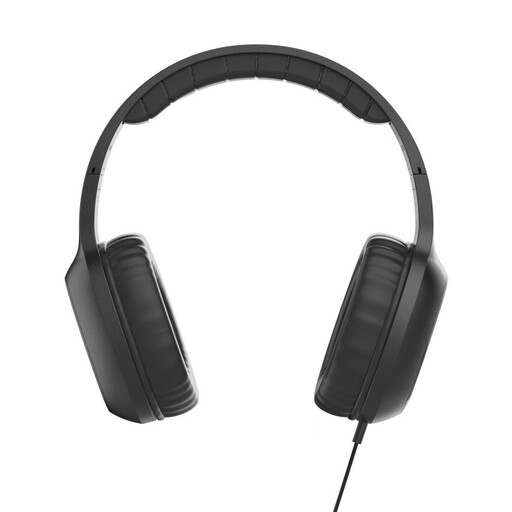
Fun C on-ear headphones with microphone, USB-C, black
For recording on a device with USB-C audio output; the microphone is built in.
Wired; USB-C connection.
View at Joybuy
 No image available
Logitech 960 stereo headset with USB, black
For computer recording via USB, with an adjustable microphone boom and in-line mute control.
2.4 m cable.
View at Joybuy
 No image available
Jabra Evolve2 75 wireless PC headset with charging stand, black
For a head-worn microphone solution; according to the product details, wired USB-C use is also possible.
Bluetooth; USB-C wired connection; foldable microphone boom.
View at Joybuy
 No image available
Jabra Engage 75 SE wireless stereo headset with base station, black
For freedom of movement while explaining; the product details state that the base station can connect to a computer.
DECT connection; base station; USB-C to USB-A cable.
View at Joybuy
 No image available
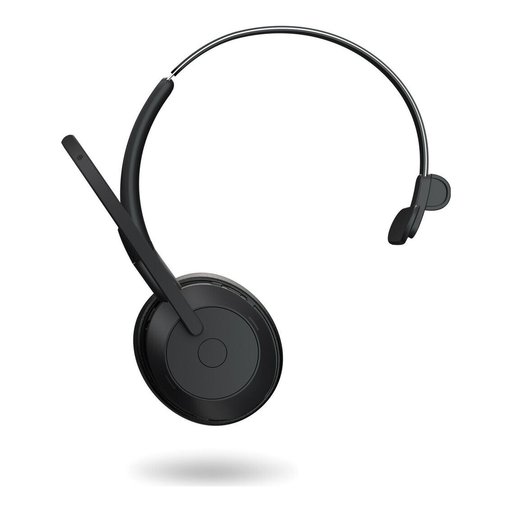
Jabra Evolve2 55 mono wireless headset, black
For one listener; according to the product details, wired USB-C use is possible.
Mono version; Bluetooth; USB-C wired connection.
View at Joybuy
Frequently asked questions
Can a headset get rid of echo in a room?
No, a headset won’t get rid of room echo. Position the microphone as close to your voice as possible and keep it at a consistent distance; also check the room you’re recording in. Shure explains that a microphone can’t effectively separate reflected speech from direct speech or improve room acoustics.
Do I need additional equipment for a Shure WH20XLR or Sennheiser ME 3?
For the Shure WH20XLR, you’ll need a suitable XLR microphone input and a monitoring setup. According to the manufacturer, the Sennheiser ME 3 is intended for compatible wireless systems; a 3.5 mm plug that looks like it fits doesn’t, on its own, confirm that the microphone will get the power it needs or work with your recording device.
How can I test a headset before making a longer recording?
Record a short passage while moving your head as you normally would, then listen back. Check the microphone position, levels and mute control, as well as quiet technical terms and sections where you speak with emphasis. A test recording won’t make a very echoey room sound better.
Can I use any wireless head-worn microphone in Germany without checking anything else?
No, the specific frequency variant and the conditions for the wireless system need to be suitable. In Notice 37/2026, the Federal Network Agency lists specific frequency bands and technical and operating conditions for radio microphones. Check the exact variant of the complete system against the applicable frequency allocation.
Can I record other people for an explainer video without doing anything else?
In Germany, Section 201 of the Criminal Code (StGB) applies to recording another person’s privately spoken words; recording without authorisation is a criminal offence. This doesn’t just apply to your own recorded explanation. If other people will be speaking, check that you have the necessary permission before recording.


