What should you look for when buying?
For a project update in a small room, your first consideration is whether only the presenter or everyone around the table needs to be heard online. A personal headset and a room microphone serve different purposes.
| Priority |
What to check |
Who is this especially important for? |
| Making sure people can hear you |
Check for a boom microphone and an easy-to-reach mute button, and test the headset with the typical background noise in the room. |
If I’m presenting alone, I want people joining remotely to hear me clearly, with the mute button close to hand. Around 36% of consumers prioritise picking up the presenter’s voice. |
| Questions from the room |
Check in advance whether several people around the table need to be heard online, and test a suitable room audio solution. |
If I need to include questions from the meeting table, I want other people’s voices to come through online too, not just my own. Around 29% of consumers put picking up voices in the room first. |
| Connection and controls |
Make sure the headset’s USB-A or USB-C connection matches your laptop, then select the microphone and speakers in your meeting app. |
If I’m presenting from a fixed laptop setup, I want to make sure the connection and audio source are set correctly before we start. Around 21% of consumers prioritise laptop audio that’s ready to use and easy-to-control settings. |
| Freedom to move and fit |
Consider how you’ll move around and choose a comfortable fit. For wireless models, check the connection and battery charge; for wired models, check the cable length. |
If I’ll be standing up or moving around during the update, I need freedom to move and a comfortable fit. Around 14% of consumers prioritise mobility and comfortable wear. |
Joybuy products for project updates
This selection includes wireless mono headsets and wired headphones with microphones for picking up the wearer’s voice. If several people in the room also need to be heard, consider a suitable room audio solution as well.
 No image available
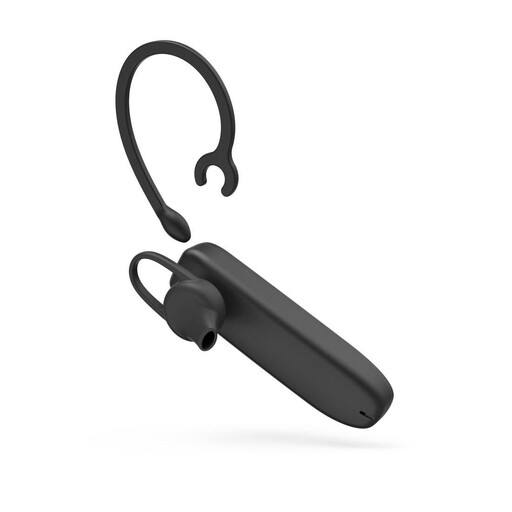
MyVoice Advanced Mono Bluetooth headset
An option if you’d like to move away from your laptop while presenting and use a mono headset.
The product name lists Bluetooth and volume control.
View at Joybuy
 No image available
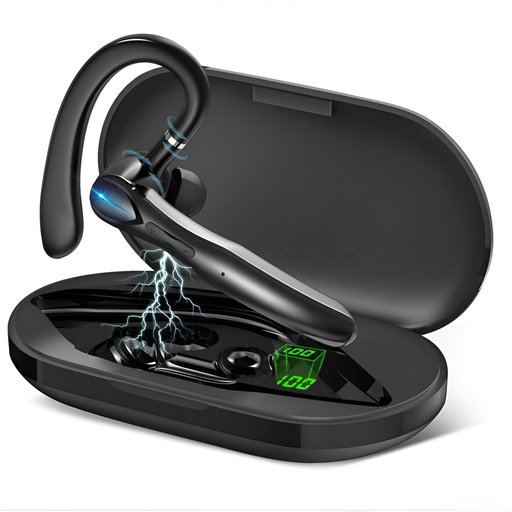
Bluetooth mono headset with dual microphone and charging case
A wireless option for personal calls if a mono headset suits the way you work.
The product name lists two microphones and a charging case.
View at Joybuy
 No image available
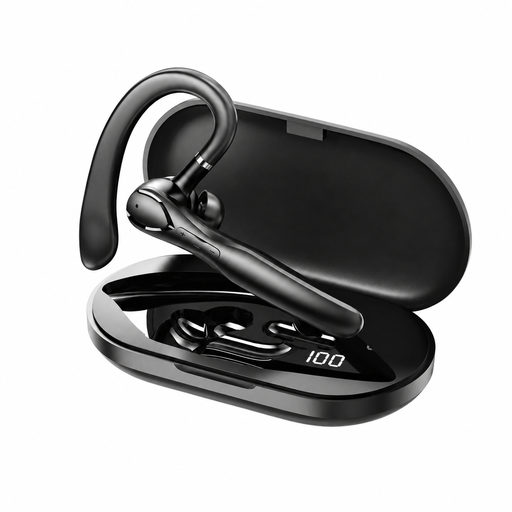
Bluetooth 5.3 mono earbud with ENC and ear hook
An option if you’d prefer freedom of movement and an ear hook during your update.
The product name lists a dual microphone, charging case, 13 mm and IPX4.
View at Joybuy
 No image available
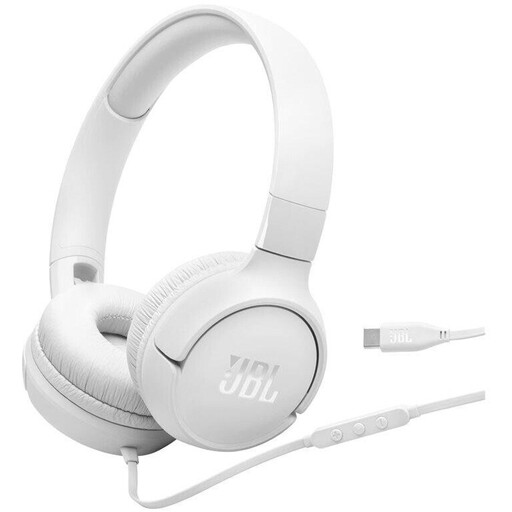
JBL Tune520C USB-C on-ear headphones with microphone
A wired option for a fixed presentation setup, provided USB-C is compatible with your device.
The product name lists an integrated microphone and one-button remote.
View at Joybuy
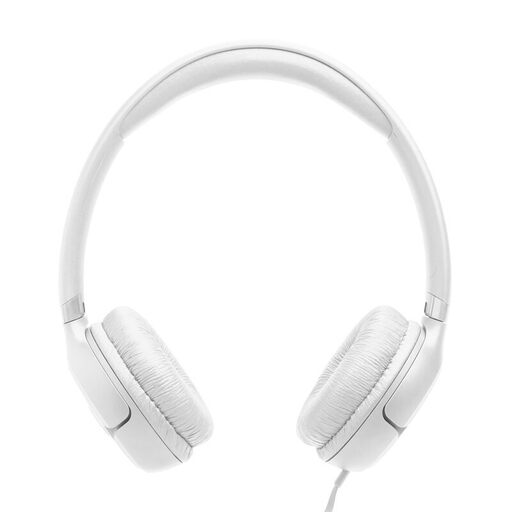 No image available
JBL Tune530C USB-C on-ear headphones with one-button remote
A wired option for a fixed presentation setup if USB-C is compatible with your device.
The product name lists a microphone and one-button remote.
View at Joybuy
Frequently asked questions
How do I set up my headset before the project update?
Select the microphone and speakers in your meeting app, then do a quick sound check. If you’re using the room’s devices instead, select their audio source. Microsoft Support describes a meeting room mode for Teams.
Will my headset be enough if colleagues ask questions around the table?
Not without checking first. If people joining online need to hear several people in the room, test a room audio solution designed for that purpose. A personal headset is not automatically a room microphone.
How can I reduce reverberation or echo in the meeting room?
Test how clearly people can be heard from the actual seats, and decide which audio connection will be active. Zoom Support notes that room reverberation can affect clarity and that several computers with active audio in the same room can cause echo. If necessary, disconnect the audio on other devices.
What should I check about costs and the guarantee?
Check whether any adaptors or dongle you need are included with the specific model. For consumer purchases in the EU, the seller is liable for a lack of conformity that exists when the goods are delivered and becomes apparent within two years. This statutory liability is separate from a voluntary manufacturer’s guarantee. This does not apply in the same way to business purchases.
What should I look for when buying a Bluetooth headset from a German retailer?
Check the product labelling and the manufacturer’s details. The Bundesnetzagentur lists the CE marking, product traceability and correct manufacturer details among the points considered in market surveillance. A CE mark is not an independent performance test of the headset.


