What to look for when buying
This table considers consumers in Germany who are thinking about buying a headset microphone for dialect interviews. Each entry reflects the purchase consideration that matters most to them.
| What matters |
What to look for |
Who this matters most to |
| Intelligibility with fan noise |
Cardioid pickup pattern and microphone position; test recording with the fan running |
If I can't switch off the fan, I want to record the voice as clearly as possible despite the background noise. Around 36% of consumers put this first. |
| Original audio suitable for analysis |
Listen to an unprocessed test recording and keep the original file separately |
If I want to check pronunciation features later, I want to keep the original audio, not just a smoothed-out version. Around 29% of consumers prioritise original audio that can be used for later dialect analysis. |
| Recording both voices |
Suitable microphones, enough inputs and a way to monitor both voices |
For a conversation where both questions and answers need to be documented, I need a recording channel for each person. Around 21% of consumers give this priority. |
| Connections and a complete setup |
Plug type, compatible inputs and any cables or additional equipment required |
If I want to keep using my existing equipment, I want to check the connections and monitoring options in advance. Around 14% of consumers put compatibility with their equipment first. |
Joybuy products
The following Joybuy products are described as headsets for voice communication or portable audio use. Check the specific device to see whether its microphone, recording channel and connections are suitable for a dialect interview.
 No image available
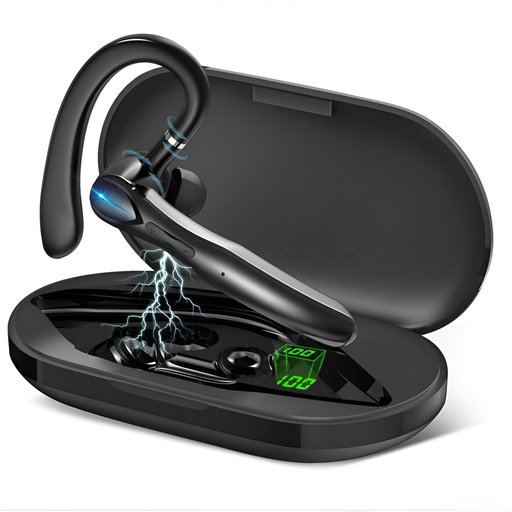
Wireless mono Bluetooth headset with two microphones and charging case
The product description specifies a wireless mono headset with two microphones and noise cancellation. Make a test recording to check whether the audio is suitable for dialect documentation. The description alone does not prove that fan noise will be removed from a recording.
Joybuy
 No image available
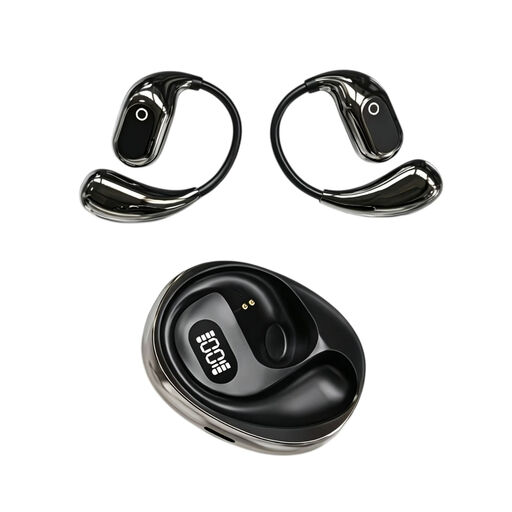
On-ear translation headphones with condenser microphone and recording function
The product description specifies a built-in condenser microphone, on-site recording and a Type-C charging case. Listen to an unprocessed test recording before planning to use the device for a dialect recording.
Joybuy
 No image available
Jabra Engage 75 SE Wireless Stereo Headset
The product description specifies DECT, a noise-cancelling microphone, a base and a cable. Check whether the connections and recording channel suit your conversation. The microphone's noise cancellation does not prove that a recording will be free of fan noise.
Joybuy
 No image available
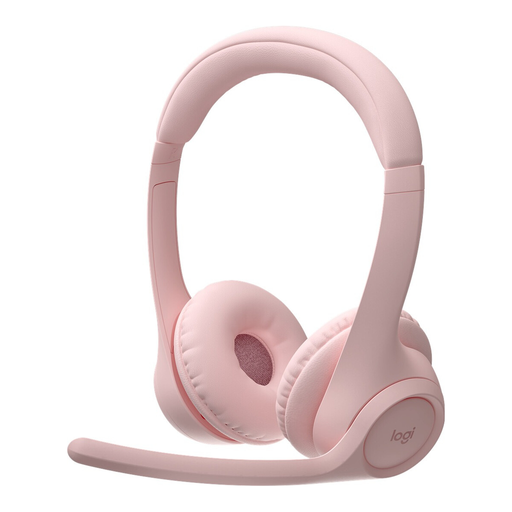
Logitech Zone 300 Wireless Bluetooth Headset, Pink
The product description specifies a wireless Bluetooth headset with a microphone and noise cancellation. For a dialect recording, check for yourself whether the unprocessed microphone audio preserves the speech details you need.
Joybuy
 No image available
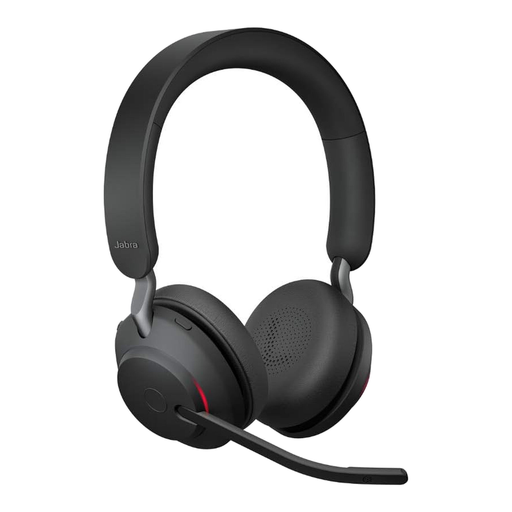
Jabra Evolve2 65 Wireless PC Headset with USB-C Bluetooth Adapter, Black
The product description specifies a wireless PC headset and a USB-C Bluetooth adapter. Check that it connects to your recording device, and assess the microphone audio using an unprocessed test recording made in the environment where you plan to use it.
Joybuy
Frequently asked questions about headset microphones for dialect interviews
How should I position and test the microphone before a dialect interview?
Make a short speech recording with the fan running, then listen back to it. For the Shure WH20, Shure recommends positioning the microphone opening no more than 25 mm from the right corner of your mouth, rather than directly in front of it. Don't assume this model-specific measurement applies to other headsets. Also check the second person's voice if it needs to be part of the recording.
Do I need extra accessories for an XLR headset?
It depends on the model and recording device. The Audio-Technica BPHS1 has separate XLR microphone and headphone connections; the Shure WH20XLR has an XLR microphone connection but no built-in headphones. According to the manufacturer, you need to choose a compatible connection cable separately for the beyerdynamic DT 297 PV MK II. Before buying, compare all the inputs and outputs you need.
Can I remove fan noise later without changing the dialect recording?
There is no evidence that fan noise can be removed while guaranteeing that speech details remain unchanged. Reduce background noise as much as possible during recording, check the original audio and keep the unprocessed file. You can create additional processed versions separately.
Can I record a private conversation in Germany without permission?
Section 201(1) of the German Criminal Code makes it a criminal offence to record another person's non-public speech without authorisation, as well as certain uses of such a recording. Check that you are authorised to record before you begin. Processing personal data also requires an appropriate legal basis under the GDPR; consent is one possible legal basis, but not the only one. The recording and any later publication must be considered separately.
Do I always need a licence to use a wireless microphone in Germany?
No, a licence is not required for every use. The Federal Network Agency explains that frequencies can be used without a licence under the conditions of the applicable general allocation; outside those conditions, an individual allocation may be required. Check the frequency band and operating conditions for your specific wireless system against the regulations in force. Federal Network Agency Notice 37/2026, issued in April 2026, replaces, among others, the earlier Notice 109/2025.


