What should you consider when choosing?
First decide whether the group will mainly operate the robot, develop its own programmes or have support during the activity. This will determine the access, roles and hire services you need.
Supported introduction
A good fit if: you are planning a time-limited robotics activity and need technical support.
Consider: Technical support does not automatically include teaching. If an operator controls the robot, this may limit how freely the group can use it.
Remote control and obstacle course
A good fit if: participants are to get hands-on experience with the controls and movement planning.
Consider: Operating a robot is not the same as having access to develop your own programmes.
Developing your own programmes
A good fit if: movement programmes or sensor experiments are part of the learning objectives.
Consider: Visual programming, prepared scenes and SDK access are different services. Ask the provider to confirm the configuration you need and that a sample task can be run.
Information from TONEART and OSIKO describes different support models. The DLR_School_Lab at BTU Cottbus-Senftenberg shows how a robot can be used on an obstacle course, while the MagicLab model matrix and manufacturer repository indicate programming capabilities. However, they do not confirm that these will be set up as part of a particular hire package.
| What you need |
What to check when booking |
Who it matters most to |
| Support and induction |
Who will operate the robot during student activities, and exactly what induction and support have been agreed? |
If I need technical help but also want to decide what the group will do for itself, I look for clearly defined roles. Around 27% of consumers put support and induction first. |
| Learning objectives and programming access |
Distinguish between remote control, visual programming and SDK access. Ask the provider to confirm that the access you need will be set up for the hired robot. |
If the group is to work on its own movement or sensor tasks, the supplied configuration needs to support them. For around 26% of consumers, access to the learning and programming features they need takes priority. |
| Hire period and arrangements |
Agree the hire period, handover and return, as well as transport, set-up and the damage policy for the specific offer. |
When I organise a time-limited project, I want to understand the whole process in advance, including transport and responsibilities. For around 21% of consumers, hire arrangements are the most important factor when choosing. |
| Safe use with the group |
Check the manual for the model supplied, the planned activities, the space available and the school’s risk assessment. |
If students are to use the robot hands-on, supervision, the area in which it moves and the model’s requirements all need to work together. Around 26% of consumers give the highest priority to safety when using a robot with a group and in a particular space. |
TONEART describes flexible project periods but does not specify a standard minimum hire period for all models. The DGUV recommends assessing risks in advance for school lessons. The Unitree Go2 manual V1.0 specifies a minimum distance of 2 metres from obstacles and crowds, among other things, for this model. This requirement does not apply to other robot dogs.
Robot dogs at Joybuy
The Joybuy products below are options to buy for robot dog activities, not hire packages. Buying a robot does not automatically include the induction, support, transport or damage arrangements that you would need to agree as part of a hire.
 No image available
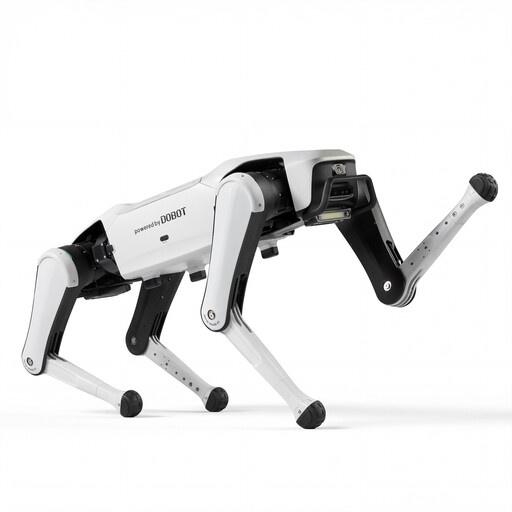
DOBOT Rover X1 AI robot dog
May suit activities focused on vision follow and voice interaction; these features are mentioned in the product title.
View at Joybuy
 No image available
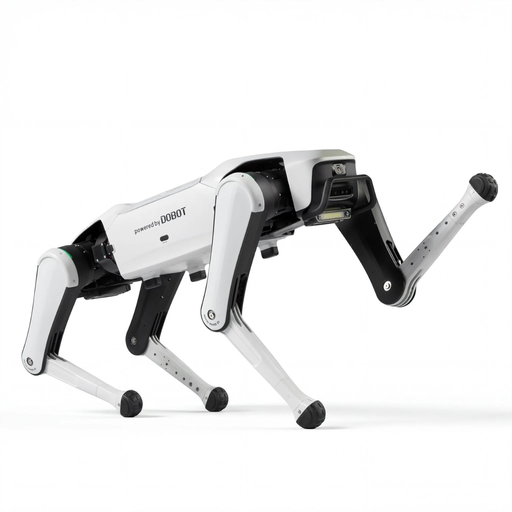
DOBOT Rover X1 Pro AI robot dog
For activities involving follow and voice interaction; the product title mentions vision follow and UWB follow.
View at Joybuy
 No image available
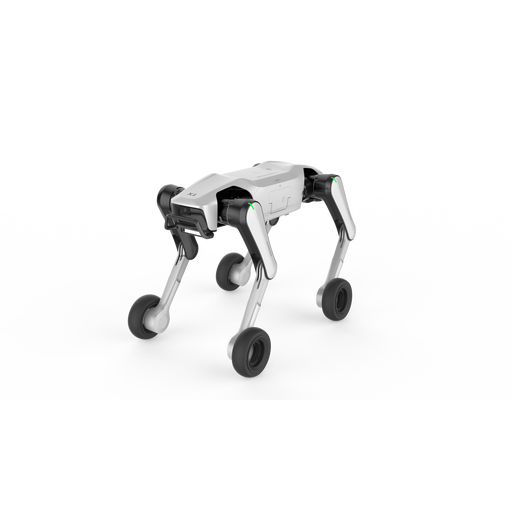
DOBOT Rover X1-W Pro AI robot dog
For activities involving a dual wheel-and-leg mode and follow functions; the product title also mentions voice interaction.
View at Joybuy
 No image available
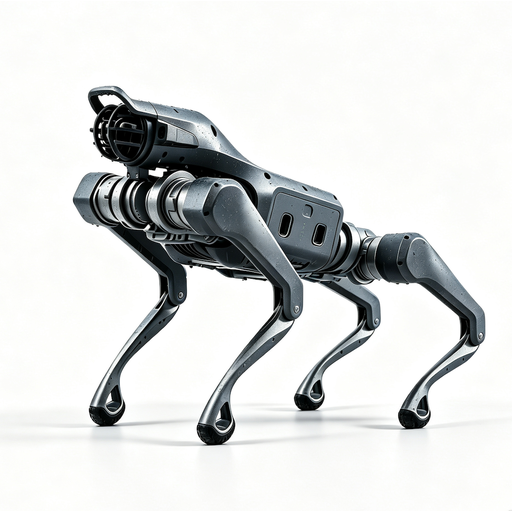
Unitree AS2 Pro quadruped robot dog
For activities exploring follow, obstacle avoidance and voice interaction; these features are listed in the product title.
View at Joybuy
 No image available
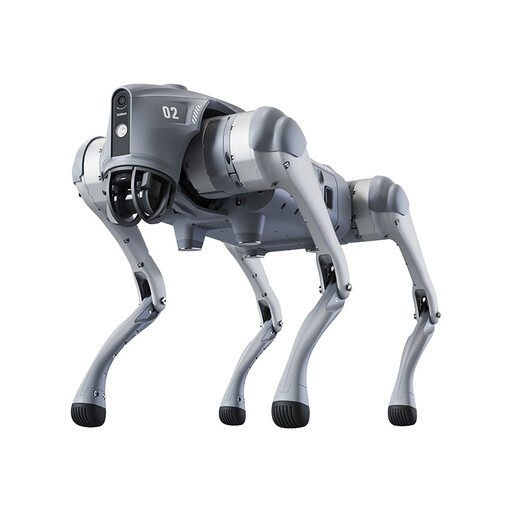
Unitree Go2 Pro quadruped robot dog
For a hands-on introduction focused on remote control. The product description says that secondary development is not supported; also check the age requirements listed there.
View at Joybuy
Frequently asked questions
Can I hire a robot dog for just a few days during a project week?
Yes, providers also offer daily hire. OSIKO lists day-by-day hire, while TONEART describes daily and project-based hire periods to suit your needs. Agree the specific period, including handover and return, as there is no standard minimum hire period that applies to every provider.
Is technical support the same as a robotics workshop led by a teacher?
No. Technical help, operating the robot and educational guidance are different services. For MagicDog EDU, TONEART mentions support with set-up and technical queries; OSIKO describes an operator who controls the robot. Also agree who will explain the learning activities and support the group.
How much space and what group size should I plan for during a project week?
Base your plans on the manual for the specific model and the activity you have in mind, not just the robot’s dimensions. The Unitree Go2 manual V1.0 specifies a minimum distance of 2 metres from obstacles and crowds, among other things. For school activities, the DGUV recommends identifying and assessing risks in advance and deciding on appropriate measures.
Can younger children operate a Unitree Go2 themselves?
The Unitree Go2 manual V1.0 does not provide for use by people under 14. This is a manufacturer requirement, not a legal age limit established here. Do not take it as approval for younger groups to operate the robot themselves, and check the manual for the version actually supplied.
Who is responsible for safety planning in school technology lessons?
The DGUV guidance on technology lessons states that the school leadership is responsible for risk assessments as part of lesson preparation and delivery. An operator provided by the hire company does not replace the school’s responsibility for planning how the robot will be used.


