Presenters in bright rooms
When you show historic photos in daylight, reflections can obscure dark images and fine details. HIFI.DE and CHIP highlight brightness and anti-glare performance as important things to check.


For presentations with a presenter, a TV is worth considering if you want to test reflections at the intended location, check how legible your own slides are and confirm how your playback device connects. For an exhibition that will run regularly without supervision, check a signage display’s stated operating hours and playback features. HIFI.DE and CHIP highlight brightness and anti-glare performance as important factors. A high peak HDR brightness alone does not tell you whether standard slides will be easy to read by a window.
When you show historic photos in daylight, reflections can obscure dark images and fine details. HIFI.DE and CHIP highlight brightness and anti-glare performance as important things to check.
If people at the back need to read the text on your images, viewing distance, screen size and available space all matter. The Verbraucherzentrale recommends taking the usual viewing distance into account.
If a sequence of images needs to run regularly without a presenter, the specific playback features and permitted operating hours of the model are important. Philips Signage Solutions outlines these features for different display models.
For local-history slides shown in daylight, the most important factor depends on whether you’ll be controlling the presentation yourself, showing it to a group or running a display regularly without supervision.
A good fit if: you control the slides from a computer or have checked USB playback on the specific model, and the screen doesn’t need to run continuously.
Bear in mind: Samsung lists “Glare Free” for certain models, but that doesn’t guarantee how well it will work at your particular window-side location.
A good fit if: you want lots of people to see the same photos and captions, and the room can accommodate a larger screen.
Bear in mind: LG lists a 75-inch screen, Mini LED and Precision Dimming Pro for the 75QNED93B6A. These specifications don’t confirm how well it handles reflections or how long it can operate at your intended location.
A good fit if: the exhibition runs regularly without a presenter or needs to operate for long periods each day.
Bear in mind: Philips specifies 24/7 operation for the 55BDL5050D/00; USB playlist functionality is described for a different model, the 32BDL4511D/00. Check the specifications against the exact model number.
| What you need | What to look for when buying | Who is it important for? |
|---|---|---|
| Clear images in daylight by a window | Check reflections and your own slides at the intended location, or in similar light from a nearby window. Don’t rely on peak HDR figures alone. | If I’m showing photos in daylight, I want to avoid reflections obscuring dark images. Around 33% of consumers prioritise clear visibility in daylight by a window. |
| Text that groups can read | Measure the viewing distance and available space; check a typical slide with small captions from the furthest seat. | If place names and dates need to be legible from the back row, the display needs to suit the viewing distance. Around 27% of consumers prioritise readability for a group. |
| Reliable image playback | Test your own files, their order, repeat playback and what happens when the device is switched on, using the exact model. For unattended playback, specifically ask about playlists. | If local images need to play without someone supervising them, I need playback that suits the exhibition. Around 27% of consumers prioritise an image sequence that runs by itself. |
| Predictable operation | Check the stated operating conditions and compare similarly sized devices using their EU energy labels. Factor in mounting and any playback devices you may need. | If a display needs to cover long opening hours, I want to choose operating hours and installation requirements that suit how it will be used. Around 13% of consumers prioritise predictable operation. |
HDR specifications and measurements taken in specific picture modes don’t automatically tell you how easy a standard image sequence will be to read beside tall windows. CHIP notes the picture modes used for its brightness measurements.
Check reflections and your own slides at the intended location, in similar room lighting.
USB photo playback alone doesn’t guarantee a timed playlist or automatic repeat playback. Sony notes that files may not play on some devices, even when their formats are supported.
Test your files, the playback sequence you want and what happens when the device is switched on, using the exact model.
The stated 24/7 operating time for the Philips 55BDL5050D/00 and USB playlists for the Philips 32BDL4511D/00 apply to different models. Philips Signage Solutions doesn’t list these features as part of one device’s specifications.
Check the model number, screen size, datasheet and operating specifications for the same device.
Samsung lists “Glare Free” for its German-market GQ75QN90FATXZG TV.
LG describes the 75QNED93B6A as a 75-inch Mini LED TV with Precision Dimming Pro.
Sony describes USB photo playback, while CHIP measured the brightness of the K-65XR95M2 in a laboratory test.
TCL lists Mini LED and a peak HDR brightness of 9.000 Nits for the 75X11L model.
Philips Signage Solutions describes displays for professional use, including different models with specifications for operating hours or playlists.
The TVs below are suited to showing large-format slides to a group and playing them from an external device. Before choosing, check reflections at the window-side location, viewing distance and available space.
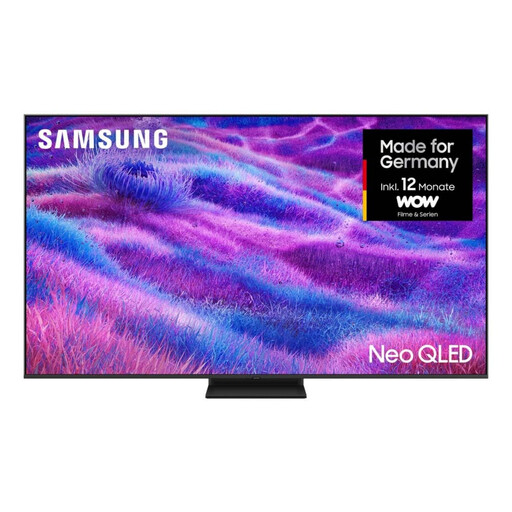 Image unavailable
For a larger group, if you have enough space and the viewing distance suits an 85-inch screen.
85 inches; 4K; Mini LED.
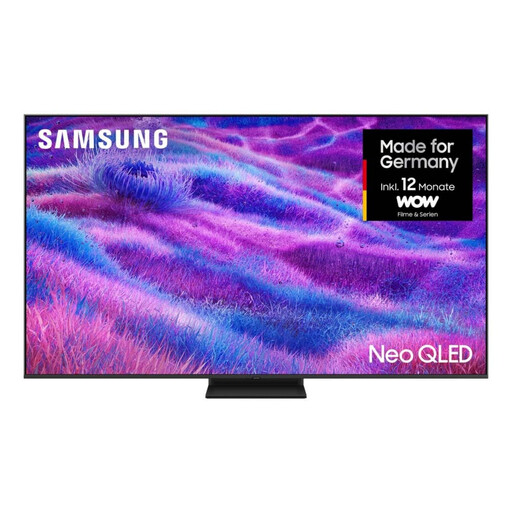 Image unavailable
For group viewing, if a 75-inch screen suits the viewing distance and available space.
75 inches; 4K; Mini LED.
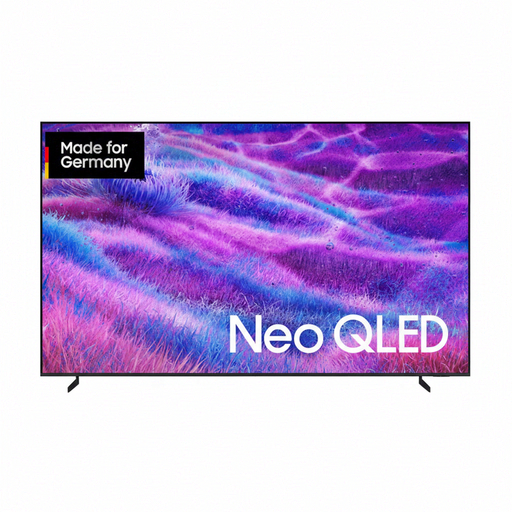 Image unavailable
For a very large group viewing area, provided you have enough space for the TV.
100 inches; 4K. With the stand, it is specified as around 223 cm wide. Plan the available space and a secure set-up accordingly.
 Image unavailable
For group viewing, if the screen size and available space suit the room.
75 inches; MiniLED; 4K.
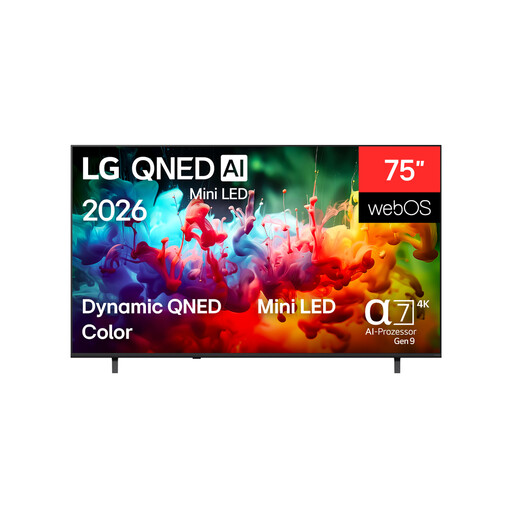 Image unavailable
For larger slides, if a 75-inch screen suits the viewing distance and installation space.
75 inches; 4K; QNED Mini LED. For wall mounting, a suitable bracket and professional installation are specified.
No, not as the only point of comparison. Check reflections and your actual image files in the intended lighting. The mode-specific measurements in CHIP’s test don’t confirm how legible your own slides will be.
It depends on the exact model and the files. Sony describes USB photo playback, but notes that there may be limitations even with supported file formats. Test your files and the playback order you want on the device itself. USB alone doesn’t guarantee scheduling or automatic looping.
Measure the available space and viewing distance, and take planned operating hours into account. The European Commission describes the energy label for TVs and signage displays. Compare similarly sized devices using their individual labels.
No. The Verbraucherzentrale distinguishes between your statutory rights against the seller and a voluntary guarantee, whose scope depends on its terms and conditions. Whether a purchase for an organisation is made as a consumer or business purchase should be clarified separately, as it affects the specific contractual rights.
Not necessarily. The Bundesarchiv sets out its own terms of use for images and describes an application process for non-commercial exhibitions. This information doesn’t grant permission to use any images from local or private archives. Check the rights and terms for every collection you use.