What should you consider when buying?
First, check that your specific games will launch offline and are compatible. Then decide whether you’ll play solo or with others. Finally, compare battery life, weight and screen size with the sessions you have in mind.
| Priority |
What to check before buying |
Who it matters most to |
| Offline play |
Download the full game; check licence and launcher requirements; test that it launches without an internet connection. |
If I can’t rely on Wi-Fi in my holiday cottage, I want my adventure ready to play before I leave. Around 31% of consumers would make offline play their top buying priority. |
| Game compatibility |
Check each game you want to play against the platform, play mode and controls. |
If you want to use a game library you already own, check the exact titles and versions in advance. Around 31% of consumers would put game compatibility first. |
| Playing together |
Check the multiplayer mode, controllers and whether you need tabletop or TV play. |
If you want to play with someone else at a table or on a TV, the game needs to support the mode you want. Around 19% of consumers would make playing together a top buying priority. |
| Comfort on the go |
Consider battery life with your specific game, weight and how easy text is to read. |
For longer sessions or gaming breaks while you’re out and about, a clear screen and a suitable way to charge matter. Around 19% of consumers would prioritise weight, readability and power options. |
Joybuy picks
The Joybuy options below include Windows handhelds, a Switch OLED model and portable retro consoles. For the retro models, check that their pre-installed classic games include the specific adventures you want to play.
 No image available
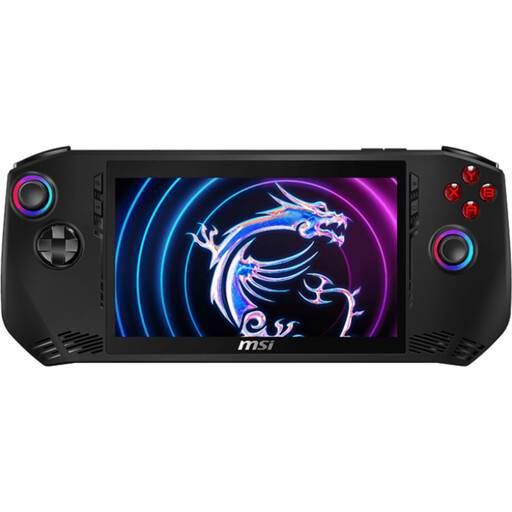
MSI Claw A1M-059 – Intel Core Ultra 7 155H, 16 GB LPDDR5, 1 TB PCIe SSD, 7-inch FHD 120 Hz touchscreen, Windows 11 Home
For PC adventure games, provided you check the Windows and launcher requirements for your specific titles in advance.
The product name lists an Intel Core Ultra 7 155H, 16 GB LPDDR5, a 1 TB PCIe SSD and a 7-inch FHD touchscreen with a 120 Hz refresh rate.
View at Joybuy
 No image available
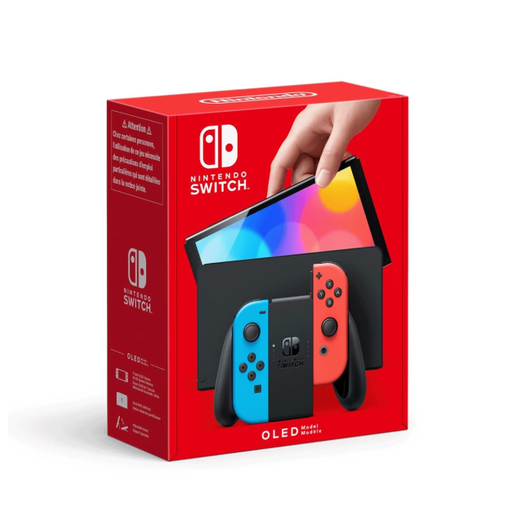
Nintendo Switch OLED Neon-Red/Neon-Blue
For compatible Switch adventures, if you’d like to play in Handheld Mode as well as at a table or on a TV you already own.
Nintendo UK lists a 7-inch screen, 64 GB of internal storage and around 4.5 to 9 hours of battery life for the OLED model, depending on use. To play together, the specific game needs to support a suitable multiplayer mode.
View at Joybuy
 No image available
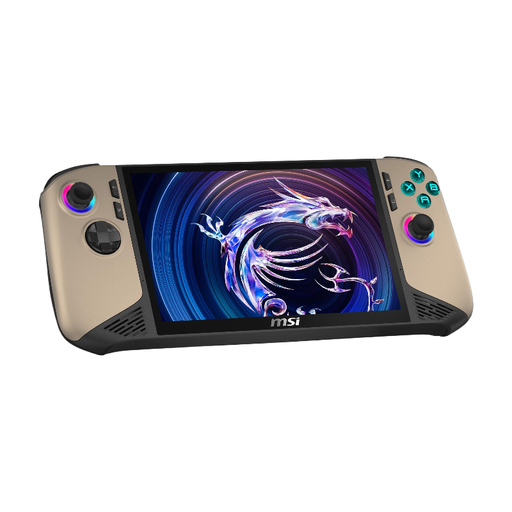
MSI Claw 8 AI+ – Intel Core Ultra 7, 8-inch FHD+ 120 Hz, 32 GB RAM, 1 TB SSD, Windows 11 Home
For compatible PC adventure games, if your library and the games’ offline requirements suit a Windows handheld.
The product name lists an Intel Core Ultra 7, 32 GB RAM, a 1 TB SSD and an 8-inch FHD+ display with a 120 Hz refresh rate.
View at Joybuy
 No image available
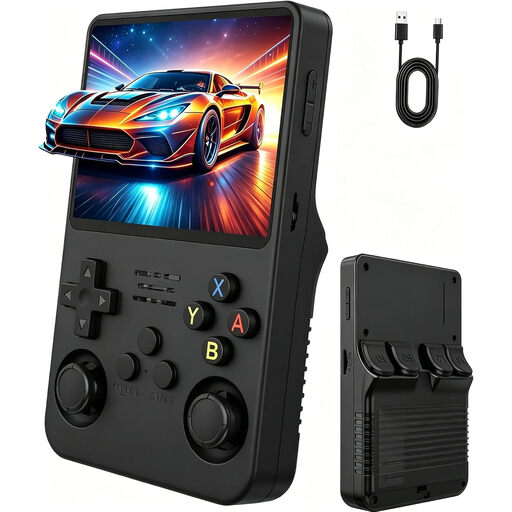
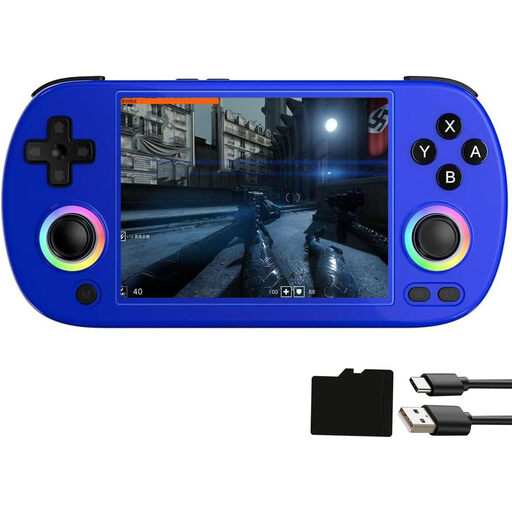
Portable retro games console, 3.5-inch IPS, dual joystick, Natural matte black
For gaming on the go, if one of the pre-installed games matches the classic adventures you want to play.
The product name lists a 3.5-inch IPS display and two joysticks. The games selection is described as pre-installed classic games; check that it includes the specific titles you want to play.
View at Joybuy
 No image available
Airuidas RG 40XXH – 4.0-inch IPS handheld, RG40XXH Grey / RG40XXH-Blue
For classic adventures on the go, provided the pre-installed game library includes the titles you want.
The product name lists a 4-inch IPS display, a 64 GB TF card, Wi-Fi, Bluetooth and an HDMI output. The games selection is described as a library of pre-installed classic games.
View at Joybuy
Frequently asked questions
Can I play a digital Switch game in my holiday cottage without internet?
According to Nintendo, a virtual game card loaded onto the console can be played without an internet connection. Also check whether the specific game itself requires a connection, and download it before you travel.
Can I play a physical Nintendo Switch 2 game card without downloading anything first?
Not always: according to Nintendo, a Game-Key Card doesn’t contain the full game data. You’ll need an internet connection and enough storage space to download the game the first time you launch it. After that, you can launch the downloaded game without internet, as long as the card is inserted.
How do I get a Steam Deck ready for a holiday cottage without Wi-Fi?
Sign in to Steam online, update your games and files, launch each game you want to play at least once and test Offline Mode before you travel. According to Steam Support, games that require an internet connection or an external launcher are exceptions.
What should I know about expanding storage and charging?
Nintendo Switch 2 supports compatible microSD Express cards for games; you’ll need an internet connection to install a system update before using one. Other devices have different storage requirements, so check the specifications for the exact model before buying accessories.
Can I use PlayStation Portal as an offline handheld in my holiday cottage?
No. Sony describes Remote Play over Wi-Fi to a PS5 and cloud streaming over broadband. In Germany, cloud streaming also requires an eligible game and PlayStation Plus Premium.


