RPG players with a set list of games
If you have specific role-playing games in mind, start by checking the game version, compatibility and controls. Check the exact title before choosing a device.


Choose your handheld based on the specific version of the role-playing game you want to play: Switch devices are suited to compatible Nintendo titles, the Steam Deck OLED to compatible Steam games, and a Windows handheld to games that require Windows or a particular launcher. Before you travel, check whether the game will launch without Wi-Fi, and plan for the screen, power supply and, if needed, TV use.
If you have specific role-playing games in mind, start by checking the game version, compatibility and controls. Check the exact title before choosing a device.
If you want to carry on playing at your holiday home without internet access, sort out downloads, sign-in and offline permissions at home, then test that the game launches without a connection.
If you want to play both in handheld mode and on the TV, check whether the device supports TV output. Not every handheld can display its picture on a TV.
First, check that your chosen RPG runs on the device and launches offline. Then compare battery life and charging options, as well as readability and TV output for your stay.
A good fit if: your RPG is available as a compatible Nintendo title. The Lite is designed for handheld play, while the Switch 2 can also be used with a TV.
Bear in mind: not all older Switch games are compatible with Switch 2; Game-Key Cards require a download before you can play for the first time.
A good fit if: your role-playing game is in your Steam library and its Deck rating and offline start work for your stay.
Bear in mind: a ‘Playable’ rating may mean you need to make manual adjustments; titles that require an active connection or an external launcher won’t work in Steam Offline Mode.
A good fit if: you need the Windows version of your RPG or a particular PC launcher.
Bear in mind: Windows compatibility doesn’t guarantee that a game will launch offline; games from the Xbox app may require you to set the device up for offline use.
| What matters | What to check before buying | Who will find this particularly important? |
|---|---|---|
| Playing the RPG you want | Check the exact title’s version, supported system and controls; for Steam Deck, check its Deck rating too. | If I want to play a particular role-playing game, I’ll check the version, platform and controls first. Around 31% of consumers put compatibility with their chosen RPG first. |
| Launching without Wi-Fi | Install the game and updates, check sign-in and launcher requirements, then test that it launches without internet access. | If the Wi-Fi at my holiday home is unreliable, I want to be able to count on an offline start that I’ve tested beforehand. Around 25% of consumers prioritise launching without a connection. |
| Long play sessions and charging | Check the battery-life information for the exact model and plan for a suitable way to charge it where you’ll be playing. | For long RPG sessions, I want to know when I’ll need to recharge and whether I can get to a power socket. Around 19% of consumers prioritise battery life and charging. |
| Reading text and holding the device | Consider how text appears in the specific game, along with the device’s screen size and weight. | If dialogue and menus take up a lot of screen time, I want to be able to read them easily without the device becoming uncomfortable to hold. Around 13% of consumers prioritise readability and comfort in the hand. |
| Playing on a TV | Check the device’s TV output, whether you need a dock or adapter, and the connections available on the TV. | If I want to play together on the TV at my holiday home, the handheld needs to support the right kind of output. Around 12% of consumers prioritise playing on a TV. |
Nintendo says that the card itself doesn’t contain any game data. Without downloading the game beforehand, you won’t be able to launch it for the first time at your holiday home without internet access.
Check the type of card and the storage space required, then download the game before you travel.
Nintendo and Valve say that battery life depends on the software, features or game content being used. A battery capacity figure in Wh doesn’t guarantee a particular play time.
Test your own game and make sure you have access to a suitable power socket and the right charger.
An installed game may still need a connection, a launcher or offline permissions set up in advance. Steam says that titles requiring an active connection or an external launcher won’t work in Steam Offline Mode.
At home, test the exact game version and launcher without internet access. For Xbox app games, set up offline permissions on the Windows device you plan to use.
Nintendo says the Switch Lite doesn’t support TV output; the Switch 2 can connect to a TV via its dock.
Before choosing, think about whether you’ll only play in handheld mode or want to play on a TV too.
The Switch Lite and Switch 2 are options for compatible Nintendo RPGs; the devices differ in their TV capabilities and compatibility.
The Steam Deck OLED is an option for RPGs in your Steam library, provided their playability and offline requirements suit your stay.
The ROG Xbox Ally X is a Windows handheld for compatible PC RPGs when their game version or launcher requires Windows.
The Legion Go Gen 2 is aimed at players who want a large display and detachable controllers for compatible PC RPGs.
The Claw 8 AI+ A2VM is another Windows option for compatible PC RPGs if you’d like an 8-inch display.
The following Joybuy products are portable handheld consoles. Before buying, check that your chosen RPG works with the relevant game version and system.
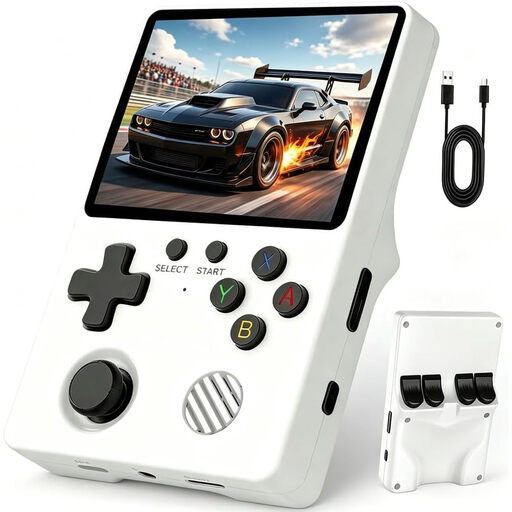 No image available
Listed as a portable handheld console; check whether your chosen RPG is compatible with the specific system.
The product description lists a 3.5-inch IPS display, 64 GB of storage and a weight of 200 g.
The description gives a battery life of 6 to 8 hours; actual battery life depends on use.
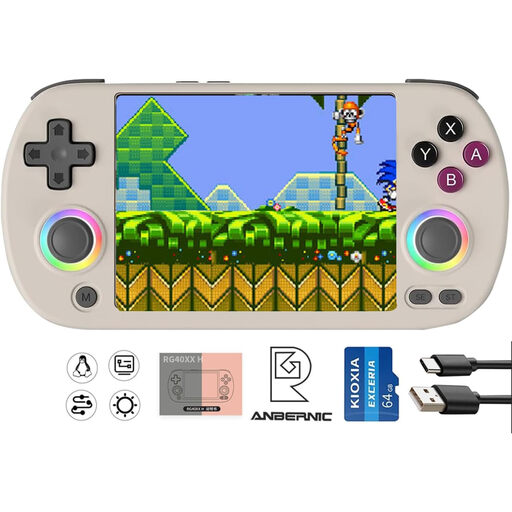 No image available
This portable console is an option for gaming on the go; check whether your chosen RPG runs on the specific system.
The product description lists a 4.0-inch IPS display, HDMI TV output and a 3,200 mAh battery.
The description gives 6 to 7 hours of play time and USB-C charging; battery life may vary depending on use.
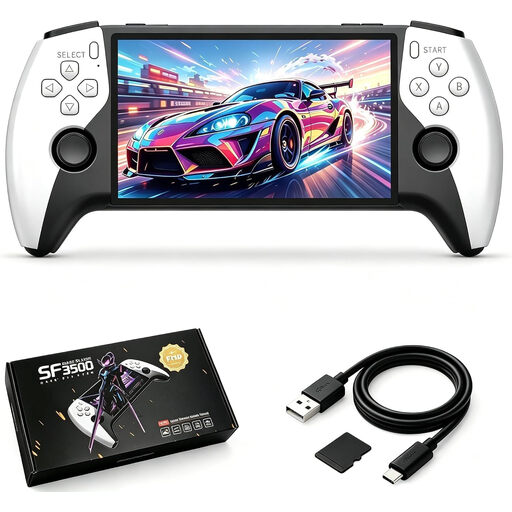 No image available
This console is listed as a portable device for gaming on the go; check system and game compatibility for your RPG in advance.
The product name and description list a 5.5-inch IPS display and 32 GB of storage; the description says a 32 GB memory card is included.
The description lists an ergonomic design and USB-C charging.
 No image available
This compact device is listed for portable gaming; whether your chosen RPG runs on it depends on the specific game version.
The product name lists 300 pre-installed 16-bit games; the description lists a 3.2-inch HD display.
The description lists a rechargeable battery and USB-C charging.
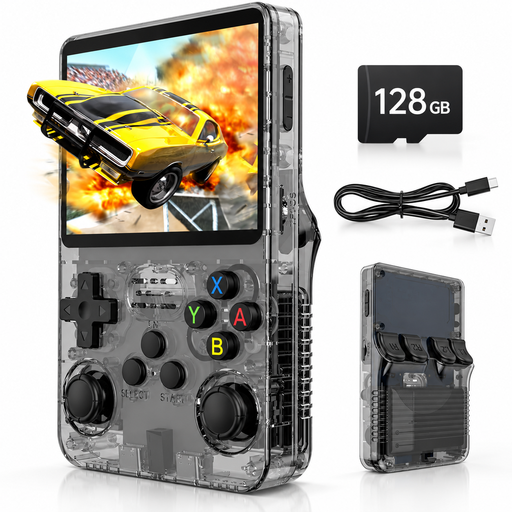 No image available
Listed as a portable console; before buying, check that your chosen RPG is compatible with the stated system and specific game version.
The product name and description list a 3.5-inch IPS display, 128 GB of storage and a Linux system.
The description lists an ergonomic design and up to 8 hours of play time; actual battery life may vary depending on use.
No. The Steam Deck rating covers how well a game plays and works on the device; it isn’t a general guarantee of offline play. Update and launch the game online before you travel. Steam says that titles requiring an active connection or an external launcher won’t work in Steam Offline Mode.
No. Nintendo says the full game data isn’t on the card; you’ll need an internet connection and enough free storage for the initial download. Once downloaded, Nintendo says you can launch the title without an internet connection, as long as the card is inserted.
Before your stay, connect the device you plan to use to the internet and set it as your offline device. Then test the individual game without a connection. Microsoft says that only one Windows device can be set as an offline device; having this permission doesn’t mean every game will work offline.
Nintendo says an internet connection is only needed for the first launch. Download the game before you travel and bring the card with you, as the game data isn’t stored on it.