Expanding a cluster
If you want to connect multiple nodes, a NAS and a router by cable, count the ports you need and check whether RJ45 or SFP+ is compatible with your devices. TP-Link Germany lists eight 2.5 GbE RJ45 ports for the TL-SG108-M2.


Choose a switch for your home lab based on the ports and network separation you actually need. An unmanaged model is enough to add more Gigabit connections, while VLANs require a managed switch and the right configuration on your other network devices. 2.5 or 10 GbE ports only make sense if the connected devices and links support them too. In your home office, also consider fan noise and, for PoE devices, the power budget.
If you want to connect multiple nodes, a NAS and a router by cable, count the ports you need and check whether RJ45 or SFP+ is compatible with your devices. TP-Link Germany lists eight 2.5 GbE RJ45 ports for the TL-SG108-M2.
If you want to separate your lab, work or device networks, you’ll need configurable switch features and the right setup across the network devices involved. Zyxel Networks and MikroTik list VLAN features for the XGS1250-12 and CRS310-8G+2S+IN respectively.
If your nodes or NAS have faster network interfaces, make sure both ends of each link support the same speed, and plan for the uplink too. TP-Link Germany, NETGEAR Support and MikroTik describe suitable Multi-Gigabit or SFP+ ports for their respective models.
First decide which devices will connect over RJ45 or SFP+. Then consider VLANs, speed, noise and PoE.
| Feature | What to check | Who should prioritise it? |
|---|---|---|
| Ports that fit your setup | Plan connections for your nodes, NAS and router. Check the connection type and speed required for each device. | If I’m connecting nodes, a NAS and a router, I want a suitable port for each device, not just a high total number of ports. Around 27% of consumers put the right number and type of ports first. |
| VLANs and management | Check that the specific model supports VLANs and that your other network devices are configured appropriately. | If you want to separate lab and work networks, you need the right management features, not just extra sockets. Around 27% of consumers put configurable network separation first. |
| Connection speed | Compare the interfaces at both ends. Distinguish between 2.5 GbE RJ45 and 10 GbE SFP+. | If my nodes or NAS use fast connections, I want to make sure the data path and uplink can keep up too. Around 20% of consumers prioritise speed between nodes and a NAS. |
| Noise in your home office | Check the cooling design of the specific model and consider where you’ll place it. | If the switch is right next to my desk, I want to know whether it has a fan. Around 13% of consumers pay particular attention to quiet operation in the home office. |
| PoE for additional devices | Match the PoE type and power requirements of each device to the port and overall power budget. | If I want to power compatible access points or other devices through the switch, the port type and power budget need to be right. Around 13% of consumers put PoE first. |
An SFP+ slot isn’t a substitute for an RJ45 socket. According to TP-Link Germany, both the RJ45 and SFP ports on the TP-Link TL-SG2218 are Gigabit.
Before buying, make a list of the ports you need, including connection type, connected device and required speed.
Depending on the connections you’re planning, you may need additional compatible networking equipment.
Extra network ports alone won’t let you configure network separation. Zyxel Networks and MikroTik list VLAN features on their managed models.
If you want to set up VLANs, check the features of the specific switch and the configuration of your other network devices.
If you want to configure network separation on the switch later, you may need to replace it.
For the NETGEAR MS108UP, the manufacturer lists different PoE port types and a total power budget of 230 W.
Compare the power requirements of every planned PoE device with the port you intend to use and the total power needed when they’re all running at once.
Your connected devices may need a different power supply or a switch with different specifications.
The models featured here range from the unmanaged 2.5 GbE TL-SG108-M2 to the managed Gigabit TL-SG2218.
The XGS1250-12 combines web management with Gigabit, Multi-Gigabit and SFP+ ports.
According to MikroTik, the CRS310-8G+2S+IN has eight 2.5 GbE RJ45 ports and two 10 GbE SFP+ ports.
According to NETGEAR, the MS108UP combines eight 2.5 GbE ports with PoE for additional compatible devices.
The Joybuy products below are suitable for wired Gigabit connections. Depending on the model, you may also get VLAN management or PoE. Check that Gigabit is fast enough for your nodes, NAS and planned uplinks.
 No image available
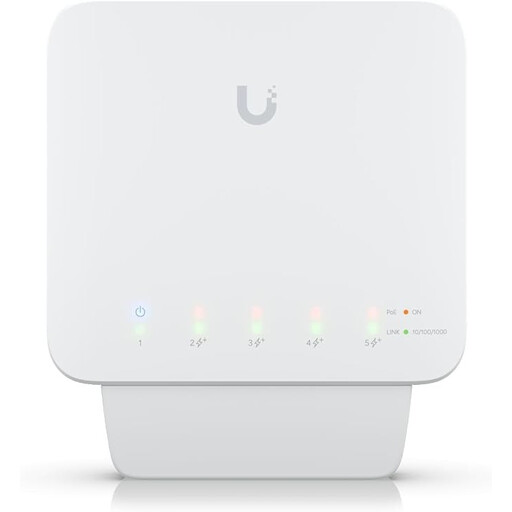
A good choice if you want to connect Gigabit devices and power compatible devices over PoE+.
Five Gigabit RJ45 ports and four PoE+ outputs, each providing up to 25 W. The stated total PoE budget is up to 46 W when supplied with a suitable power source.
Requires a compatible PoE++ power source or a 60 W PoE adapter; adapter not included.
 No image available
A good choice if you need extra Gigabit ports and VLAN features for a small lab network.
Five Gigabit RJ45 ports; the product description lists VLANs and port isolation. Powered via USB-C or PoE.
The PoE port powers the switch but doesn’t provide PoE to connected devices.
 No image available
A good choice for adding Gigabit connections and connecting compatible devices that need PoE+.
Five Gigabit ports, four of which are PoE+; the stated PoE budget is 60 W. The model is described as fanless.
As an unmanaged switch, it doesn’t offer VLAN management that you can configure on the switch.
 No image available
A good choice if you want to combine Gigabit RJ45 connections with compatible SFP uplinks and managed network features.
Eight Gigabit RJ45 ports and two Gigabit SFP slots. The product description lists web management, VLANs and link aggregation.
The SFP slots aren’t RJ45 ports; all listed connections are Gigabit. The model is described as fanless.
 No image available
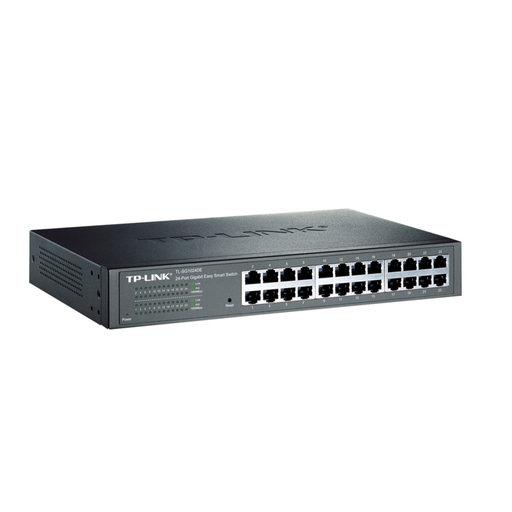
A good choice if you want to connect lots of wired Gigabit devices and configure VLANs.
The product description lists 24 Gigabit RJ45 ports and VLAN configuration. Desktop or rack mounting with a rack-mount kit is also listed.
No. Connection speed also depends on the interface at the other end. Multi-Gigabit ports can negotiate a lower speed with slower devices. NETGEAR Support also describes suitable Cat-5e or Cat-6 cabling for Multi-Gigabit Ethernet.
If you want to set up network separation using VLANs on the switch, you’ll need a model with VLAN support and the right configuration across your other network devices. Zyxel Networks and MikroTik list VLAN features for the XGS1250-12 and CRS310-8G+2S+IN respectively.
Match the access point’s PoE requirements to the port you plan to use, and factor all devices powered at the same time into the total power budget. According to NETGEAR, the NETGEAR MS108UP has different PoE+ and Ultra60 PoE++ ports, with a total power budget of 230 W.
For a consumer purchase within the EU, the European Commission explains that you have a legal guarantee of at least two years from the date you receive the goods, which applies against the seller. This is separate from a voluntary manufacturer’s guarantee. Consumer rules may not apply in the same way to a business purchase.
Germany’s Federal Network Agency explains that CE marking is required for products covered by relevant EU harmonisation legislation and placed on the EU market. The German Environment Agency notes that electrical and electronic waste must be collected separately.