Folk listeners at a dedicated desk
If you usually listen in one place and can position a speaker on either side, it’s worth planning how to angle both speakers towards your listening position.


For listening to folk music at a dedicated home-office desk, an active stereo pair is a natural choice if you have enough space on the left and right, and a suitable input for your computer. A single Wi-Fi speaker is a better fit if you only have room for one and want to stream over your home network. A portable Bluetooth speaker makes most sense if you regularly use it in other places too. Connections, initial setup and any adapters you need vary by model.
If you usually listen in one place and can position a speaker on either side, it’s worth planning how to angle both speakers towards your listening position.
If there’s little room alongside your monitor and work essentials, the dimensions of each speaker and where you can position it are important factors in your choice.
If you switch between a computer, smartphone and home network, check that the connections you need and any setup steps work with your devices.
A good fit if: You usually listen from one fixed position, have room for two speakers and want to connect your computer or other audio sources directly.
Things to weigh up: Two speaker cabinets need space and careful positioning. Connections vary by model.
A good fit if: You prefer a single speaker and want to listen through supported services or devices on your home network.
Things to weigh up: Sonos says the Sonos Era 100 needs to be set up using the Sonos app over Wi-Fi before you can use Bluetooth. An input adapter is also needed for the analogue connection described here.
A good fit if: You want to use the same speaker regularly away from your desk, too.
Things to weigh up: Consider whether portability matters more to you than a permanently positioned stereo pair with separate left and right speakers. Teufel says the MOTIV GO 2 requires a compatible USB-C/PD power supply, which is not included.
| What matters to you | What to check before buying | Who may prioritise this |
|---|---|---|
| Stereo and listening position | Check whether you can position two speakers facing your listening position, and whether your recordings sound right at the volume you usually use. | If I mostly listen to folk music from one fixed spot, I want to hear voices and instruments through two speakers positioned to suit my listening position. Around 31% of consumers prioritise stereo placement and listening from a fixed position. |
| Desk space | Measure the available width, height and depth to the left and right of your monitor, allowing for cables and speaker positioning. | If there’s little free space around my monitor, I want to know whether both speakers will fit alongside my work essentials. Around 25% of consumers focus first on the space available and where speakers can sit on a desk. |
| Connection to your music source | Check that your devices’ outputs match the inputs on the specific model, and find out whether any setup steps are required. | If I switch between a computer, smartphone or home network as my source, I need connections that work with my devices. Around 25% of consumers consider suitable connections and switching between sources their top priority. |
| What’s included and extra accessories | Check whether you need cables, adapters or a compatible power supply, and whether they’re included. | I want to know in advance whether I’ll need an extra item to connect or set up the speaker. Around 19% of consumers prioritise a straightforward list of included items and as few extra purchases as possible. |
Sonos says you need to set up the Sonos Era 100 over Wi-Fi using the Sonos app before you can use Bluetooth.
If you want to get started without an app or Wi-Fi, check the setup process for the specific model before you buy.
Depending on the model and your source, you may need a separate adapter or a suitable power supply.
Edifier describes the M60 as a compact active desktop pair with USB-C, AUX and Bluetooth. The R1280DB is a different model, with analogue, optical and coaxial inputs.
JBL Professional describes the 104-BT as a compact active desktop monitor pair with Bluetooth and wired inputs.
Audioengine describes the A2+ Gen 3 as a compact active stereo pair for your desk, with USB-C audio, analogue inputs and Bluetooth.
Sonos describes the Era 100 as a single speaker with Wi-Fi, Bluetooth and app features.
Teufel describes the MOTIV GO 2 as a portable Bluetooth speaker with a battery.
The Joybuy products below are designed for desk listening and include active stereo pairs and compact desktop models.
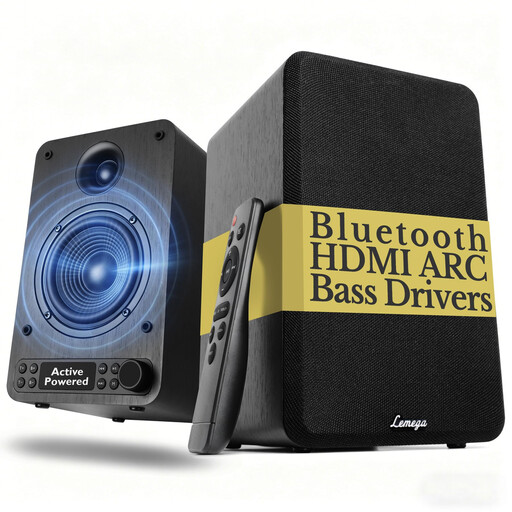 No image available
An active speaker pair for a dedicated listening position with room for two cabinets.
Bluetooth; HDMI ARC, plus optical, USB, AUX and RCA inputs. Features bass and treble controls, an LED display and a remote control.
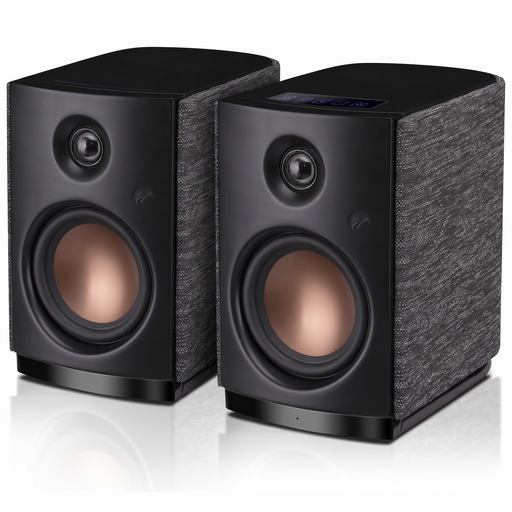 No image available
An active stereo pair for use with a computer or mobile device as your audio source.
Bluetooth 5.0, 4-Inch Dynamic Woofer and 62W RMS; with Touch Control.
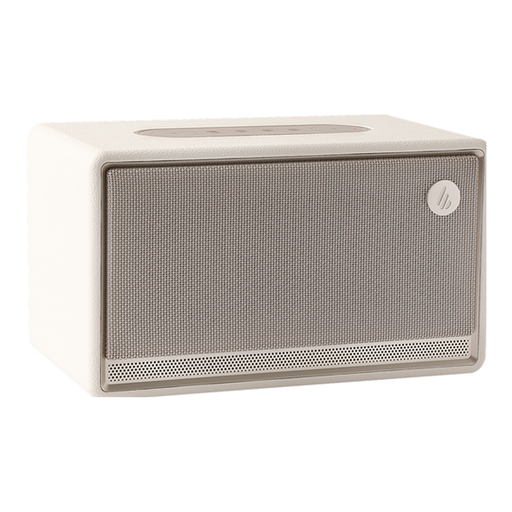 No image available
A single tabletop speaker for a workspace where you prefer just one cabinet.
Bluetooth speaker in ivory.
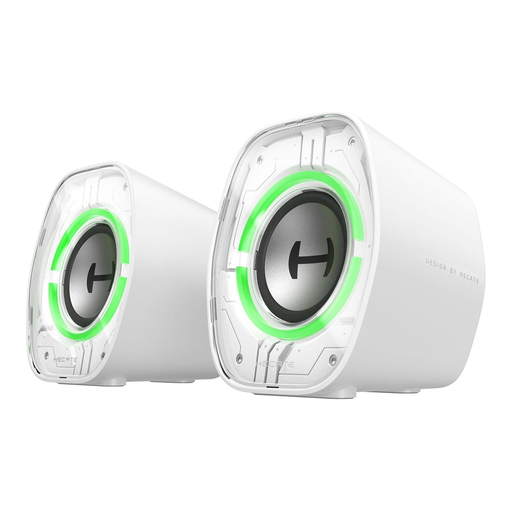 No image available
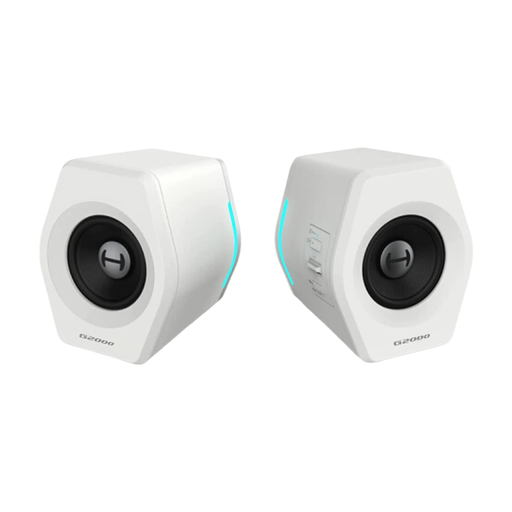
Desktop speakers for a computer, if you’re looking for a model with the wired and wireless connections listed in the title.
2.5" Full-Range Driver; Bluetooth 5.4, USB-C and AUX. With 9 Dynamic RGB Lighting Modes.
 No image available
Speakers for a laptop or desktop computer if you need the connection types listed in the title.
32 W; Bluetooth, USB and 3.5 mm port. The product title also mentions RGB lighting.
Angle both speakers towards your usual listening position, if possible. Genelec recommends an equilateral triangle for monitor speakers, ideally with a 60° angle between the two speakers and your listening position at the apex. This is a useful guide, not a rule that every desk must follow.
No. Sonos says you first need to set it up over Wi-Fi using the Sonos app before connecting via Bluetooth. This setup process applies to the Era 100 and doesn’t necessarily apply to other Bluetooth speakers.
If a product is faulty, your statutory rights against the seller are separate from any voluntary guarantee. The first step may be to ask for the fault to be put right, either by repair or replacement. According to the consumer advice centre, online purchases generally come with a 14-day right to cancel. Check the terms of your specific contract.
The Federal Network Agency explains that products covered by relevant EU harmonisation legislation and placed on the EU market must carry a CE marking. Check the markings and product information for the specific Bluetooth or Wi-Fi device. The CE mark isn’t an independent sound or quality test.
Find out how to return or recycle old electrical equipment appropriately. stiftung ear outlines retailers’ obligations to accept certain electrical items free of charge, subject to specific conditions. The type of take-back service available depends, among other things, on whether you’re buying a new device and the size of the equipment.