Studio with separate lab networks
If you share a room or network connection, VLANs can help separate cluster, management and other device networks. Also check how the switch will connect to your router.


For a shared studio, choosing the right switch depends on whether you need to separate lab networks with VLANs or can keep all your devices on one network. First, check every connection, including the router uplink. 2.5GbE ports or 10G SFP+ uplinks are only useful if the connected devices and links support them. If the switch will be near workstations, you should also check the cooling method of the specific model.
If you share a room or network connection, VLANs can help separate cluster, management and other device networks. Also check how the switch will connect to your router.
If your servers and NAS are connected using compatible network cards, the device connections and any uplink should also support your planned data transfers.
If the switch will be near workstations, check the cooling method of the specific model. Fanless and actively cooled switches are not the same, and a manufacturer's noise-level figures are no substitute for hearing it in your own workspace.
First decide whether you need to separate networks, then check the port layout, connection speeds and where you plan to place the switch.
For VLAN separation, the switch, port roles and the rest of the network path must support your intended configuration. NETGEAR Support describes tagged connections for VLAN-capable devices; check how to set this up for your specific network.
| Requirement | What to look for when buying | Who it matters most to |
|---|---|---|
| Separating networks | Check for 802.1Q VLANs, port assignment and a suitable connection to your router. | I want to separate lab networks in a shared studio, so I need configurable VLANs, not just fast ports. This is the main priority for around 33% of consumers. |
| Cluster and NAS connections | Check network card speeds and the ports you need; for SFP+, check the connected device and cabling. | If the connections between my cluster devices and NAS are the deciding factor, the switch and connected devices need to be compatible. Around 25% of consumers prioritise fast local transfers. |
| Noise in the workspace | Check the cooling method of the exact model; don't assume manufacturer noise figures are the same as hearing it where you plan to use it. | I'm placing the switch near shared workstations and want to take fan noise into account. Quiet operation is the main priority for around 25% of consumers. |
| Operation and features | Check the features and connections you need; compare power figures only when they use the same basis. | If I need to balance day-to-day operation against the features I need, I don't want to plan for features I won't use. This is the main priority for around 17% of consumers. |
A model with high-speed ports doesn't automatically offer configurable VLANs. If you need to separate networks later, the switch may no longer fit your plans.
Before comparing speeds, decide whether you want to set up separate networks. Otherwise, you may need to replace the switch later.
Replacing the switch later can mean extra planning and set-up work.
For the QSW-M2108-2S, QNAP distinguishes between 2.5GbE RJ45 ports and 10GbE SFP+ ports. An SFP+ socket is not a standard 10G RJ45 socket.
Check that the port type matches the connected device, and find out what cabling you need.
Depending on the connected device, you may need suitable DAC cables or transceivers.
Zyxel lists fanless cooling for the XMG1915-10E without “P”; QNAP and MikroTik list fans for the models covered here.
Check the cooling method and placement requirements for the exact model variant, not just the product category.
TP-Link describes the TL-SG108-M2 as a fanless switch with eight 2.5GbE ports.
According to NETGEAR's product information, the MS308E combines eight 2.5GbE ports with web-based management in a fanless case.
The XMG1915-10E data sheet lists eight 2.5GbE RJ45 ports, two 10G SFP+ ports and smart-managed features.
QNAP describes the QSW-M2108-2S as a web-managed switch with eight 2.5GbE RJ45 ports and two 10GbE SFP+ ports.
According to MikroTik, the CRS310-8G+2S+IN has eight 2.5GbE ports, two SFP+ ports and configurable features such as VLANs and link aggregation.
The following Joybuy products are Gigabit switches with VLAN or management features for compact networks. They are not in the 2.5GbE class for fast cluster transfers, so check that their port speeds match your devices.
 No image available
For a compact lab network that needs VLANs; check whether Gigabit ports are fast enough for your devices.
5-port Gigabit managed Ethernet switch; powered via USB-C or 802.3af/at PoE, according to the product name.
 No image available
For a managed Gigabit network where VLAN features are important to your plans; check that the port speed suits your connected devices.
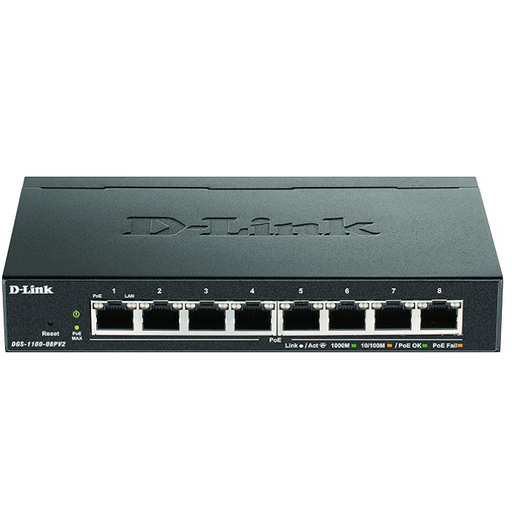
8-port Gigabit Ethernet switch with PoE, according to the product name.
 No image available
For a managed Gigabit network that needs VLANs; check whether Gigabit is fast enough for your cluster connections.
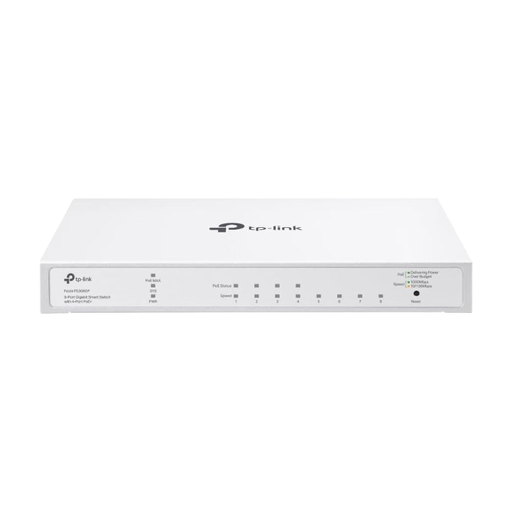
8-port Gigabit switch with four 802.3af/at PoE+ ports, a 62-W total power budget and up to 30 W per port, according to the product name.
 No image available
For a compact Gigabit network that needs VLANs and management features; check the speed against your connected devices.
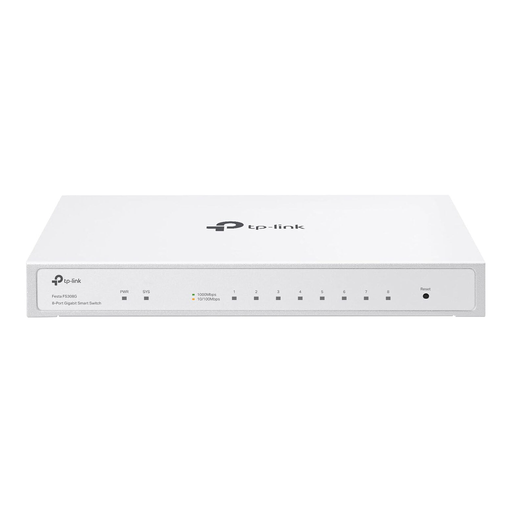
8-port Gigabit switch; the product name lists cloud management, VLAN, ACL, static routing and IGMP snooping. A PoE input port is optional.
 No image available
For a VLAN-capable Gigabit network with PoE+ outputs, provided the power supply suits your set-up.
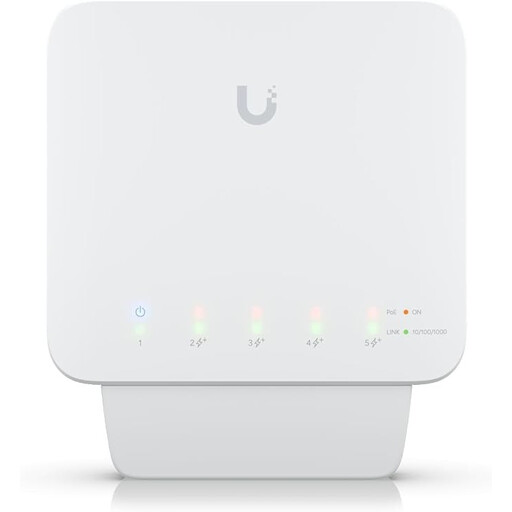
5-port Gigabit PoE+ outdoor switch; the product name lists 46 W. A compatible PoE++ switch or 60-W PoE adapter is required for power; the adapter is not included.
No, the label alone isn't enough. Check whether the specific model supports 802.1Q VLANs, then plan which client ports should be untagged and which connections to VLAN-capable devices should be tagged. The rest of the network path must also support the separation you want.
Not through the SFP+ socket alone. Check for a DAC cable that suits the connected device or a suitable transceiver; QNAP lists DAC connections as an option for the QSW-M2108-2S.
Check VLAN membership, the assignment of untagged devices and the PVIDs. NETGEAR Support's configuration example covers these settings separately. Then test that your intended connections work and that the networks are separated as required.
No. Verbraucherzentrale distinguishes the statutory consumer rights you have against the seller from an additional voluntary warranty with its own terms. Before buying, check who the seller is and which warranty terms apply to the specific offer.
For electrical and electronic products covered by the rules, the Bundesnetzagentur lists CE marking, product identification, manufacturer details, German-language instructions and a declaration of conformity among the checks to make. The Umweltbundesamt recommends taking end-of-life electrical equipment to a separate collection point, such as a recycling centre or suitable take-back point, rather than putting it in household waste. This general guidance does not confirm that any individual offer complies with the rules.