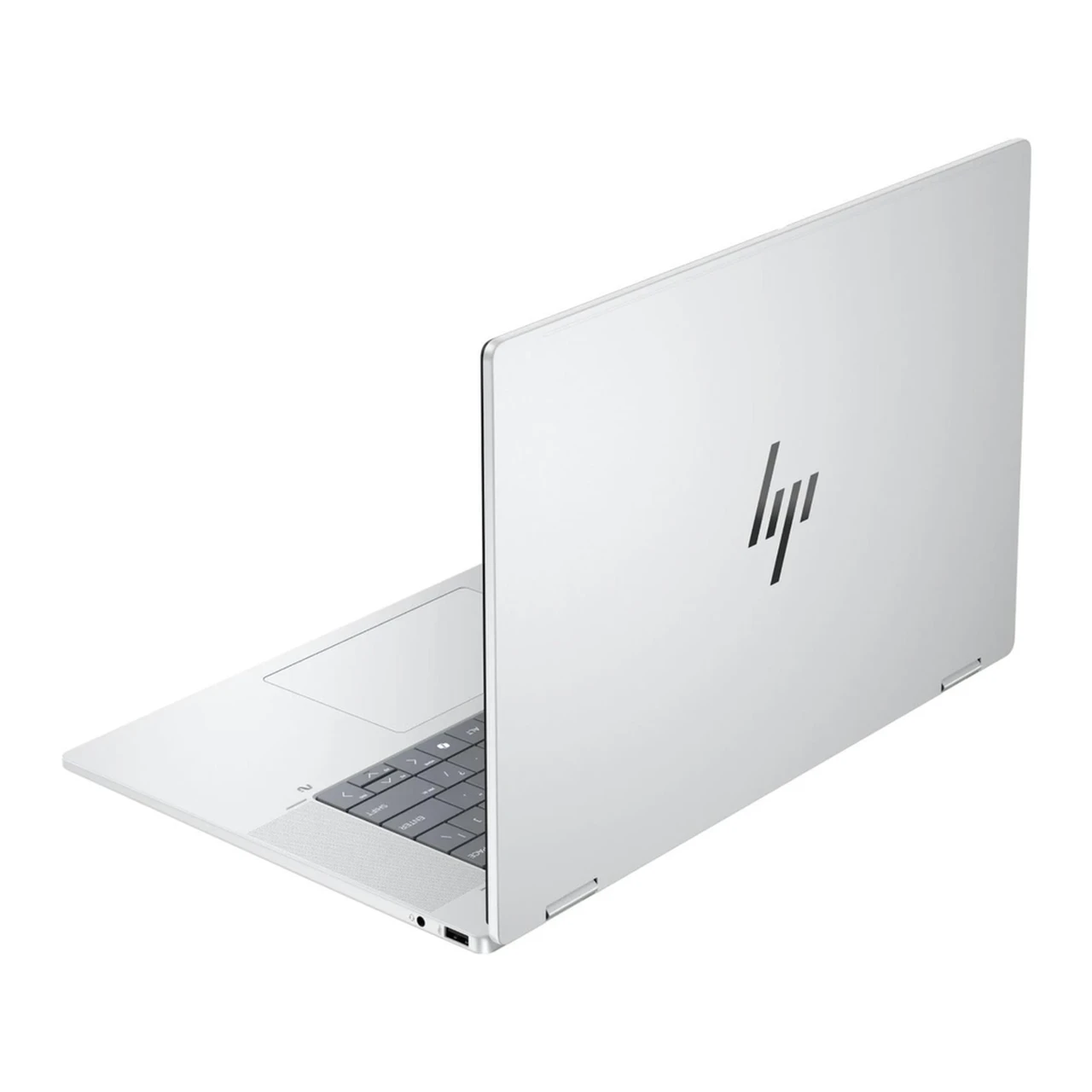
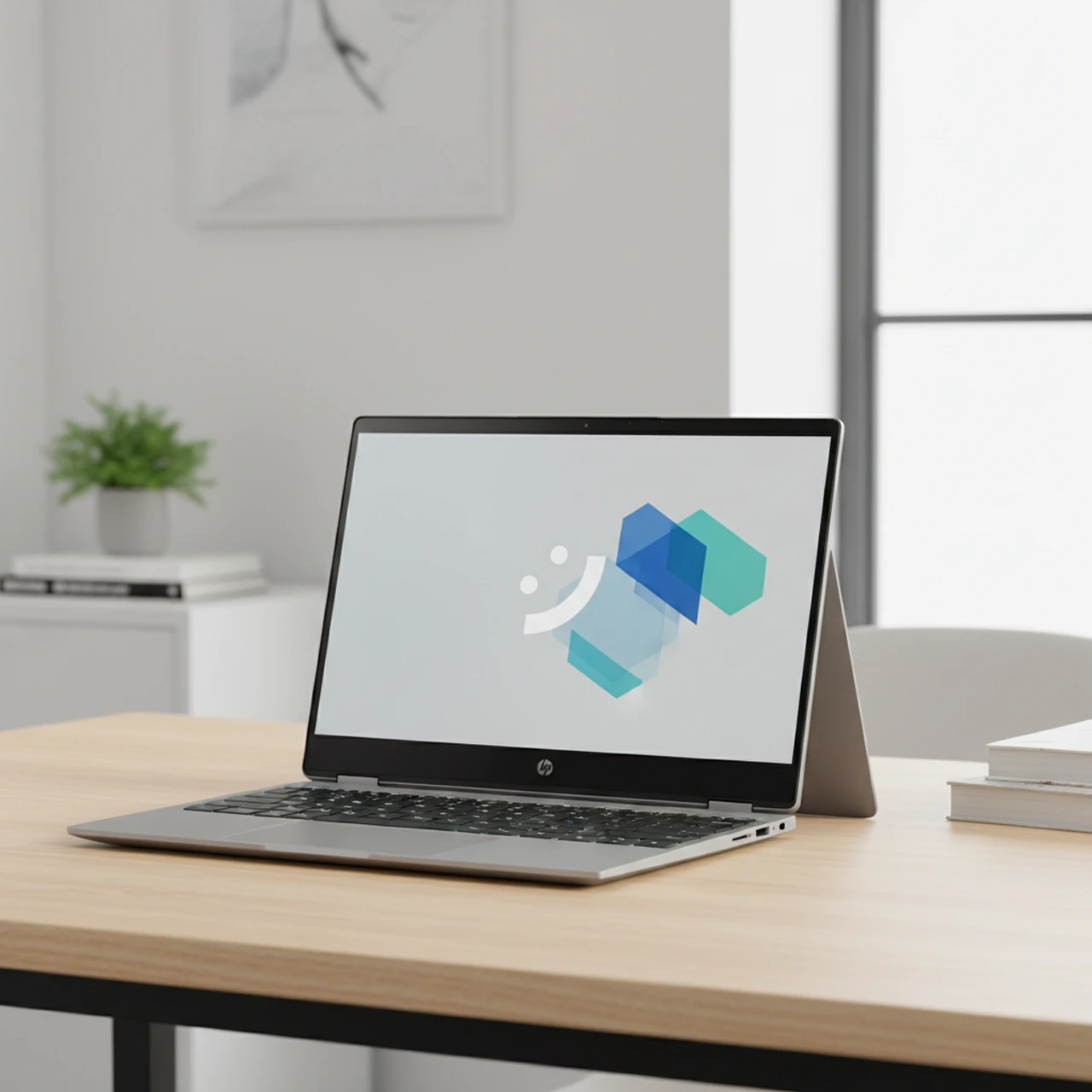
The HP OmniBook X Flip 16 is a versatile 2-in-1 laptop with a 16-inch 3K OLED touchscreen and 360-degree hinge, letting you switch between laptop and tablet modes. Its Intel Core Ultra 7 processor, 32 GB memory, 1 TB SSD and Intel Arc graphics support demanding work and creative tasks, while the 120 Hz display brings smooth motion to entertainment. With Wi-Fi 7, Thunderbolt 4, a 5 MP infrared camera and Poly Studio audio, it suits professionals, students and anyone looking for a flexible device for everyday work, video calls and downtime.
How to Choose the Right 2-in-1 laptop
A 2-in-1 laptop can switch between traditional laptop use and tablet-style interaction, but the best choice depends on how you plan to work, study or travel. Compare its convertible design, performance and portability against your everyday needs rather than choosing by screen size alone.
Key Features to Consider
Use these criteria to assess whether a 2-in-1 laptop will be comfortable and capable for your routine.
- Design, screen and input: Decide whether a 360-degree hinge or a detachable keyboard better suits how often you will use tablet mode, and check that the touchscreen is responsive. If you plan to write or draw, confirm whether a stylus is included or sold separately, and look for a comfortable keyboard with the German QWERTZ layout if that is what you use.
- Performance and storage: Match the processor and memory to your workload: everyday browsing and documents need less capacity than demanding creative software or frequent multitasking. Choose enough RAM and SSD storage for your applications and files, and check the available ports if you connect external screens, drives or other accessories.
- Battery life, weight and durability: For commuting or working away from a socket, compare independent battery-life results and consider the device’s weight with its keyboard and charger. Check hinge sturdiness, build quality and warranty terms, and treat advertised battery life as an estimate that can vary with screen brightness and workload.
Flip Your Perspective: One Laptop, Many Ways to Create
A Vivid OLED Touchscreen That Moves with You
The 3K OLED touchscreen brings rich colour and crisp detail to creative projects, presentations and favourite entertainment. Its smooth 120 Hz refresh rate makes scrolling and on-screen movement feel fluid, while touch control adds an intuitive way to interact with apps and ideas. With a 360-degree hinge, the HP OmniBook X Flip 16 shifts effortlessly between laptop and tablet modes, giving you a flexible setup for focused work, sketching, sharing and relaxing throughout the day.
Intel Core Ultra Power for Ideas in Motion
An Intel Core Ultra 7 258V processor, Intel Arc graphics and an integrated AI engine bring capable performance to everyday tasks and demanding workflows alike. With 32 GB of memory, you can move smoothly between projects, apps and browser tabs, while the 1 TB SSD offers generous space for files, creative work and entertainment. Together, these components make a versatile foundation for productivity and content creation, with responsive performance ready to support the way you work and explore.
Thoughtful Details for a Connected, Flexible Day
Stay ready for collaboration with Wi-Fi 7 for wireless connectivity and Thunderbolt 4 for versatile wired connections. The 5 MP infrared camera with privacy shutter supports polished video calls, while Poly Studio audio helps bring clarity to meetings and media. A backlit keyboard makes typing comfortable across different settings, and recycled materials add a considered touch to the silver design. These practical features complement the convertible format, helping the HP OmniBook X Flip 16 fit naturally into work, creative sessions and entertainment.
HP OmniBook X Flip 16 2-in-1 Laptop: Who It Suits
Hybrid workers who move between meetings
When your working day shifts between video calls and different
spaces, switch from laptop to tablet mode to suit the task.
Wi-Fi 7 helps you stay connected wirelessly, while the 5 MP
infrared camera and Poly Studio audio support clear calls; the
privacy shutter lets you cover the camera when you’re
finished. You get a flexible setup for work and more control
over your privacy.
Digital creatives who work directly on screen
When you’re developing visual work and want to interact with
it directly, use the touchscreen to work across the vivid OLED
display. Intel Arc graphics and the Core Ultra 7 processor
support creative tasks, while the 120 Hz refresh rate keeps
movement smooth as you work. You can focus on your ideas with
detailed, responsive visuals.
Professionals with demanding workloads
When your work involves resource-intensive tasks and you need
room to keep files close, rely on the Core Ultra 7 processor,
32 GB of memory and 1 TB SSD. The integrated AI engine
supports demanding workflows, helping you handle a full
working day with your files and tasks close at hand.
Viewers who want a flexible screen for downtime
When you want to watch films or other video at home, fold the
screen into tablet mode and enjoy vivid OLED colour with
smooth motion from the 120 Hz display. Poly Studio audio adds
sound suited to entertainment, so settling in with your
favourite viewing feels straightforward.
Frequently Asked Questions
Can I use the HP OmniBook X Flip 16 as a tablet?
Yes, its 360-degree hinge folds the 16-inch touchscreen back for tablet use. In this mode, the keyboard switches off automatically and Windows 11 is optimised for touch input. At 1.88 kg, it also works as a conventional laptop or can be laid flat for drawing, viewing or sharing content.
Is the HP OmniBook X Flip 16 good for photo editing and multitasking?
The HP OmniBook X Flip 16 combines a 3K OLED touchscreen with 100% DCI-P3 colour coverage, 32 GB of RAM and an Intel Core Ultra 7 258V processor. Its 1 TB SSD gives you room for projects and files, while the 120 Hz display makes scrolling and motion look smooth.
Can I keep the HP OmniBook X Flip 16 near a pacemaker or bank cards?
Keep the OmniBook X Flip 16 away from medical implants such as pacemakers and from credit cards, as magnets are built into its lid and base. When using or storing the laptop, place cards separately and keep the device clear of implant sites.
Don't just buy, Joybuy
Discover more of your favourite brands on Joybuy and enjoy great deals.