What should you look for when choosing one?
For sites with regular visitor traffic, the right choice depends on whether conversation, wayfinding or reliable day-to-day operation matters most. Compare the options against the same typical visitor scenarios.
| Need |
What to check before buying |
Who will value this most? |
| Greetings and answers |
Set approved questions and limits for answers; test how unusual queries are handed over. |
If I want common questions answered clearly, I need content I can control and a handover to staff. Around 26% of consumers prioritise reliable greetings and clearly limited answers. |
| Wayfinding |
Test the planned destinations and routes on site; agree how staff will take over if there are obstacles. |
If guests regularly need guiding to specific rooms, the routes must suit both the building and its day-to-day operation. Around 21% of consumers prioritise guidance to specific destinations. |
| Operation and support |
Agree practical arrangements for onboarding, updates, remote support, maintenance and escalation when something goes wrong. |
For a reception area used regularly, I want to know who will keep the content up to date and step in if the system fails. Around 21% of consumers focus primarily on support and ongoing operation. |
| Data protection |
Check microphones, cameras, external services, logs, deletion rules and visitor notices. |
If speech or images are processed, I want to understand what data goes where and what visitors are told. For around 16% of consumers, this is their main concern. |
| Added value compared with a kiosk |
Compare a kiosk, display and staffed robot against the same visitor tasks. |
If guests mainly need to look up fixed information themselves, I want a solution without features they do not need. Around 16% of consumers prioritise a straightforward digital reception solution. |
Joybuy products for interaction and demonstrations
This Joybuy selection includes humanoid robots and development platforms for interaction or demonstrations. The products listed are not automatically suitable for an unattended reception area; before buying, check on-site safety and the relevant EU conformity requirements, including CE marking, for the specific configuration on offer.
 No image available
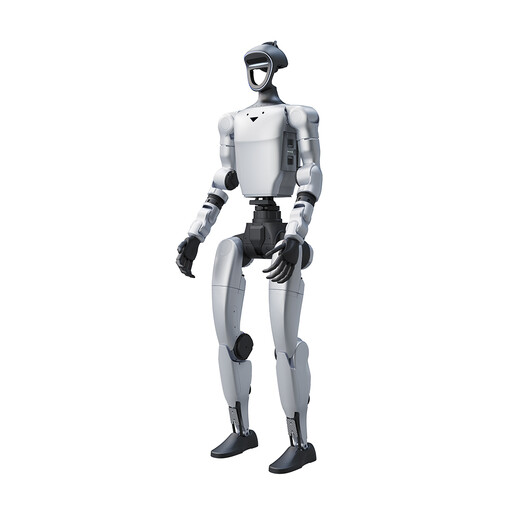
Unitree G1 Pro – humanoid robot, 29 degrees of freedom in total, 16 joint degrees of freedom
Worth considering for interactive demonstrations; the product name mentions commercial demonstrations and interactive engagement.
The product name lists 29 degrees of freedom in total, including 16 joint degrees of freedom.
According to the product information, the device is not suitable for anyone under 14.
View at Joybuy
 No image available
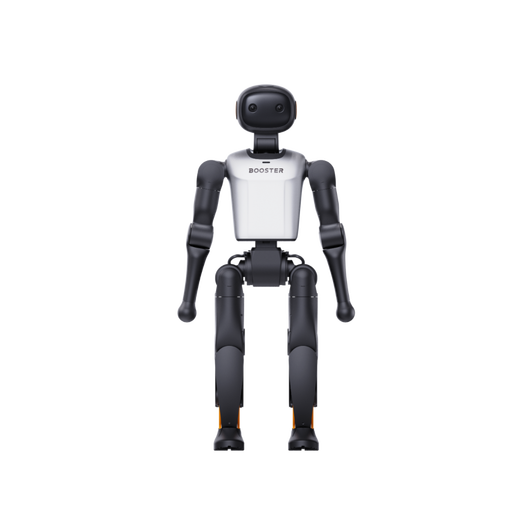
Booster Robotics K1 Geek – embodied AI development platform, 48 TOPS, 22 DoF
Worth considering for an innovation centre with development needs; the product name describes the model as a platform for embodied AI development.
The product name lists 48 TOPS and 22 DoF.
View at Joybuy
 No image available
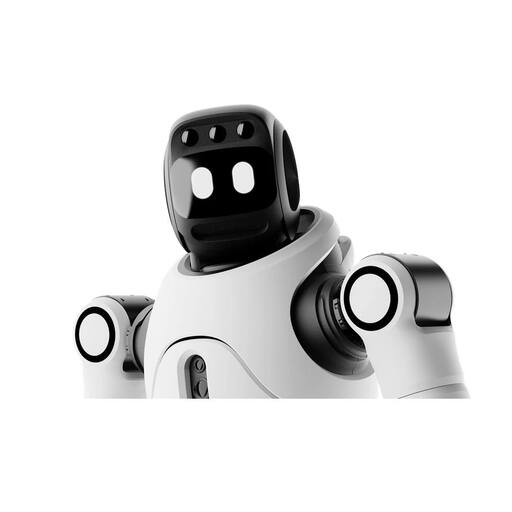
AGIBOT X2 Ultra humanoid robot
Consider it as an option to assess for interactive engagement with visitors and planned routes; navigation and obstacles must be evaluated on site.
According to the product information, automatic charging requires a separate charging station. The product warning advises against unattended operation in environments with people.
View at Joybuy
 No image available
AGIBOT X2 humanoid robot
Worth considering for an interactive demonstration if someone can supervise operation.
The product name lists intelligent interaction, motion control and one-person operation.
According to the product information, the device is not suitable for anyone under 14.
View at Joybuy
 No image available
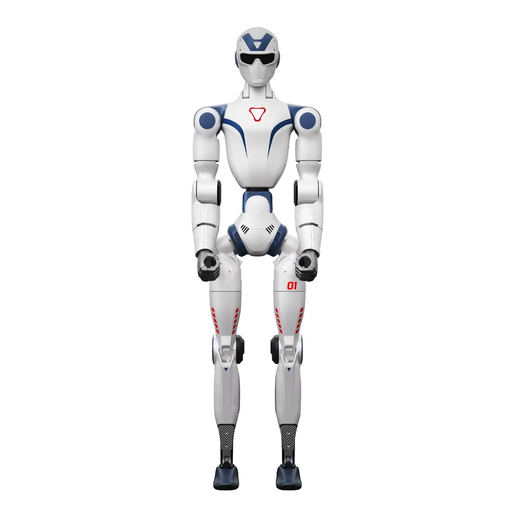
Unitree R1 Air – humanoid robot with 20 degrees of freedom, Blue and White
Worth considering for voice-enabled visitor interaction; the product name lists an integrated AI language model and intelligent interaction.
The product name lists a monocular camera and 20 degrees of freedom.
The product warning advises against operating it near stairs, edges or uneven surfaces and notes the risk of trapping at moving joints.
View at Joybuy
Frequently asked questions
Which questions should a reception robot answer on its own?
Limit answers to well-maintained, approved information such as opening hours and where to go. Individual, unfamiliar or consequential questions should be passed on to staff. The Data Protection Conference recommends assessing areas of use, accuracy and human responsibility when using AI applications.
Can a reception robot guide guests through a building without any further set-up?
A voice feature alone does not mean a robot can guide guests through a building. United Robotics Group describes uMe Trio’s wayfinding as intended for mapped and approved areas; test destinations, obstacles and the charging location on site, and agree who will take over in exceptional situations.
What should you agree for day-to-day operation?
Set out arrangements for set-up, onboarding, content changes, updates, remote access, maintenance and handover when something goes wrong. Providers describe different support options, but a product description alone does not set a response time for your site.
What should visitors be told about AI dialogue and data collection?
If personal data is collected, you must comply with the GDPR’s information requirements; the scope and legal basis depend on the features enabled. The EU AI Act’s transparency rules, which have applied since 2 August 2026, cover certain interactive AI systems where people must be informed that they are interacting directly with AI. Check the specific system configuration and the notices required.
Is a CE mark in a product advert enough to buy?
Check the relevant EU conformity requirements, including CE marking, for the specific configuration on offer. A general product page is not a substitute for checking the system in question.


