What should you check before buying or hiring?
First decide whether the class will watch a demonstration, programme the robot themselves in groups, or do both. You can then compare the development access and purchasing model with your requirements for networking, data processing and supervision.
| Priority |
What to check before buying |
Who this matters most to |
| Getting started and supervision |
Guidance, pre-prepared routines and who is responsible for technical support during lessons. |
If I’m planning a supervised demonstration or simple routines to start with, I need the right level of guidance. Around 25% of consumers prioritise this. |
| Independent programming |
A visual programming environment, documented text-based languages and the development capabilities of the specific model. |
If learners are to modify programmes themselves and develop their skills further, access to development tools must suit the task. Around 25% of consumers put this priority first. |
| Data protection and networking |
Active camera, microphone and voice functions, data flows, storage locations, Wi-Fi requirements and user permissions. |
If I want to use the robot on the school network, I need to be able to assess which functions are enabled and how they process data. Around 25% of consumers prioritise this. |
| Lesson format and contract |
Number of devices, student access, contract term, supervision, guidance and included programming interfaces. |
If I’m planning a short-term teaching project or group work, it must be clear who can use the devices and what supervision is included. Around 25% of consumers focus primarily on these points. |
Joybuy products on this topic
This Joybuy selection includes humanoid robots and a programmable movement robot for education, development and demonstration scenarios. For each device, check that the version, features, safety requirements and lesson format suit your intended use.
 No image available
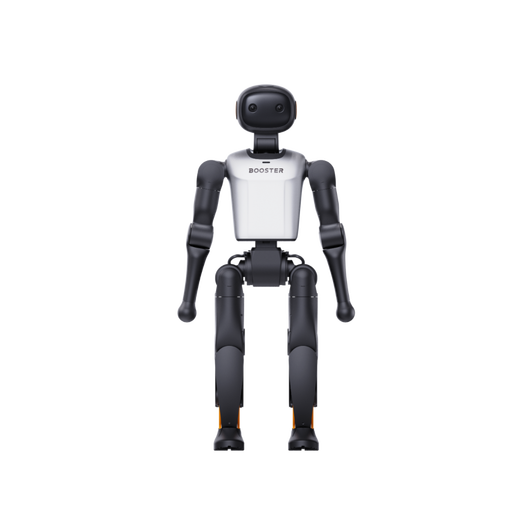
Booster Robotics K1 Edu
Worth considering for programming and development projects: the description lists an educational platform with software APIs and development tools.
Listed in the product name: 117 TOPS and 22 DoF. Before use, check the requirements for networking and safety, as well as the conformity documents for the specific version.
Joybuy
 No image available
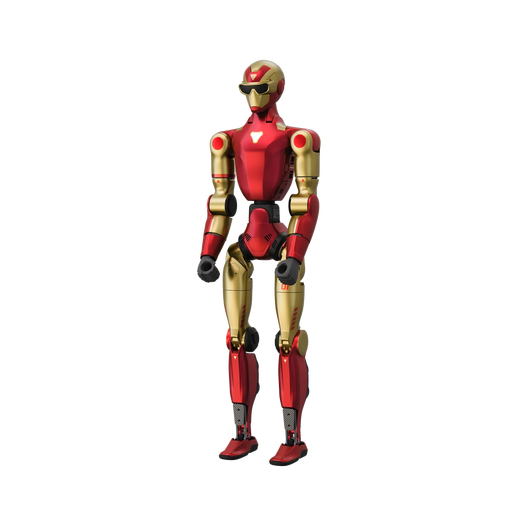
Unitree R1 Air
The description lists education as a possible use and includes a camera and an integrated AI language model. Before using it in lessons, check which functions are enabled and how they process data.
Listed in the product title: 20 DoF. The safety information warns of risks from moving joints and operation near edges; keep away from children under 6.
Joybuy
 No image available
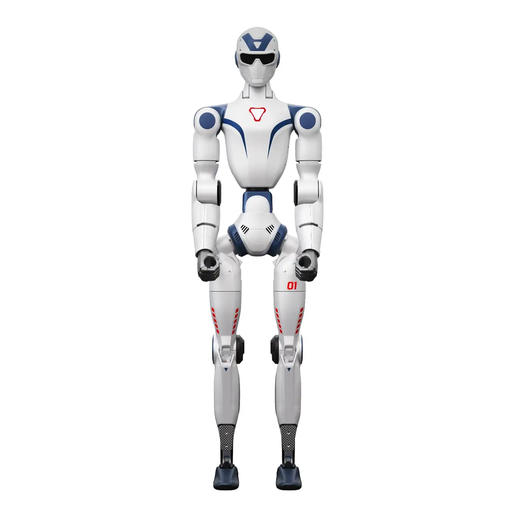
Unitree R1
The description lists education as a possible use, along with an integrated AI language model and two cameras. The specific data flows and teaching conditions must be checked before use.
Listed in the product title: 26 DoF. The safety notice says the camera does not provide privacy protection and should not be pointed at private areas; take particular care and ensure adult supervision when operating it around children.
Joybuy
 No image available
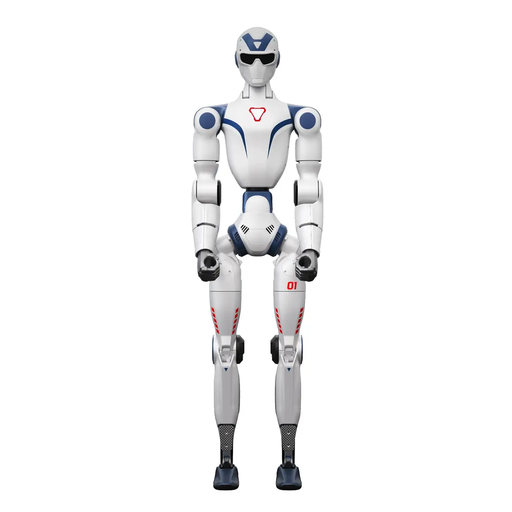
Unitree R1 Edu Blue-white
Worth considering for programming and development projects: the product title specifically states that it supports secondary development, and the description lists educational and development applications.
For larger movements, a clear area of at least 6 m × 6 m is recommended. Keep your distance during operation and take care around the joints. The safety notice says it is not suitable for anyone under 14.
Joybuy
Frequently asked questions
Can you teach with a humanoid robot without programming skills?
This may be possible with suitable pre-prepared routines or a visual programming environment. United Robotics Group describes configurable dialogues and routines for uMe Uno that do not require teachers to have programming skills; UBTECH documents a Blockly introduction for Yanshee. Check what guidance you will need for your specific lesson.
Can a school simply enable the camera, microphone and an external voice service?
No. The device’s functions alone do not establish whether a particular use is permitted. If personal data is processed, you should check the data flows, storage locations and whether there is an appropriate legal basis; the Federal Commissioner for Data Protection and Freedom of Information explains why such a legal basis matters. Also take into account the requirements of the relevant federal state and how you plan to use the device in lessons.
Is CE marking enough when purchasing?
No. According to information from the European Union, CE marking is required only for product categories covered by relevant harmonised EU rules that require it. Check the applicable requirements and the necessary safety and conformity documents for the specific device. Separately, assess the risks associated with the school activity and the intended age group.
What should you check before setting up the robot and using it in your first lesson?
Before configuring the robot, check the use case, network and data protection. Then plan guidance, operating permissions and supervision, as well as a risk assessment that, according to the German Social Accident Insurance, must suit the specific activity and intended age group.
What should the offer include for maintenance and support?
Ask for the offer to specify guidance, technical support, repairs and usage rights. United Robotics Group lists configuration and permissions as part of its offers; TONEART describes a hire service that is exclusively accompanied by an operator and specialist staff. You cannot assume that purchase and hire offers all include the same services.


