Joybuy products
The following Joybuy listings are for humanoid robots intended for development and research. Interfaces, equipment and variants differ, so check that the model is suitable for your trial and review the documentation for the specific configuration.
 No image available
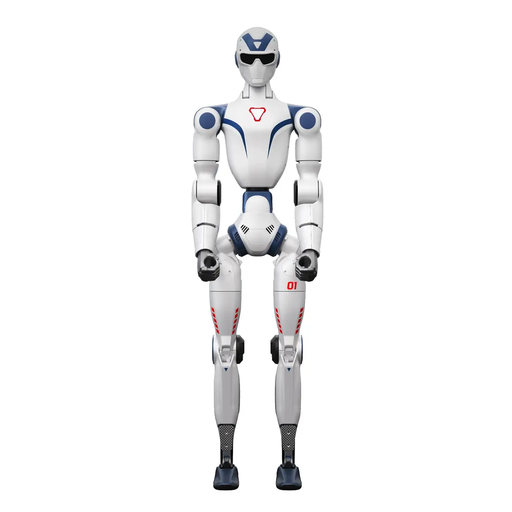
Unitree R1 Edu Blue-white
Described as suitable for development and education; the product name states that it supports secondary development.
The product description recommends a clear area of at least 6 m × 6 m for large movements.
The description advises against touching the robot while it is moving, and prohibits unauthorised modifications, disassembly or repairs.
Joybuy
 No image available
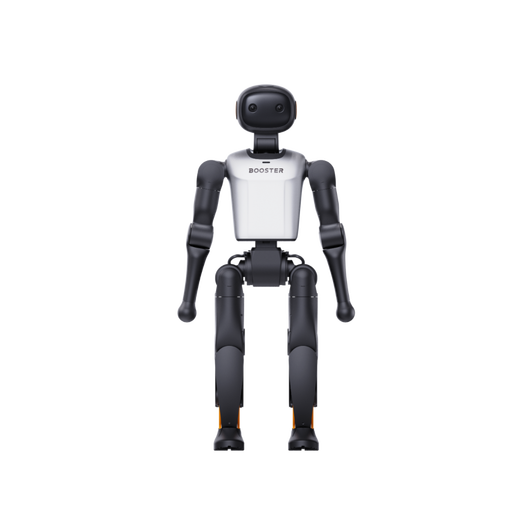
Booster Robotics K1 Geek
Described as suitable for AI development and experiments; listed applications include computer vision and autonomous navigation.
Specifications include 22 DoF and 48 TOPS AI.
Joybuy
No image available
Booster Robotics K1 Edu
Described as suitable for research and development; the product description lists bipedal locomotion and software APIs.
Specifications include 22 DoF and 117 TOPS AI.
Joybuy
 No image available
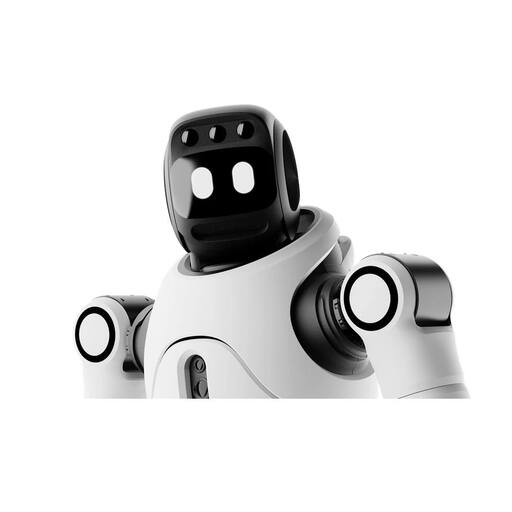
AGIBOT X2 Ultra
Described as suitable for development work involving perception data; the product details list LiDAR and an RGB-D camera.
The Ultra version is listed as having 31 DoF. The safety information notes high-torque moving joints and recommends supervised operation with a minimum distance of 2 m; this does not replace a risk assessment of your specific laboratory setup.
Joybuy
 No image available
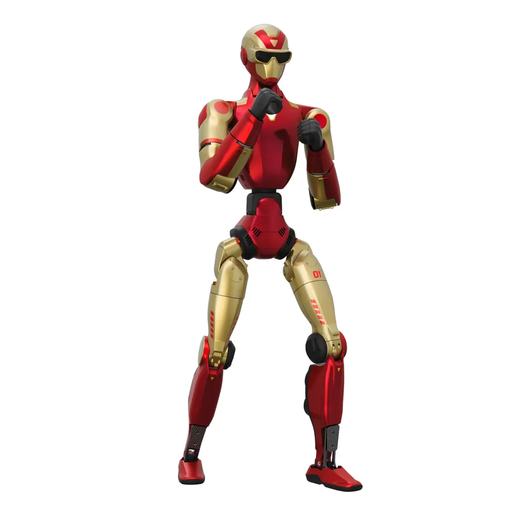
Unitree R1 Humanoid Robot
Described as suitable for development and education; the product details list visual perception and interaction.
Specifications include 26 DoF and two cameras. The safety information calls for keeping clear of the immediate movement area during start-up and fast movements.
Joybuy
Frequently asked questions
Is “SDK available” enough for running your own control trial?
No. Check that the motor, sensor and ROS 2 interfaces you need are available on the exact variant. Unitree Robotics describes an accessible development computer, PC2, for G1 EDU, but not unrestricted developer access to PC1; the manufacturer excludes secondary development on the separately offered G1 base model.
How should I prepare movement trials with the G1?
For the documented G1 development process, Unitree Robotics recommends starting with a secure fixture and warns against conflicting movement commands during debugging. Do not take this as general approval of your laboratory setup: hazards and safety measures must be assessed for the specific trial.
What should a support offer cover for a multi-year project?
Make sure training, repairs, spare parts, maintenance, software support and points of contact are specified for the exact variant and contract period. For a G1-EDU offer in Germany, Terra Robotics lists a maintenance contract and training as options; the offer page alone does not set out all the support terms.
Which documents matter in Germany before purchase and laboratory use?
For the specific wireless or network-connected configuration, check the relevant documentation covering CE marking, the responsible economic operator in the EU and instructions for use in German. The German Federal Network Agency identifies these as relevant market requirements for electrical and electronic equipment; whether CE marking is required by law depends on the product. For workplaces with employees, North Rhine-Westphalia’s occupational safety authorities require a risk assessment of the actual working conditions. A product marking or retailer’s offer alone does not confirm that your specific experimental setup is safe.


