What should you consider when choosing one?
Buying, leasing and renting mainly differ in how long you can use the robot, what support is included and which changes the contract allows.
Buying
Best suited to: recurring practical sessions or longer-term experiments, provided the chosen variant offers the development access you need.
Things to weigh up: Owning the robot does not automatically clarify software usage rights, maintenance, training or safety checks for your planned use. ROBOTIS documents ROS Kinetic for OP3; this does not automatically mean it runs a current ROS 2 environment.
Leasing
Best suited to: longer projects where agreed support is a better fit for your organisation than an outright purchase.
Things to weigh up: Terra Robotics specifies a minimum three-year term for its G1 EDU leasing option. Check the equipment, training, maintenance and development rights included in the specific offer.
Short-term rental
Best suited to: a time-limited pilot or a single teaching session, provided a suitable model is available for the period you need it.
Things to weigh up: TONEART lists rental options for education and AI research that include operator staff. This does not guarantee SDK access or permission to install your own software.
| Requirement |
What to check before buying |
Who it matters most to |
| Development access |
Check the SDK and permitted interfaces, supported software version, and written confirmation of installation and usage rights. Unitree explicitly distinguishes between G1 and G1 EDU. |
If learners are expected to develop their own programmes or AI applications, the software access must suit the task. Around 33% of consumers put developing their own software first. |
| Safe laboratory operation |
Check the documentation for the specific system, safety measures, supervision, training and maintenance responsibilities for your planned experimental setup. |
If you plan to operate a robot with learners or researchers, you need clear procedures for setting it up and supervising its use. Around 27% of consumers prioritise safe operation. |
| Suitable experimental hardware |
Match the size, joints, hands, sensor access and simulation options to your research question. Unitree lists between 23 and 43 degrees of freedom, depending on the G1 EDU version. |
If your project investigates walking, grasping or perception, the specific configuration must suit these tasks. Around 20% of consumers look at the experimental hardware first. |
| Project term and support |
Check the project term, maintenance, training, repairs, support and returns in writing for the specific purchase, leasing or rental offer. |
For a term-time project or a team with limited support capacity, it matters how long you need the platform and what help is actually included in the agreement. Around 20% of consumers prioritise flexible procurement and support. |
Joybuy products for teaching and research projects
The following Joybuy offers cover humanoid platforms for AI, movement, perception and interaction projects. Before use, check the software development rights and safety documentation for the specific variant.
 No image available
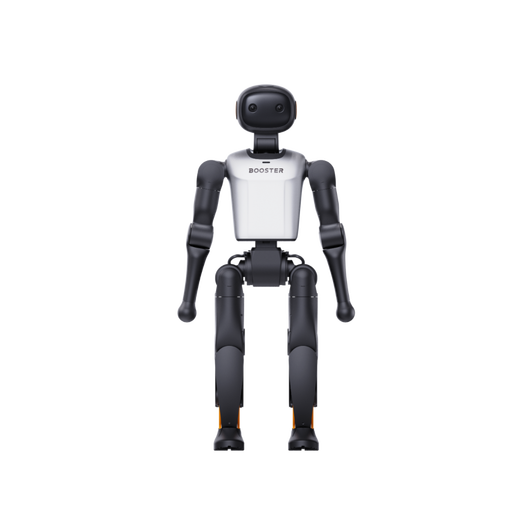
Booster Robotics K1 Geek
The product description presents the platform as suitable for developing your own AI and robotics applications.
Listed in the product name: 22 DoF and 48 TOPS AI.
Joybuy
No image available
Booster Robotics K1 Edu
The product description lists software APIs and development tools for programming and AI experiments.
Listed in the product name: 22 DoF and 117 TOPS AI.
Joybuy
 No image available
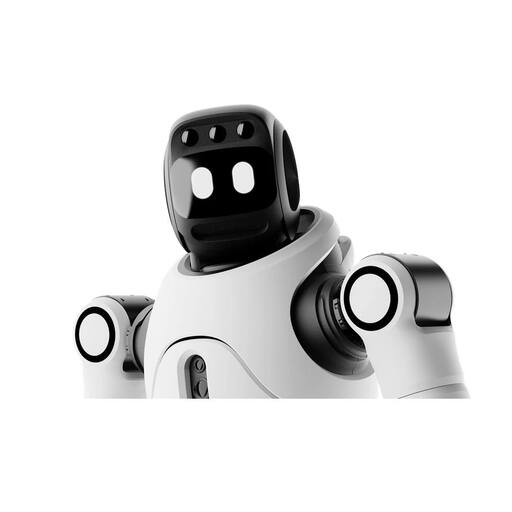
AGIBOT X2 Ultra
The Ultra version is described as offering secondary development features and autonomous navigation.
The product description lists 31 DoF, 3D LiDAR, an RGB-D camera and an Orin NX computing module. It also specifies a weight of around 37 kg and joint torque of up to 120 N·m, as well as supervised operation and a minimum distance of 2 m. These details do not replace an assessment of your specific experimental setup.
Joybuy
 No image available
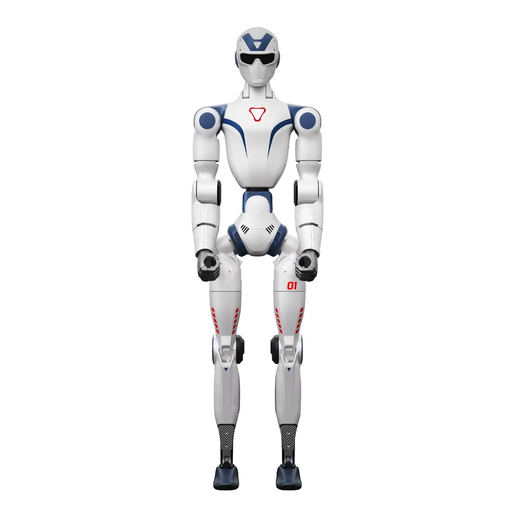
Unitree R1 Air, blue and white
The product description lists AI, robotics and human–machine interaction as potential applications.
Listed in the product name: 20 DoF, a monocular camera and an integrated AI language model. The safety information warns against operating it near stairs, edges and uneven surfaces, and highlights the risks posed by moving joints, water and high humidity.
Joybuy
 No image available
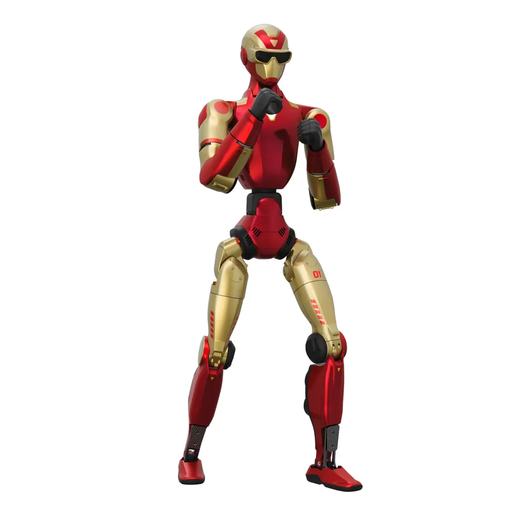
Unitree R1, red and gold
The product description lists development, education and AI voice interaction as potential applications.
This model is described as having 26 DoF, two binocular cameras and 3D depth sensors. The safety information warns you to keep clear of its sweep area when starting it or during fast movements, and specifies an emergency stop or physical kill switch for unexpected movements.
Joybuy
Frequently asked questions
Is CE marking enough to approve a robot for use in higher education?
No. CE marking does not replace a review of the documentation and the planned use. The Federal Institute for Occupational Safety and Health describes CE marking under the 9. ProdSV for machinery within its scope. The conformity and safety documentation for the specific system, along with the hazards associated with your experimental setup, must be assessed separately.
What should you check before a G1 movement trial?
Check the manual for the supplied variant, as well as the setup, training and maintenance responsibilities. Unitree’s manual describes a safety frame for a suspended start. This start procedure is not general approval for other setups or rooms.
Who needs training in safe operation?
For employees, BAuA regulation TRBS 1116 sets out qualification and instruction requirements based on the risk assessment. For students and other participants, supervision and training should be decided according to the specific use scenario.
What is included with leasing or rental?
It depends on the contract. Terra Robotics lists technical support with its G1 EDU leasing option and offers a maintenance contract at extra cost; TONEART describes rental options for research and education that include operator staff. Ask for training, maintenance, software access, repairs and returns to be itemised separately in the specific offer.


