What should you look for when choosing?
Compact educational humanoid robot
A good fit if: Pupils in small, supervised groups are to programme their own humanoid movements.
Consider: Check that the software and teaching materials are compatible with the model and the school devices you have.
Interactive humanoid robot
A good fit if: Speech or responding to people is part of the supervised learning task.
Consider: Alpha 1E and Alpha Mini have different documented programming options. Recognition features require you to check the specific software and how it processes data.
Hire or demonstration
A good fit if: You want to start with a supervised, time-limited demonstration or trial.
Consider: A demonstration does not automatically provide pupils with programming access or ongoing opportunities to practise.
Non-humanoid robotics kit
A good fit if: Building and programming basics are the priority, and a humanoid form is not a learning objective.
Consider: A kit is not a substitute for tasks involving humanoid movement or human-like interaction.
Software information is sourced, among others, from ROBOTIS, UBTECH, Aldebaran, LEGO Education and Makeblock. The percentages below refer to consumers planning a supervised school robotics club or STEM workshop.
| What matters |
What to check before buying |
Who is this particularly important to? |
| Programming options and materials |
Check the model against the software version; make sure the teaching materials and school devices you have are suitable for the planned course. |
If I want to offer pupils their own programming tasks rather than just a demonstration, I need an accessible starting point for my group. Around 25% of consumers prioritise programming options. |
| Data processing |
For the specific app and version you plan to use, check which speech, image, account or cloud features are active and what data they process. |
If pupils will be using a camera, microphone or online features, I want to understand in advance how their data will be handled. Around 25% of consumers prioritise data protection. |
| Supervision and operation |
Include setup, supervision, operating space and the manufacturer’s guidance for the specific model in your course planning. |
For regular group lessons, I need to plan activities and supervision so that the robot can be used appropriately for the classroom and the pupils’ ages. Around 19% of consumers prioritise supervised group learning. |
| Learning format and trialling |
For a hire, check programming access and the level of supervision included; for a kit, consider whether a humanoid form is really part of the learning objective. |
If I’m weighing up ongoing use, a one-off demonstration or a kit, the option I choose should suit the planned sessions and activities. Around 19% of consumers prioritise learning format and trialling. |
| Ongoing costs and support |
Check the status of the software and service, along with any optional extras in the specific offer; for a hire, factor in travel and mileage costs. |
If I’m planning long-term use, I want to understand any support and ongoing services I’ll need as well as the robot itself. Around 12% of consumers pay particular attention to running costs and technical support. |
Humanoid robots at Joybuy
This selection includes humanoid robots whose product information mentions development or interaction features. Before using one with pupils, check the relevant age and safety guidance and, where personal data is processed, the specific configuration.
 No image available
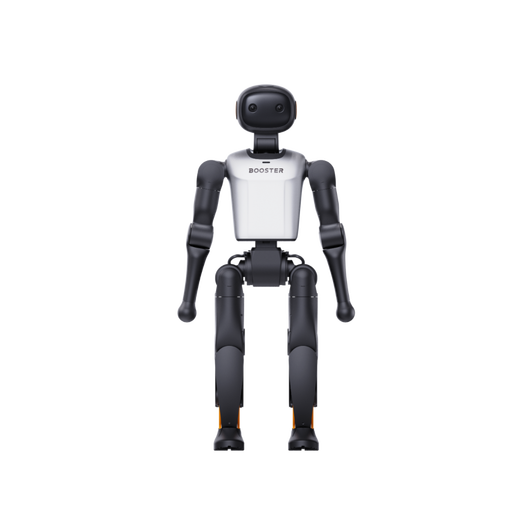
Booster Robotics K1 Edu, 22-DoF
The product description lists education and STEM programmes, as well as development and programming, among its intended uses.
The product information specifies 22 DoF.
View at Joybuy
 No image available
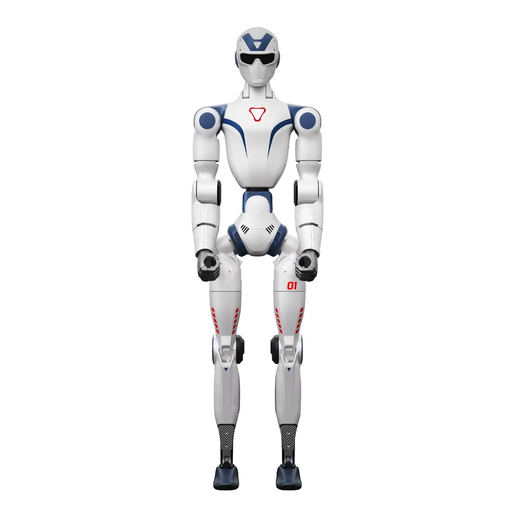
Unitree R1 Air, blue and white
The product information mentions speech interaction and a monocular camera. If using the robot with pupils, check which features are enabled and how they process data.
Listed features include 20 degrees of freedom, a monocular camera and an integrated AI language model. The safety notice states that the device is not suitable for children under 6. Keep hands, hair and loose clothing away from moving joints.
View at Joybuy
 No image available
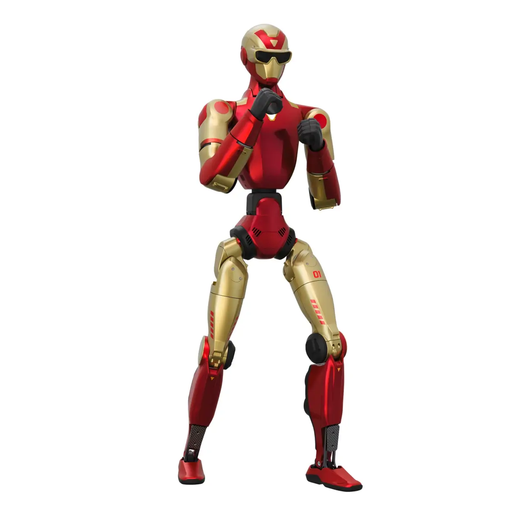
Unitree R1 Edu, red and gold
The product information mentions support for secondary development, if developing tasks of your own are part of the learning objective.
An open, obstacle-free area of at least 6 m × 6 m is recommended for operation. The safety notice states that the device is not suitable for anyone under 14.
View at Joybuy
 No image available
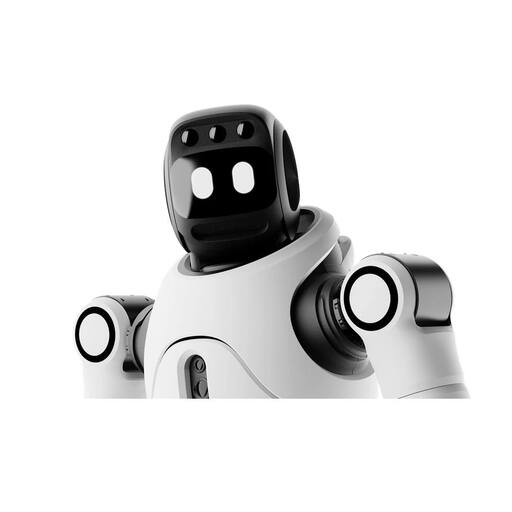
AGIBOT X2 Ultra
The product information mentions secondary development and motion control for development and interaction tasks.
Features described include 31 degrees of freedom, cameras and a microphone array. Keep a distance of at least 2 m while the robot is operating. Children should not operate it or play near it. If personal data is processed, check the specific configuration before use.
View at Joybuy
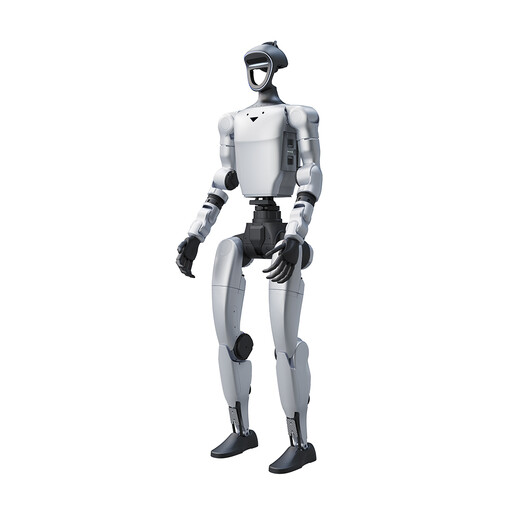 No image available
Unitree G1 Pro, 29 degrees of freedom
The product description mentions dynamic movements and movable hands for demonstrations.
According to the product title, this version does not include an SDK/API, which limits independent programming tasks. The safety notice states that the device is not suitable for anyone under 14 and requires particular care in environments with children.
View at Joybuy
Frequently asked questions
Can a school club simply switch on a camera or speech recognition?
Not as a blanket rule. If pupils’ personal data is processed, the specific use must be checked before it begins, in line with the requirements of the relevant state and school authority. The data protection authority in North Rhine-Westphalia explains additional consent requirements for image and audio recordings in lessons that apply specifically to NRW. This is not guidance for every state or for all forms of sensor processing.
Which app features should I set up for a lesson?
Set up only the features that support the learning task. For MINI, ROBOTIS lists R+ Task, R+ Motion and a separate control app; UBTECH promotes Blockly and interactive features for Alpha 1E. For the specific combination of model, app and school device, check whether speech, image, account or online features are needed.
What should I bear in mind when setting up a moving humanoid robot?
The Alpha Series manual warns against placing fingers near the joints and operating the robot close to the edge of a table; it recommends a flat surface. Check that the manual applies to the version you have bought, and plan the supervised setup accordingly.
Does hiring a robot automatically include programming access?
No. A hire offer described by ECOSPHERE includes a technician and an introductory session, but lists travel and mileage costs separately according to the work involved. This does not confirm that pupils will have programming access. Ask for the scope, location, duration and classroom access to be confirmed for your specific workshop.
Can I plan to use an older NAO cloud workflow unchanged?
Not without checking the specific version. A service provider’s notice gives 1 October 2026 as the end date for Aldebaran cloud services and directs NAO6 users to a different application service. For the installation you have, check whether the application works with that service and what data it processes.


