What should you consider when choosing?
For university courses, first decide whether students will be programming the robot themselves or mainly taking part in a supported demonstration. Simulation can help prepare development work, but supervision and operational planning are essential for practical work with a physical robot.
| Priority |
What to check before buying |
Who should pay particular attention |
| Programming and simulation |
SDK and ROS access for the exact variant; a documented simulation environment. |
If students are developing their own code, I need a clear route from testing in simulation to running it on the robot. For around 33% of consumers in university teams, this development access is the main priority. |
| Supervised operation |
Operating limits, start and stop procedures, and space for safe movement exercises. |
For a course involving a moving robot, my team needs to be able to provide supervision and instruction. For around 25% of consumers, controlled operation takes priority. |
| Sensors and interaction |
Access to the sensors you need; how any personal data is processed and deleted. |
For human-robot interaction projects, I want to use perception data without overlooking other people in the teaching space. Around 25% of consumers put this need first. |
| Effort required for short sessions |
On-site support, usable course time and a contractual guarantee of programming access. |
For a one-off demonstration, I don’t want to set up a permanent lab operation. This is the most important selection criterion for around 17% of consumers. |
Humanoid platforms for your own projects
These Joybuy models may suit university teams considering their own humanoid platform for development or teaching projects. Before deciding, confirm the interfaces you need and the operating conditions for the specific version.
 No image available
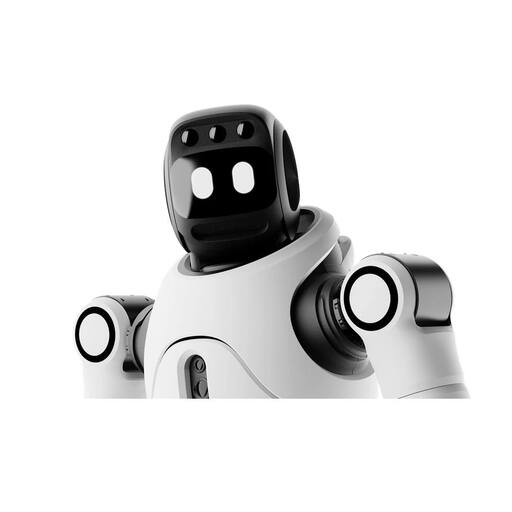
AGIBOT X2 Ultra, humanoid robot
For development and interaction projects where students need a physical humanoid platform.
The product description mentions secondary development. Before ordering, confirm that the version on offer is the X2 Ultra and check which development and sensor access it provides.
For movement exercises, plan for a prepared area and supervision; check simulation compatibility separately.
View on Joybuy
 No image available
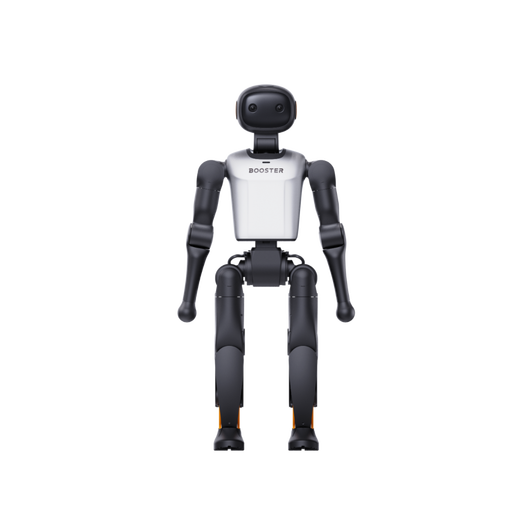
Booster Robotics K1 Edu, 117 TOPS, 22 DoF
For teaching and development projects where the team can confirm the intended programming access in advance.
The product description lists 117 TOPS of computing power and 22 degrees of freedom. Check which APIs, sensors and simulation options are available for this version, as well as its operating limits.
View on Joybuy
 No image available
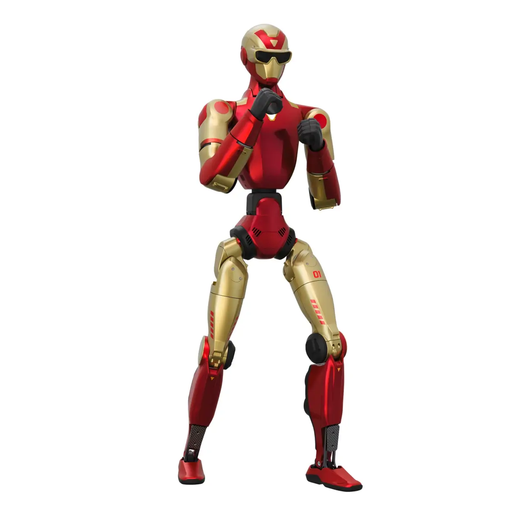
Unitree R1 Edu Red and Gold
For recurring development practicals, provided the EDU version on offer has the access your course requires.
Unitree documents development access and simulation support for the R1 platform. Ask for written confirmation of what’s included with this variant.
The product information specifies a clear operating area of at least 6 m × 6 m and warns against touching the robot while it is moving.
View on Joybuy
Frequently asked questions
Does a programming course have to use an EDU model?
Not for every manufacturer or every task, but the specific variant must support the development work you have planned. Unitree says the standard G1 does not support secondary development and recommends the EDU version for customisation. Ask for confirmation that the model on offer has the interfaces you need.
Can simulation replace the robot at first?
Simulation can provide an alternative to hardware for early software exercises, but it cannot replace practical testing with the robot. ROBOTIS documents Gazebo and Webots for OP3; balance, contact and safe operation in the room must later be tested on the physical system.
What needs to be in place before movement exercises in a teaching space?
Before practical exercises begin, agree who will supervise, what instruction is needed, where the robot can move, and how it will be started and stopped. If the robot is used as work equipment in Germany, the Betriebssicherheitsverordnung, published by the Federal Ministry of Justice, requires a risk assessment before use. The university should check with its relevant safety teams how the rules apply to its specific operation.
What should you consider when using cameras and microphones in a teaching space?
If personal data will be processed, the university and its data protection officer should plan how this will be handled before use. This includes, in particular, who may be affected, who can access recordings, and how they will be stored and deleted. Lower Saxony’s data protection authority also highlights documentation and evidence requirements for universities.


