For structured language development, a supported package with suitable teaching activities is a sensible starting point; for creating your own movements and programmes, a programmable platform is a better fit. A project or rental model can offer a way to try things out, but it does not replace the need to clarify supervision and safety or check data processing against the requirements of the relevant federal state. Projects by the Deutscher Bildungsserver and the Berliner Hochschule für Technik are not evidence that any particular model available to buy is effective.
Who uses learning robots?
Language development teams
They plan structured speaking and storytelling activities and need controllable sessions that support their learning objectives. A project in schools in Heilbronn and the surrounding area, described by the Deutscher Bildungsserver, is one example of this kind of use, not evidence that a particular model available to buy is effective.
STEM teachers
They want learners to create movements, work with sensors and develop programmes. The Berliner Hochschule für Technik describes school robotics projects, while EZ-Robot and ROBOTIS provide programming resources for their respective platforms. Check in advance that the software works with your school computers and suits your lessons.
Schools piloting a programme
They want to try out teaching activities and assess the support required in a supervised project first. Partnerships such as those described by the Deutscher Bildungsserver and the Berliner Hochschule für Technik can offer useful guidance; United Robotics Group also describes rental and induction options for its educational offering.
What should you consider when choosing one?
Learning robot with an educational package
A good fit if: teachers are planning structured language or inclusive activities and can arrange suitable teaching activities and an induction for the specific model.
Bear in mind: interactive features may use microphones or cameras; supervision, data flows and safety guidance still need to be checked.
Programmable STEM platform
A good fit if: learners are expected to design movements, work with sensors or write code, and the team can manage set-up and supervision.
Bear in mind: being programmable does not in itself mean that the robot offers ready-to-use language development activities in German or requires little preparation.
Project, rental or partnership
A good fit if: a school wants to try out its learning objectives, teaching activities and support requirements before committing to a permanent purchase.
Bear in mind: responsibilities, safe use and data processing must be clarified for the specific setting, even when the device is loaned or supervised.
| Priority |
What to check before buying |
Who is it important to? |
| Language interaction |
German-language teaching activities and teacher controls; any recording or online features required. |
If I’m planning structured language development lessons, I need controllable activities that support the learning objective, not just a conversation feature. Around 30% of consumers put educationally useful language interaction first. |
| Programming and STEM |
A programming environment that works on the intended school computer, plus a sample task that learners can actually adapt. |
If learners are expected to create their own movements and programmes, I want to try the tools in advance with a suitable task. Around 30% of consumers prioritise programming for STEM activities. |
| Data control |
For enabled features, document the types of data, storage, transfer, access rights and deletion; check the requirements of the relevant federal state. |
If cameras, microphones or user accounts might be used in lessons, I want to understand how data is processed before getting started. Around 20% of consumers prioritise data control. |
| Induction and day-to-day use |
Check the induction for the specific model, supervision arrangements and responsibilities for charging, care and servicing. |
If our team has little experience with the device, I need clear guidance and support for everyday use at school. Around 20% of consumers put a supported introduction first. |
Which mistakes should schools avoid?
-
Treating a school project as proof that every model available to buy is effective
The language development work in Heilbronn and the robotics projects described by the Berliner Hochschule für Technik do not prove that any particular model on the market is effective.
Before buying, plan a structured lesson using the intended learning objectives and features.
Adapting and testing your own teaching activities takes additional preparation time.
-
Assuming training included with a bundle also comes with the individual device
EZ-Robot specifies four hours of teacher training for a particular JD multi-device bundle. This is not automatically included with an individual device.
Ask the supplier to confirm exactly what is included in the package you intend to buy.
An induction may need to be arranged separately.
-
Assuming camera or voice features mean data processing has been addressed
A description of a hardware feature does not tell you whether the chosen application stores, transfers or otherwise processes data. The Datenschutzkonferenz notes that its guidance does not replace a full assessment of the specific school setting.
Document the features you enable and their data flows so they can be checked against the requirements of the relevant federal state.
Additional checks and adjustments may be needed before use.
Which brands are worth considering?
United Robotics Group / NAO
NAO 6 is offered as an interactive platform for education and research. Génération Robots describes NAO Activities and Choregraphe, while the Berliner Hochschule für Technik reports on school projects using NAO.
- The activities and visual programming environment mentioned may be useful for structured sessions and creating behaviours.
- For children under 14, the support provider Maxtronics requires supervision by a responsible person who has read and understood the safety instructions. Also check camera and microphone data flows, as well as the induction for the specific version.
EZ-Robot
The JD platform is a programmable option for structured STEM projects. EZ-Robot provides programming and teaching resources.
- EZ-Robot specifies four hours of teacher training for a particular JD multi-device bundle.
- This training is not automatically included with an individual device. A camera is listed for the JD configuration described by the German retailer; check the features and data processing of the software you actually plan to use.
ROBOTIS
For ROBOTIS MINI, the manufacturer lists the programming tools R+ Task and R+ Motion. The school-focused content in the ENGINEER range is a separate offering and is not automatically included in a MINI package.
- These tools offer a starting point for programming your own tasks and movements.
- Check which materials, software and induction are actually included with the specific model, and which languages they are available in.
Joybuy products for learning in schools
The Joybuy products below include humanoid platforms for programmable STEM activities, as well as structured interaction or movement activities. Check the language, camera and other data features for each configuration before using it at school.
 No image available
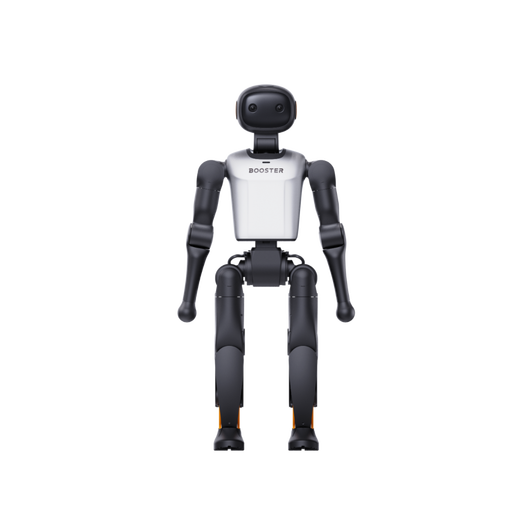
Booster Robotics K1 Geek Humanoid Robot
As a development platform, this model may suit structured STEM activities that introduce learners to robotics.
Product name includes: 48 TOPS AI and 22-DoF.
Joybuy
No image available
Booster Robotics K1 Edu Humanoid Robot
Its education and research positioning makes this model a potential option for structured, programmable STEM activities.
Product name includes: 117 TOPS AI and 22-DoF.
Joybuy
 No image available
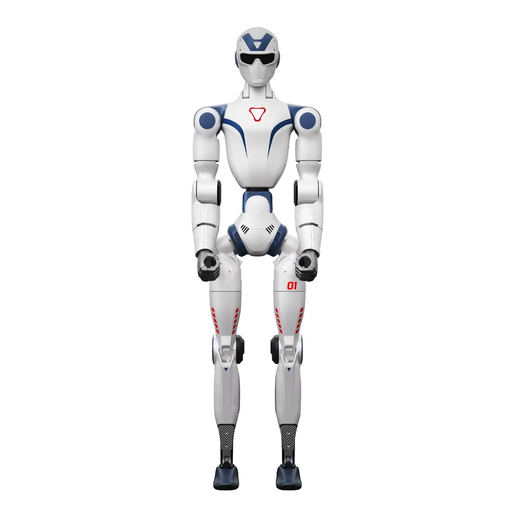
Unitree R1 Air Humanoid Robot, Blue and White
The described voice interaction may provide a starting point for structured activities; clarify data processing and supervision requirements before use.
Product name includes: monocular camera, 20 Degrees of Freedom and integrated AI Voice Model.
Joybuy
 No image available
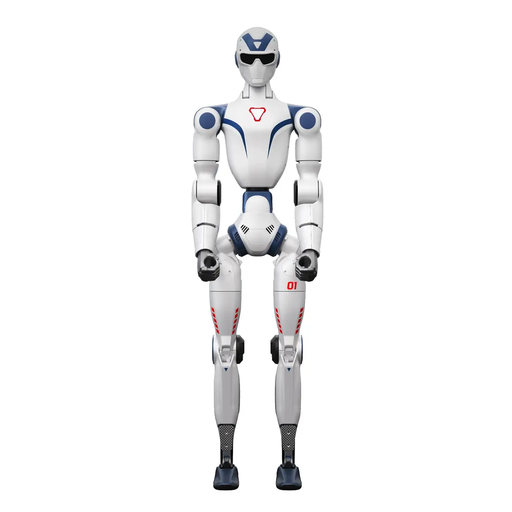
Unitree R1 Edu Blue-white
Support for Secondary Development may be useful for structured programming activities, provided the age group and space for movement are suitable.
The safety information states that the product is not suitable for anyone under 14. For larger movements, the description recommends a clear area of at least 6 m × 6 m.
Joybuy
 No image available
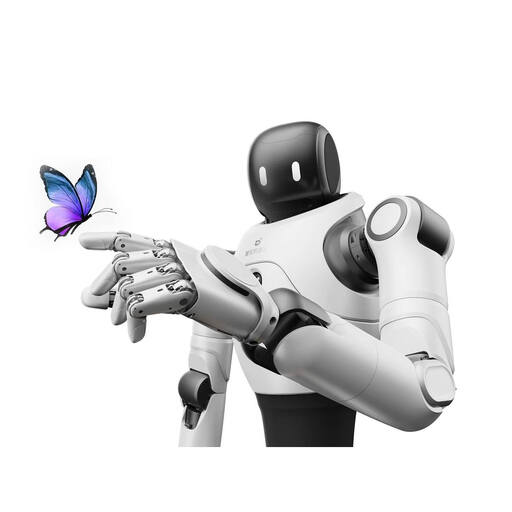
AGIBOT X2 Humanoid Robot
The described dialogue and movement features may be useful for structured demonstrations; check in advance what data is processed.
Secondary Development is listed as unsupported for the X2 variant, so it is not a verified choice for activities that require learners to write their own programmes.
Joybuy
Frequently asked questions
Is parental consent enough for camera or voice features?
There is no simple yes-or-no answer. The school must check the intended use and actual data processing against the applicable requirements of the relevant federal state. The Datenschutzkonferenz notes that its guidance is not a definitive checklist of requirements.
What supervision does NAO 6 need for younger pupils?
The support provider Maxtronics requires children under 14 to be supervised by someone responsible for their safety who has read and understood the instructions. For children aged 14 and over, it specifies instruction on safe use and potential hazards. This guidance for a particular model does not automatically apply to other robots.
What is involved in preparing and looking after a JD for classroom use?
EZ-Robot provides a teacher guide for JD and advice on battery care. The manufacturer says the LiPo battery should be fully charged before first use and disconnected from the charger once charging is complete. Decide who will take responsibility for charging and safe storage.


