Singers in a noisy office
You want to hear the backing track over conversations, so you need ear tips that feel comfortable and provide enough isolation for your ears.


Choose in-ear headphones that fit well and have the right connection for your backing track. To hear your microphone input, you’ll also need a suitable monitoring signal path. If you need to respond to people or warning signals in the office, strong isolation may not be the right choice. Don’t simply turn up the volume to drown out background noise.
You want to hear the backing track over conversations, so you need ear tips that feel comfortable and provide enough isolation for your ears.
You want to hear your microphone input alongside the backing track. To do this, your microphone, signal path and headphone output need to work together.
You may need to respond to people or warning signals while practising. In this case, maximum isolation may not be the right choice.
A good fit if: You usually practise in one place and have a compatible headphone output for the backing track.
Trade-off: You won’t need a wireless system for your in-ears, but the cable will limit your movement. Check the plug and whether you’ll need an adapter.
A good fit if: You want to hear your microphone input alongside the backing track and your interface can mix both signals to the headphone output.
Trade-off: As well as in-ears, you’ll need a microphone, suitable inputs and a configured signal path. Monitoring directly and through software at the same time can cause an echo.
A good fit if: You need to hear people or warning signals while practising.
Trade-off: More background noise may make it harder to monitor your singing. An open design doesn’t remove the need to check what’s required in your particular workplace.
A good fit if: You genuinely need to move around freely while practising and the transmitter, receiver and audio source are compatible.
Trade-off: You’ll need extra equipment and a power source as well as the in-ears. In Germany, the frequency requirements must also be suitable for the specific wireless system.
| What matters | What to check before buying | Who should consider this? |
|---|---|---|
| Isolation without turning up the volume | Try ear tips in different sizes and materials; don’t assume a quoted attenuation figure will match the result in your own ears. | If conversations drown out the backing track, you need a good fit without simply turning up the volume. Around 36% of consumers put isolation first. |
| Hearing your own voice in sync | Check that your microphone and interface route the input signal to the headphone output; configure direct and software monitoring appropriately. | If you want to hear your microphone input alongside the backing track without distracting delay, the signal path needs to be right. Around 29% of consumers prioritise self-monitoring. |
| Fit and maintenance | Check the ear tips and how they feel to wear; for wired models, check the model-specific connection and the availability of compatible spares. | If you practise regularly, you’ll want comfortable tips and compatible replacements when needed. Around 21% of consumers prioritise fit and maintenance. |
| Staying reachable at work | Check which conversations and signals you need to hear at your workplace; don’t assume an open design will be suitable based on its name alone. | If you need to respond to important conversations or warning signals while practising, don’t automatically put isolation first. Around 14% of consumers prioritise staying reachable. |
Figures such as ‘up to’ are manufacturer claims for a particular model. Whether the in-ears fit snugly in your ears, and whether you need to stay reachable in the office, are separate considerations.
Try the right ear tips and check which sounds you still need to hear in your particular office.
In-ears only play the signal that reaches the headphone output. Without a suitable microphone and monitoring signal path, you won’t automatically hear your microphone input.
Before you buy, plan the signal path from the microphone and backing track through to the headphone output.
Depending on the equipment you already have, you may also need a microphone, an audio interface or compatible connections.
If you practise in one place, a cable may be all you need. A wireless system adds extra equipment and a power source; the specific system must also meet the relevant requirements.
First, work out whether you really need to move around while practising. For wireless systems, check the exact device version and its frequency requirements.
A wireless system means extra equipment and power requirements.
The SE215 is a wired option for a backing track or an existing monitor mix.
The IE 100 PRO may suit singers looking for wired in-ears with interchangeable tips.
The ATH-E40 is a wired option to consider if you want to try different silicone tip sizes and a detachable cable.
The DT 30 IE is a wired in-ear monitor with documented cable and ear-tip options.
The following wired and True Wireless in-ear headphones may suit listening to a backing track. To hear your own microphone input, you’ll also need a suitable monitoring signal path; the product details alone don’t confirm that these are suitable for low-latency self-monitoring.
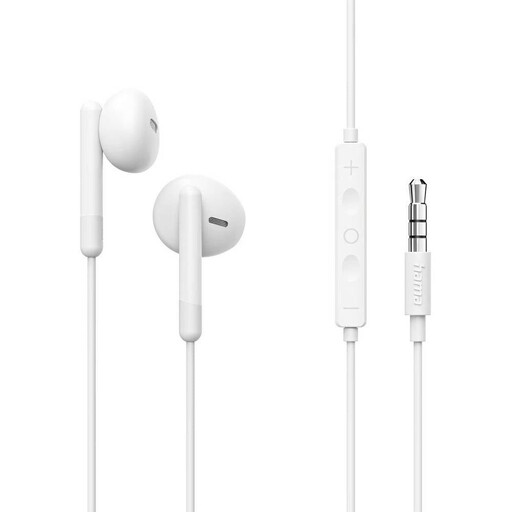 No image available
For wired playback through a compatible 3.5-mm output. The built-in microphone alone doesn’t provide a signal path for monitoring your singing through the in-ears.
Listed features include a 1.2-m cable, 14-mm drivers, an inline microphone and remote control.
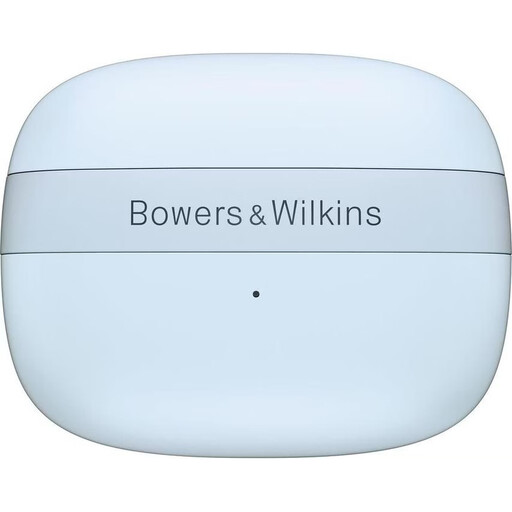 No image available
For wireless listening if Active Noise Cancelling and interchangeable ear tips matter to you. The product details don’t confirm that these are suitable for low-latency self-monitoring.
Listed features include 12-mm drivers, Bluetooth 5.4, multipoint, Active Noise Cancelling and four ear-tip sizes. The stated battery life is up to eight hours.
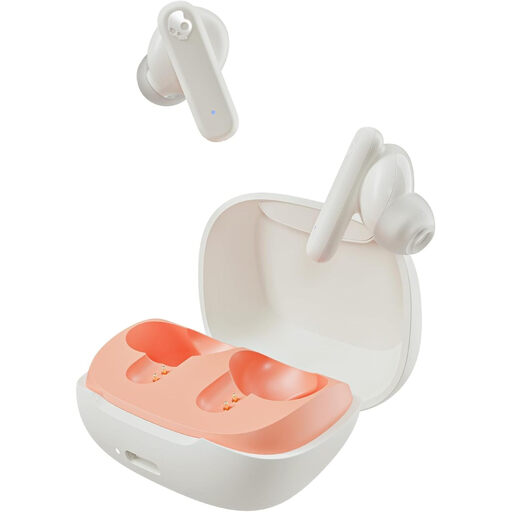 No image available
For wireless listening if passive noise isolation and a choice of ear-tip sizes matter to you. A good fit doesn’t replace checking whether you need to stay reachable in the office.
Listed features include Bluetooth 5.0, microphones in the earbuds and three ear-tip sizes. The stated total battery life is up to 20 hours.
 No image available
For wireless listening with Active Noise Cancelling and a switchable Ambient mode. Ambient mode doesn’t guarantee that you’ll be able to hear important conversations or warning signals at your workplace.
Listed features include Bluetooth 6.1 and six microphones. The stated playback time with the charging case is up to 26 hours with ANC switched on.
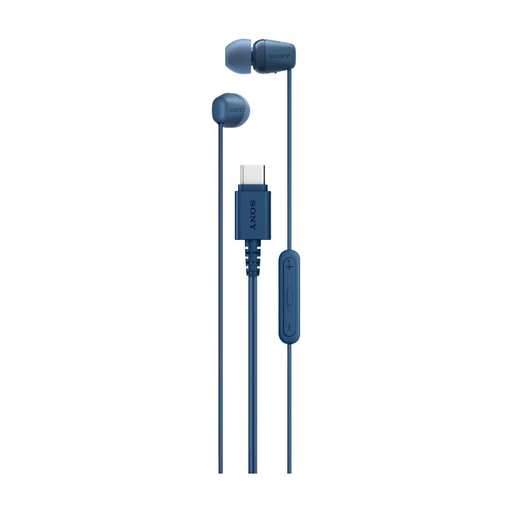 No image available
For wired playback through a compatible USB-C audio output. Before buying, check that your device supports USB-C audio. You’ll also need a suitable monitoring signal path to hear your own voice.
Listed features include a 5-mm driver, an inline microphone, a remote control and a choice of ear-tip sizes.
No, not on their own. Your microphone input needs to reach the headphone output through a suitable input and monitoring signal path. With a suitably equipped interface, Direct Monitoring can send the input signal with virtually no monitoring latency.
With a suitably configured interface, your voice can come through both directly and via the recording software. In this case, Focusrite recommends switching off software input monitoring for the relevant track when using direct monitoring.
There isn’t a blanket yes-or-no answer that applies to every office practice session. The Federal Institute for Occupational Safety and Health warns of an increased risk of accidents if signals or warning shouts go unheard. So check which conversations and signals you need to hear in your particular workplace.
No, you can’t assume a system is approved simply because of its product type. In its general allocation Vfg. 37/2026, the Federal Network Agency treats in-ear monitoring transmitters as radio microphones and lists permitted frequency bands with technical and operational requirements. Check that the frequency and device version meet these requirements. For the listed bands, the decision specifies different expiry dates: 31 December 2030 or 31 March 2036.
Check that compatible replacement tips and cables are available, and consider your existing monitoring equipment if you want to hear your voice through a microphone. For example, Audio-Technica lists a replacement cable for the ATH-E40 and ATH-E50. The A2DC connection is model-specific and won’t necessarily work with other models.