People with a growing interview archive
If you’re accumulating original recordings, transcripts and multiple project versions, check your current storage use and expected growth before choosing a drive.


For a growing interview archive, an HDD is an obvious choice if you mainly need space for recordings and multiple project versions. Work out your total storage needs, then choose the capacity that suits them. If you copy files frequently or work on the go, a portable SSD could be a good fit, although its speed depends on your computer and cable. A drive alone won’t create recoverable versions: set up a suitable backup routine, test your recovery process and keep a copy separate.
If you’re accumulating original recordings, transcripts and multiple project versions, check your current storage use and expected growth before choosing a drive.
If you want to retrieve an earlier version after accidentally overwriting a file, you’ll need a backup routine as well as a drive. Germany’s Federal Office for Information Security recommends testing your recovery process.
If you use several computers or carry your drive around frequently, consider whether its connections are suitable and plan how you’ll manage access protection and your unlock password. Germany’s Federal Office for Information Security explains how to protect encrypted data on portable storage devices.
A good fit if: you want to carry the drive between computers or storage locations and connect it without a separate power supply.
Consider: Check the capacity of the specific model, its connection and file system. An HDD isn’t designed for short copy times.
A good fit if: you mainly run large backups at a fixed workstation with access to a mains socket.
Consider: The documented Seagate One Touch Hub requires a power adapter; its hub connections are no substitute for a separate backup.
A good fit if: you frequently copy or edit interview and project files on the go, and your computer and cable support the USB connection you need.
Consider: The maximum speeds quoted by Samsung come from internal tests and may vary depending on your system and cable. Also check that there’s enough space for all your project versions.
| Buying priority | What to check | Who it matters most to |
|---|---|---|
| Space for originals and versions | Compare the storage used by all project folders with your expected growth and the capacity of the specific model. | If I keep the originals and several edited versions, I’ll need room for future growth too. Around 33 % of consumers say this is their most important buying priority. |
| Recovering earlier versions | Set up File History on Windows or Time Machine on Mac, then retrieve an older test file. | If I want to recover an interview version I’ve accidentally overwritten, my backup routine must actually capture earlier versions. Around 27 % of consumers put recoverability first. |
| Protecting access | Check which encryption options are compatible and how to store the password securely for everyone who needs access. | For personal recordings, I want to decide who can open them without making future recovery more difficult. Around 20 % of consumers prioritise access protection for interviews. |
| Connection and workflow | Check your computer’s ports, cable, operating system and copying frequency. Back up your data elsewhere before reformatting. | If I work in different locations or with different computers, I need to be able to connect the drive as part of my workflow. Around 20 % of consumers prioritise connectivity and practical file copying. |
Backup media can fail too. Germany’s Federal Office for Information Security points out that restoring a backup isn’t always straightforward.
Keep your working files and backup separate, store the external copy apart after backing up, and test your recovery process.
Keeping an additional copy separately takes more storage space and needs regular maintenance.
Mirroring your files doesn’t mean you’ll be able to find an overwritten interview version later.
Choose a File History or Time Machine routine, then try restoring an older file.
The documented Seagate One Touch Hub requires a power adapter. Samsung notes that the T7 Shield’s maximum speeds come from internal tests and may vary depending on your system.
Check your computer’s connection, cable, power supply and planned copying routine together.
Depending on your computer, you may need a suitable cable or an additional power connection.
Without the required password, even authorised people may not be able to restore the encrypted backup as intended.
Before you start, decide who needs access and how the password will be stored and shared securely.
Canvio Basics includes portable, USB-powered HDDs. The documented 4-TB model has the part number HDTB540EK3CA.
Memory Case is a range of portable HDDs powered via a USB-A cable, with documented models up to 5 TB.
The documented My Passport WDBPKJ0040BBK-WESN is a portable 4-TB HDD.
One Touch Hub is a range of desktop HDDs with front-facing connections and a password feature.
The T7 Shield is a portable SSD. The documented black 2-TB model for Germany has the model number MU-PE2T0S/EU.
The Joybuy products below include portable USB HDDs for use in different locations and desktop HDDs for archives kept mainly in one place. Check the capacity of the specific model and your computer’s requirements.
 No image available
For a portable archive where you need room for recordings and several project versions on an HDD you can carry with you.
5 TB; USB-C; USB 3.2 Gen 1. To recover earlier versions, you’ll need to set up a suitable backup routine.
No image available
A portable HDD for interview files, if its capacity suits your existing archive.
4 TB; USB-C; USB 3.2 Gen 1. To recover earlier versions, you’ll need to set up a suitable backup routine.
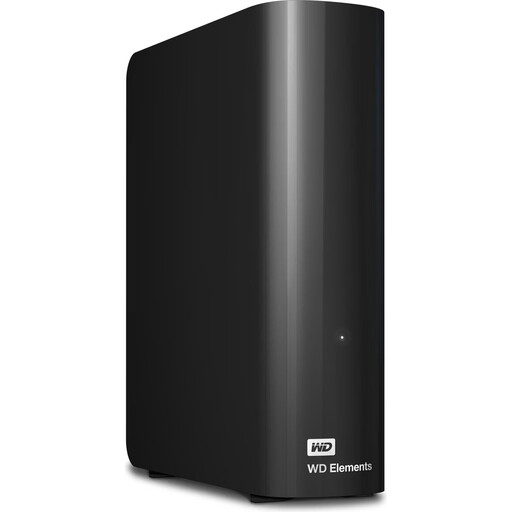 No image available
For a large archive that’s backed up mainly at a fixed workstation.
24 TB; USB 3.2 Gen 1; external power adapter required. To recover earlier versions, you’ll need to set up a suitable backup routine.
 No image available
For a desktop interview archive, if 6 TB is enough for your estimated storage needs.
6 TB; USB 3.0; NTFS. An external power adapter is required. According to the product description, the drive needs reformatting for use with a Mac. Back up existing data elsewhere before reformatting.
To recover earlier versions, you’ll need to set up a suitable backup routine.
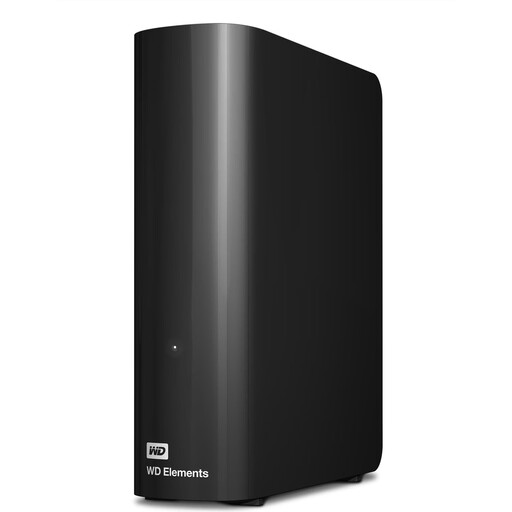 No image available
For a larger archive that’s backed up mainly in one place and suits the stated capacity.
12 TB; USB 3.2 Gen 1; NTFS. An external power adapter is required. According to the product description, the drive needs reformatting for use with a Mac. Back up existing data elsewhere before reformatting.
To recover earlier versions, you’ll need to set up a suitable backup routine.
No. You’ll need to set up a suitable backup routine. Microsoft explains how to access earlier file versions using File History, while Apple describes automatic Time Machine backups to an external volume. Try restoring a file to check that your project files are being backed up.
Before confirming, check whether the selected storage device contains any files you still need. Apple notes that your Mac may offer to erase the device during setup. Apple also recommends using the backup volume only for Time Machine backups.
Compare what’s included and the warranty terms for the specific offer. Seagate lists a power adapter and Rescue Services for the One Touch Hub, although availability may be limited depending on the country. These extras are no substitute for keeping your own separate backup.
Not in every case. Section 201 of the German Criminal Code (StGB) covers, in particular, the unauthorised recording of another person’s private spoken words, as well as certain ways of using and making those recordings available. Check that you’re entitled to make the recording and share it as planned. Whether the GDPR’s household exemption applies to processing that is exclusively personal or domestic depends on who will use and see the material. Storing it privately doesn’t automatically mean you can publish it.