Joybuy products for this use
This selection includes keyboards for controlling playback, repeating inputs and entering field values at a fixed or shared workstation.
 No image available
Inateck Bluetooth Keyboard KB01003G, QWERTZ
A good option if you’re looking for a wireless QWERTZ keyboard with media and function keys for multiple devices.
The product description lists Bluetooth connections to up to three devices and use with Windows. Check that the specific shortcuts work with your indexing software.
View on Joybuy
 No image available
Ticktype DP104, full-size mechanical keyboard, US layout
Worth considering if you want to configure recurring input sequences and a US layout suits your work.
The product description lists a full-size 108-key layout, programmable keys and macros through dedicated driver software. Check the layout and input sequences in your indexing software.
View on Joybuy
 No image available
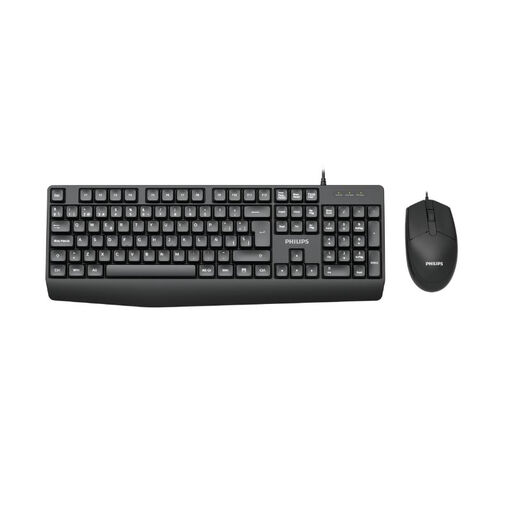
Philips SPT6237B/26, keyboard and mouse set, German QWERTZ
A good fit for a dedicated workstation if you often enter numbers and want to control playback or pause directly.
The product description lists a wired full-size keyboard with a number pad and multimedia playback/pause keys. The set includes a keyboard and mouse.
View on Joybuy
 No image available
Logitech MX Mechanical, German QWERTZ, Graphite
A good option if you use customisable shortcuts and want to switch between several work devices.
The product description lists Bluetooth and Logi Bolt, customisable shortcuts via Logi Options+ and switching between up to three devices. Test the commands you want to use in your software.
View on Joybuy
 No image available
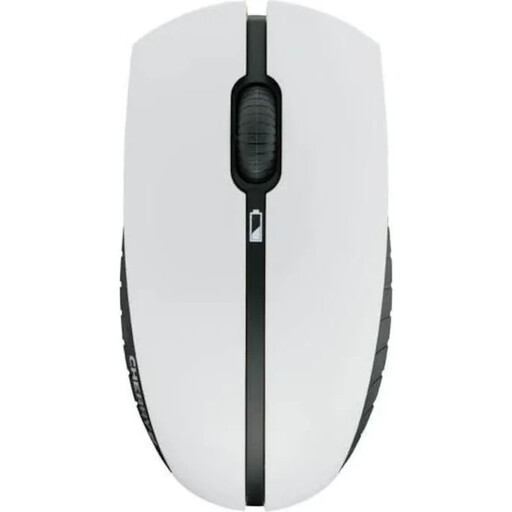
CHERRY B.UNLIMITED 3.0, keyboard and mouse set, German layout
Worth considering for your desk if you’re looking for a wireless keyboard with German keys and dedicated media controls.
The product description lists a 2.4 GHz connection, four multimedia keys including playback/pause and scissor switches. The set includes a keyboard and mouse.
View on Joybuy
Frequently asked questions
Do I need macro keys to use custom interview fields?
No. Interview fields are set up in the software first. MAXQDA, for example, describes document variables for recording details about an interview, so start by checking which fields and keyboard shortcuts your programme offers. Macros can help with recurring inputs, but you don’t need them to create fields.
Why don’t the function keys control playback on my Mac?
In MAXQDA, F4 may be assigned to a system function on a Mac. Check the setting for standard function keys and test F4/F5 in transcription mode; other programmes have their own keyboard shortcuts.
What happens if a product bought online develops a fault?
For a consumer purchase of new goods, you can generally exercise your statutory warranty rights within two years of receiving the item. The Verbraucherzentrale gives this period for claims relating to defects; your point of contact is the seller. This is separate from any voluntary manufacturer’s guarantee.
Can I index recorded interviews or transfer them to the cloud without any further checks?
No. Choosing a keyboard does not give you permission to record or process interview data. Section 201 of the German Criminal Code (StGB) covers, among other things, the unauthorised recording of privately spoken words. For personal data, the controller must establish an appropriate legal basis under the GDPR; whether recording, indexing and using a particular cloud service are permitted depends on the circumstances.


