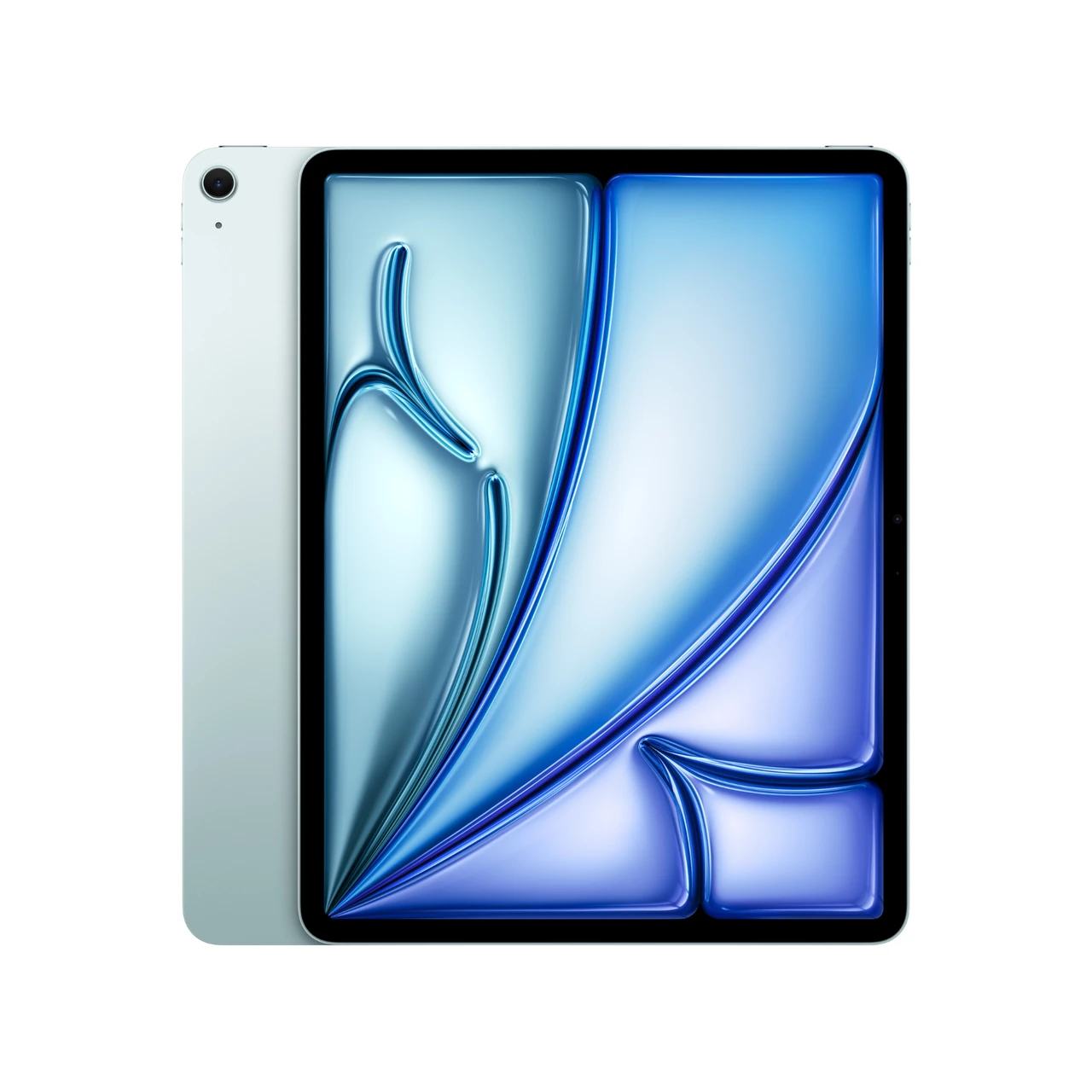
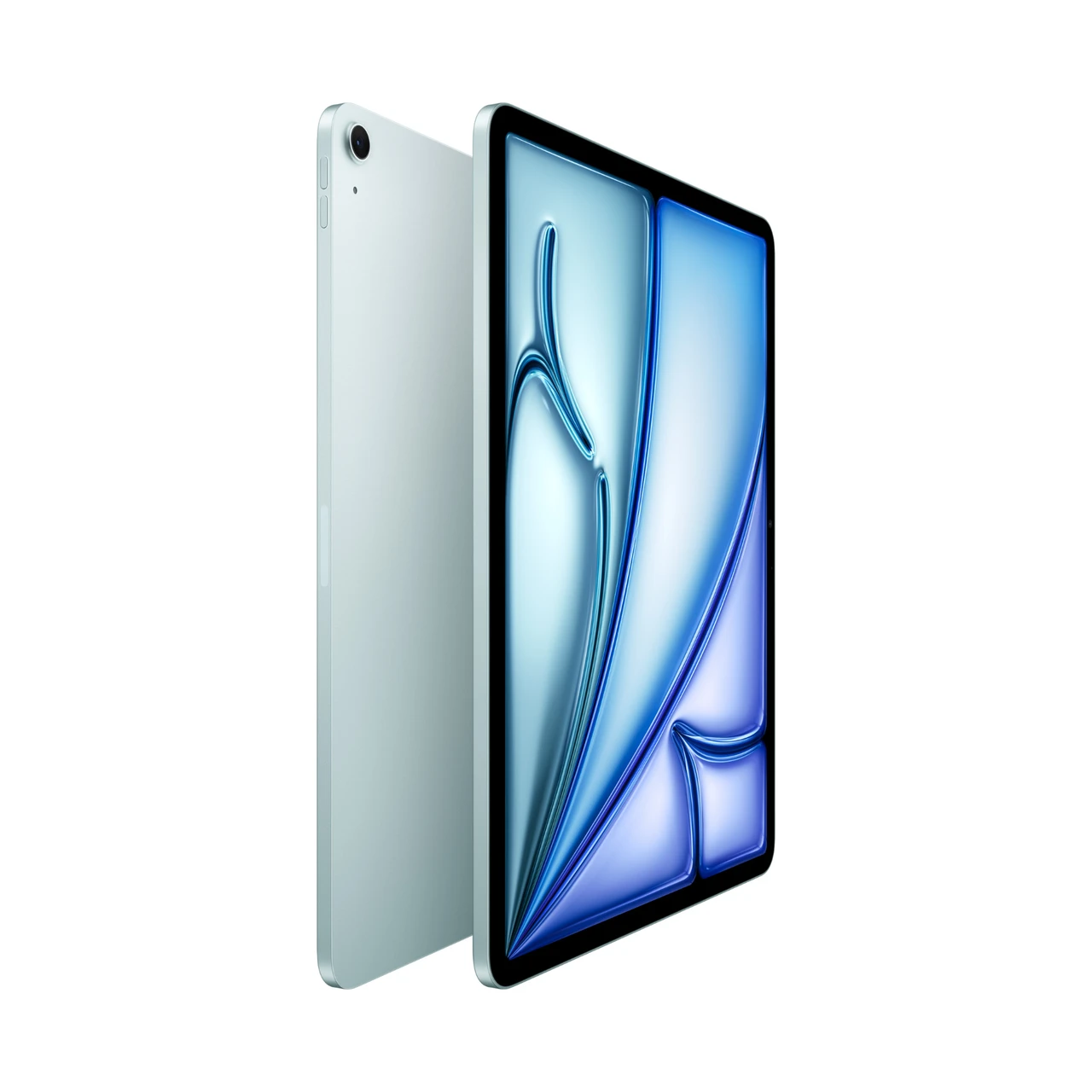
The blue Apple iPad Air 13-inch (M4) brings a spacious, colour-rich display and responsive performance to work, creativity and downtime. With 12GB of memory and 256GB of storage, it’s suited to multitasking, note-taking with Apple Pencil Pro or Apple Pencil (USB-C), video calls and 4K video capture. Touch ID, USB-C and Wi-Fi add everyday convenience, making it a versatile choice for students, professionals and creative users who want a capable tablet at home or on the go.
How to Choose the Right Tablet
Start with how you plan to use your tablet: reading and browsing call for different priorities from drawing, studying or replacing a laptop. Compare the screen, operating system, storage and connectivity against your everyday needs and budget.
Key Features to Consider
These three criteria can help you narrow down the options and choose a tablet that suits you.
- Screen size and display: A compact tablet is easier to carry and hold for reading, while a larger display gives you more room for split-screen work, films or digital drawing. Check the resolution, brightness and compatibility with a stylus if you expect to write or sketch.
- Operating system and performance: Choose an operating system that supports the apps you need and works well with your phone, computer and other devices. For video calls, multitasking or creative apps, compare the processor and memory; for lighter browsing and streaming, you may not need top-tier specifications.
- Storage, battery and connectivity: Choose enough storage for apps and offline files, and check whether the tablet supports expandable storage or cloud services if you need more space. Compare stated battery life with your routine, then decide whether Wi-Fi is sufficient or a mobile-data model would be useful when travelling; also check charging connections and accessory compatibility.
Big Ideas, Beautifully Made: Meet Your Creative Sidekick
M4 Power Meets a Colour-Rich Liquid Retina Display
Bring work, creativity and entertainment together with the Apple M4 chip and 12GB of memory, built to support smooth multitasking and demanding projects. The Liquid Retina display presents content with P3 wide colour, while True Tone adjusts the viewing experience to suit your surroundings. An anti-reflective coating adds to the display’s considered finish, making it a welcoming canvas for reading, sketching, planning and streaming. With 256GB of storage, there’s room for apps, documents and creative files, all in a striking blue design.
A Natural Canvas for Notes, Sketches and Big Ideas
Make ideas feel tangible with support for Apple Pencil Pro and Apple Pencil (USB-C). Whether you’re annotating a document, mapping out a concept or adding a personal touch to a design, you can choose the Pencil that suits your workflow. The responsive Liquid Retina display brings colour and detail to your projects, while the power of M4 helps you move between creative apps and everyday tasks. From quick handwritten notes to more ambitious illustrations, iPad Air gives your ideas a versatile space to take shape and travel with you.
Stay Connected with Smart Cameras and Everyday Essentials
Bring people and projects into focus with the 12MP Center Stage front camera, designed to keep you in the frame during video calls, and capture photos or 4K video with the 12MP rear camera. Apple Intelligence adds helpful tools to your experience, while Touch ID offers convenient authentication. Fast, dependable connections are part of the package too, with Wi-Fi and a versatile USB-C port for charging and accessories. Together, these features make it easy to move from a call to a creative session, then settle in with your favourite entertainment.
Apple iPad Air Tablets For Creators, Callers And More
Digital Creators And Note-Takers
When you sketch, annotate or develop visual ideas, use a
compatible Apple Pencil to draw and mark up directly on the
screen, with P3 wide colour helping you see vivid colours as
you work. The M4 chip and 12GB of memory help you move between
creative apps, so you can develop ideas without interrupting
your flow.
Professionals Who Take Video Calls
When your workday includes calls from home or a Wi-Fi
workspace, the 12MP Center Stage front camera keeps you
centred in the frame, while the M4 chip and 12GB of memory
help you handle a call alongside other tasks. You can stay
engaged in conversations and keep work moving between them.
Film And Streaming Fans
When you want a tablet for films, streaming and browsing, the
Liquid Retina display brings out vivid colour, while True Tone
adapts the display to the light around you and the
anti-reflective coating helps reduce distracting reflections.
With 256GB for apps and saved content, you can settle into
downtime with less screen glare.
Photo And Video Hobbyists
When you want to capture outings or personal projects, the
12MP rear camera lets you take photos and record 4K video,
while 256GB of storage gives you space to keep images and
clips on the iPad. You can capture and revisit your moments in
one place.
Frequently Asked Questions
Is 256GB enough storage on the 13-inch iPad Air for university and everyday use?
The 256GB iPad Air gives you room for apps, documents, photos and downloaded entertainment for everyday use and study. It can also record 4K video, which uses storage more quickly, so review larger video files and downloads from time to time to keep space available for new projects.
Is the 13-inch iPad Air display good for drawing and taking notes?
Yes, its 13-inch Liquid Retina display supports both Apple Pencil Pro and Apple Pencil (USB-C) for drawing and handwritten notes. The 2732 × 2048 resolution, P3 wide colour and anti-reflective coating make it well suited to creative work and reading, while True Tone adjusts the display to the surrounding light.
Can the Apple iPad Air 13-inch M4 get wet?
The 13-inch iPad Air is not rated for water resistance, so keep it away from spills, splashes and damp conditions. Its USB-C port is for charging, DisplayPort and data transfer, not a water-sealed connection. Keep the tablet dry during everyday use to protect it and its charging port.
Don't just buy, Joybuy
Discover more of your favourite brands on Joybuy with great offers.