What should you consider when buying?
Three similarly sized QHD displays
A good fit if: you want to include more of the track at the sides and your PC can output the planned combined resolution.
Consider: three displays need suitable connections, enough space and a mount that can be aligned carefully.
Adding to your existing displays
A good fit if: you want to keep using a suitable screen and add displays with a matching resolution.
Consider: different screen sizes can make alignment more difficult. Check dimensions, bezels and connections before buying additional displays.
Starting with one screen
A good fit if: you don’t currently have enough space, connections or graphics performance for three displays.
Consider: a single screen won’t provide the side views of a triple-screen setup.
For iRacing’s Eyefinity setup, all three displays should use the same resolution. iRacing recommends matching models, but doesn’t require them. The criteria below can help you prioritise your buying decisions.
| What matters when buying |
What to check |
Who it matters to |
| Field of view and alignment |
Measure the available space, viewing distance, bezels and mounting points. Plan the screen width and angles to suit your seating position. |
If I want to include more of the track at the sides, I need to be able to position the displays properly on my rig. Around 36% of consumers also make field of view and screen geometry their top priority. |
| PC performance and connections |
Check your graphics card, available outputs, cables, supported resolutions and refresh rates. |
If I want to run several screens from my existing PC, I need to know what combined resolution it can output before I buy. Around 29% of consumers prioritise PC performance and connections. |
| Moving scenes in the rain |
Check the refresh rate and connection mode for the exact model. A stated maximum refresh rate doesn’t guarantee the frame rate you’ll get in a game. |
If I want to assess track scenes in the rain, I compare the display specifications without assuming they’ll automatically improve my lap times. Around 21% of consumers prioritise moving images and wet-weather scenes. |
| Scope of the setup |
Plan how many displays you need, which mounts are required, and how you’ll match sizes and resolutions if you add more screens later. |
If I want to expand my setup gradually, I need to know whether extra displays and their mounts will work with my rig. Around 14% of consumers prioritise the size of the setup and the option to expand it later. |
Joybuy products for a multi-screen setup
This selection from Joybuy includes 27-inch monitors with QHD specifications for comparing options for a multi-screen rig. Before combining a model with your existing displays, check its exact resolution, connections and mounting details.
 No image available
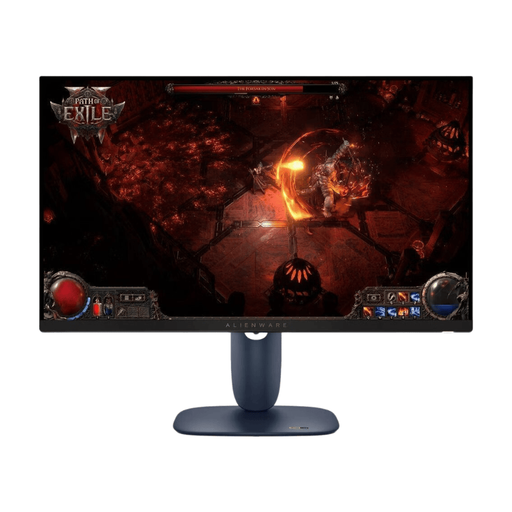
Dell Alienware AW2725DM 27-inch WQHD IPS LED gaming monitor
You can compare the stated 27-inch size and WQHD resolution with the dimensions and resolution of your other displays.
Specifications in the product name: 27 inches, WQHD, IPS LED, 16:9 and 180 Hz.
View at Joybuy
 No image available
INNOCN 2751S PLUS 27-inch QHD IPS gaming monitor
The stated size and QHD resolution are useful points of comparison when planning several displays for a rig.
Specifications in the product name: 27 inches, QHD 2K, IPS, 1152 zones and 275 Hz.
View at Joybuy
 No image available
KTC H27E6S 27-inch QHD Fast IPS gaming monitor
The stated size and QHD resolution can help you compare this model with the other displays in your multi-screen rig.
Specifications in the product name: 27 inches, 2560 × 1440, Fast IPS and 240 Hz, overclockable to 275 Hz.
View at Joybuy
 No image available
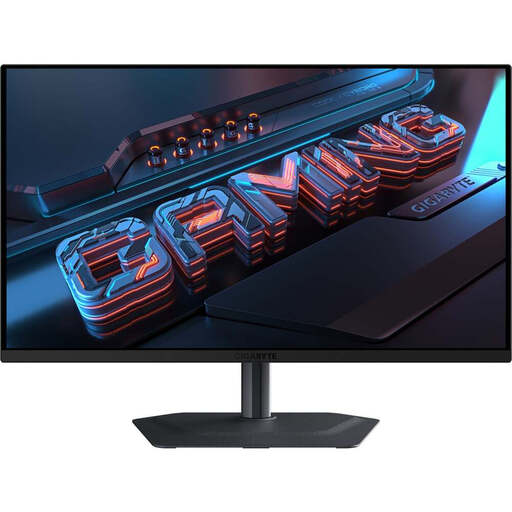
GIGABYTE MO27Q2A 27-inch QHD QD-OLED gaming monitor
The QD-OLED panel uses different technology from IPS. Compare its specifications with your other displays and planned setup.
Specifications in the product name: 27 inches, 2560 × 1440, QD-OLED and 240 Hz.
View at Joybuy
 No image available
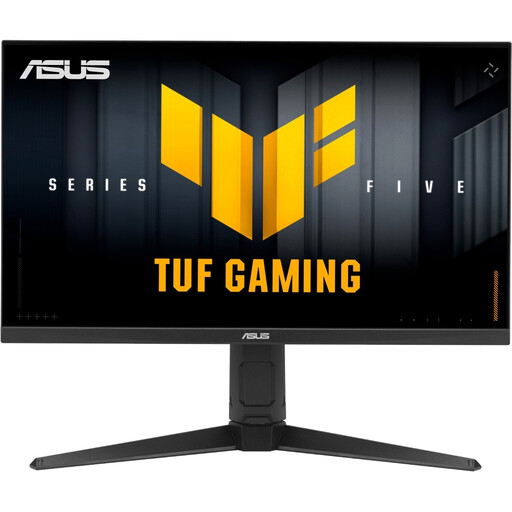
ASUS TUF Gaming VG27AQL5A 27-inch WQHD Fast IPS monitor
The stated size and WQHD resolution are useful when comparing this model with other displays in a multi-screen rig.
Specifications in the product name: 27 inches, 2560 × 1440, Fast IPS and 210 Hz.
View at Joybuy
Frequently asked questions
Do all three monitors need to be the same brand and model for iRacing?
No. iRacing recommends matching models, but doesn’t require them. Its Eyefinity guide says all three monitors should use the same resolution, and iRacing advises against using three displays of different sizes.
How do I set up the triple-screen view for training?
In your usual seated position, measure the distance to the centre monitor, along with the screen width and angle. Enter these measurements in iRacing’s monitor settings and select the appropriate triple-screen configuration. These instructions apply to iRacing and not necessarily to every racing game.
Do I have to use NVIDIA Surround or AMD Eyefinity?
Not necessarily for iRacing: according to iRacing, you can stretch a window across three monitors. Surround and Eyefinity are alternatives that combine several displays into one larger area for the software.
Will a better monitor automatically show me where there’s more grip on a wet track?
No. iRacing explains that the usual, heavily driven racing line can be more slippery in the rain, with grip often found away from it. What you can assess also depends on the simulation and track conditions; a monitor specification doesn’t prove that you’ll achieve better training results.
What resolution should three monitors have for iRacing?
For iRacing’s Eyefinity setup, all three displays should use the same resolution. Also check whether your graphics card can output the desired combined resolution through the available connections. The right setting depends on your specific PC and setup.


