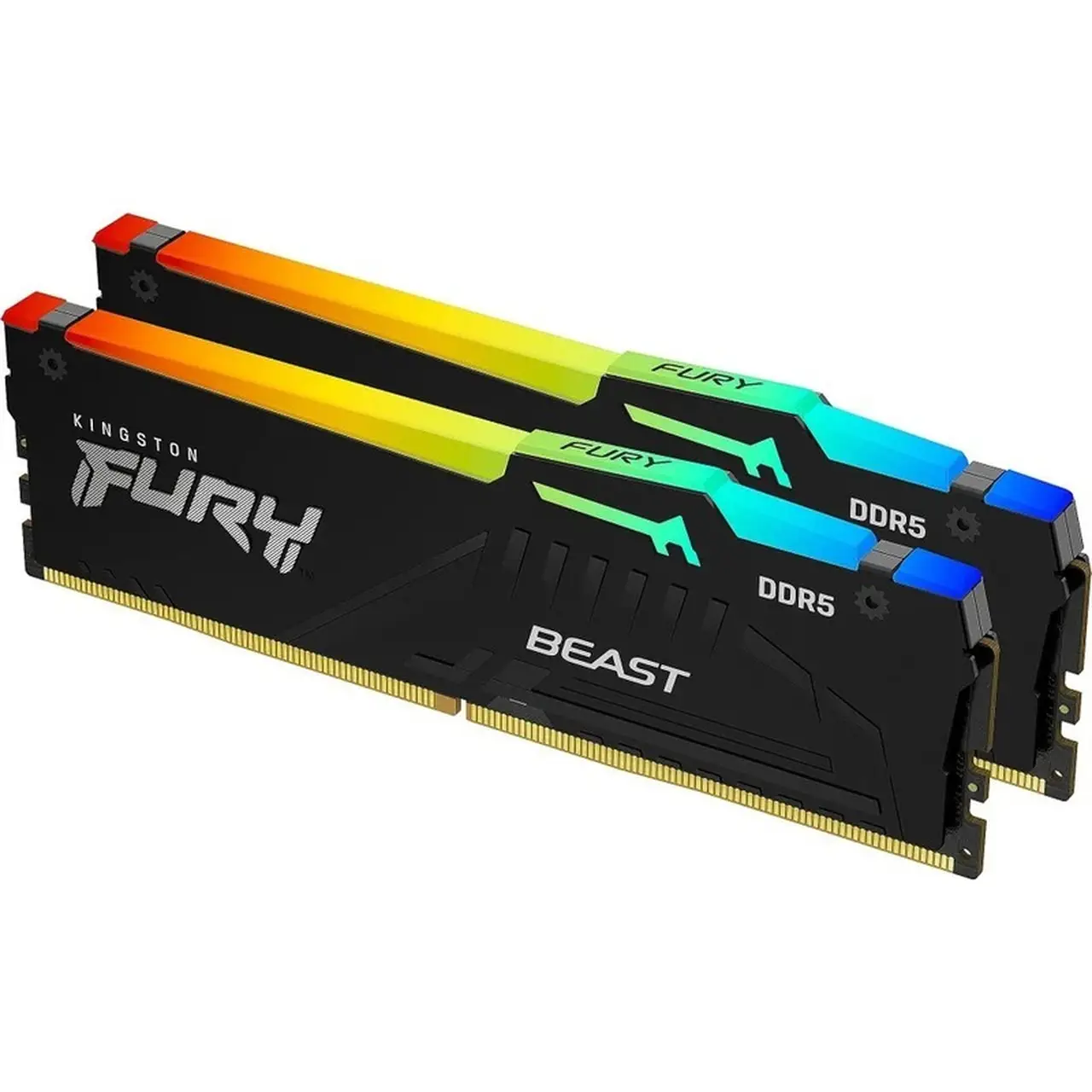
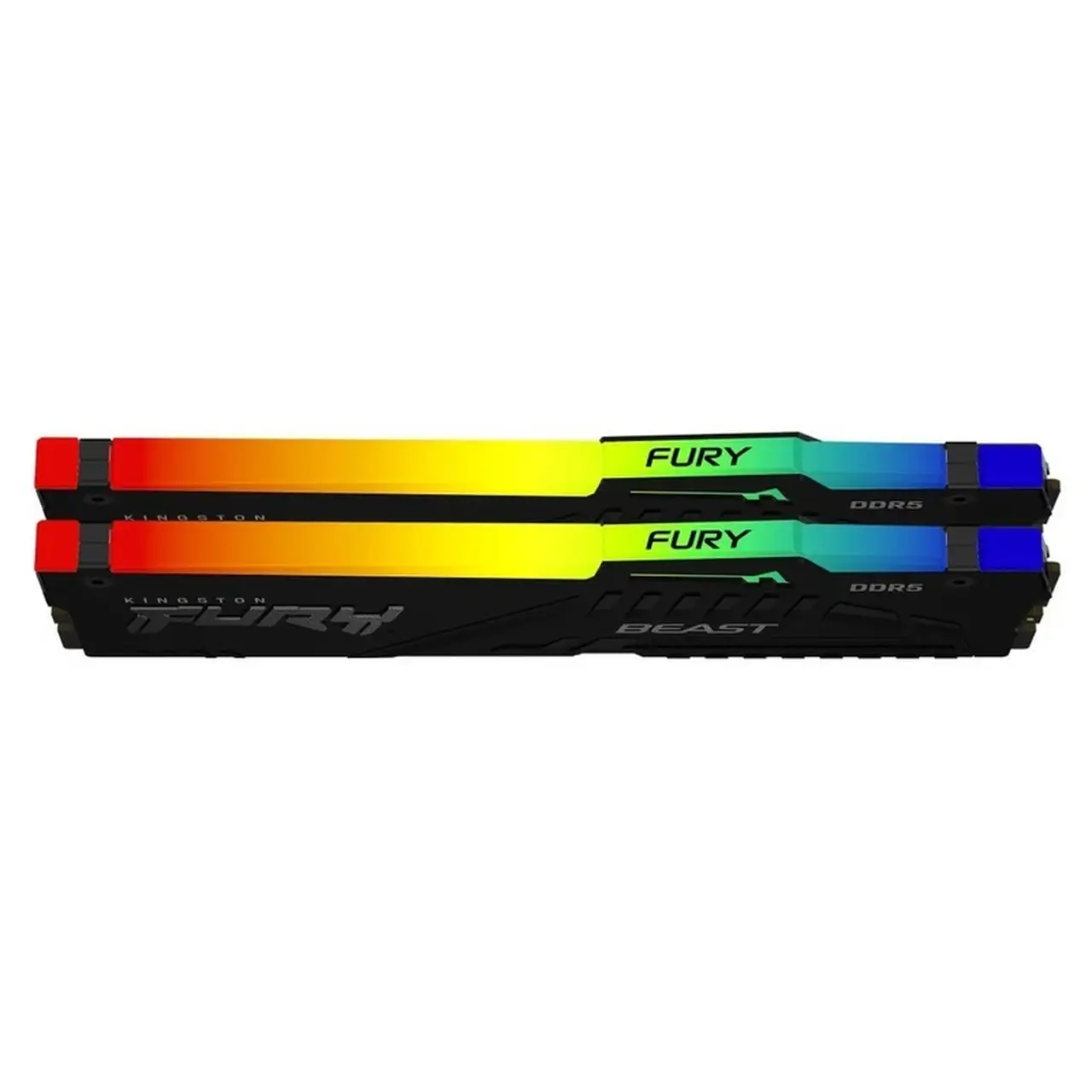
The Kingston FURY Beast RGB DDR5 32GB kit pairs two 16GB modules with a rated speed of 6000MT/s and CL30 timings for a desktop PC build or upgrade. Intel XMP 3.0 and AMD EXPO profiles can be enabled in the BIOS to use the rated speed; the standard SPD setting is 4800MT/s. Customisable RGB lighting, Infrared Sync and built-in heat spreaders make it a practical choice for gaming and everyday performance-focused systems, especially for builders seeking coordinated lighting and compatibility with supported Intel or AMD platforms.
How to Choose the Right Desktop Memory
Choose desktop memory that matches your motherboard and processor, then consider how much capacity and performance your everyday tasks or games need. Checking compatibility before buying helps avoid modules that will not fit or run at their advertised settings.
Key Features to Consider
Compare these three essentials against your PC’s specifications before choosing a memory kit.
- Compatibility and fit: Check whether your motherboard requires DDR4 or DDR5; these generations are not interchangeable. Confirm the number of available DIMM slots, supported module capacity and physical clearance around the CPU cooler, and choose desktop DIMMs rather than laptop SO-DIMMs.
- Capacity and configuration: Match RAM capacity to your workload: 16 GB may suit general use, while gaming, content creation or demanding multitasking may benefit from 32 GB or more. A matched kit of two modules can enable dual-channel operation, but check the motherboard manual for the recommended slots.
- Speed, timings and profiles: Compare the memory’s data rate in MT/s and its CAS latency (CL), and check what your CPU and motherboard support. Faster advertised settings may require enabling an Intel XMP or AMD EXPO profile in the BIOS, so verify support and remember that the system may default to a lower speed.
Light Up Your Build and Level Up with DDR5
6000MT/s DDR5 with Intel XMP 3.0 and AMD EXPO
Give a compatible desktop build a responsive memory foundation with this 32GB DDR5 kit, supplied as two 16GB modules and rated at 6000MT/s with CL30-36-36 timings. Support for both Intel XMP 3.0 and AMD EXPO makes it straightforward to select a suitable performance profile in the BIOS, bringing the kit’s rated speed to your setup. It also offers a standard SPD setting of 4800MT/s, giving builders a choice of memory settings to suit their system configuration.
Customisable RGB with Kingston FURY Infrared Sync
Add a coordinated finishing touch to your PC with customisable RGB lighting built into the Kingston FURY Beast modules. Kingston FURY Infrared Sync helps keep the lighting effects synchronised across the memory, while compatible motherboard lighting software lets you tailor the look to your wider build. Whether you are creating a colour theme or matching other illuminated components, the vivid lighting brings extra personality to a gaming or performance-focused desktop, pairing visual flair with the kit’s capable DDR5 memory.
Built-In Features for Confident Everyday Performance
Designed with a range of useful technologies, the Kingston FURY Beast RGB DDR5 kit combines on-die ECC, dual 32-bit subchannels and an integrated power management integrated circuit (PMIC). Together with the modules’ heat spreaders, these components help support reliable operation as part of a compatible system. The dual-module 32GB configuration also gives builders a practical memory foundation for gaming, creating and everyday multitasking, while the integrated heat spreaders and synchronised RGB bring functional design and a polished appearance to the desktop.
DDR5 Memory For PC Builders With Different Priorities
PC Builders Who Need More Memory
When you’re building or upgrading a DDR5 desktop for games,
work apps and plenty of browser tabs, this dual-module kit
gives you more room to keep a busy workload open together,
giving your system useful memory headroom.
Intel PC Builders Using XMP
If your compatible Intel motherboard supports XMP 3.0, enable
the profile in the BIOS to run this kit at its rated speed
instead of the standard SPD setting, making it straightforward
to access the kit’s rated performance.
AMD PC Builders Using EXPO
If your compatible AMD motherboard supports EXPO, enable the
profile in the BIOS to run this kit at its rated speed instead
of the standard SPD setting, giving you a simple way to access
the kit’s rated performance.
Builders Coordinating RGB Lighting
When you’re matching the memory to a lit PC build, customise
its RGB effects through compatible motherboard lighting
software; Kingston FURY Infrared Sync helps coordinate the
lighting, so your memory fits the look of your system.
Frequently Asked Questions
Will the Kingston FURY Beast 32GB DDR5 kit run at 6000 MT/s?
The kit can run at 6000 MT/s when your DDR5 motherboard supports the speed and you enable its Intel XMP 3.0 or AMD EXPO profile in the BIOS. It uses a standard SPD setting of 4800 MT/s by default. The two 16GB modules provide 32GB of memory for a compatible desktop system.
How do I control the RGB lighting on this Kingston FURY Beast RAM?
You can customise and synchronise the RGB lighting using Kingston FURY CTRL or compatible motherboard software. The modules support ASUS Aura Sync, Gigabyte RGB Fusion 2.0, MSI Mystic Light and ASRock Polychrome. Choose the software that matches your motherboard to coordinate the memory’s lighting with the rest of your build.
How do I install the Kingston FURY Beast DDR5 modules safely?
Install the two DDR5 modules with the computer switched off and unplugged, and touch a grounded metal surface first to reduce static charge. Hold each module by its edges, align its notch with the DIMM slot and press until the clips engage without forcing it. Your motherboard’s A2 and B2 slots are typically used for a two-module setup.
Don't just buy, Joybuy
Discover more of your favourite brands on Joybuy with great deals