AMD EXPO Desktop Builders
If your AMD desktop uses EXPO, enable it to run this 32GB DDR5 kit at up to 6000 MT/s with CL30-36-36 timings rather than its 4800 MT/s default, so your build uses the memory profile you selected.


Give a light-coloured desktop PC a coordinated look with the Kingston FURY Beast RGB EXPO 32GB DDR5-6000 memory kit. Its two 16GB modules combine customisable RGB lighting with fast DDR5 performance for compatible systems. Enable AMD EXPO or Intel XMP 3.0 to reach up to 6000 MT/s; the default SPD speed is 4800 MT/s. Choose from 18 lighting effects in Kingston FURY CTRL or compatible motherboard software, with infrared synchronisation between modules. A practical choice for gaming PCs and everyday desktop builds, it suits builders seeking a white finish and should be checked for cooler clearance due to its 42.23mm height.
Choose desktop memory that matches your motherboard and processor, then consider how much capacity and performance you need. Checking compatibility before buying helps avoid installation issues and ensures the memory can run at its intended settings.
Compare these essentials against your PC’s specifications and the way you use it.
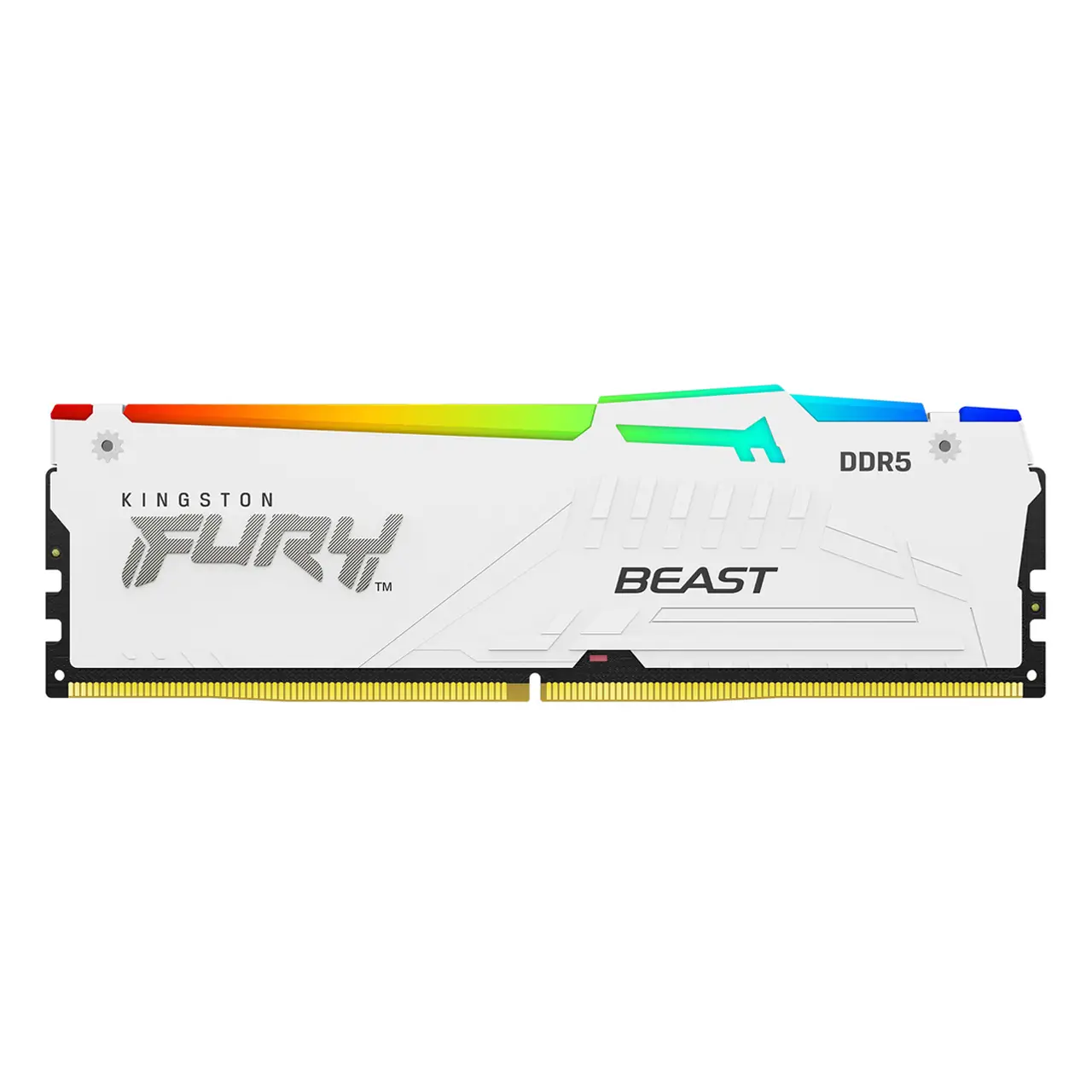
Give your desktop a capable memory foundation with 32GB of DDR5, supplied as two 16GB modules for a balanced dual-module setup. With Intel XMP 3.0 or AMD EXPO enabled, the kit can run at up to 6000 MT/s with CL30-36-36 timings, bringing fast memory performance to compatible systems. Its default SPD speed is 4800 MT/s, while the selectable performance profile makes it easy to set up for your preferred platform. From gaming sessions to everyday multitasking, Kingston FURY Beast RGB is designed to complement a modern desktop build.
Add a personalised finishing touch with 18 RGB lighting effects to choose from. Use Kingston FURY CTRL or compatible motherboard software to customise the look and coordinate the memory with the rest of your system’s lighting. Infrared synchronisation helps the modules keep their effects in step, creating a unified glow across the kit. Whether you prefer a vibrant colour display or a more coordinated theme, the lighting options make it simple to shape the atmosphere of your desktop around your own style.
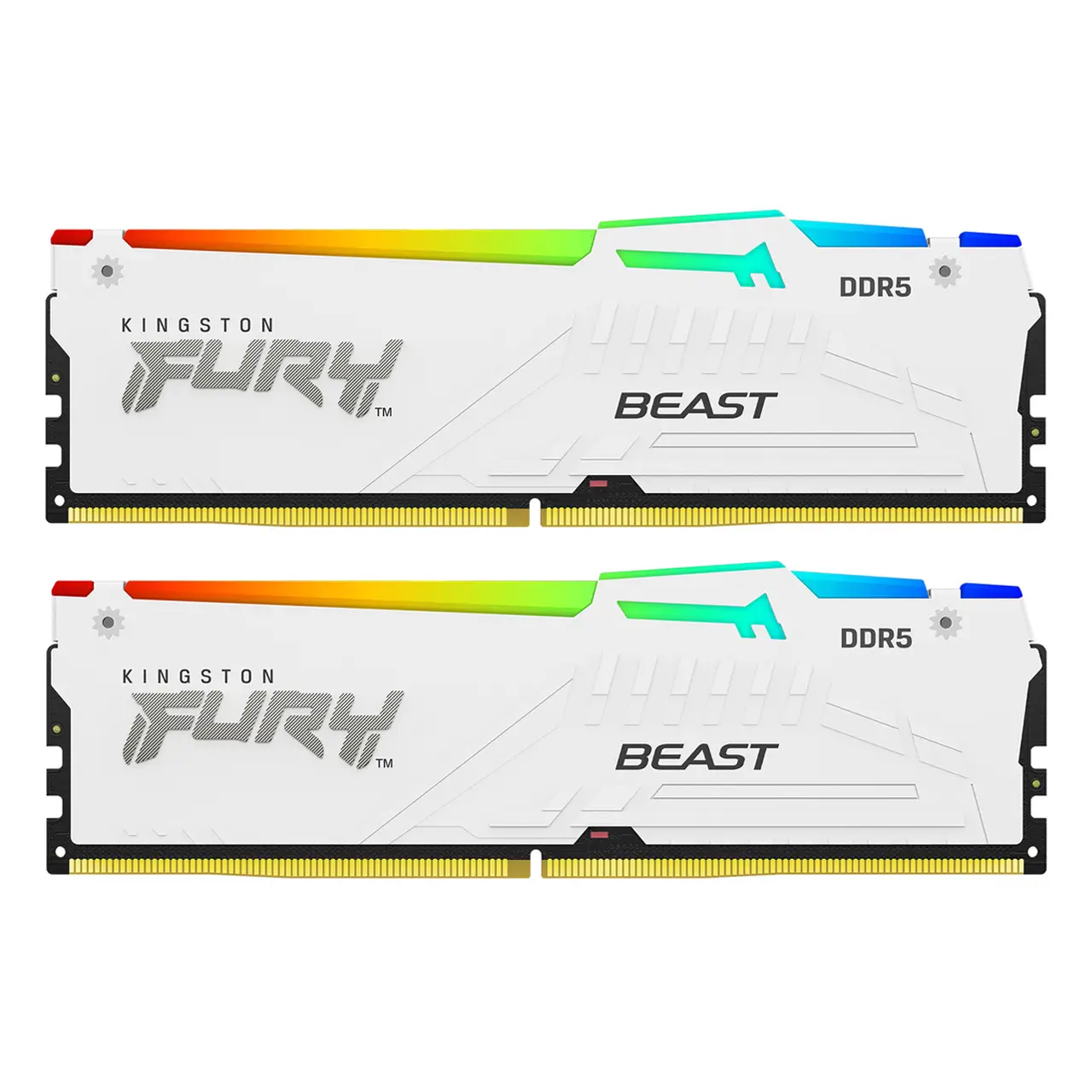
The white heatspreaders bring a clean, bright look to the Kingston FURY Beast RGB kit, making it a natural match for light-coloured PC builds and carefully coordinated components. Their distinctive finish pairs the practical appeal of desktop memory with a polished visual detail, while the integrated RGB effects add another way to personalise your setup. Bring together performance-focused DDR5 memory and expressive lighting in one kit, then use compatible software to create a look that feels at home on your desk and fits the character of your build.
If your AMD desktop uses EXPO, enable it to run this 32GB DDR5 kit at up to 6000 MT/s with CL30-36-36 timings rather than its 4800 MT/s default, so your build uses the memory profile you selected.
If your Intel desktop uses XMP 3.0, enable it to run this 32GB DDR5 kit at up to 6000 MT/s with CL30-36-36 timings rather than its 4800 MT/s default, so your build uses the memory profile you selected.
When you want your desktop lighting to match your setup, choose from 18 RGB effects in Kingston FURY CTRL or compatible motherboard software; infrared synchronisation keeps the modules’ lighting in step for a coordinated look.
If you’re putting together a light-coloured desktop, the white heatspreaders complement your build’s palette, giving your memory a look that fits the rest of your system.
The Kingston FURY Beast reaches up to 6000 MT/s when you enable its Intel XMP 3.0 or AMD EXPO profile in the BIOS. Its default SPD speed is 4800 MT/s, so check that your motherboard supports DDR5 and select the matching profile after installation to use the rated speed.
Yes, the two white Kingston FURY Beast modules offer 18 RGB lighting effects, with infrared synchronisation to coordinate the lighting across the kit. Customise them using Kingston FURY CTRL or compatible software from your motherboard maker, so the memory can match the look of your PC build.
Install the Kingston FURY Beast kit with the PC switched off and unplugged, and discharge static electricity by touching a grounded metal surface first. Hold each module by its edges, align the notch with the DDR5 slot and press until the clips lock. Use the motherboard’s recommended slots, typically A2 and B2.
Discover more of your favourite brands on Joybuy and enjoy great deals.