PS5 Owners Expanding Game Storage
If your PS5 supports PCIe 4.0 and you’re running short of room for games, use this SSD to expand its storage and keep more of your library ready to access, with less need to clear space for your next game.


Give your desktop, laptop or compatible PS5 more room for games, apps and files with the KIOXIA Exceria G3 2TB M.2 NVMe SSD. Its PCIe Gen4 x4 interface and NVMe 1.4 support deliver sequential read speeds of up to 5,000 MB/s and write speeds of up to 3,900 MB/s. With 2TB capacity and 1,200 TBW rated endurance, it suits users looking to expand storage or upgrade a compatible system; PS5 use requires PCIe 4.0 support.
Choosing an internal SSD starts with checking that it fits your device and works with its interface. Then compare capacity, performance and durability to find a drive suited to your everyday use and budget.
Check these essentials before choosing an internal SSD for a desktop PC or laptop in Germany.
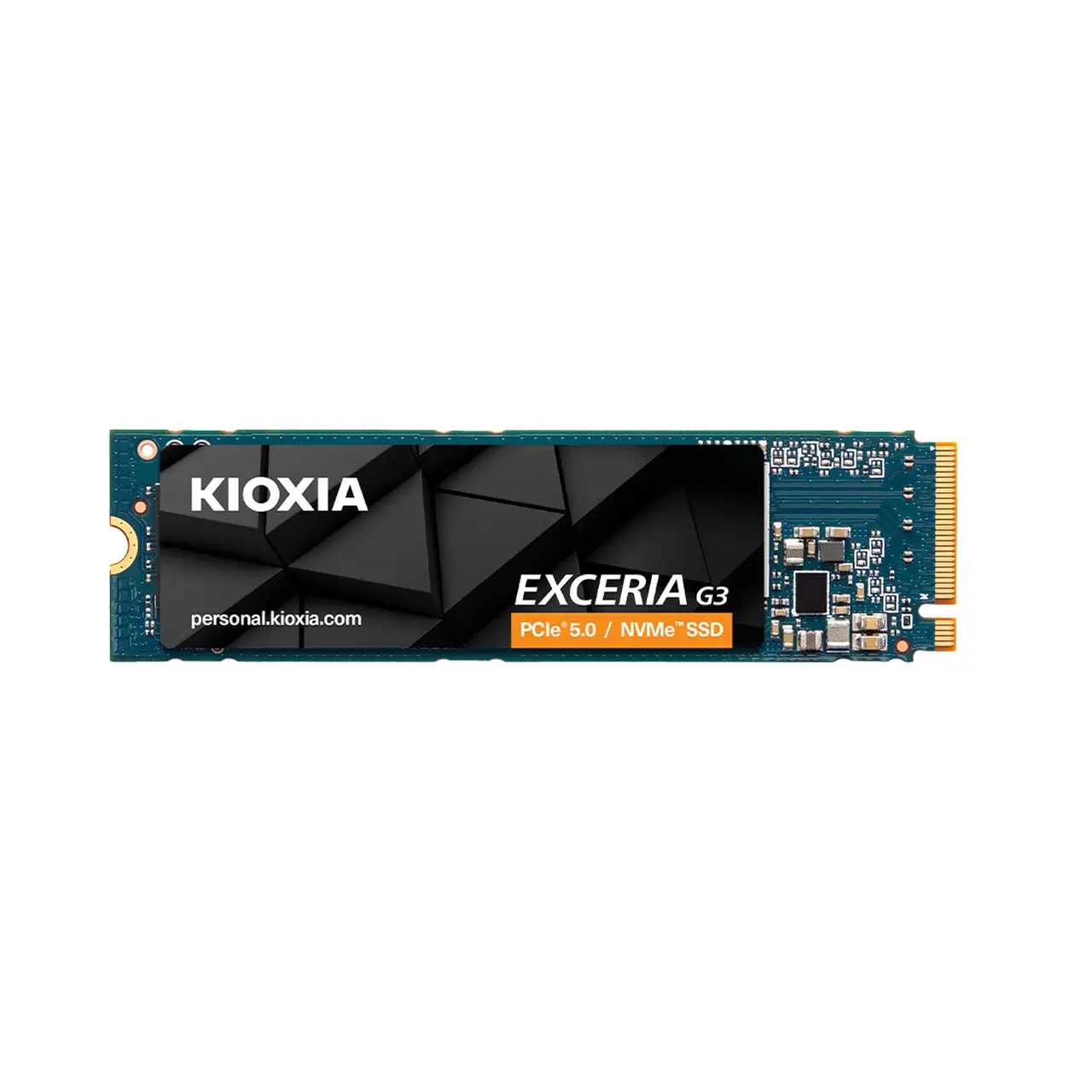
Give your games, applications and everyday files room to grow with the 2TB capacity of the KIOXIA Exceria G3. Its BiCS FLASH 3D TLC NAND technology brings together generous storage and responsive access, helping you keep the content you use close at hand. Designed as an internal SSD for compatible desktops and laptops, it offers a convenient way to expand a system’s storage and make more space for the projects, entertainment and files that matter to you.
With a PCIe Gen4 x4 interface and NVMe 1.4 support, the Exceria G3 is built for fast, fluid storage performance in compatible systems. Sequential speeds reach up to 5,000 MB/s read and 3,900 MB/s write, supporting quick access to stored games, applications and files. Whether you are moving large files or loading your favourite content, this combination of interface and speed helps keep your digital routine feeling responsive. It is also suited to expanding PS5 storage when the system supports PCIe 4.0.
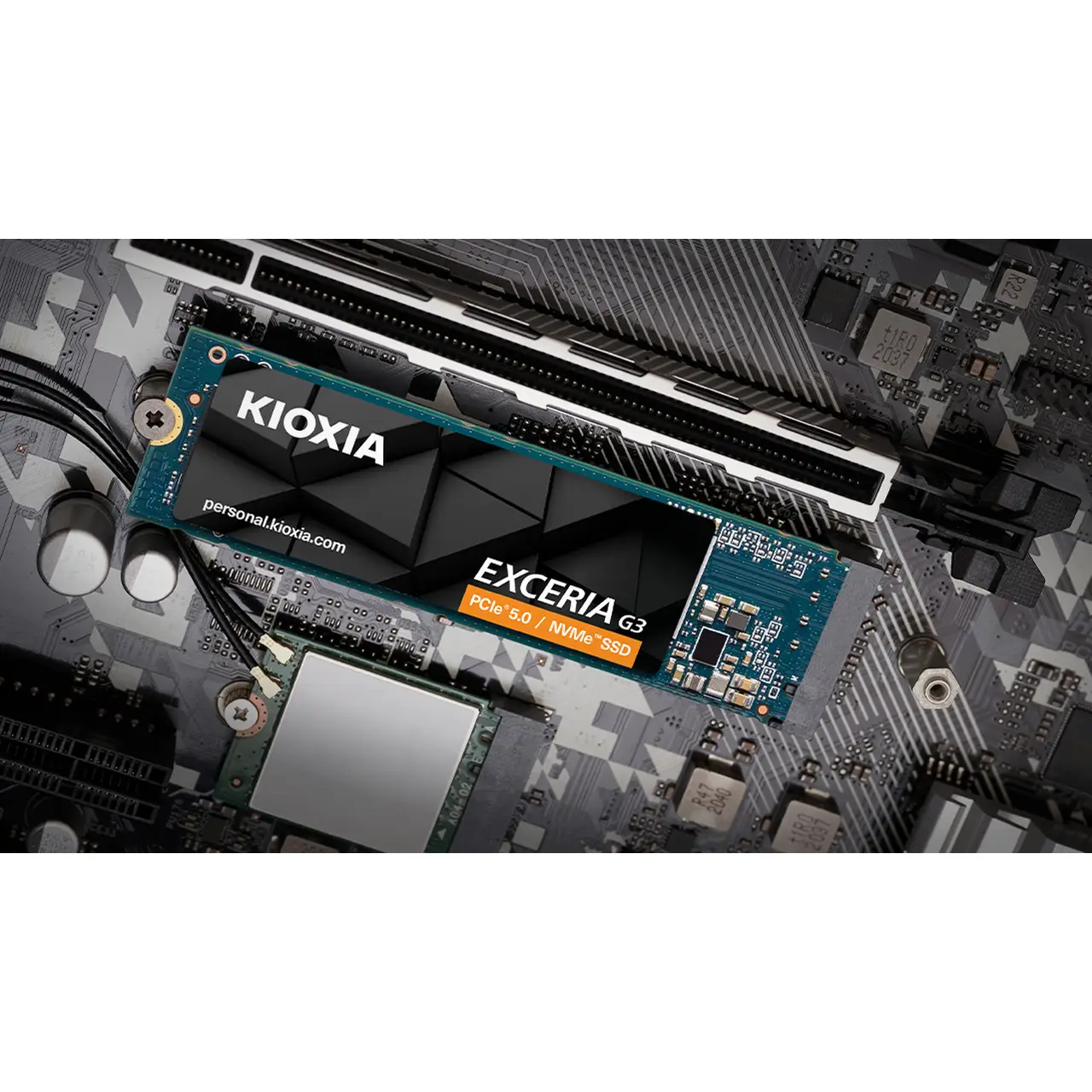
Make a confident storage upgrade with an SSD rated for 1,200 TBW endurance, giving you a clear measure of its workload capability over time. The Exceria G3 is designed for use in compatible desktop PCs and laptops, while PCIe 4.0 support also makes it an option for expanding PS5 storage when supported by the system. From a growing game library to work files and everyday applications, its blend of 2TB capacity, NVMe technology and rated endurance offers a versatile foundation for keeping more of your digital world accessible.
If your PS5 supports PCIe 4.0 and you’re running short of room for games, use this SSD to expand its storage and keep more of your library ready to access, with less need to clear space for your next game.
When your laptop is running short of space for apps and files, add this internal SSD to a compatible system and benefit from its NVMe performance as you open and access what you need, with more room to keep everyday essentials close at hand.
If you’re upgrading a compatible desktop, use this M.2 NVMe drive for your apps and files; its PCIe Gen4 speeds help you access them efficiently, so your day-to-day work feels less held up by storage.
If your work involves regularly saving and revising large files, this SSD’s 1,200 TBW endurance rating gives you a clear write-volume limit to plan around, helping you keep active projects on a drive rated for repeated updates.
Yes, the KIOXIA Exceria G3 can expand PS5 storage when the console supports PCIe 4.0. It is a 2TB M.2 2280 NVMe drive, and the PS5 formats it during setup. That gives you extra space for games and other files, ready to use through the console’s storage settings.
The KIOXIA Exceria G3 offers sequential read speeds of up to 5,000 MB/s and write speeds of up to 3,900 MB/s over PCIe Gen4 x4. Its 2TB capacity gives you room for games, applications and large files, while NVMe 1.4 supports responsive data transfers on compatible desktop and laptop systems.
Install the KIOXIA Exceria G3 with your computer switched off and unplugged, and touch a grounded metal surface first to reduce static. Place the M.2 2280 drive into the slot at about a 30-degree angle, then secure it without bending or forcing it. After installation, initialise the drive in your operating system.
Discover more of your favourite brands on Joybuy with great offers