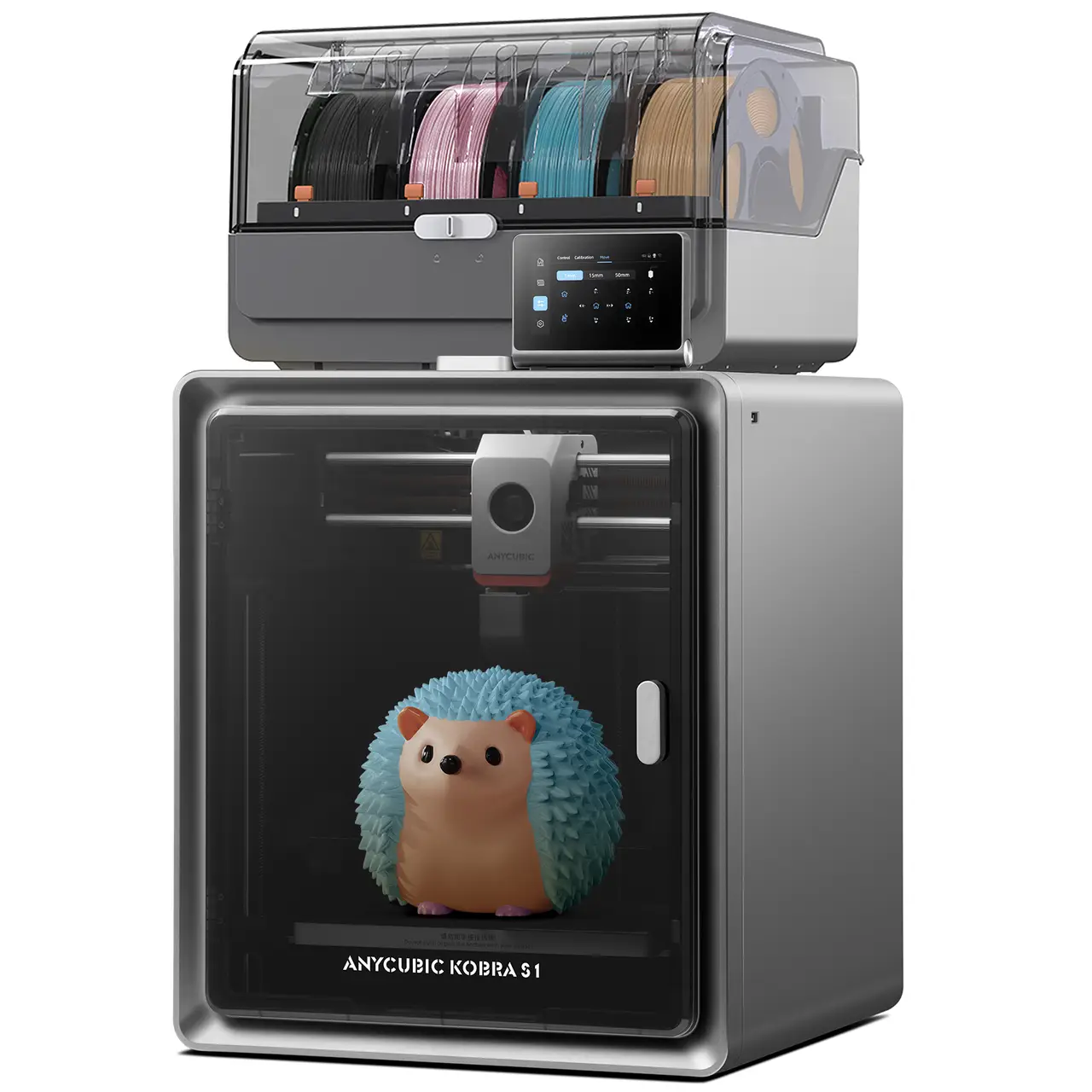
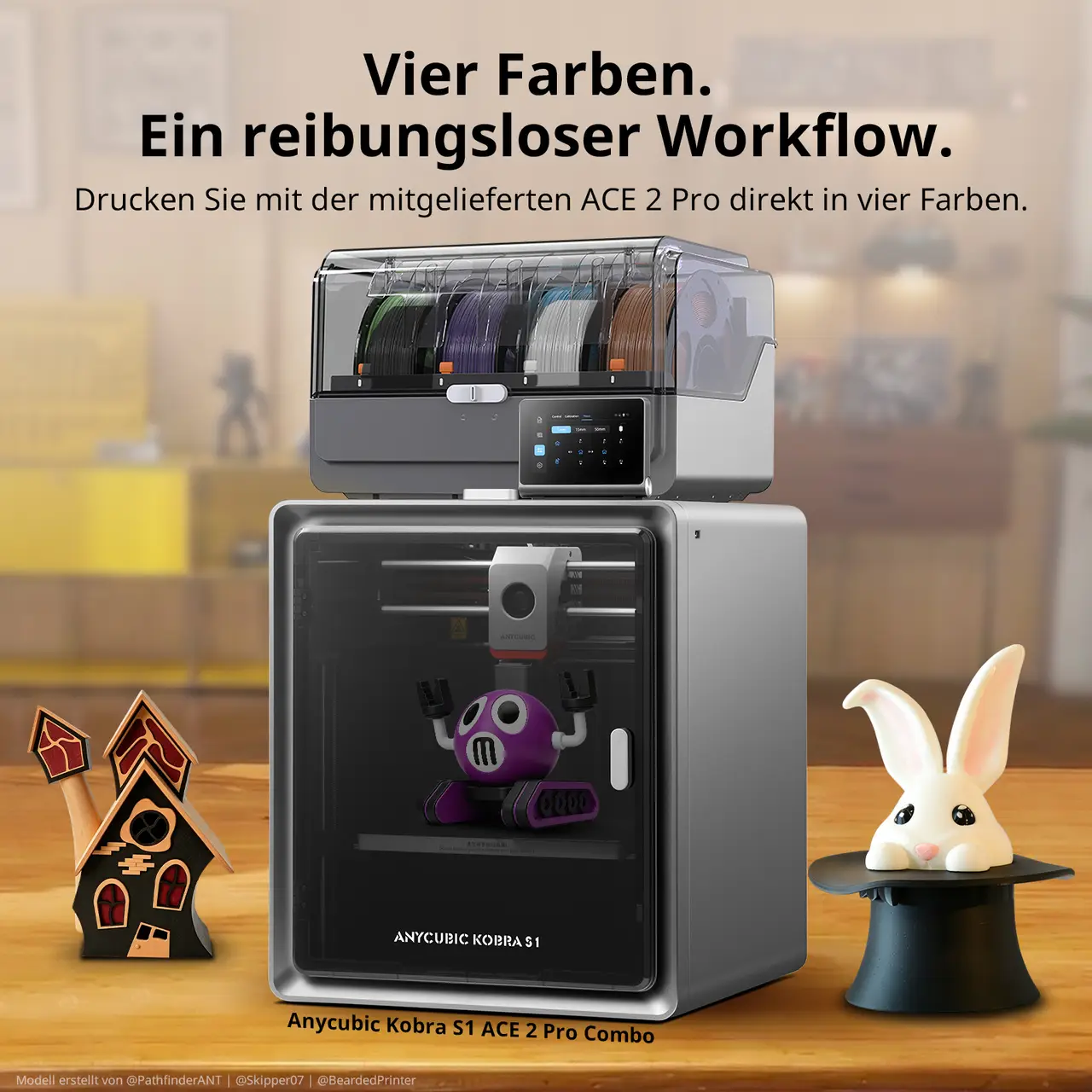
Bring colourful ideas to life with the enclosed ANYCUBIC Kobra S1 ACE 2 Pro Combo, a CoreXY 3D printer designed for versatile projects at home or in a workshop. It offers a 250 × 250 × 250 mm build volume and four-colour printing straight out of the box, with expansion options for larger multicolour projects. The ACE 2 Pro dries filament at up to 65°C, while automatic bed levelling, print monitoring and a quiet mode support a more convenient workflow. It suits makers, hobbyists and designers printing models, prototypes and functional parts in compatible materials including PLA, PETG, TPU, ABS and ASA.
How to Choose the Right 3D Printer
Start with what you plan to make, how large the prints need to be and how much setup you are comfortable with. Comparing printing technology, build volume and ease of use will help you find a 3D printer suited to your workspace and budget in Germany.
Key Features to Consider
Use these criteria to compare printers and check that the machine, materials and software fit your intended projects.
- Printing technology and materials: For general-purpose parts and larger objects, compare FDM printers and their compatibility with materials such as PLA, PETG or ABS. Resin printers can suit detailed small models, but factor in resin handling, cleaning and suitable ventilation.
- Build volume and print quality: Check the printer’s stated build volume in millimetres against the largest items you expect to make; a larger capacity is useful only if you have space for the machine. Look at layer-height and nozzle options alongside real-world print examples, as detail, speed and surface finish can involve trade-offs.
- Setup, software and ongoing costs: Features such as automatic bed levelling and guided calibration can reduce setup effort, while compatible slicer software affects how easily you can prepare models. Compare the cost and availability of filament or resin, replacement parts and support in Germany, and check the machine’s dimensions and noise level before choosing a place for it.
Bring Big Ideas to Life with Smarter, Multicolour 3D Printing
Enclosed CoreXY Speed for a Wide Range of Materials
At the heart of the Kobra S1 ACE 2 Pro Combo is an enclosed CoreXY design, built to bring swift, capable 3D printing to creative projects and practical parts alike. It can reach speeds of up to 600 mm/s, while the nozzle heats to as high as 320°C to support a versatile selection of filaments. Choose from PLA, PETG, TPU (95A), ABS and ASA to match the material to your idea, from colourful display pieces to functional prints. Automatic bed levelling helps make print preparation more straightforward, so you can focus on shaping your next design.
Add Colour and Keep Filament Ready to Print
Give models extra character with four-colour printing straight out of the box, making it easy to explore vibrant combinations and distinctive finishes. For even more creative choice, the system can be expanded to support up to 16 colours with additional compatible ACE 2 Pro units. The ACE 2 Pro also actively dries filament at temperatures of up to 65°C, including while a print is in progress. This integrated drying capability helps keep filament prepared throughout a project, bringing colour management and material care together in one convenient setup for ambitious prints and everyday making.
Stay in the Loop from First Layer to Finished Print
A range of helpful features supports a smooth, well-informed printing experience. Automatic bed levelling assists with setup, while filament and tangle detection provide useful print-status checks as the job runs. For added insight, AI spaghetti detection and an integrated camera support remote monitoring, so you can keep an eye on progress. Power-loss recovery helps a print pick up again after an interruption, and quiet mode operates at up to 44 dB for a more convenient working environment. Together, these features make it easier to manage projects with confidence from preparation through to completion.
Enclosed 3D Printer: Who the Kobra S1 ACE 2 Pro Suits
Makers Creating Multicolour Models
When you make colourful models, props or display pieces, you
can print in four colours straight away and add compatible ACE
2 Pro units as your projects call for more. Your designs can
have colour detail built into the print, with less need to
finish every part by hand.
Makers Printing Functional Parts
If you turn digital designs into prototypes or practical
parts, support for PLA, PETG, ABS and ASA gives you material
options for different jobs, while the enclosed printer
provides a contained printing space. You can choose a suitable
filament and bring your designs into the physical world with a
versatile setup.
Rapid Prototypers Refining Designs
When you are testing and revising a design, high print speeds
help you move through iterations faster, while automatic bed
levelling cuts down on setup before a print. You can spend
less time waiting between test versions and get to a finished
design sooner.
Home Makers Sharing Their Workspace
If your printer runs in a room you also use for other
activities, quiet mode helps keep printing less disruptive,
and the integrated camera lets you check progress without
hovering beside the machine. You can keep an eye on a print
while making the printer easier to fit into your day.
Frequently Asked Questions
How many colours can the ANYCUBIC Kobra S1 ACE 2 Pro Combo print?
The ANYCUBIC Kobra S1 ACE 2 Pro Combo prints in four colours as standard and can support up to 16 colours when expanded with compatible ACE 2 Pro units. Its four-spool ACE 2 Pro system handles multicolour filament feeding, making it suitable for models with several colours in one print.
Can the Kobra S1 ACE 2 Pro Combo print TPU?
Yes, the Kobra S1 ACE 2 Pro Combo supports TPU with a 95A hardness, but the flexible filament must feed directly into the printer. It cannot run through the ACE 2 Pro for multicolour printing, so use TPU for a single-material print and choose PLA or PETG for ACE 2 Pro colour changes.
What safety precautions should I take when using the Kobra S1?
Use the Kobra S1 on a stable, heat-resistant surface and connect it to a properly earthed socket. Its nozzle reaches 320 °C and the heated bed reaches 120 °C, so keep hands clear of hot and moving parts during printing. The printer is not intended for areas where children are likely to be present; children should use it only under responsible adult supervision.
Don't just buy, Joybuy
Discover more of your favourite brands on Joybuy with great offers.