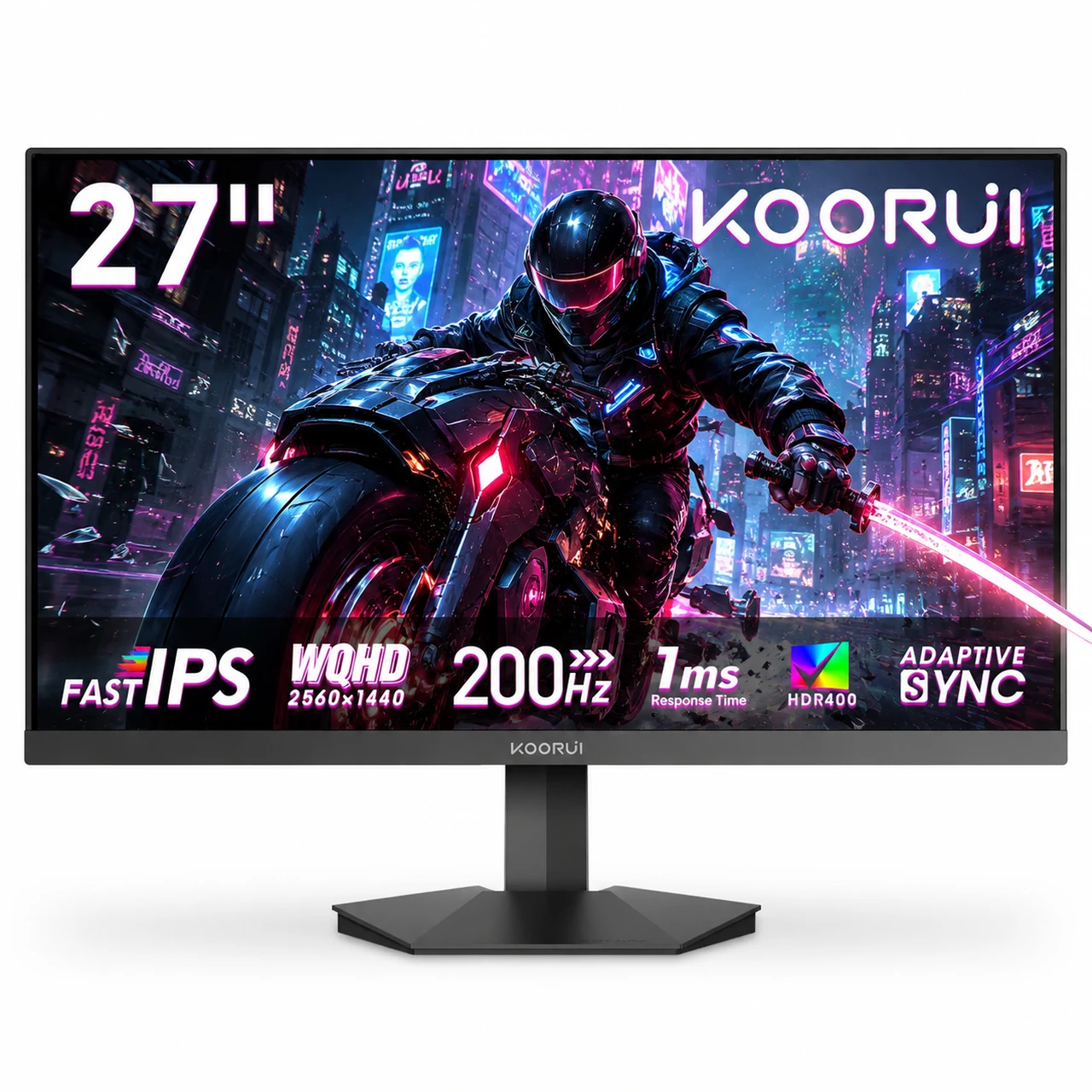
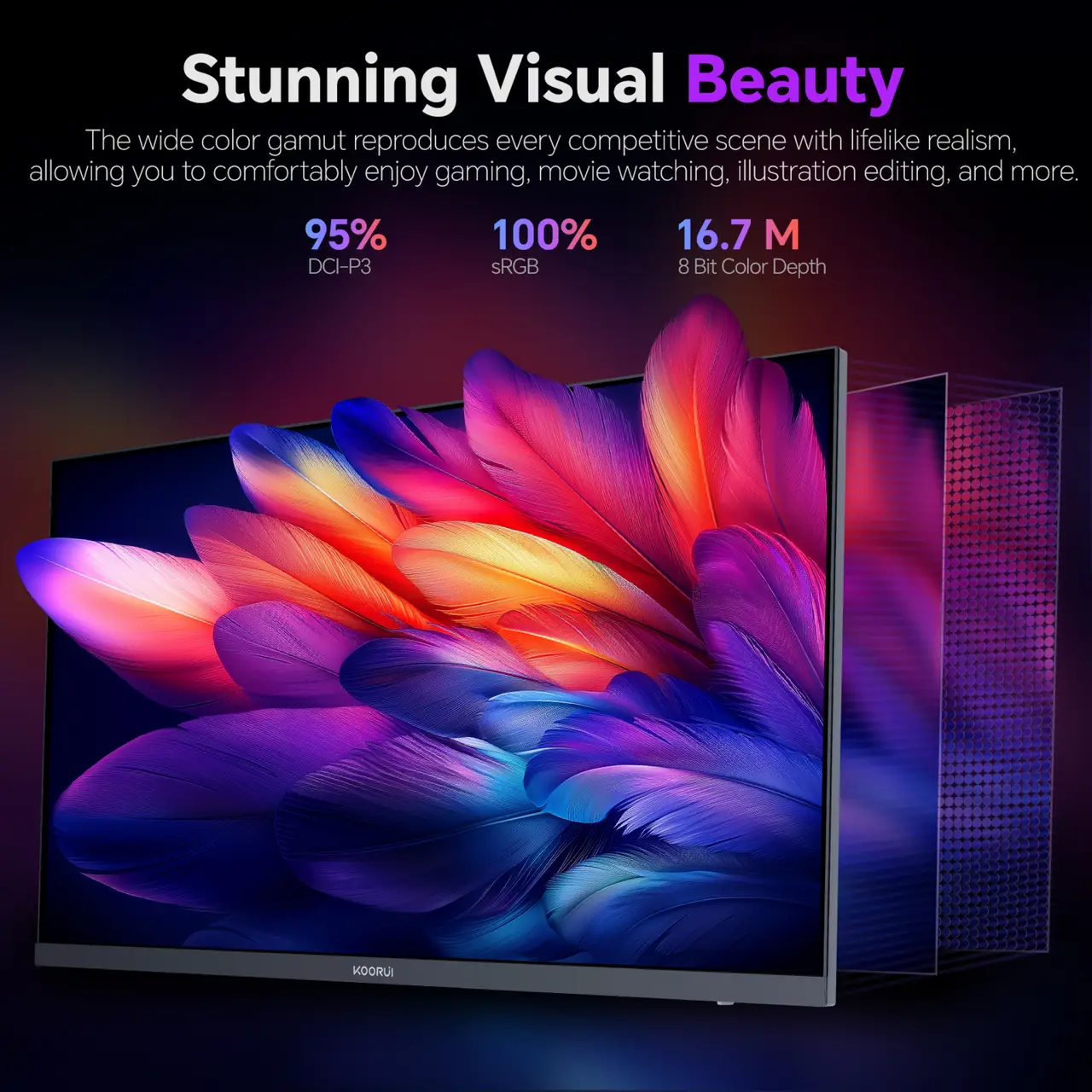
The KOORUI G2721P pairs a 27-inch QHD Fast IPS display with a 200Hz refresh rate and 1ms (OD) response time for sharp detail and responsive gaming. HDR400, 95% DCI-P3 colour coverage and Adaptive Sync support vivid visuals with reduced screen tearing and stutter. It suits PC gamers who want a smoother play experience, as well as everyday use. Connect via HDMI 2.0 or DisplayPort 1.4, recommended for up to 200Hz; tilt adjustment, eye-care features and VESA mounting compatibility help tailor your setup.
How to Choose the Right Gaming Monitor
Start with the games you play, your graphics card and the space on your desk. The right gaming monitor balances resolution, smooth motion and useful features without paying for specifications your system cannot make the most of.
Key Features to Consider
Compare these essentials, then check that the monitor’s connections and ergonomics suit your PC setup.
- Screen size and resolution: Match the resolution to both your preferred screen size and your graphics card’s performance. For example, a 27-inch QHD display can offer more detail than Full HD, but running games at QHD may require more GPU power to achieve high frame rates.
- Refresh rate and motion handling: A higher refresh rate, such as 144 Hz or above, can make fast gameplay look smoother, provided your PC can deliver enough frames. Check the stated response-time information and look for adaptive sync support that is compatible with your graphics card to help reduce screen tearing.
- Panel, connections and adjustability: Compare IPS, VA and OLED panels for their balance of viewing angles, contrast, colour and price, and treat HDR claims as something to verify in the specifications. Check for the right HDMI or DisplayPort inputs, plus a height-adjustable stand or VESA mounting if you need a more comfortable desk setup.
Make Every Frame Count: A Sharper, Faster Gaming View
QHD Clarity Meets Fast, Responsive Gameplay
Bring detail and pace to your games with the KOORUI G2721P’s QHD Fast IPS display, designed to deliver crisp visuals and vibrant on-screen action. Its 200Hz refresh rate keeps motion feeling fluid, while the 1ms (OD) response time supports quick, responsive play when every moment matters. Adaptive Sync works with compatible graphics hardware to create a smoother viewing experience, making this monitor a compelling choice for fast-paced gaming and lively everyday entertainment.
Vivid Colour and Flexible Connections
Give game worlds, films and creative projects a vivid finish with HDR400 support and 95% DCI-P3 colour coverage, bringing rich colour and detailed on-screen scenes to your setup. Choose from two HDMI 2.0 ports or a DisplayPort 1.4 connection to connect compatible devices. For the monitor’s full 200Hz refresh rate, DisplayPort is the recommended choice. This combination of colour performance and versatile connectivity makes it easy to build a setup suited to gaming and a range of other screen-based activities.
Comfort-Focused Features for Your Setup
Shape a more comfortable gaming space with practical features designed for enjoyable everyday viewing. Flicker-free technology and a low-blue-light feature support a more considered screen experience during extended sessions. The stand offers tilt adjustment from -5° to +20°, helping you set a viewing angle that suits your desk and seating position, while VESA 75 x 75mm compatibility gives you the option to use a compatible mount. A convenient 3.5mm audio output adds another useful connection for your setup.
KOORUI G2721P Gaming Monitor: Who It Suits
PC Players Who Want Responsive Gameplay
When you play fast-paced games on a compatible PC, connect
through DisplayPort to reach up to 200Hz and pair the high
refresh rate with a 1ms (OD) response time for quick on-screen
action. Adaptive Sync helps reduce tearing and stutter, so
gameplay feels smoother and more responsive.
Gamers Who Value Detailed, Vivid Worlds
When you want game environments to look rich and clear, use
the QHD display for detailed scenes, while HDR400 support and
95% DCI-P3 coverage bring vivid colour to the screen. You get
a more visually engaging view of the worlds you play in.
You If You Spend Long Sessions at Your Screen
When gaming or working at your desk keeps you in front of a
screen for longer stretches, the flicker-free and
low-blue-light features support a more comfortable viewing
experience. You can stay focused on what you’re doing with
less visual distraction.
Desk Setups With More Than One Connected Device
When your desk includes several devices, use the two HDMI
ports and DisplayPort to connect them, then send audio to
headphones or speakers through the 3.5mm output. Tilt
adjustment and VESA mounting compatibility give you more ways
to fit the monitor into your setup, leaving your desk
arrangement more practical and comfortable.
Frequently Asked Questions
How do I get 200Hz on the KOORUI G2721P?
Use the DisplayPort 1.4 connection to access the monitor’s recommended route to up to 200Hz. Connect it to a compatible computer, then select 200Hz in your operating system’s display settings. A 1.5-metre DisplayPort cable is supplied, making it straightforward to connect your gaming setup.
Can I mount the KOORUI G2721P on a monitor arm?
Yes, the KOORUI G2721P is compatible with VESA 75 x 75mm mounts, so you can position it on a matching monitor arm or wall bracket. Its stand also tilts from -5° to +20° for a more comfortable viewing angle, while the 27-inch screen provides QHD resolution.
How should I clean the KOORUI G2721P screen safely?
Clean the KOORUI G2721P screen with a soft, dry cloth to protect its display surface. Avoid sharp objects, abrasive materials and harsh chemicals, which can damage the screen. Keep the monitor away from moisture and leave space around it for ventilation, so it stays clean and has room to dissipate heat.
Don't just buy, Joybuy
Discover more of your favourite brands on Joybuy with great offers.