Developers with limited desk space
You want to write extension code and test it in a browser on the built-in display wherever possible, so you need to consider how much room the laptop takes up when open.


For developing a browser extension on a small desk, a compact 13- or 14-inch laptop could be a good fit if the built-in display gives you enough room for your editor, browser and developer tools. If you want to keep windows side by side or test on a real mobile device, you’ll need to allow extra space for a monitor or test device. Check the operating system, ports and exact RAM and SSD configuration too.
You want to write extension code and test it in a browser on the built-in display wherever possible, so you need to consider how much room the laptop takes up when open.
You switch between your editor, browsers and developer tools. That makes window layout and the exact device specification important; you can’t infer a general minimum RAM requirement from this alone.
You may want to include a monitor or a real mobile device in your testing workflow, so you’ll need to plan for both the ports you need and the space available.
Developing browser extensions involves a code editor, up-to-date browsers and a local test server, as outlined in the workflow described by MDN Web Docs. Chrome for Developers also explains different ways to arrange the developer tools.
| Consideration | What to check before you buy | Who should consider it? |
|---|---|---|
| Desk space and screen | Compare the exact device’s width and depth with the space you have available. Check whether the display gives you enough room to use your editor and developer tools comfortably. | If desk space is limited, I want a realistic idea of how much room the laptop will take up when open. Around 36% of consumers say desk space is their top buying consideration. |
| Editor, browser and developer tools | Check the operating system and memory configuration of the exact model against the tools you use and the programmes you run at the same time. | When I switch between my editor, test browsers and developer tools, I want a configuration that suits my workflow. Around 29% of consumers put this development workflow first. |
| Ports and testing setup | Check the video output, type and number of ports, and power supply for the exact configuration. Allow space for your monitor, cables and test devices. | If I want to connect an extra screen or a mobile device, the connections and available desk space need to work together. Around 21% of consumers prioritise ports and their testing setup. |
| Additional needs and service | Check which features you actually need, and read voluntary warranty terms separately from your statutory rights. | When I weigh up the chosen specification and any service options, I want to understand the terms of each separately. Around 14% of consumers focus on additional needs and service. |
A small display won’t necessarily save space if your workflow means you also need a monitor.
Measure the free space on your desk and check whether you can arrange your editor, browser and developer tools comfortably on the built-in display.
An external screen, stand, cable or adapter will take up extra space.
Specifications can vary between configurations. The RAM is soldered in the ThinkPad X1 Carbon Gen 13 21NX008PGE.
Compare the full model number, along with the RAM, SSD, display and ports of the exact device.
Simulation in developer tools doesn’t replicate every test on a mobile device. Chrome for Developers recommends testing on a real device if you’re unsure.
Make room for this kind of test if how your extension behaves on a mobile device is important to your project.
Testing on real mobile hardware requires access to a suitable test device.
A voluntary warranty and your statutory rights are different forms of protection, as explained by the Verbraucherzentrale.
Check the terms of any voluntary service separately. The retailer is generally your point of contact if you need to exercise your statutory rights.
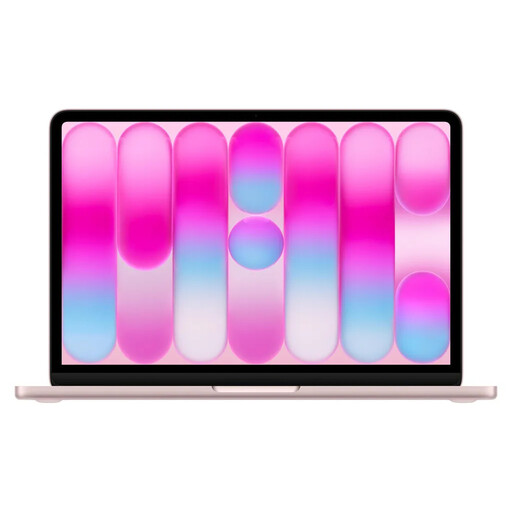
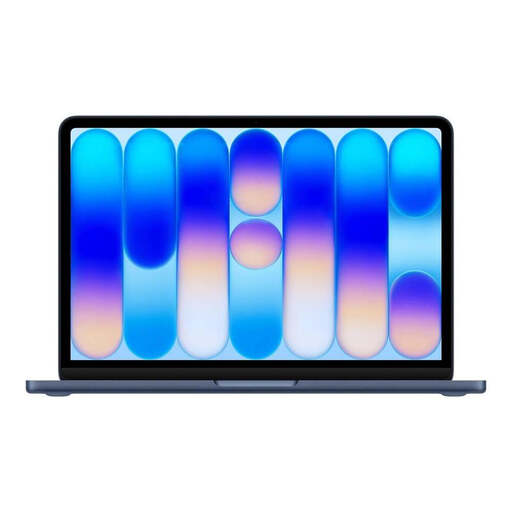
The MacBook Air with M5 is a macOS option for a compact workspace.
The ThinkPad X1 Carbon Gen 13 in configuration 21NX008PGE is a Windows option with a matt 14-inch display.
The Dell Pro 13 Premium PA13250 range is a compact Windows option for business.
The EliteBook 8 Flip G1i 13, model number CE0Q5EA#ABD, is a 13.3-inch Windows option with a touchscreen.
The Zenbook 14 OLED UX3405 is a 14-inch range with OLED variants.
The devices below include compact 13-inch models and a 14-inch laptop for working with an editor, browser and developer tools.
 No image available
Use the stated dimensions to check how much space it will take up on a small desk.
macOS; 8 GB RAM, not upgradeable; 256 GB SSD; 297.5 × 206.4 mm; 1.23 kg. Power adapter not included; requires a USB-C PD power adapter with at least 20 W. English QWERTY keyboard layout.
 No image available
Compare the compact design with the space you have available using the stated dimensions.
macOS; 8 GB RAM, not upgradeable; 512 GB SSD; Touch ID; 297.5 × 206.4 mm; 1.23 kg. Power adapter not included; requires a USB-C PD power adapter with at least 20 W. English QWERTY keyboard layout.
 No image available
The stated dimensions and 2-in-1 design are useful points of comparison if you’re looking for a compact Windows device.
Windows 11 Pro; touchscreen; 16 GB RAM; 512 GB SSD; 28.7 × 20.9 cm; 0.90 kg. Check that your planned setup, including any accessories you need, will fit on your desk.
 No image available
Consider this 14-inch configuration if you’re weighing up a larger built-in display than the 13-inch models offer; measure your desk space first.
2-in-1 with touchscreen; Windows 11 Home; 32 GB RAM; 1 TB SSD; 2.8K OLED; 313.7 × 216.2 mm; 1.34 kg.
 No image available
Its compact dimensions are worth considering for a small workspace; remember to allow room for any accessories you need.
Windows 11 Pro; 2-in-1; OLED touchscreen with 2880 × 1920 pixels; 16 GB RAM; 512 GB SSD; 287 × 209 × 9.3 mm; 0.872 kg.
The introductions from Chrome for Developers and MDN Web Docs describe web technologies, a code editor and a browser as parts of the development workflow, but don’t list a dedicated graphics card as a general requirement. Check separately whether any additional programmes used in your project have their own requirements.
Chrome DevTools can be docked on the left, right or bottom, or opened in a separate window. Try out the layout alongside your editor before making a decision based on screen size alone.
Not for every test: Chrome for Developers recommends testing on a real mobile device if you’re unsure. Whether you’ll need an additional device depends on your extension and target platforms.
For a consumer purchase, the retailer is generally responsible for statutory rights; a manufacturer’s warranty is separate. Online purchases also usually come with a 14-day right to cancel. The Verbraucherzentrale explains the differences and advises checking the requirements for your individual circumstances.
No. The German Federal Ministry for the Environment explains that old electrical equipment must be collected separately and handed in at an authorised collection point. Separate conditions apply if you’re returning it to a particular retailer.