What should you look for when buying?
First, check which writing programme and file format the library requires. Then compare the specific laptop configuration with your workspace, and agree where shared files will be stored and how they’ll be backed up.
| Consideration |
What to check before buying |
Who should pay particular attention? |
| Outlining and software compatibility |
Check the requirements for the programme, version and file format; test a sample document with several heading levels and numbering. |
If I want to rearrange chapters later, the outlining and numbering need to work in the writing programme we use. Around 36% of consumers put outlining and software compatibility first. |
| Writing and reading |
Check the German keyboard layout for the exact variant and, if possible, try it out; consider the display and workspace together. |
If I write longer texts while reading sources at the same time, I need a suitable keyboard and a practical working area. Around 29% of consumers prioritise writing and reading. |
| Shared storage and backups |
Agree an approved storage location with the library; decide how files will be backed up and restored. |
If several people maintain the handbook, I want to store files in a shared location and be able to restore them if they’re lost. Around 21% of consumers prioritise shared storage and backups. |
| Portability and features |
Consider moving between workspaces, the ports you need and what’s included with the chosen configuration. |
If I move between workspaces, I want to be able to take the laptop and the accessories I need with me. Around 14% of consumers pay particular attention to portability and a complete set of features. |
Joybuy laptops at a glance
The Joybuy laptops below give you a range of options to compare in terms of features and writing workflow.
 No image available
HP ZBook 8 G1i 14 Ultra 9 285H 64GB 1TB
If your workflow requires a Windows laptop, this model could be an option.
The product name lists an Ultra 9 285H, 64 GB and 1 TB.
View at Joybuy
 No image available
Lenovo ThinkBook 16 Gen 9, 16-inch, Intel Core Ultra 5 325, 32 GB DDR5, 512 GB PCIe SSD, Windows 11 Pro
For a Windows workflow, you can compare this model’s specific configuration with the space available at your desk.
The product name lists a 16-inch display, 32 GB DDR5 and a 512 GB PCIe SSD.
View at Joybuy
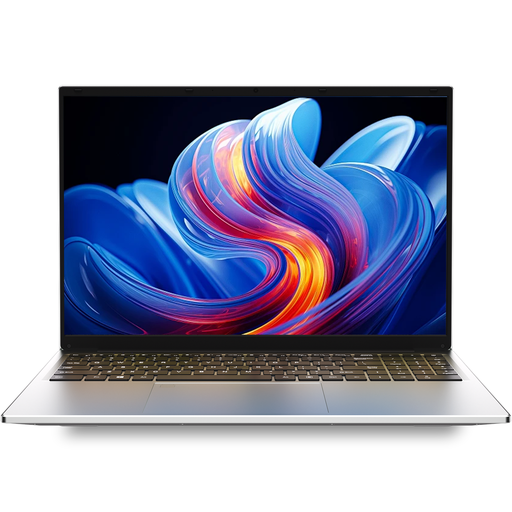 No image available
Auusda T161N laptop, i3 1000NG4, 16 GB DDR4, 1 TB SSD
If you’re comparing laptops for writing longer documents, check that the specific features meet your software and workspace requirements.
The product name lists an i3 1000NG4, 16 GB DDR4 and a 1 TB SSD.
View at Joybuy
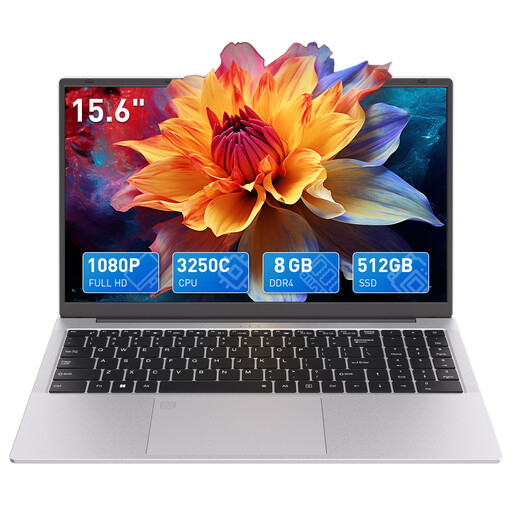 No image available
Auusda T156A, AMD 3250C, 8 GB DDR4, 512 GB SSD, 15.6-inch FHD
If a larger display is important when comparing laptops for your workspace, consider this model alongside the space available and the features you need.
The product name lists an AMD 3250C, 8 GB DDR4, a 512 GB SSD and a 15.6-inch FHD display.
View at Joybuy
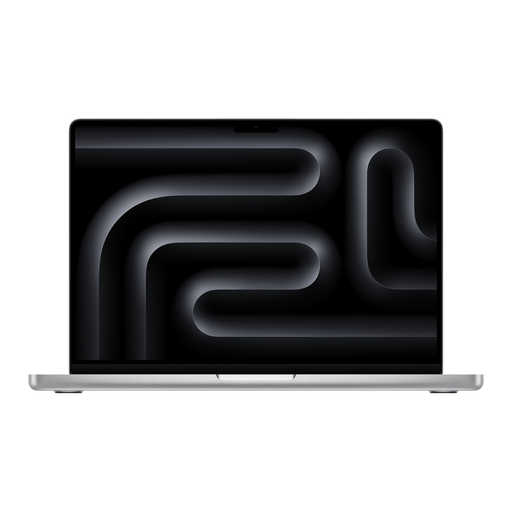 No image available
Apple 14-inch MacBook Pro (M5 Max, 2026), 36 GB, 2 TB SSD, Silver, German QWERTZ keyboard
If macOS suits your writing workflow, check that you have the software version and file format you need before choosing.
The product name lists an M5 Max, 36 GB, a 2 TB SSD and a German QWERTZ keyboard. Check whether the required power adapter is included.
View at Joybuy
Frequently asked questions
Do I need a particularly powerful laptop for numbered chapters?
For numbered chapters, the document structure matters more than having a particularly powerful processor or graphics card. Microsoft Support explains how to use built-in heading styles with a multilevel list in Word.
How can I rearrange chapters after writing them?
In Word, correctly formatted headings appear in the Navigation pane. In LibreOffice Writer, you can move headings and their subordinate text using the Navigator. Microsoft Support explains these features for Word, and LibreOffice Help covers them for Writer. Check that they work in the version of the software you actually use.
Is AutoSave enough to back up the handbook?
No, AutoSave doesn’t replace a separate backup copy. Microsoft Support says that AutoSave in Microsoft 365 requires OneDrive or SharePoint; the German Federal Office for Information Security describes backup copies as a way to restore data after loss or damage. If the document is for a library, first check which storage locations are permitted.
What rights apply when buying a laptop in Germany?
When consumers buy online, they generally have a 14-day right to cancel. If a device is faulty, statutory rights apply against the seller; the consumer advice centre says that new goods are generally covered for two years. If the library buys as an organisation, don’t assume these consumer rules apply to the contract without checking.
Can I put an old laptop in the household rubbish?
No, old electrical equipment should be collected separately. The German Environment Agency explains how separate collection works; use the designated return options. Back up any documents you need and check how stored library data will be handled before handing the device in.


