What should you look for when buying?
First compare your editing software’s requirements with the scale of your projects. Then check that the size, display and ports will work at your shared desk. Adobe’s RAM recommendations apply to Premiere on Windows.
| What to consider |
What to check before buying |
Who it matters most to |
| Editing specs |
Check the RAM and GPU requirements of the software you use. For Premiere on Windows, Adobe recommends 16 GB RAM for HD, 32 GB or more for 4K, and 8 GB of GPU memory. |
If I regularly edit 4K footage, I’ll choose the specs based first on my software and project requirements. Around 33% of consumers put editing specs first. |
| Space and connections |
Check the laptop’s size, monitor connections and card slots against the space available, your cables and your memory cards. |
If I often need to clear my desk, I need a laptop that’s easy to put away and works with my existing equipment. Around 27% of consumers prioritise size and connections. |
| Display |
Compare the size and features of the built-in display, and consider whether you can work using your existing monitor. |
If I want to check the preview and timeline directly on my laptop, I pay particular attention to the display. Around 20% of consumers put image review first. |
| Project storage and software |
Check how much space you’ll need for original footage, projects and cache, as well as the terms of the software licence you want. |
If I want to organise holiday videos and projects on my laptop, I’ll plan for storage and ongoing access to my editing software. Around 20% of consumers prioritise project storage and software terms. |
Laptops at Joybuy
Here you can compare Joybuy laptops by display size, storage and connections for editing videos at a shared desk. Check each configuration against your software and workflow.
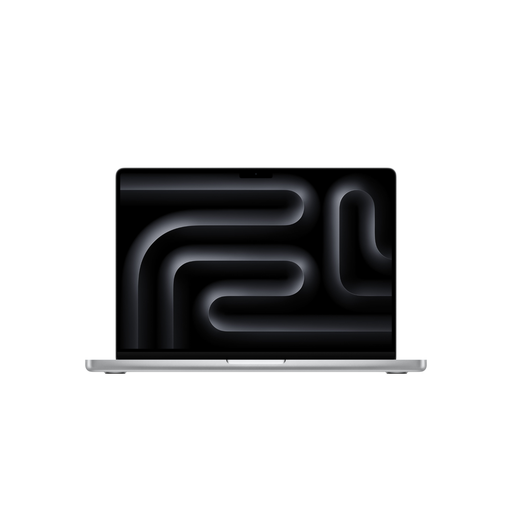 No image available
Apple MacBook Pro 14″ (M5 Pro, 2026), 18-core CPU, 20-core GPU, 24 GB, 2 TB SSD, Silver, German QWERTZ keyboard
The 14-inch design could suit you if you regularly need to put your laptop away at a shared desk; check that its connections and card slots work with your existing equipment.
Specifications include an M5 Pro, an 18-core CPU, a 20-core GPU, 24 GB of unified memory and a 2 TB SSD.
View at Joybuy
 No image available
Lenovo ThinkBook 16 Gen 9, Intel Core Ultra 5 325, 32 GB DDR5, 512 GB PCIe SSD, Windows 11 Pro
If there’s room for a 16-inch laptop at your shared desk, compare this configuration with your software’s requirements and your monitor.
Specifications include 32 GB RAM, a 512 GB PCIe SSD, an SD card reader, HDMI 2.1 and Thunderbolt 4. For Premiere on Windows, Adobe recommends 32 GB RAM or more for 4K.
View at Joybuy
 No image available
MSI Prestige N16 Flip AI+ C1XMT-028Y, 16-inch 2-in-1, 64 GB DDR5, 1 TB SSD, Windows 11 Pro
Compare this larger 2-in-1 configuration if you’re weighing up more screen space and a convertible design against a more compact laptop.
Specifications include a 16-inch OLED display, 64 GB RAM, a 1 TB SSD, USB4 and HDMI. The listing describes it as a 2-in-1 with a 360° flip design.
View at Joybuy
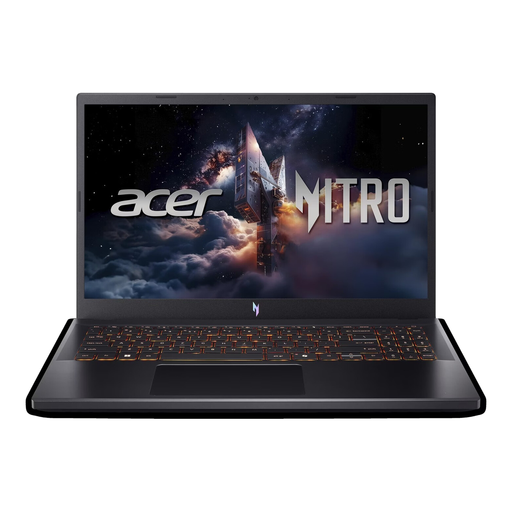 No image available
Acer Nitro V 15 (ANV15-52-592S), 15.6-inch Full HD, Intel Core i5-13420H, RTX 5070 8 GB, 16 GB DDR4, 512 GB SSD
For HD projects using Premiere on Windows, the listed 16 GB RAM meets Adobe’s recommendation; for 4K, Adobe recommends 32 GB or more.
Specifications include a 165 Hz Full HD display, 8 GB of graphics memory, a 512 GB SSD, an SD card slot, HDMI 2.1 and Thunderbolt 4. Adobe’s recommendation applies to Premiere on Windows.
View at Joybuy
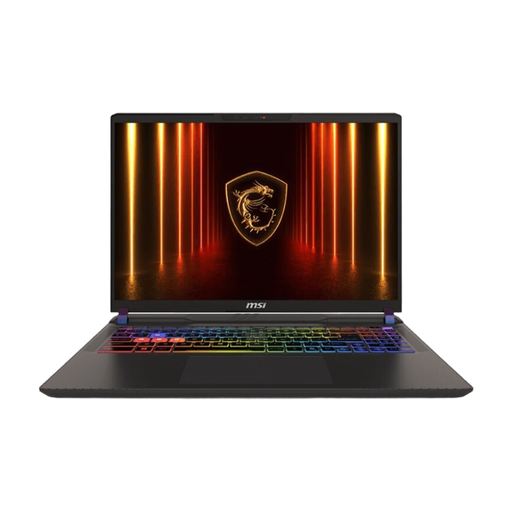 No image available
MSI Vector 16 HX AI A2XWHG-476, 16-inch QHD+, Core Ultra 9 275HX, RTX 5070 Ti, 16 GB RAM, 1 TB SSD, Windows 11
Compare this 16-inch configuration with the space available and your editing software’s requirements, especially if you work on 4K projects.
Specifications include 16 GB RAM, a 1 TB SSD, HDMI 2.1 and USB-C with DisplayPort. For Premiere on Windows, Adobe recommends 32 GB RAM or more for 4K; the listed RAM is below this recommendation.
View at Joybuy
Frequently asked questions
Do I always need 32 GB RAM for holiday videos?
No, not necessarily. For Premiere on Windows, Adobe recommends 16 GB RAM for HD media and 32 GB or more for 4K. If you use different software, check its own requirements and take the resolution of your projects into account.
How do I connect my laptop at a shared desk?
Before buying, compare the laptop’s connections with your monitor, cables and memory cards. For the MacBook Pro 14 with M5, Apple lists HDMI, Thunderbolt 4 and SDXC; for the specifically documented ProArt P16, ASUS lists HDMI, USB4 and an SD Express reader. Whether they’ll work with your setup depends on the specifications of your devices and cards.
What should I check about storage and software before buying?
Allow space for original files, projects and cache, and make sure you have a backup of your footage. Adobe notes that additional costs or subscription fees may apply to its services, so check the terms of the software you choose.
Can I cancel an online laptop purchase in Germany, and who should I contact if it’s faulty?
When you buy online from a trader, you generally have 14 days from delivery to cancel, subject to legal exceptions, as Your Europe explains. This is separate from your statutory rights if the goods are faulty: the Verbraucherzentrale explains that the seller is responsible for putting things right. Your Europe states that EU law provides a statutory guarantee of at least two years; a voluntary guarantee doesn’t replace these rights.


